
TimerCamera-X
SKU:U082-X
Description
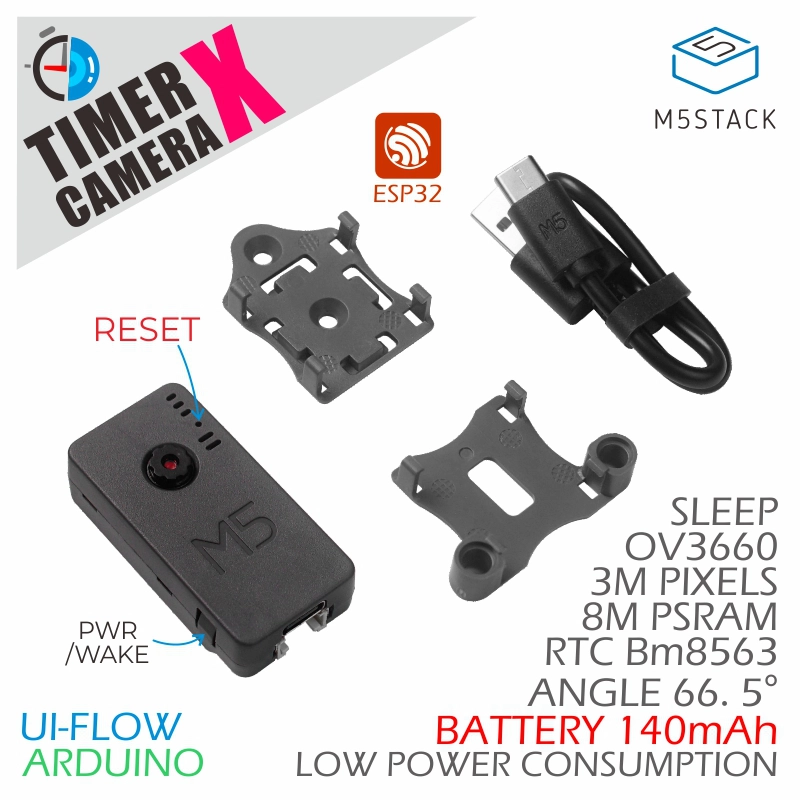
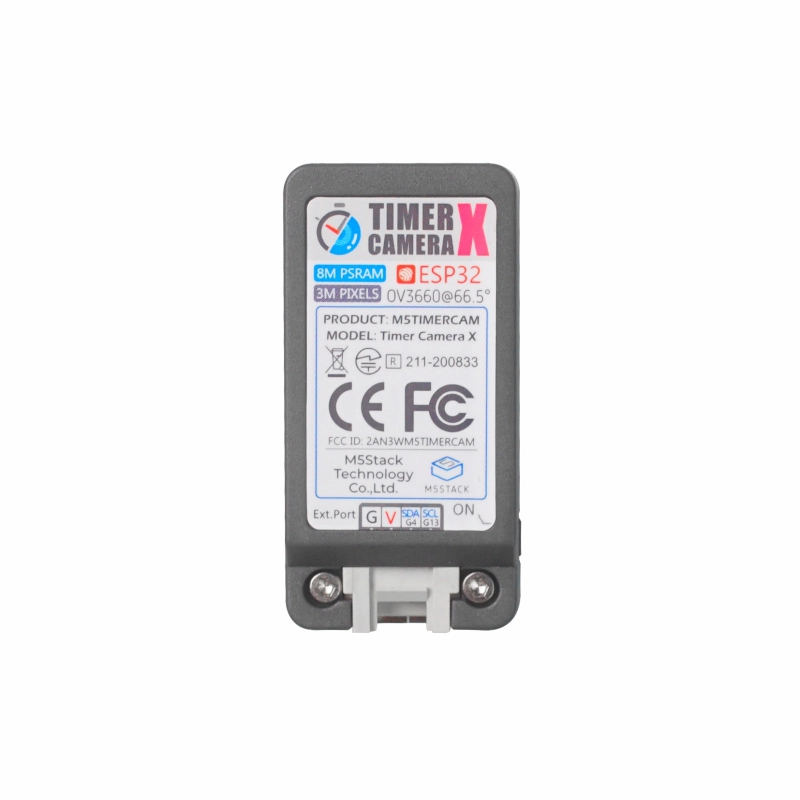
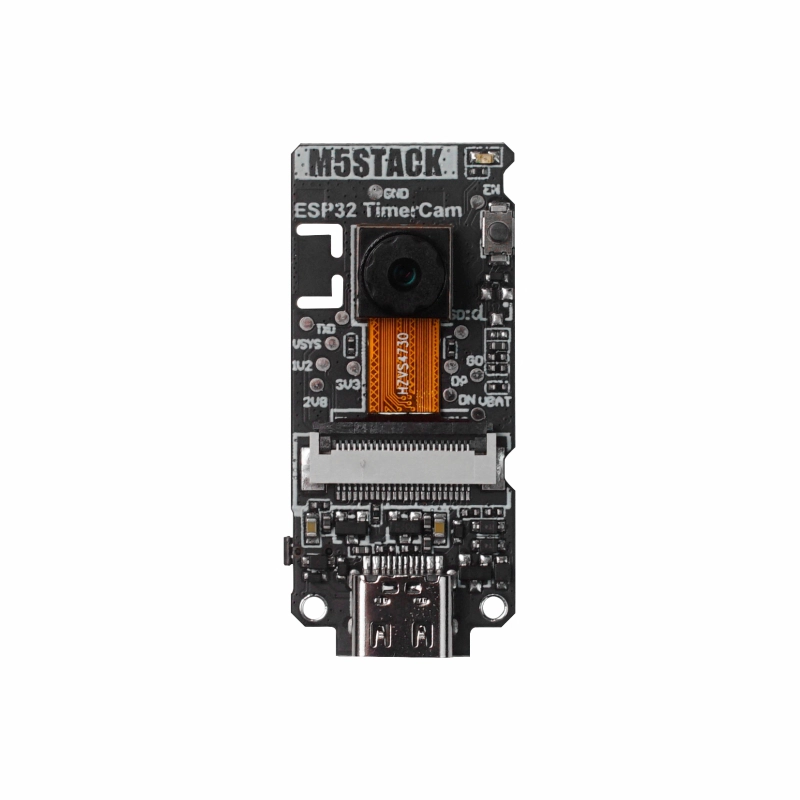
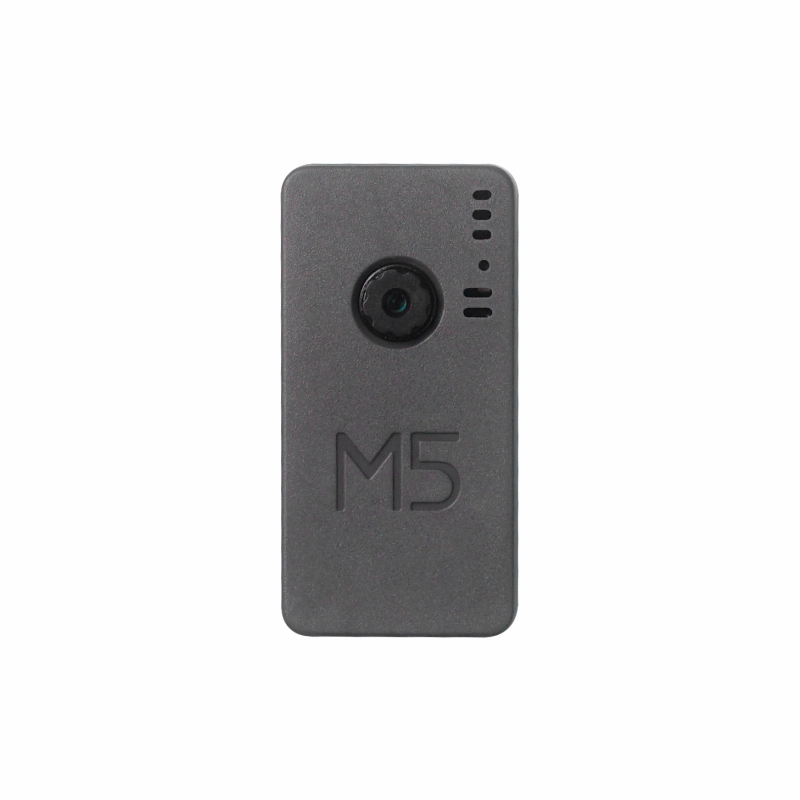
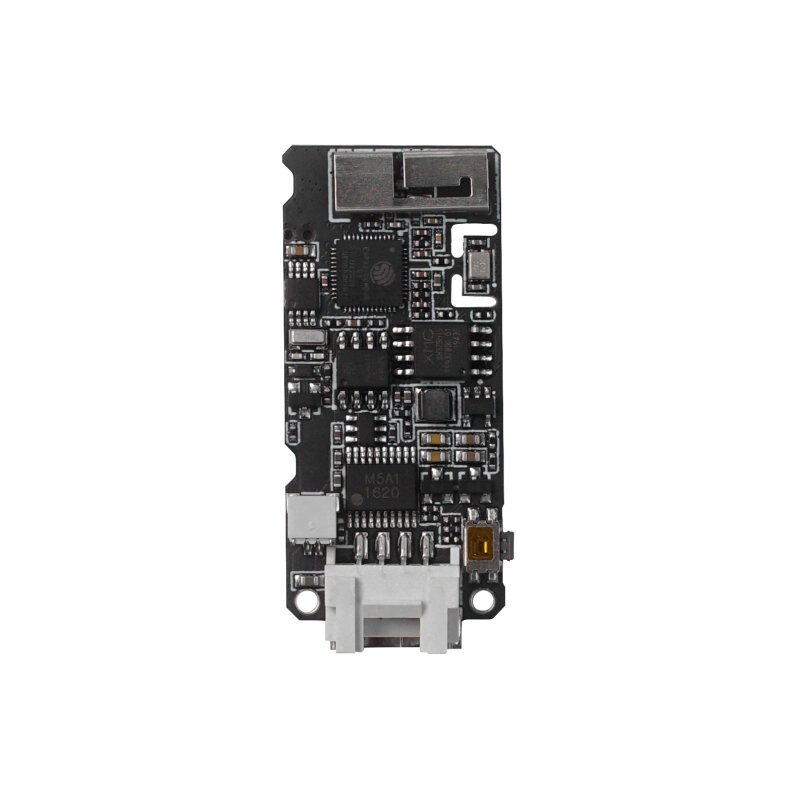
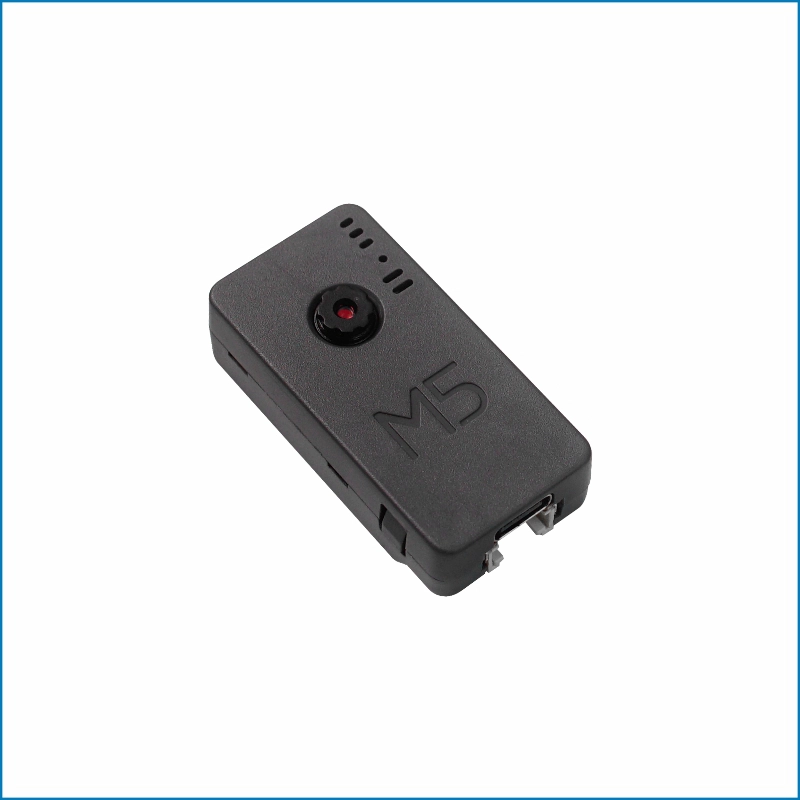
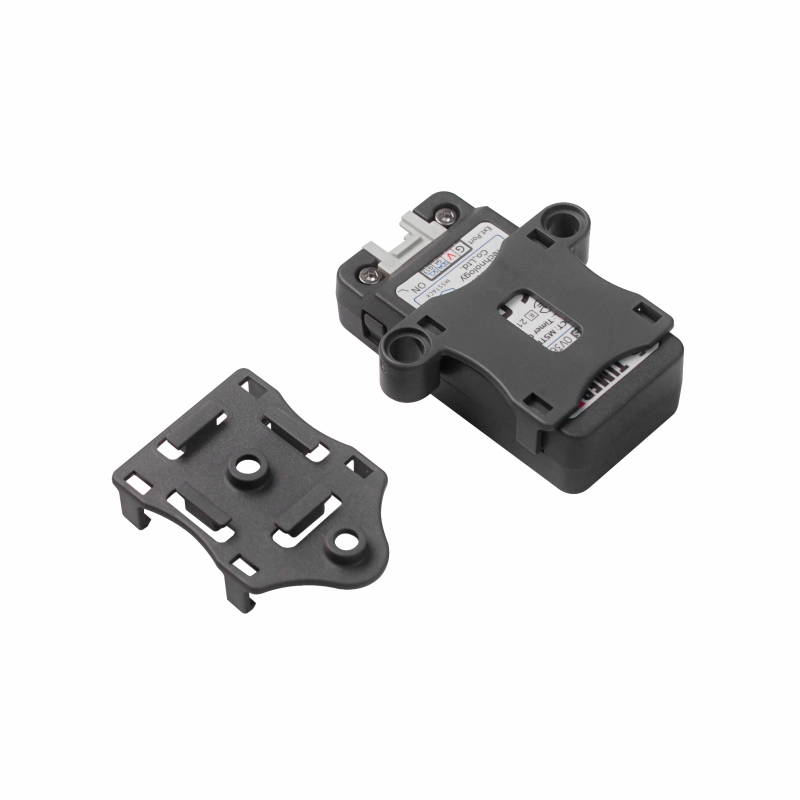
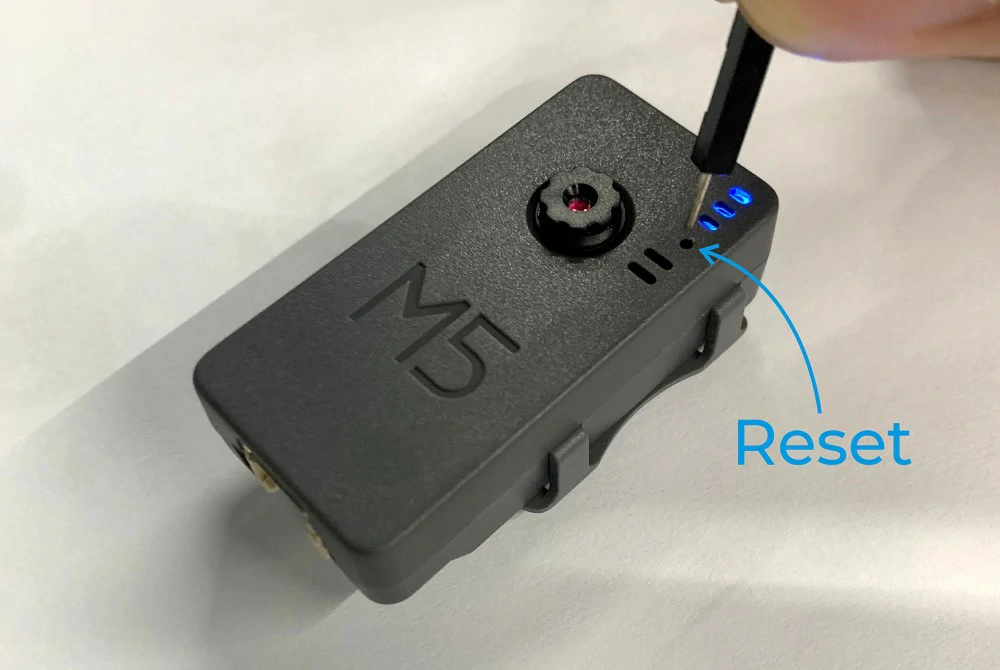
TimerCamera-X is a camera module based on the ESP32-D0WDQ6-V3, featuring onboard 8M PSRAM and a 3MP camera (OV3660) with a DFOV of 66.5°, capable of capturing photos at a maximum resolution of 2048x1536. It includes a built-in 140mAh battery and an LED status indicator, with a reset button located below the indicator for easy development and debugging. The camera is designed with ultra-low power consumption in mind, utilizing an RTC (BM8563) for timed sleep and wake functions, with a sleep current as low as 2μA. When set to take timed photos (one per hour), the battery can support continuous operation for over a month. The module supports WiFi image transmission and USB port debugging, with a HY2.0-4P port at the bottom for connecting other peripherals. Firmware can be flashed via M5Burner, allowing direct configuration of TimerCamera-X using Camera-Tool, or data processing in UIFlow.
Features
- ESP32-based design
- WIFI image transmission
- Timed sleep and wake
- Status indicator
- Ultra-low power design
- Built-in 140mAh battery
- Programming platforms: ESP-IDF/Arduino/UIFlow
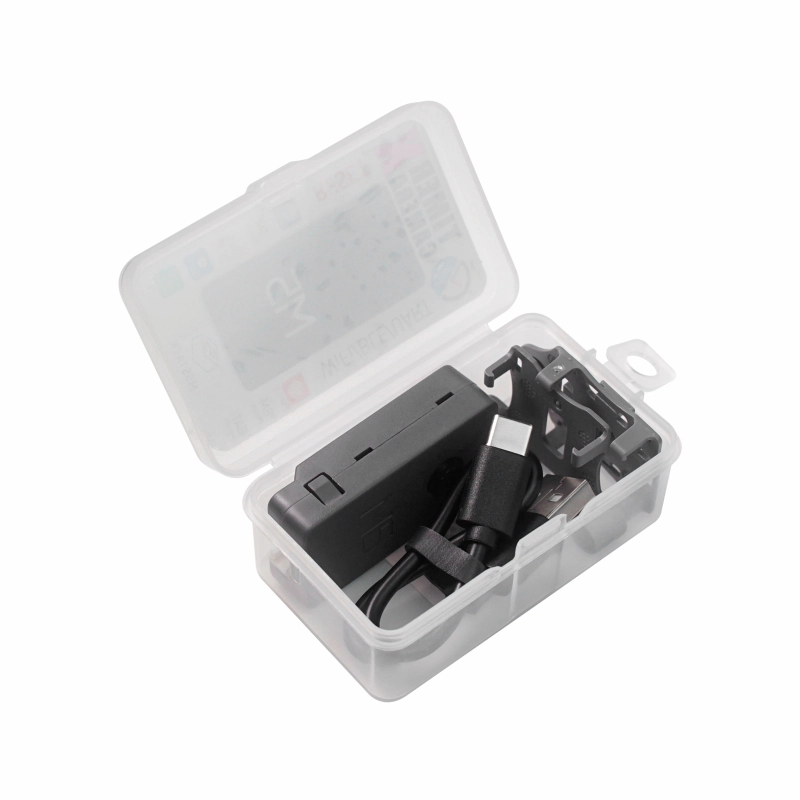
Includes
- 1 x TimerCamera-X
- 1 x LEGO Adapter
- 1 x Wall-1515
- 1 x USB Type-C cable (20cm)
Applications
- Timed photography
- Remote monitoring
Specifications
| Specification | Parameter |
|---|---|
| PSRAM | 8MB Quad |
| Flash | 4M |
| Image Sensor | OV3660 |
| Max Resolution | 3MP |
| Output Format | 8-/10-Bit RAW, RGB and YCbCr output, compression. |
| DFOV | 66.5° |
| Net Weight | 14g |
| Gross Weight | 38g |
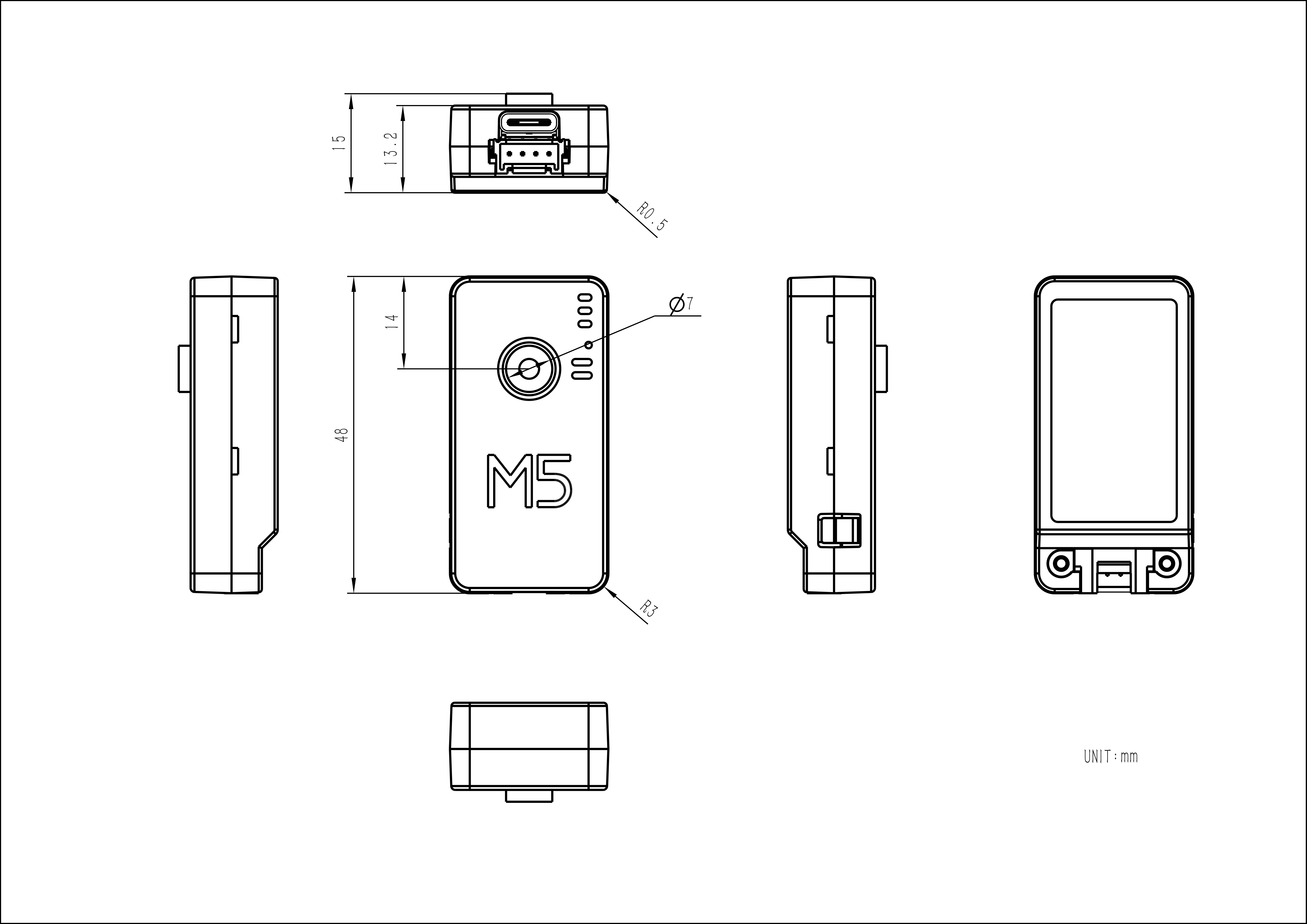
| Product Size | 48 x 24 x 15mm |
| Package Size | 75 x 45 x 30mm |
Learn
The Timer Camera series uses a low-power power management solution different from CORE and StickC devices. The PWR button is used as the power-on button (press and hold for 2s). To power off the device, use the software API or press the reset button on the PCB. When using external power, the device will remain powered on.
Schematics
PinMap
OV3660
| Interface | Camera Pin | TimerCamera |
|---|---|---|
| SCCB Clock | SIOC | G23 |
| SCCB Data | SIOD | G25 |
| System Clock | XCLK | G27 |
| Vertical Sync | VSYNC | G22 |
| Horizontal Reference | HREF | G26 |
| Pixel Clock | PCLK | G21 |
| Pixel Data Bit 0 | D0 | G32 |
| Pixel Data Bit 1 | D1 | G35 |
| Pixel Data Bit 2 | D2 | G34 |
| Pixel Data Bit 3 | D3 | G5 |
| Pixel Data Bit 4 | D4 | G39 |
| Pixel Data Bit 5 | D5 | G18 |
| Pixel Data Bit 6 | D6 | G36 |
| Pixel Data Bit 7 | D7 | G19 |
| Camera Reset | RESET | G15 |
| Camera Power Down | PWDN | -1 |
| Power Supply 3.3V | 3V3 | 3V3 |
| Ground | GND | GND |
HY2.0-4P
| HY2.0-4P | TimerCamera |
|---|---|
| SCL | G13 |
| SDA | G4 |
| 5V | 5V |
| GND | GND |
LED
| LED | TimerCamera |
|---|---|
| LED_Pin | G2 |
BM8563
| BM8563 | TimerCamera |
|---|---|
| SCL | G14 |
| SDA | G12 |
BAT
| BAT | TimerCamera |
|---|---|
| BAT_ADC_Pin | G38 |
| BAT_HOLD_Pin | G33 |
Model Size
Structure
Datasheets
Softwares
Quick Start
- Camera-Tool Guide
- UIFlow-Media Trans
- UIFlow-UART/TIMER
- Arduino Quick Start
- Timer Folder Pusher
- Timer Amazon S3 Folder Pusher
Arduino
ESP-IDF
Home Assistant
Undervoltage/Power Loss Protection
ESP-IDF
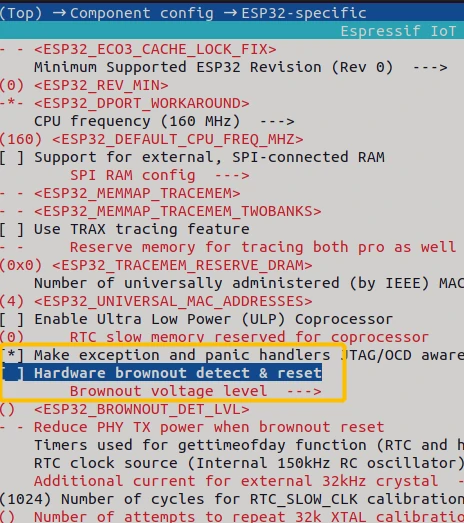
ESP-IDF can be configured in menuconfig during project compilation to disable this feature.
idf.py menuconfigComponent config->ESP32-specific->Hardware brownout detect & reset (disable)
Arduino
On the Arduino platform, this can be disabled during initialization with the following example code.
#include "soc/soc.h"
#include "soc/rtc_cntl_reg.h"

void setup() {
  WRITE_PERI_REG(RTC_CNTL_BROWN_OUT_REG, 0); //disable detector
}USB Driver
TimerCamera-X may not work without a driver on some systems. You can resolve this issue by manually installing the FTDI VCP driver.
- Select the driver file that matches your operating system from the list below, download it, and extract it. You can also visit the FTDI Chip official website for additional FTDI driver versions.
| Driver Name | Download Link |
|---|---|
| Windows_Desktop_x64 | Download |
| Windows_Desktop_x86_32 | Download |
| Windows_Desktop_ARM | Download |
| MacOS_Intel | Download |
| MacOS_ARM64 | Download |
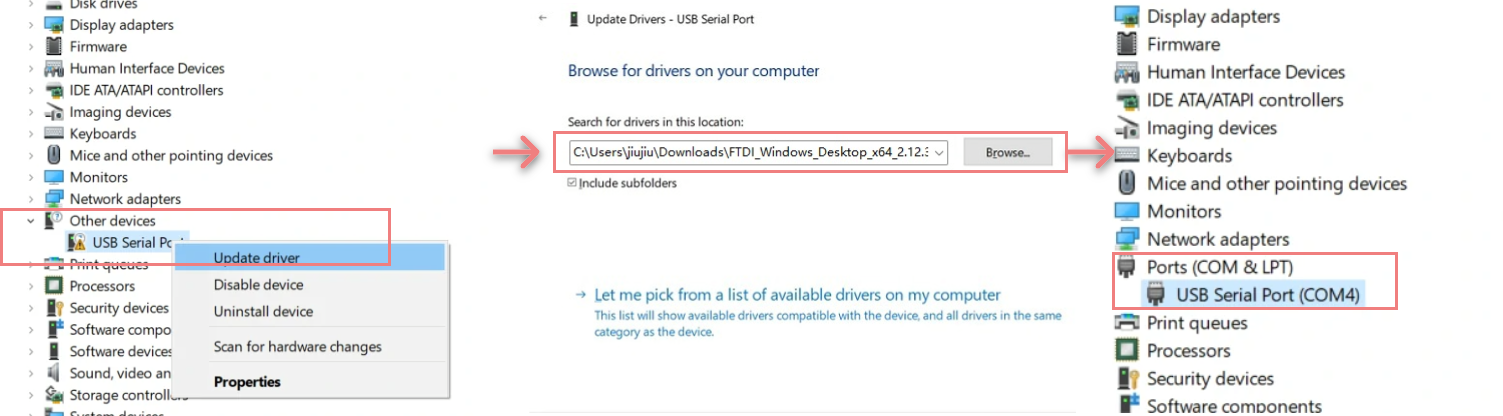
- Connect the device to your PC, open Device Manager, and install the FTDI driver (the screenshot below uses Windows 10 as an example). (Note: On some systems, you may need to install the driver twice for it to take effect. The unrecognized device is usually named
M5StackorUSB Serial.)
EasyLoader
| Easyloader | Download Link | Notes |
|---|---|---|
| TimerCamera-X Firmware Easyloader | download | / |
Video
- Connect to the Unit TimerCAM hotspot, password 12345678, and open 192.168.4.1 in a browser to view the image. For timed photography, refer to the Quick Start Guide.
- Focus Adjustment
Product Comparison
To compare information on the TimerCamera series products, you can visit the Product Selection Table, check the target products, and get the comparison results. The selection table covers key information such as core parameters and functional features, and supports comparison of multiple products simultaneously.