
Atom Voice
SKU:C008-C
Description
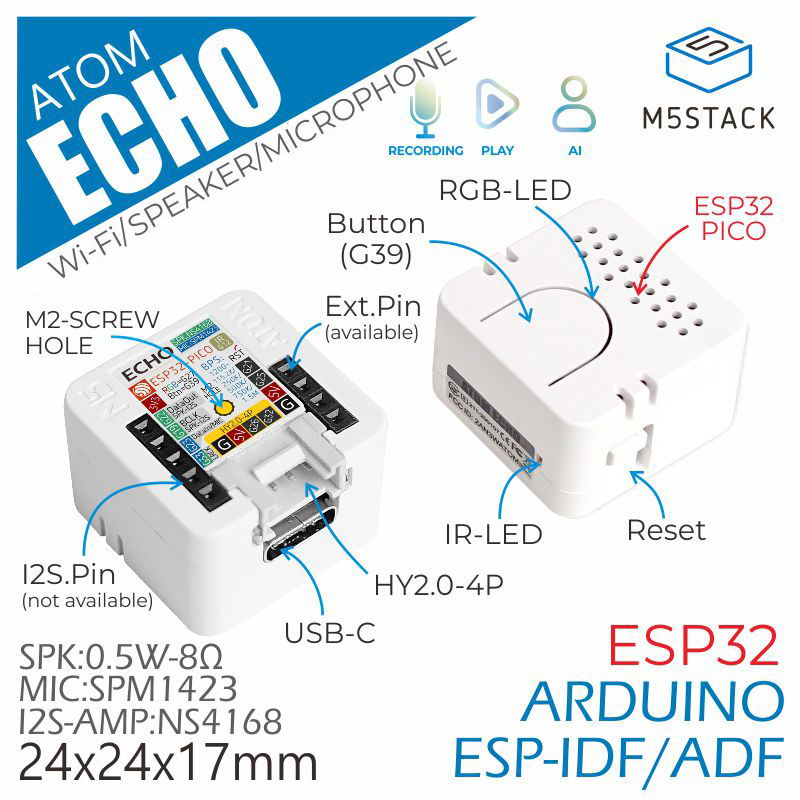
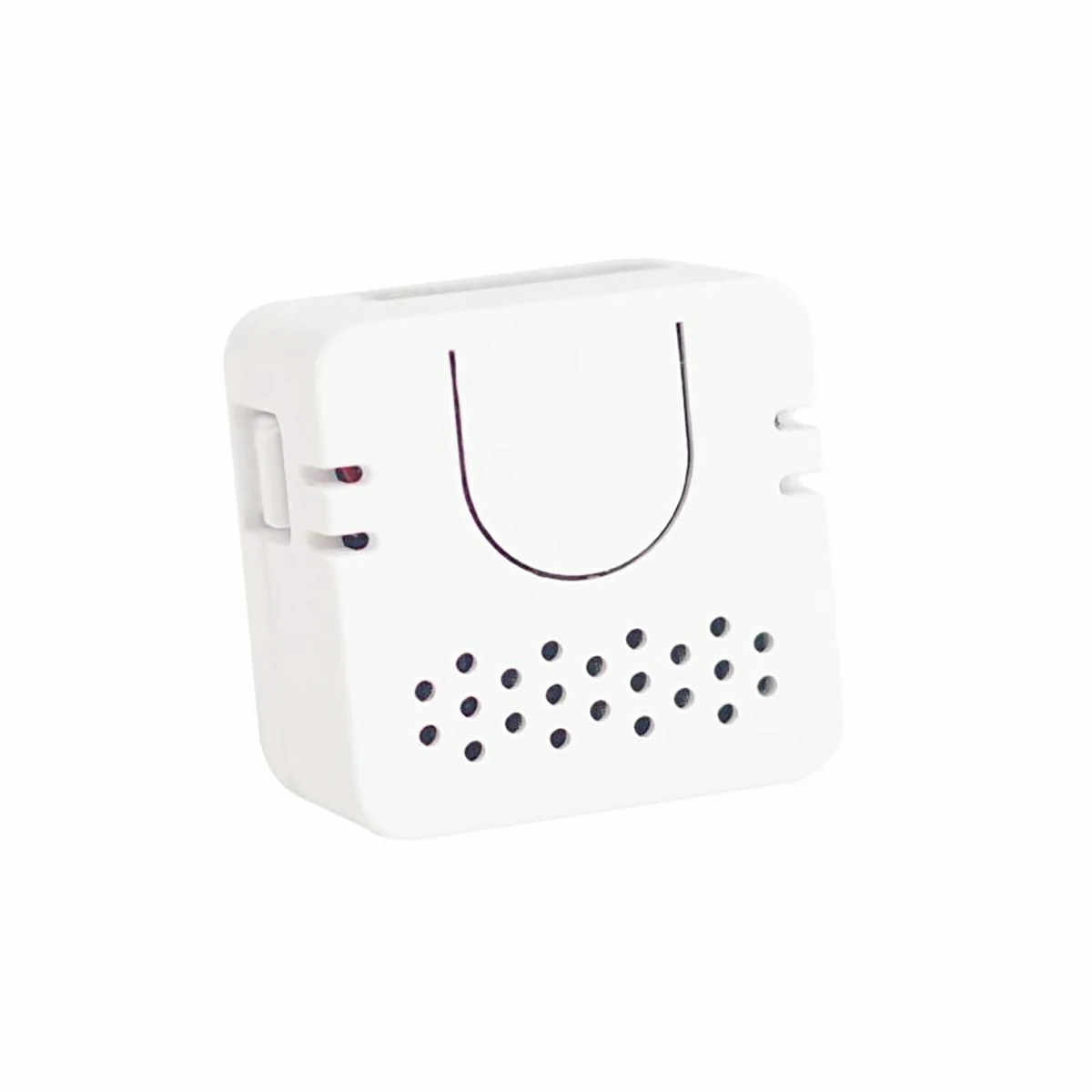
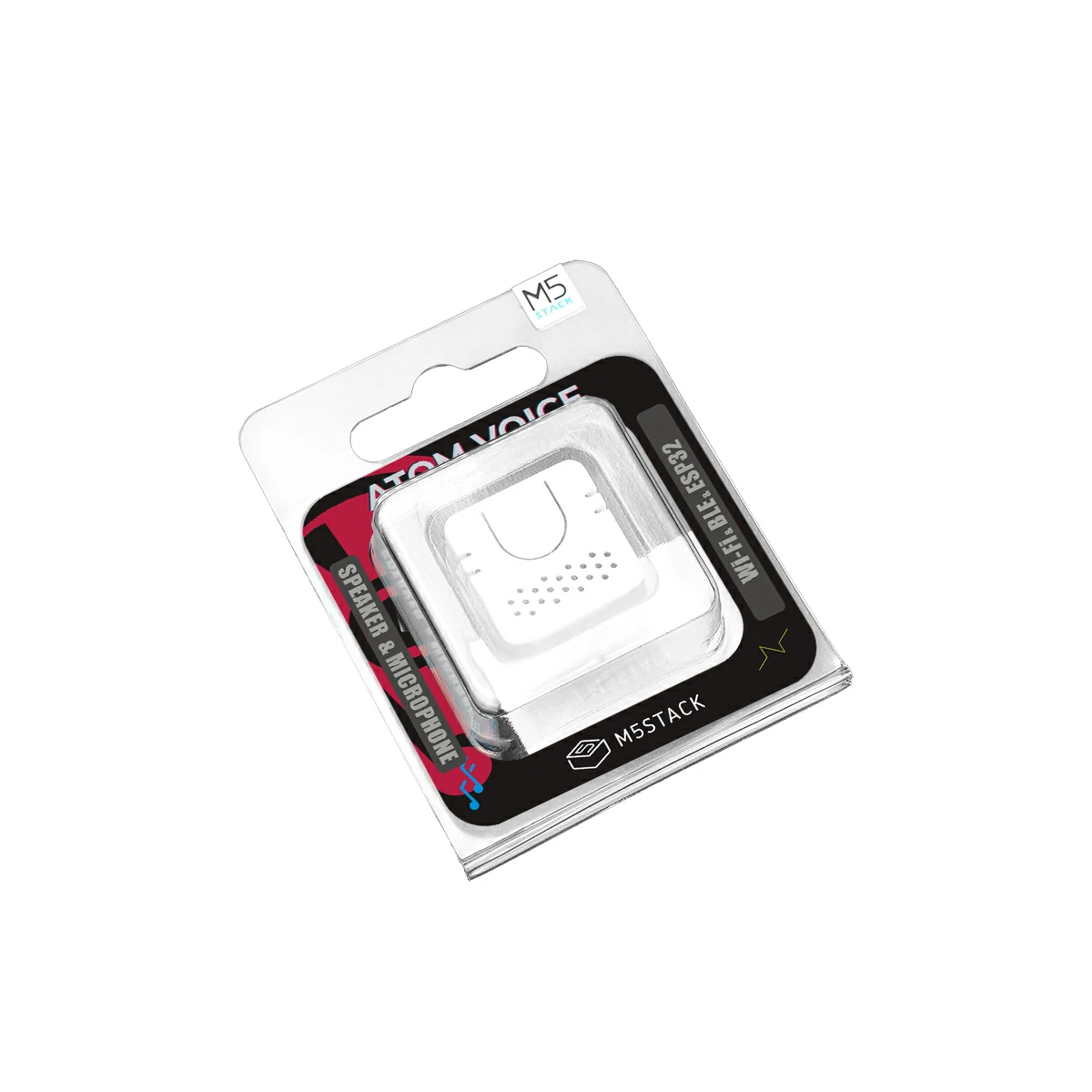
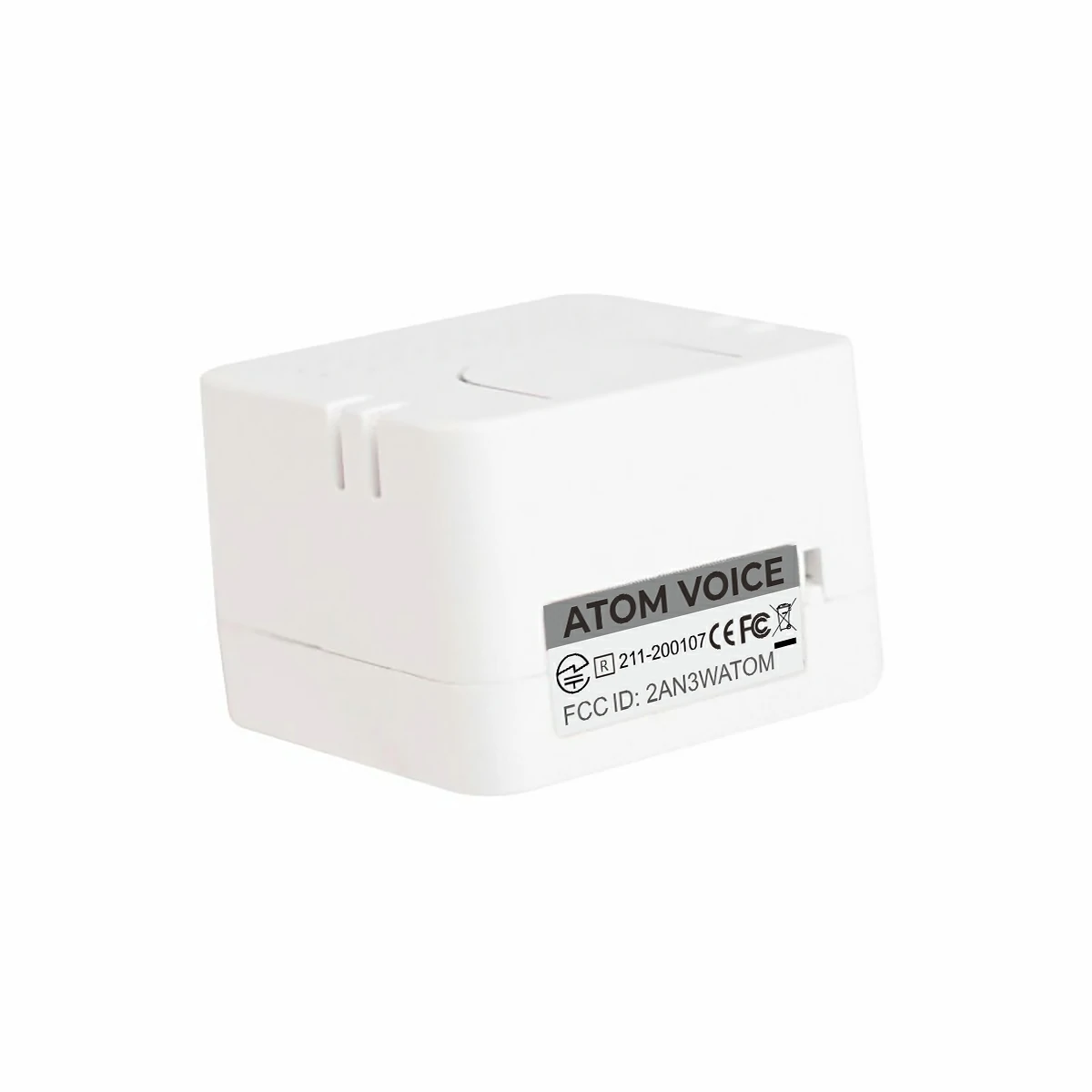
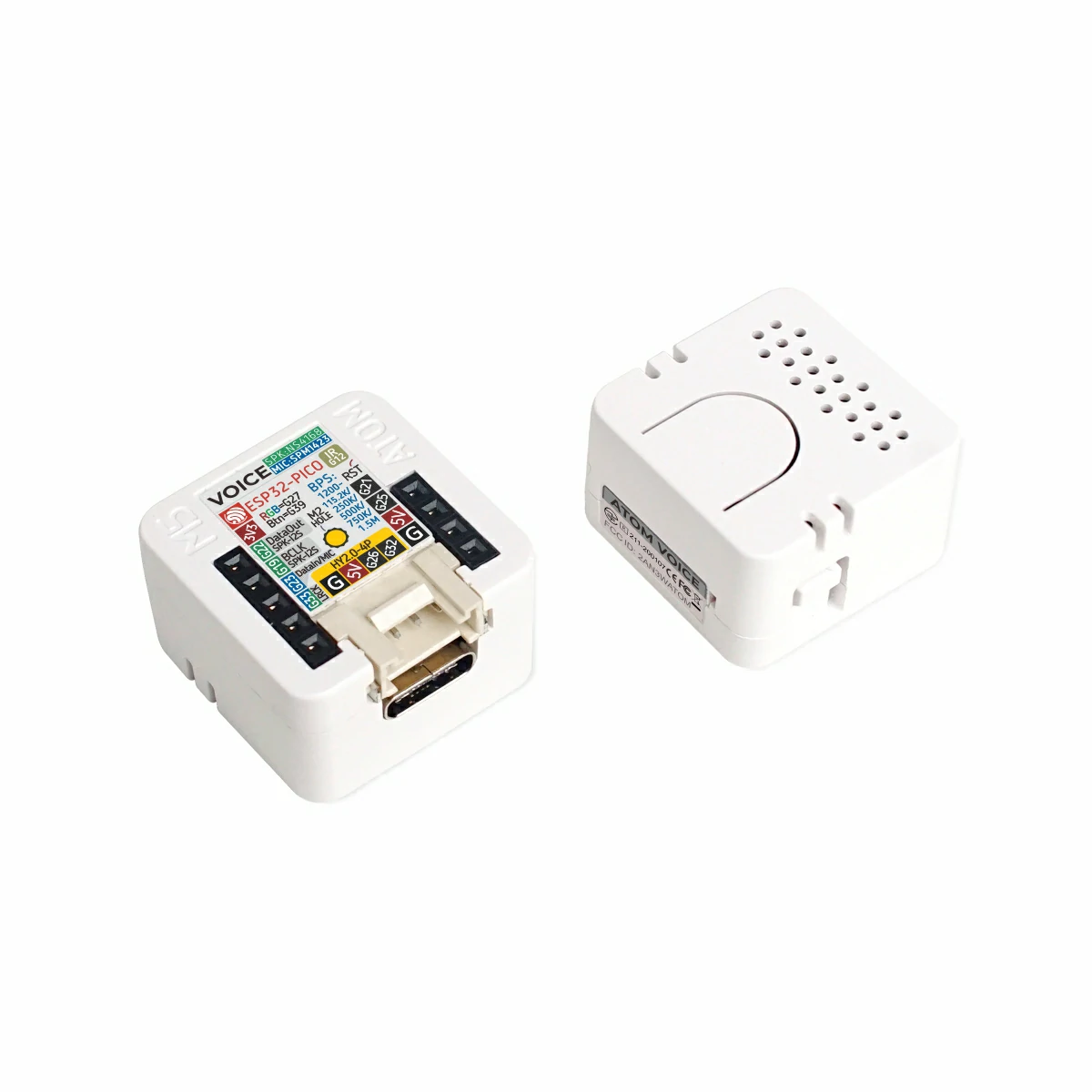
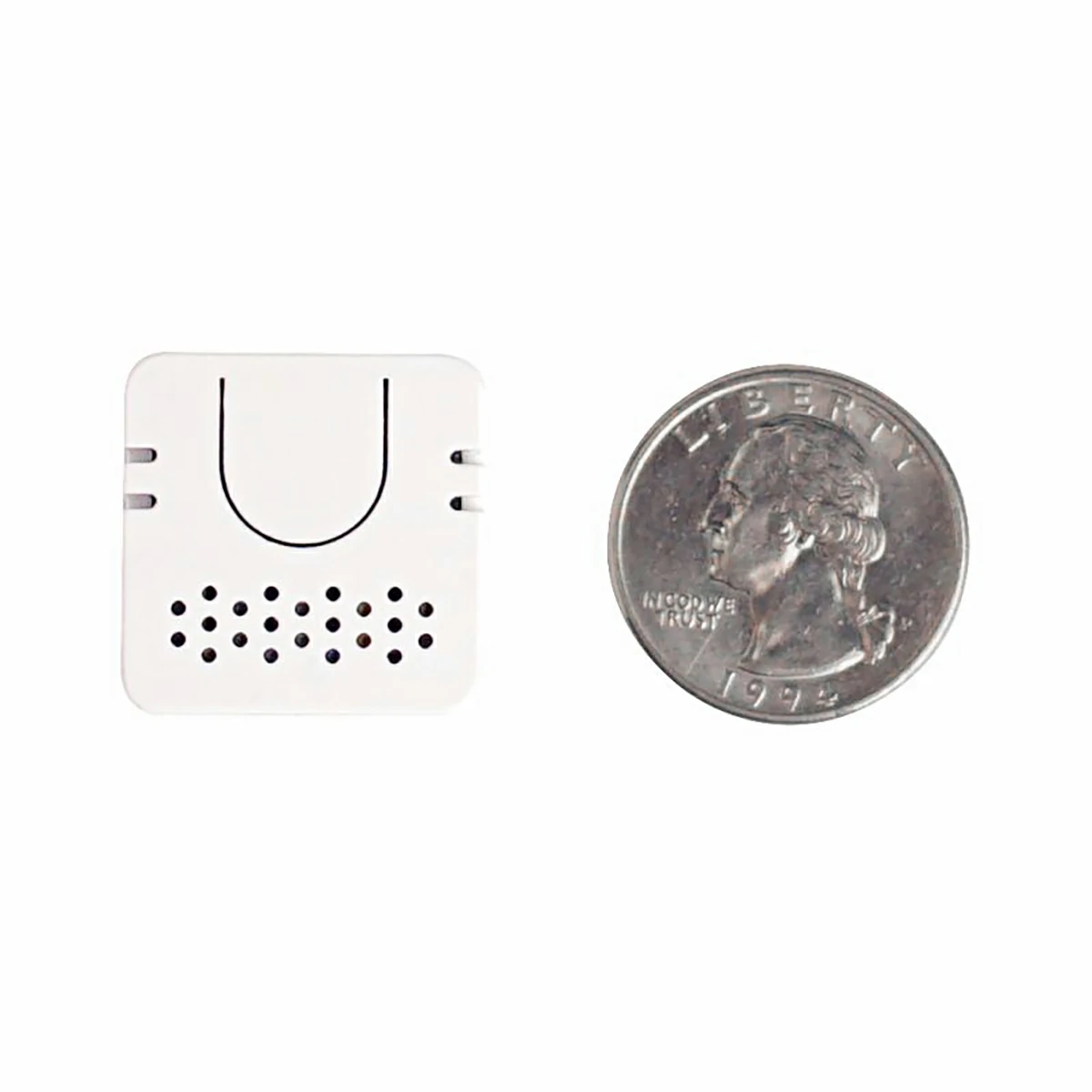
Atom Voice is a programmable smart speaker based on the ATOM design. Extremely compact at just 24 x 24 x 17 mm, it can stream music by connecting—via the ESP32’s wireless functions—to a phone, tablet, etc., or play designated streaming media over Wi-Fi. To simplify voice usage, Atom Voice integrates an STT (speech-to-text) service. Flash the dedicated firmware to enable it and issue voice commands to perform diverse operations. You can also write your own code to connect to cloud platforms such as AWS or Google; using the built-in microphone and speaker, Atom Voice can provide AI capabilities for voice control, smart interaction, IoT, and more. An on-board RGB LED (SK6812) clearly indicates connection status. In addition to serving as a smart speaker, it retains the control abilities of the ATOM series—you can connect external devices through the GROVE port. An M2 screw hole on the back facilitates mounting.
Tutorial
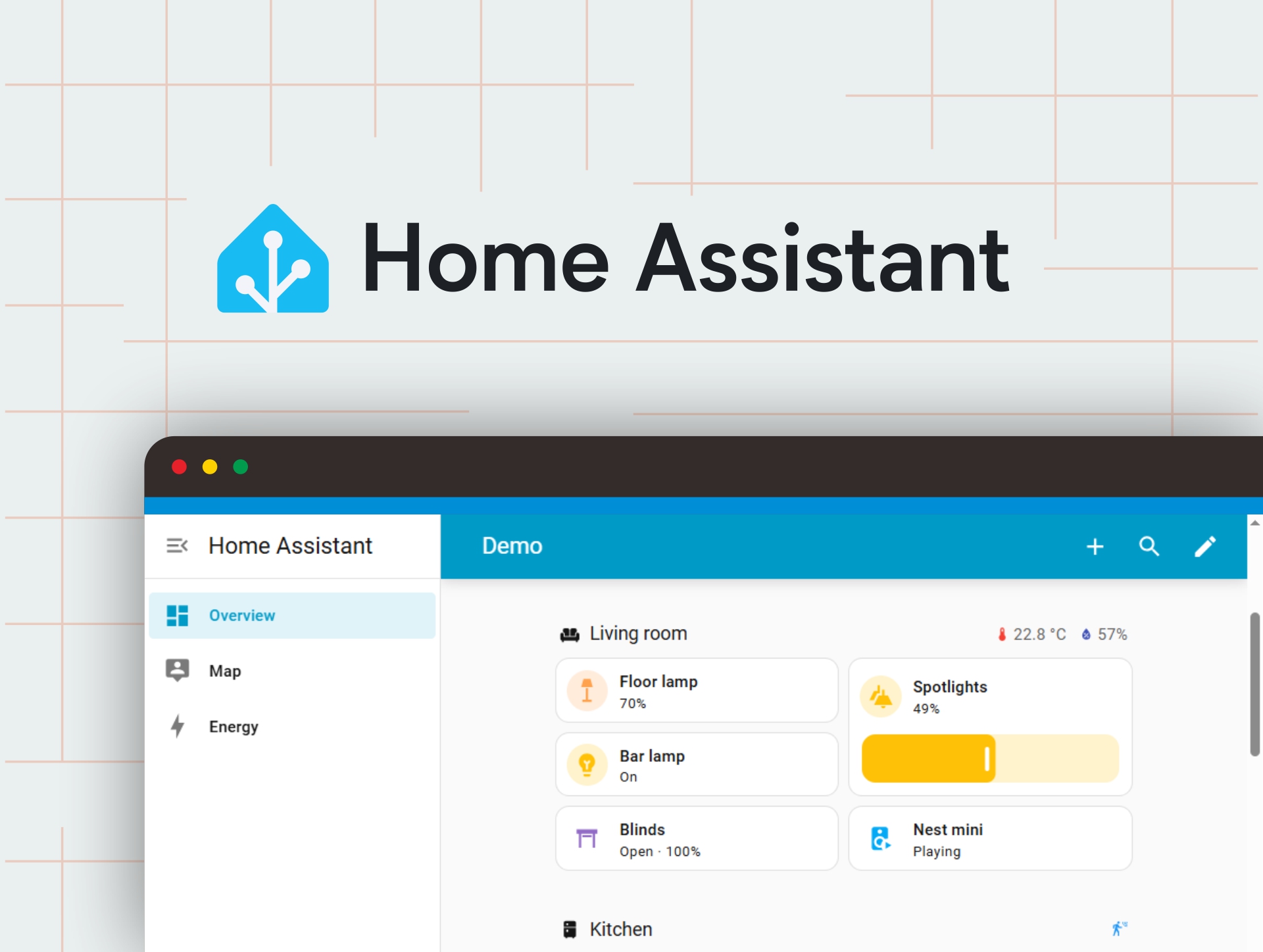


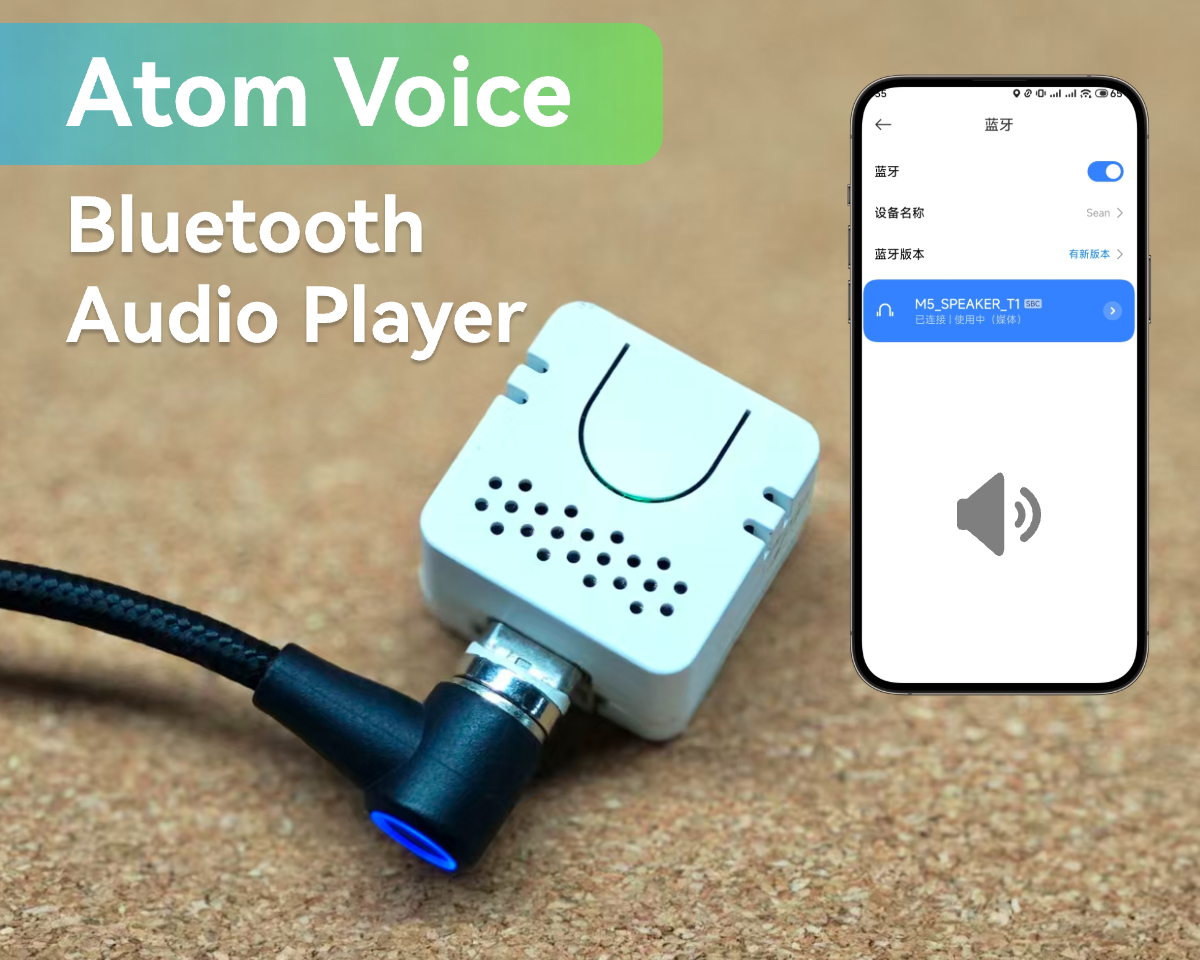
Note
Pin Usage Notes
Playback Notes
To prevent damage to Atom Voice, avoid the following operations during use.
- Outputting DC signals through the I2S channel
- Playing white noise for extended periods
- Do not play full-scale square wave audio.
Features
- Compact and lightweight
- Built-in STT service
- ESP32-based, supporting A2DP and BLE 4.0
- Wi-Fi protocol IEEE 802.11 b/g/n
- Integrated microphone and speaker
- RGB LED status indication
- GROVE expansion connector
- Audio recording and playback
- Independent programmable button
- Development platforms: Arduino, ESP-IDF / ADF
Includes
- 1 x Atom Voice
Applications
- Wireless speaker
- Voice control
- Internet of Things (IoT)
Specifications
| Specification | Parameter |
|---|---|
| SoC | ESP32-PICO-D4, 240 MHz, Dual Core, Wi-Fi |
| Flash | 4 MB |
| Interface | 1 x IR-TX, 1 x Button, 1 x Reset Button |
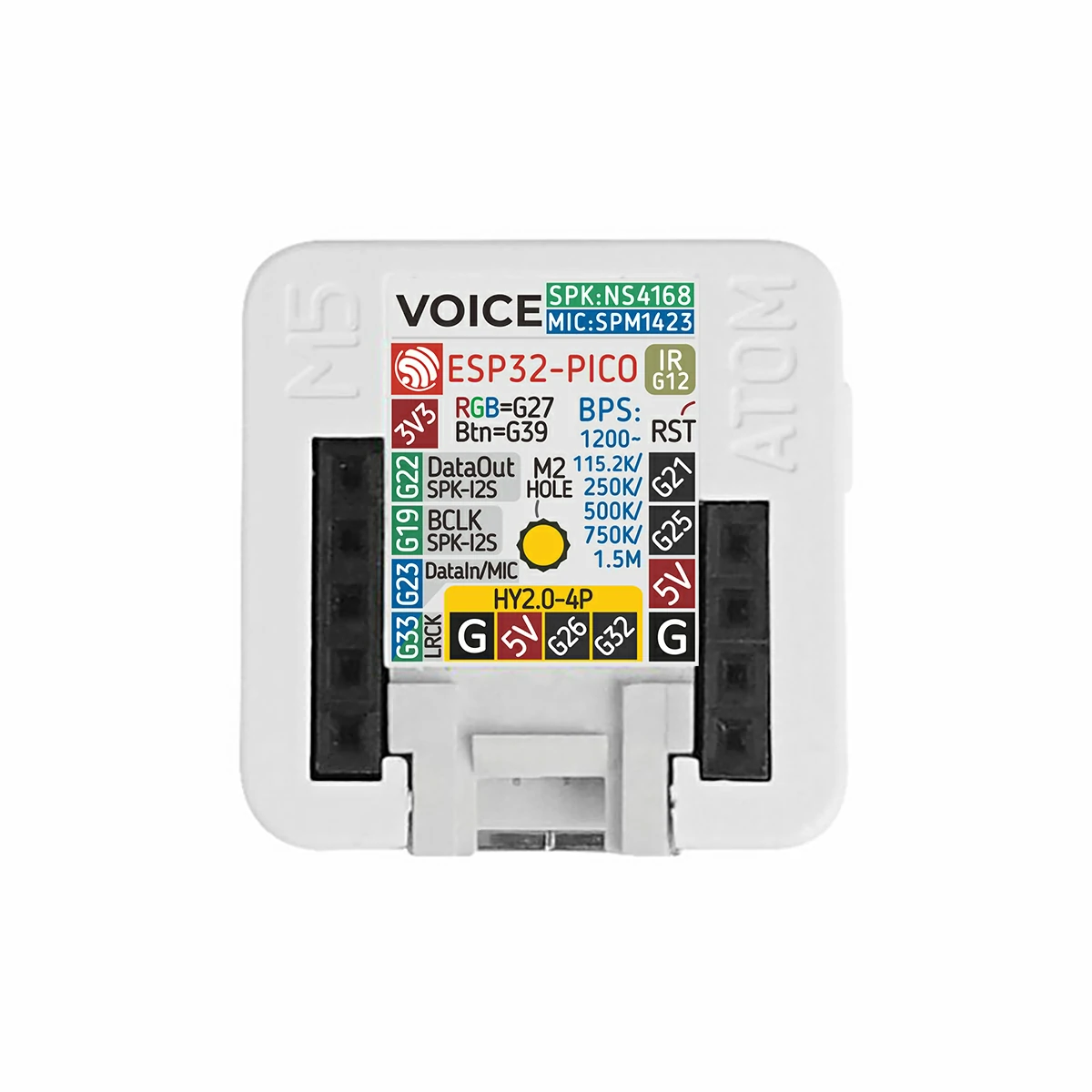
| PinOut | G21/G25/5V/GND, 3V3/G22/G19/G23/G33 |
| RGB LED | SK6812 |
| Speaker | 0.8 W / NS4168 (I²S) |
| Microphone | SPM1423 (PDM) |
| Enclosure | Plastic (PC) |
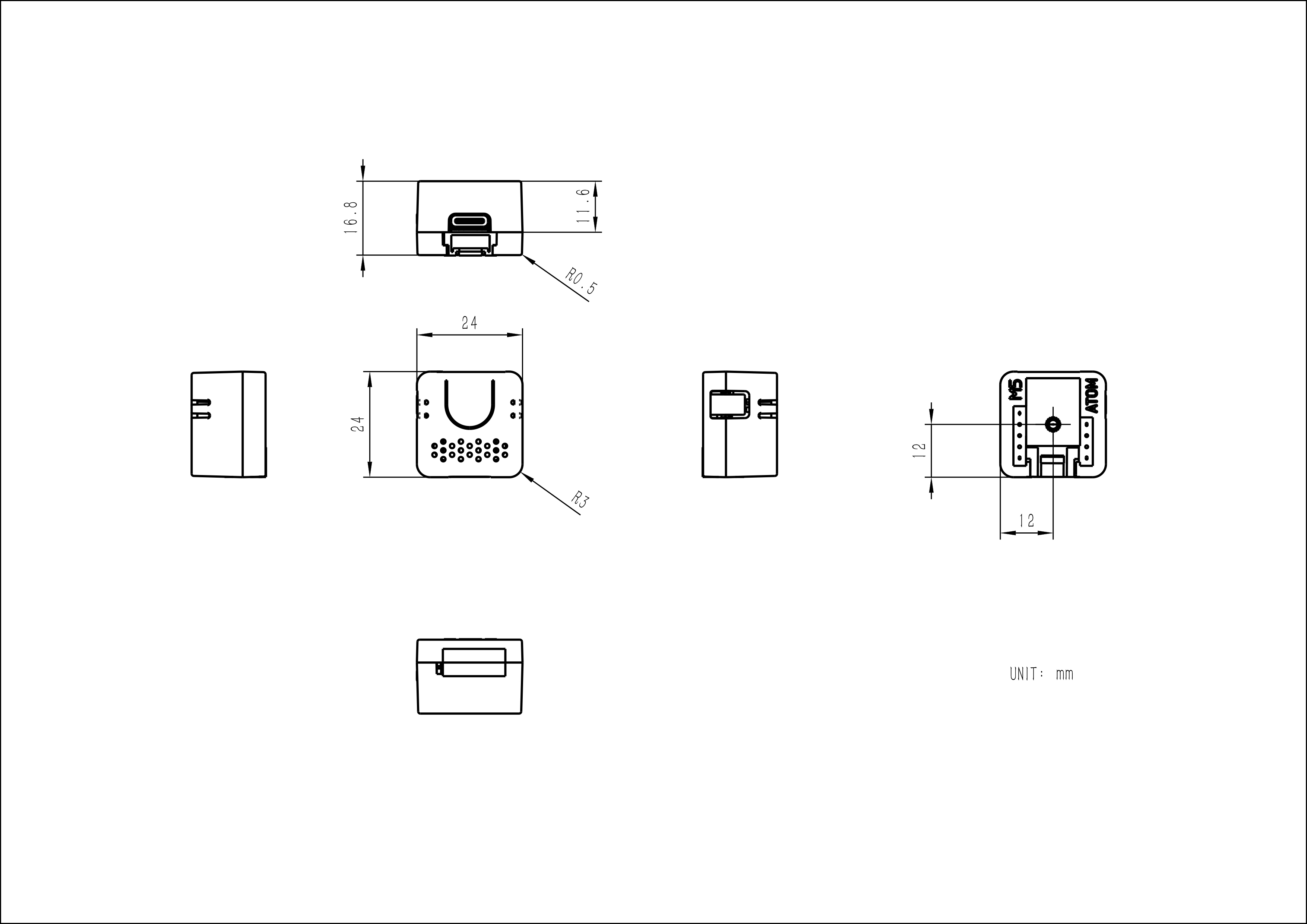
| Product Size | 24.0 x 24.0 x 16.8mm |
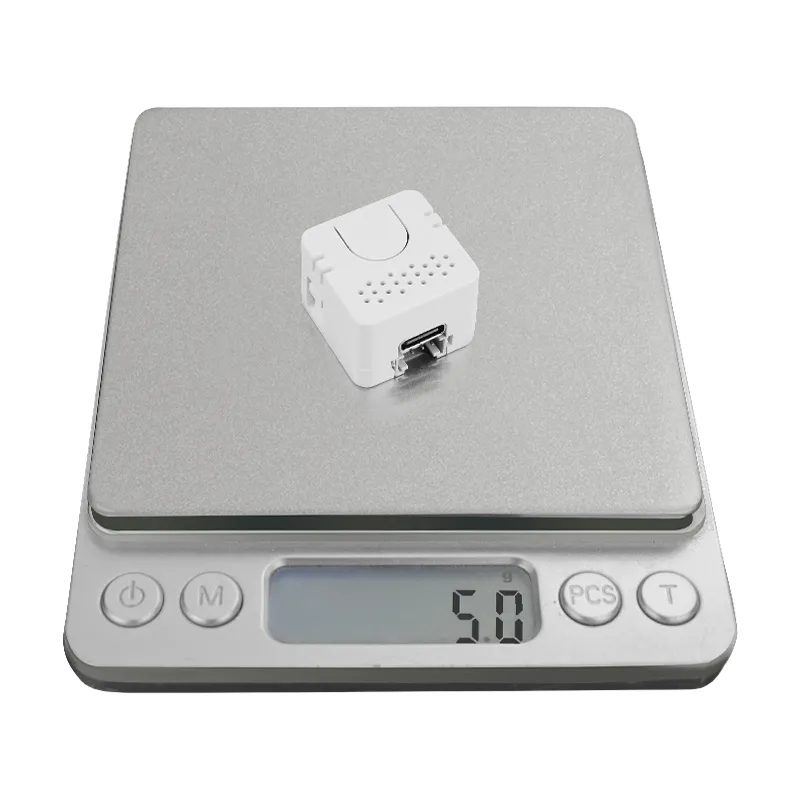
| Product Weight | 9.0g |
| Package Size | 85.0 x 65.0 x 17.0mm |
| Gross Weight | 15.5g |
Schematics
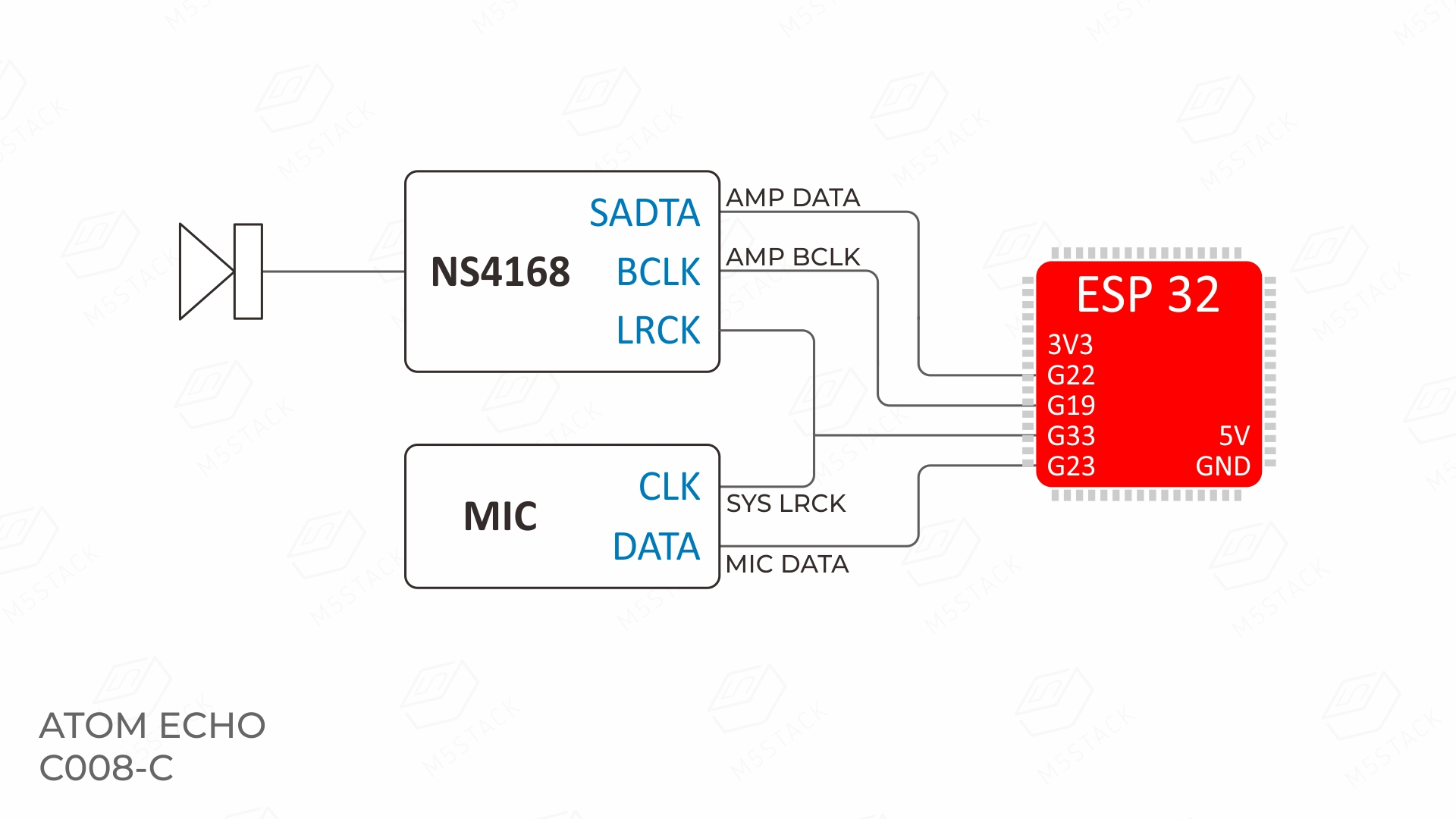
PinMap
SPK & MIC
| Atom Voice | G22 | G19 | G33 | G23 |
|---|---|---|---|---|
| NS4168 | AMP DATA | AMP BCLK | AMP LRCK | |
| SPM1423 | MIC CLK | MIC DATA |
HMI
| Atom Voice | G27 | G39 |
|---|---|---|
| RGB LED | Data | |
| Button | Input |
HY2.0-4P
| HY2.0-4P | Black | Red | Yellow | White |
|---|---|---|---|---|
| PORT.CUSTOM | GND | 5 V | G26 | G32 |
Model Size
Structure
Datasheets
Softwares
Quick Start
Arduino
- Atom Voice Arduino Quick Start
- Atom Voice Record & Play Example
- Atom Voice Play Music Example
- Atom Voice EchoSTT Example
ESP-IDF
USB Driver
Driver Installation
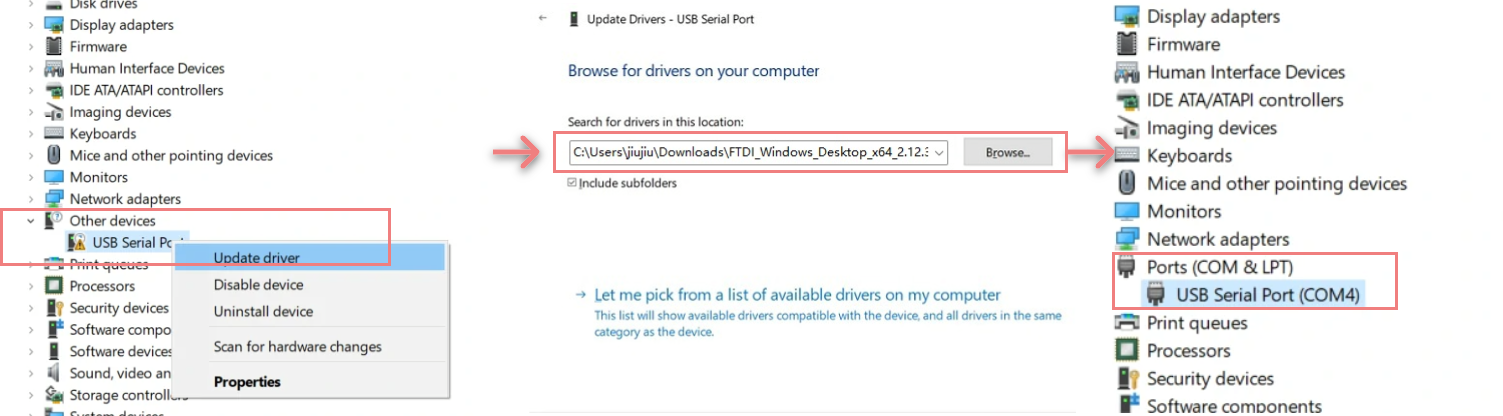
Select the driver file that matches your operating system from the list below, download it, and extract it. You can also visit the FTDI Chip official website for additional FTDI driver versions. Then connect the device to your PC, open Device Manager, and install the FTDI driver (the screenshot below uses Windows 10 as an example). (Note: On some systems, you may need to install the driver twice for it to take effect. The unrecognized device is usually named M5Stack or USB Serial.)
| Driver Name | Download Link |
|---|---|
| Windows_Desktop_x64 | Download |
| Windows_Desktop_x86_32 | Download |
| Windows_Desktop_ARM | Download |
| MacOS_Intel | Download |
| MacOS_ARM64 | Download |
System Preferences → Security & Privacy → General → Allow apps downloaded from and select App Store and identified developers.Easyloader
| Easyloader | Download | Note |
|---|---|---|
| Atom Voice RecordPlay Example Easyloader | download | / |
| Atom Voice BT Speaker Firmware Easyloader | download | / |
Video
Tutorial: Set up M5Stack Atom Voice as a Home Voice Assistant
Product Comparison
To compare information on the Atom series products, you can visit the Product Selection Table, check the target products, and get the comparison results. The selection table covers key information such as core parameters and functional features, and supports comparison of multiple products simultaneously.