Visual Studio Code collects telemetry data, which is used to help understand how to improve the product. For example, this usage data helps to debug issues, such as slow start-up times, and to prioritize new features. We also use this data to roll out new features to a subset of users before making them generally available.
While we appreciate the insights this data provides, we also know that not everyone wants to send usage data and you can disable telemetry as described in disable telemetry reporting. You can also read our privacy statement to learn more.
Types of telemetry data
VS Code and this page refer to three different types of data with respect to telemetry.
Crash Reports - Crash reports collect diagnostic information when VS Code crashes and sends it to Microsoft to help understand why the crash occurred and what changes are needed to prevent the crash in the future.
Error Telemetry - Error telemetry collects information about errors that do not crash the application but are unexpected.
Usage Data - Usage data collects information about how features are used and perform in VS Code which helps us prioritize future product improvements.
Disable telemetry reporting
With the telemetry.telemetryLevel user setting, you can control the different types of telemetry we send with a single setting. Here is a table of the different types of data sent with each value of telemetry.telemetryLevel :
| Crash Reports | Error Telemetry | Usage Data | |
|---|---|---|---|
| all | ✓ | ✓ | ✓ |
| error | ✓ | ✓ | - |
| crash | ✓ | - | - |
| off | - | - | - |
For example, if you don't want to send any telemetry data to Microsoft, you can set the
telemetry.telemetryLevel
user setting to off. This will silence all telemetry events from VS Code going forward. Note that telemetry information may have been collected and sent up until the point when you disable the setting.
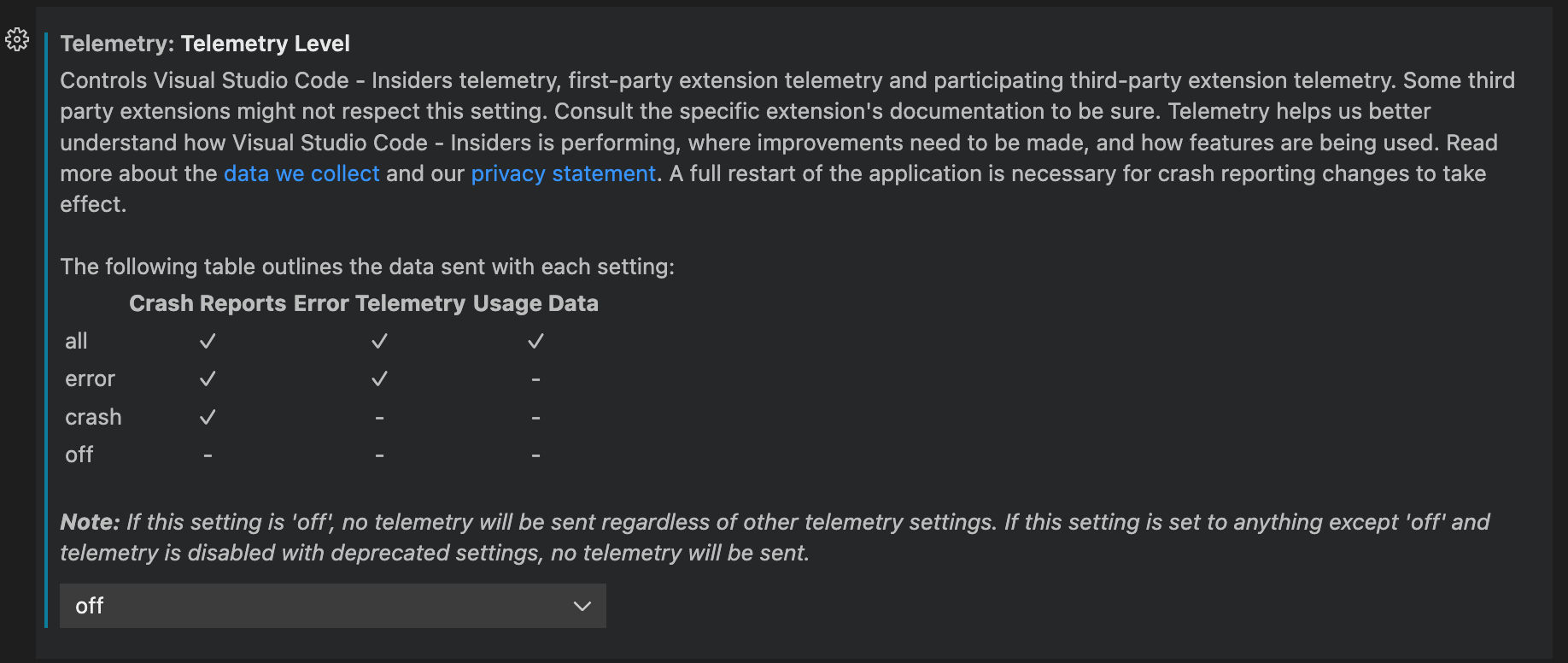
If you use the JSON editor for your settings, add the following line:
">User and Workspace Settings - Read about available options to customize VS Code.
                02/04/2026