Webmail built
for the 21st
century.
One interface for everything your mail server holds: messages, calendars, address books and files. Bulwark threads your mail, searches all of it, and installs as a PWA on your phone.
Backed by
Mail · reading view
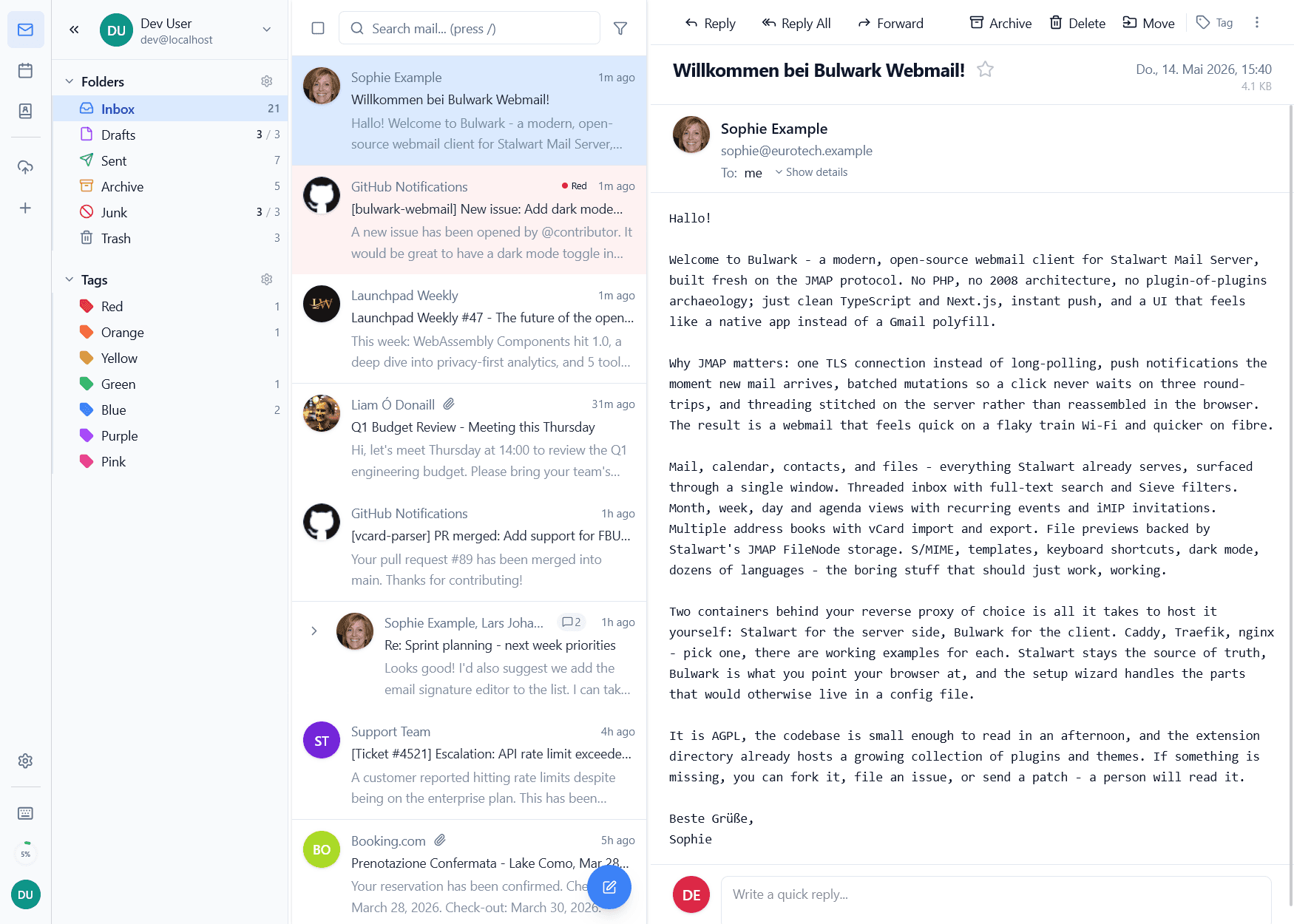
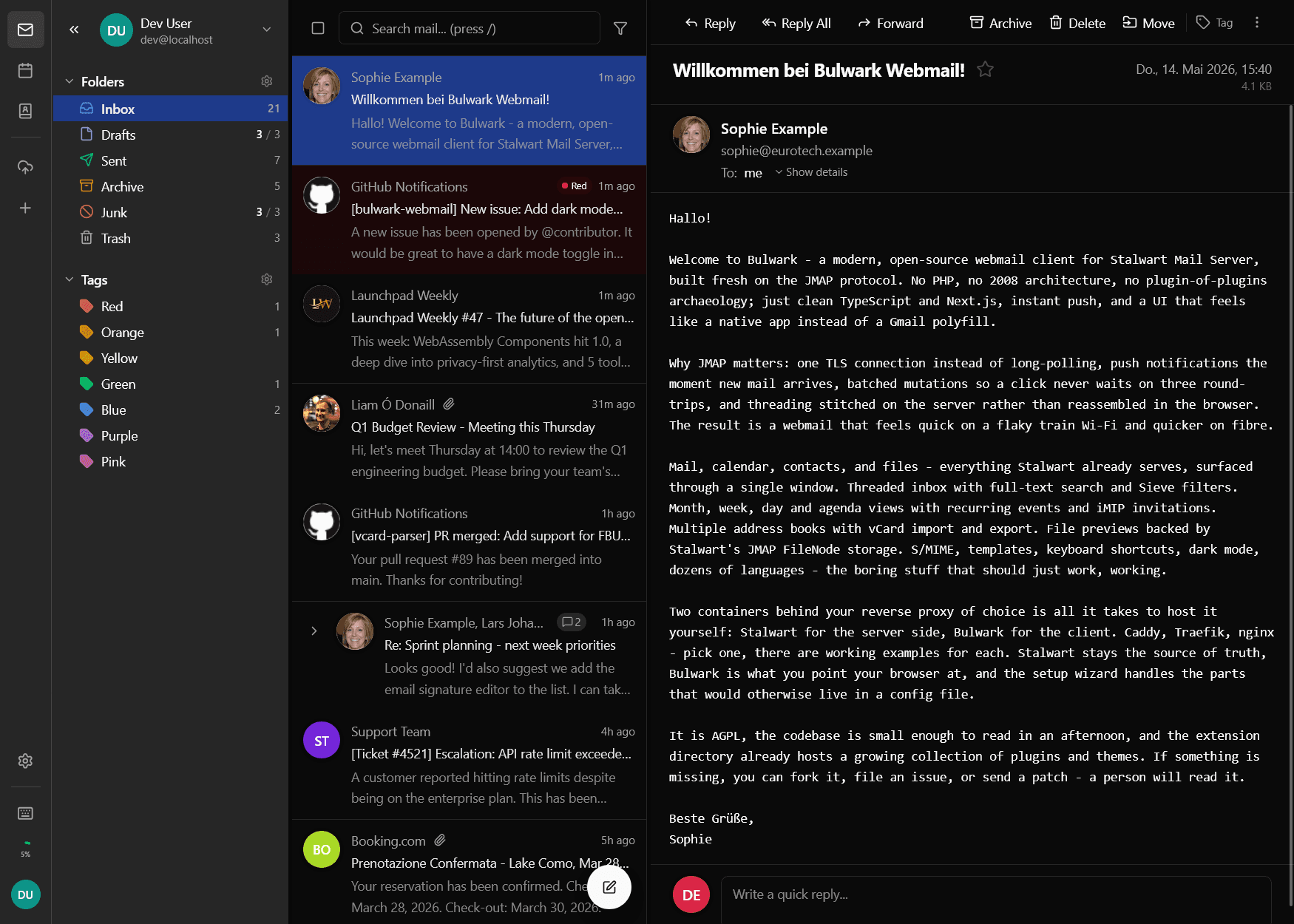
Email is fifty-four. Webmail doesn't have to be.
Most self-hosted webmail still feels like 2008 because most of it was written then. The browser stopped being the limiting factor a long time ago, and JMAP took away the protocol excuse in 2019. We started Bulwark after both of those, which is honestly the only real advantage it has.
What 2019 changed
- The server speaks firstStalwart announces a state change the moment it happens. The 30-second poll loop goes away, and so do the idle reconnects that came with it.
- One round-trip per clickMark-read, move, and fetch-next travel as a single JMAP call.
- Threading is server workStalwart stitches the conversation once. The browser renders what it's handed.
- Typed across the wireJMAP pins down the exact response shapes, and the client is strict TypeScript, so any drift between them fails at compile time.
Four apps that behave
like one application.
Stalwart already stores all of it. What was missing was a front end that doesn't make you feel the seam between mail and calendar, and doesn't ask you to forgive it for being self-hosted.
Mail · reading view
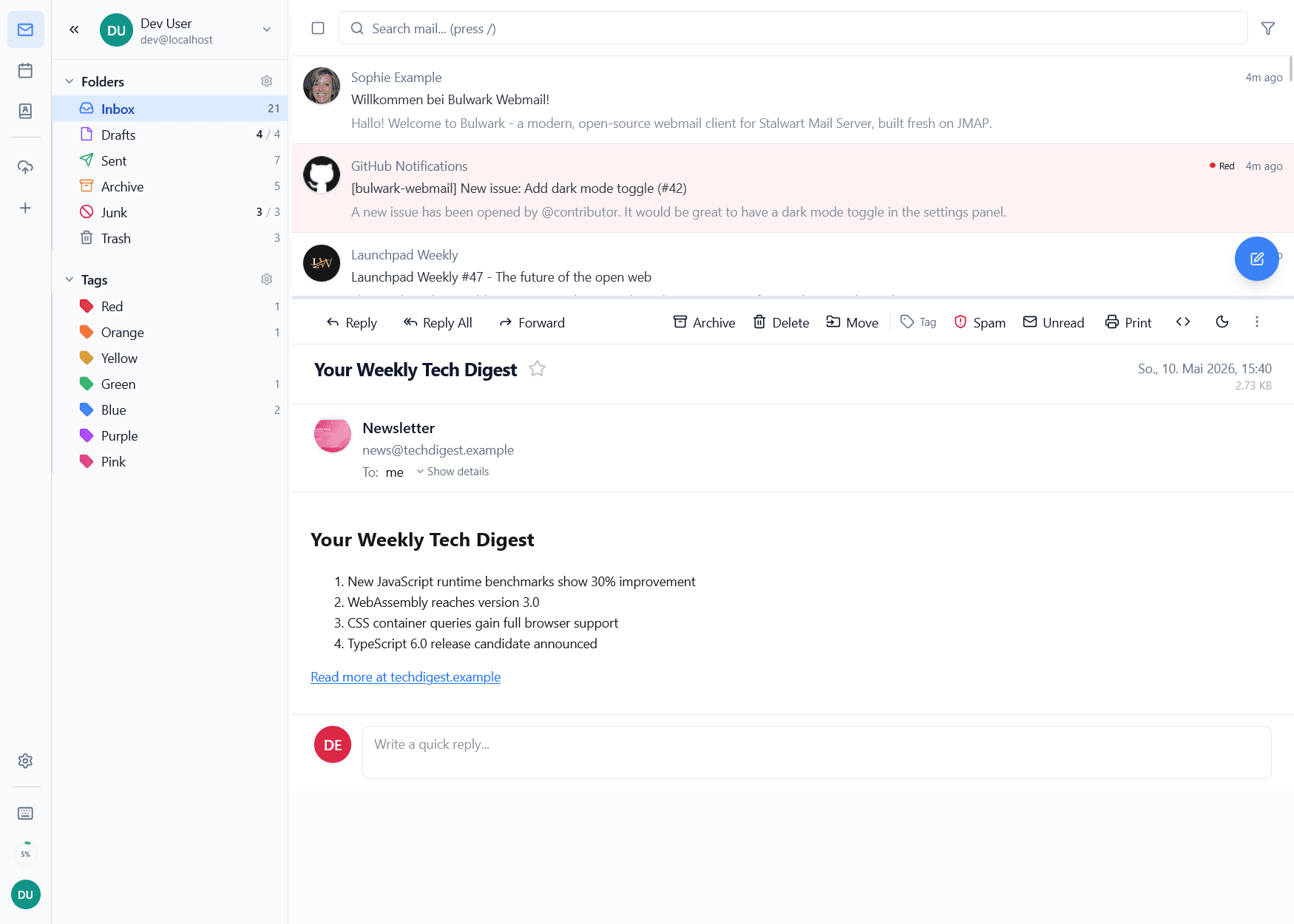
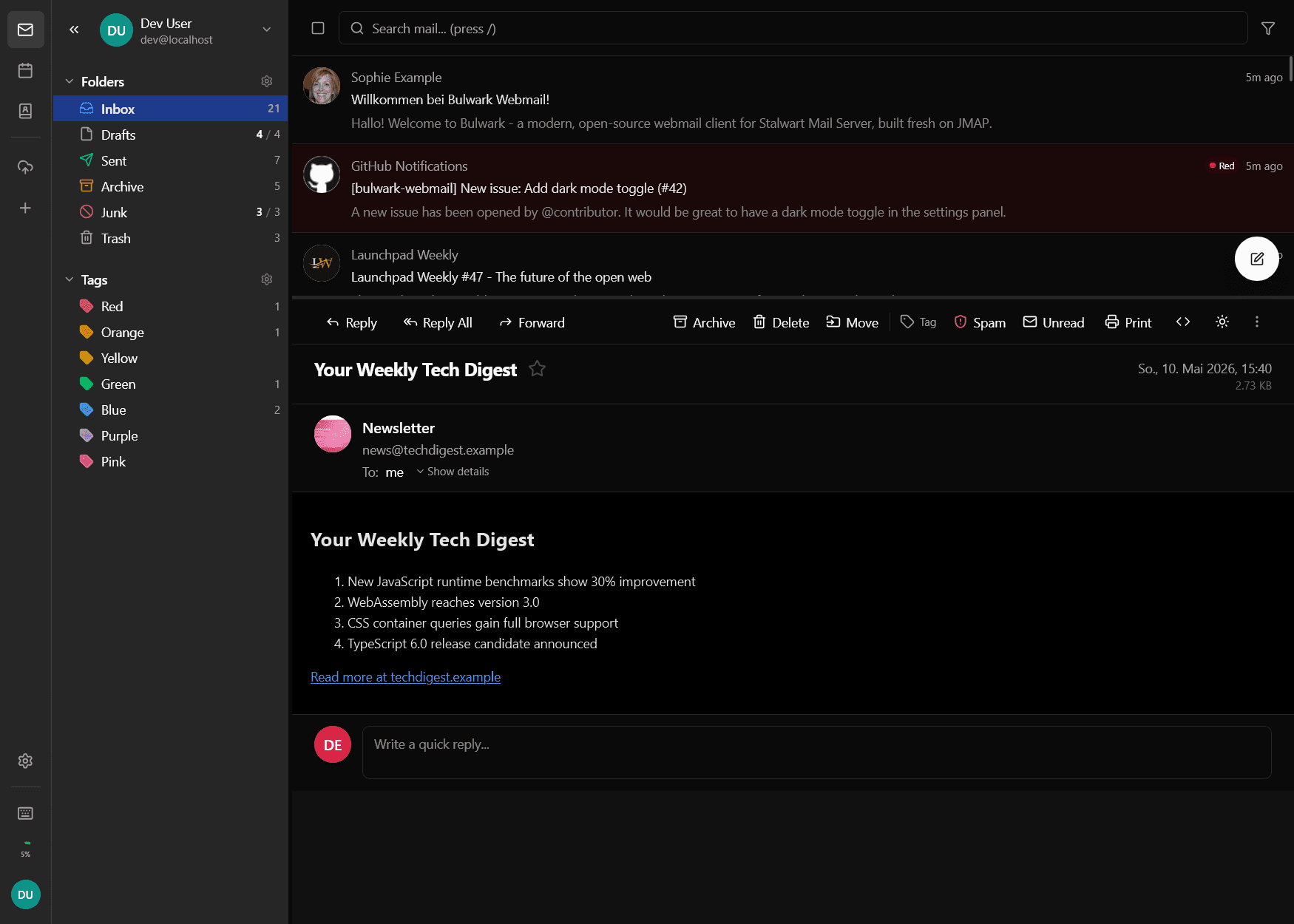
Calendar · month
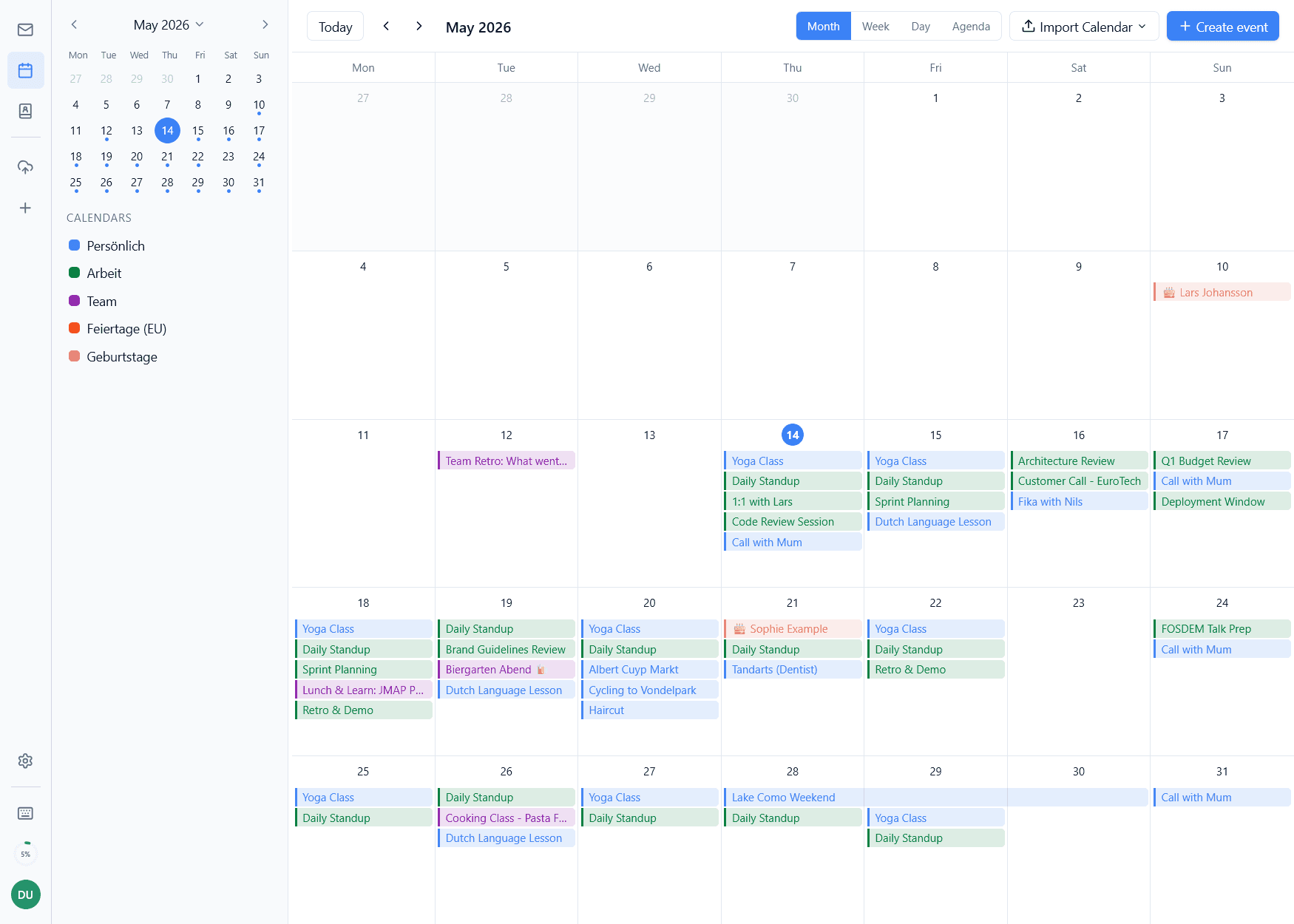
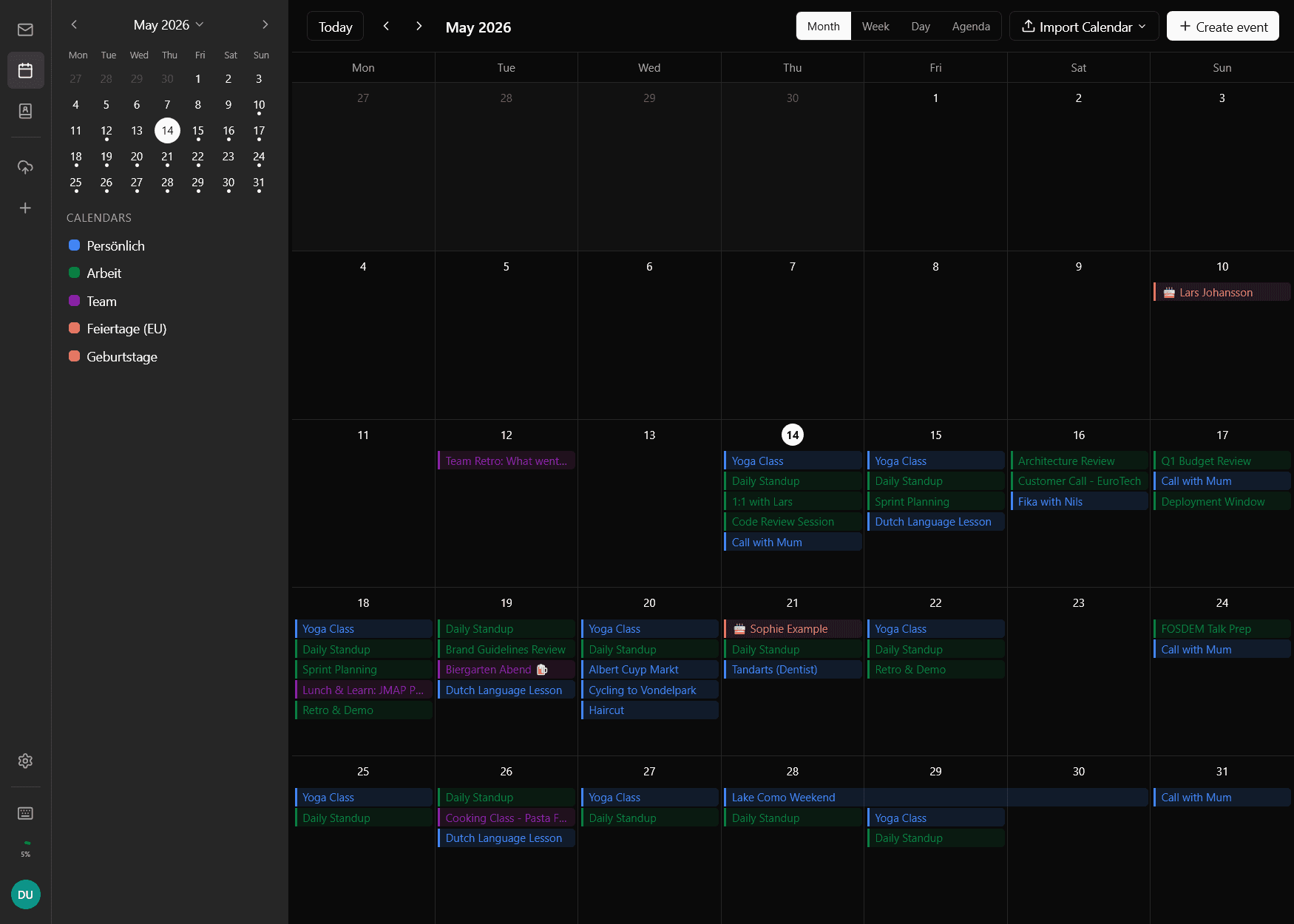
Settings · accounts & signing
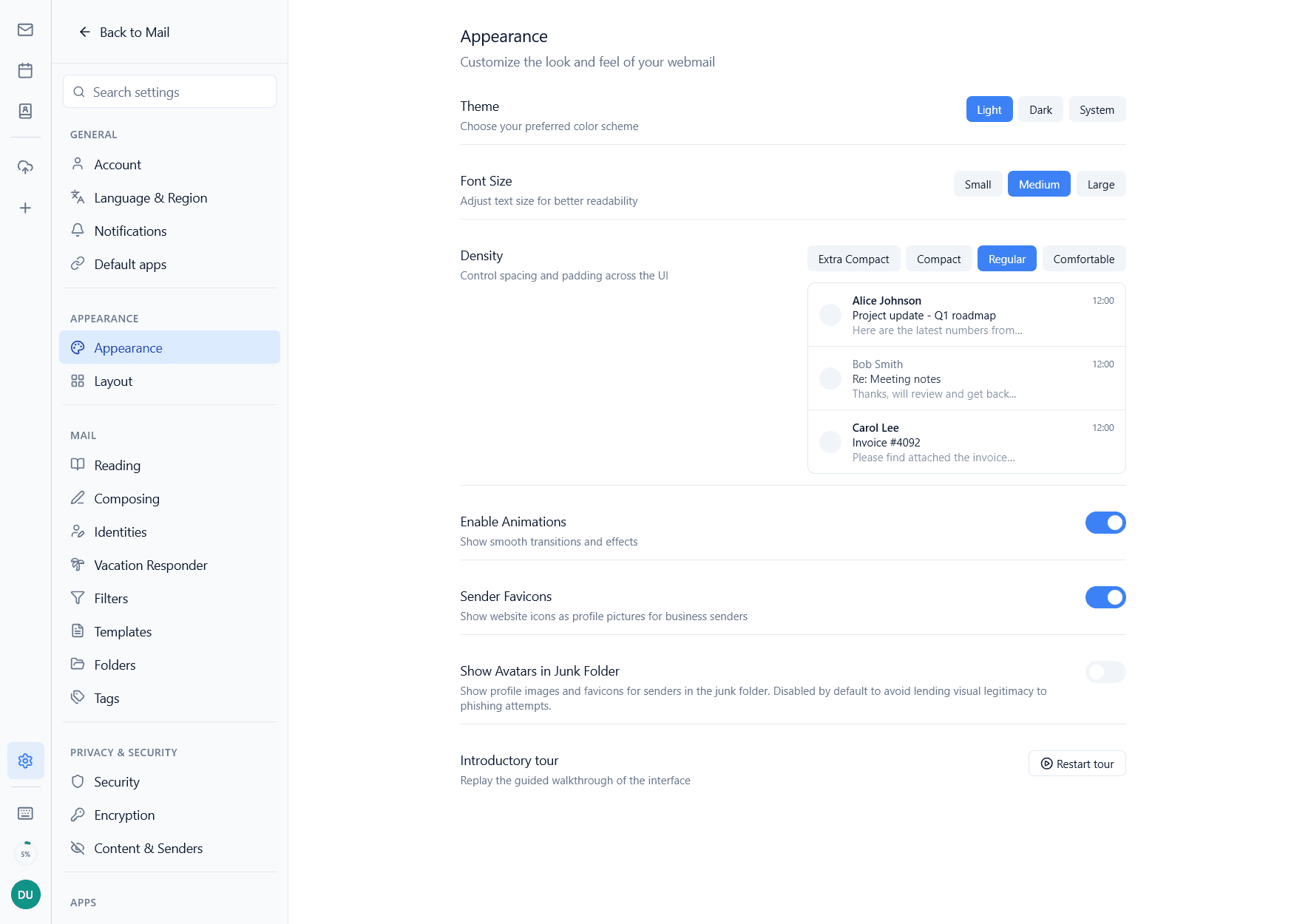
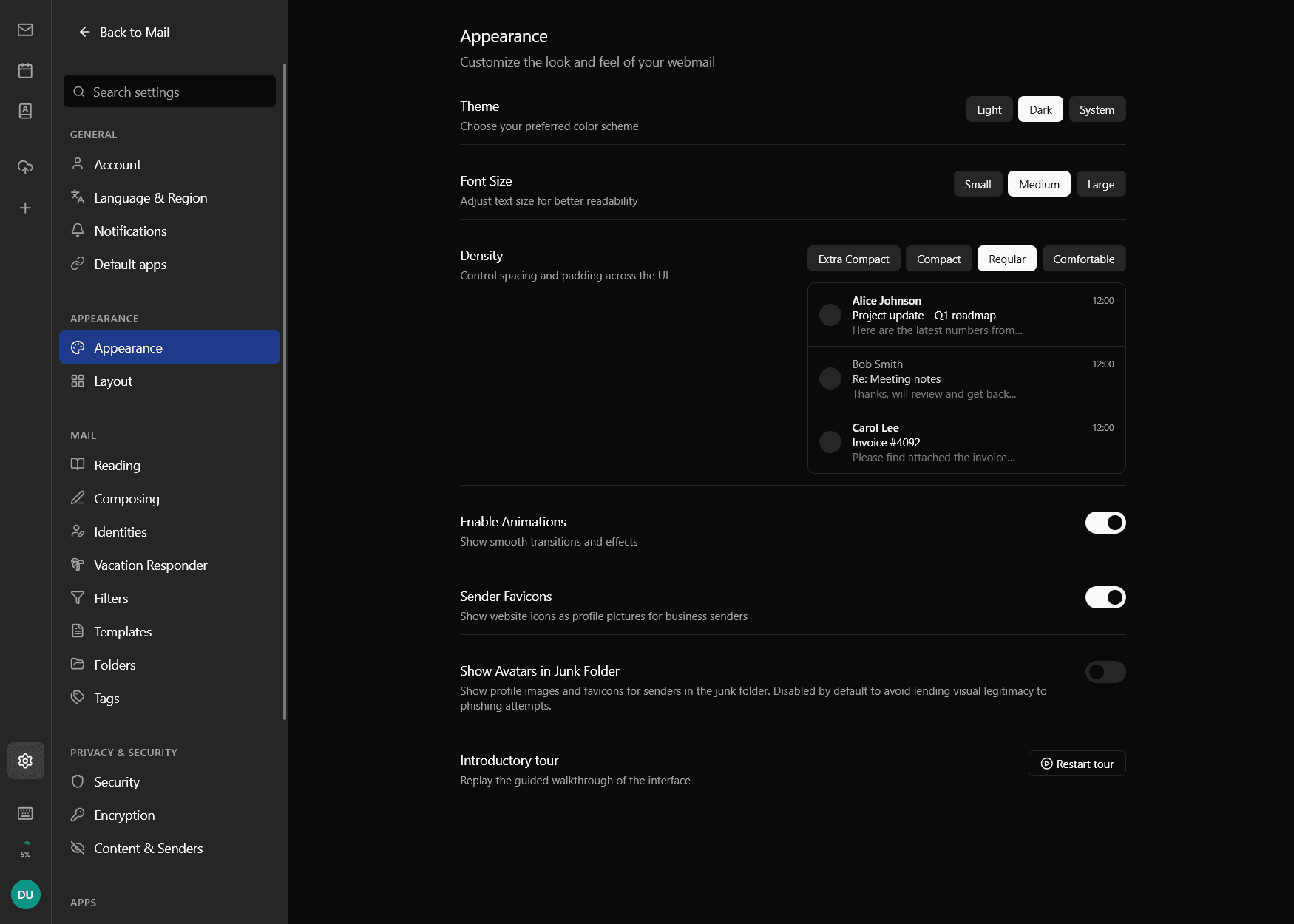
Mail · drafting
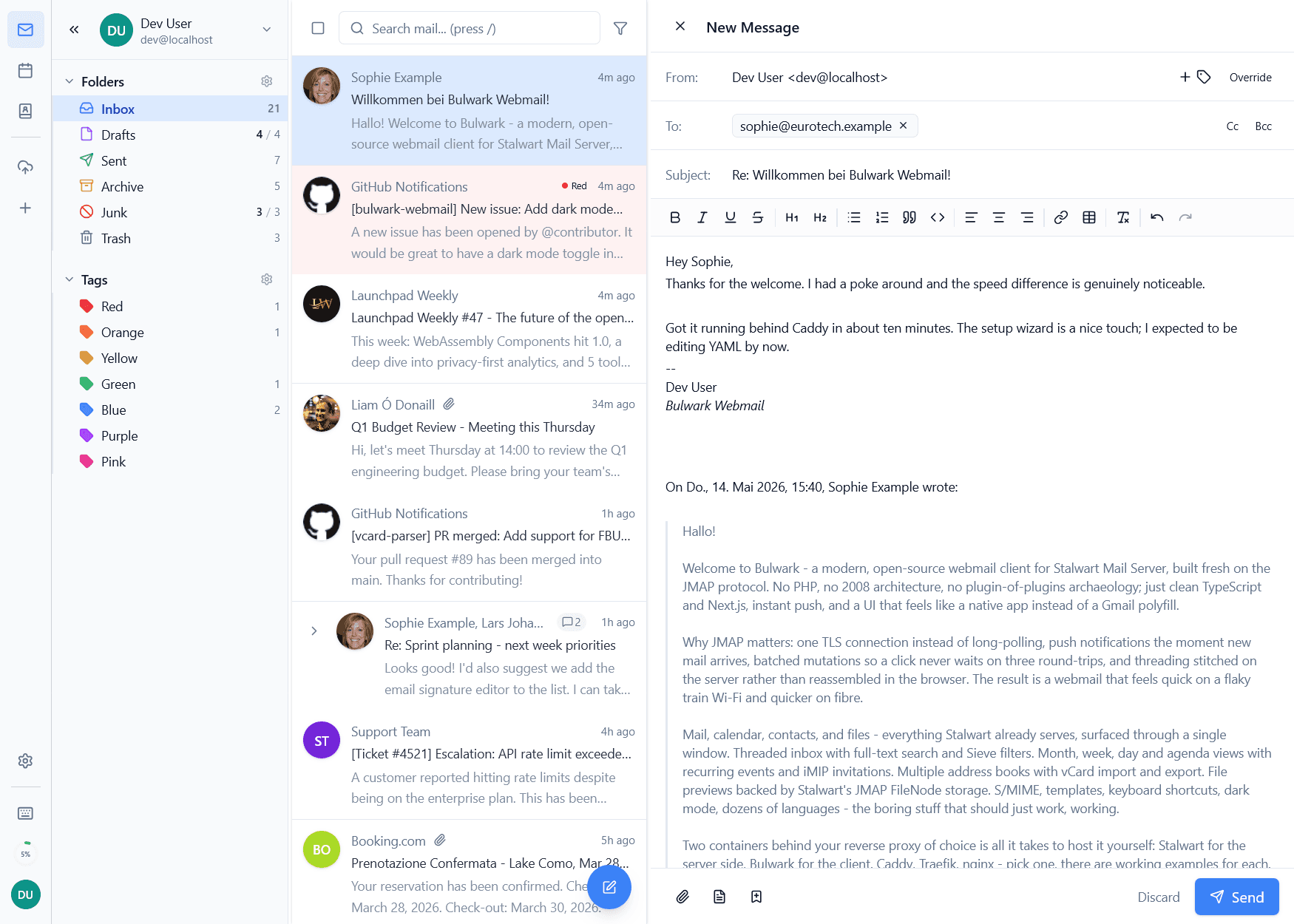
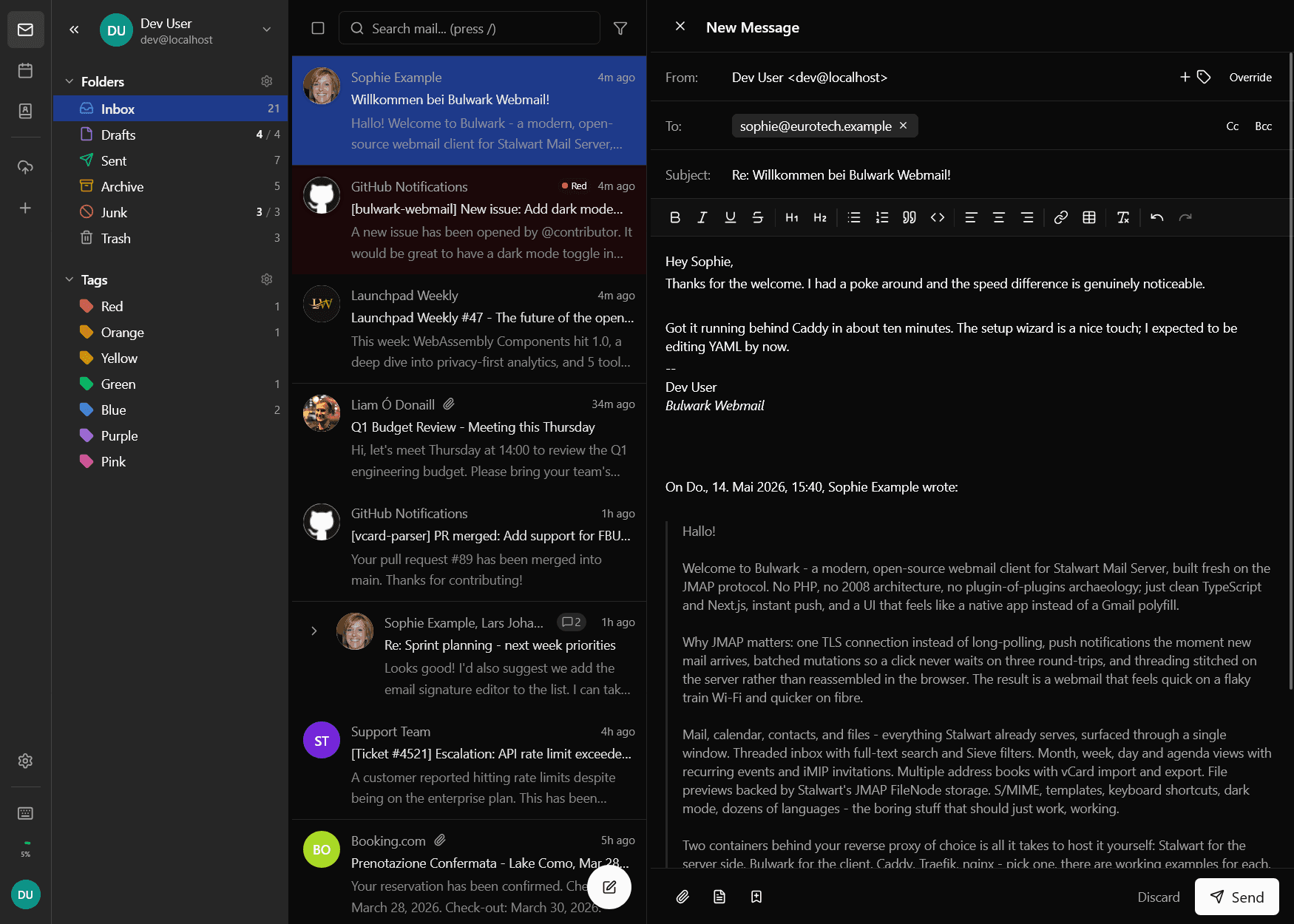
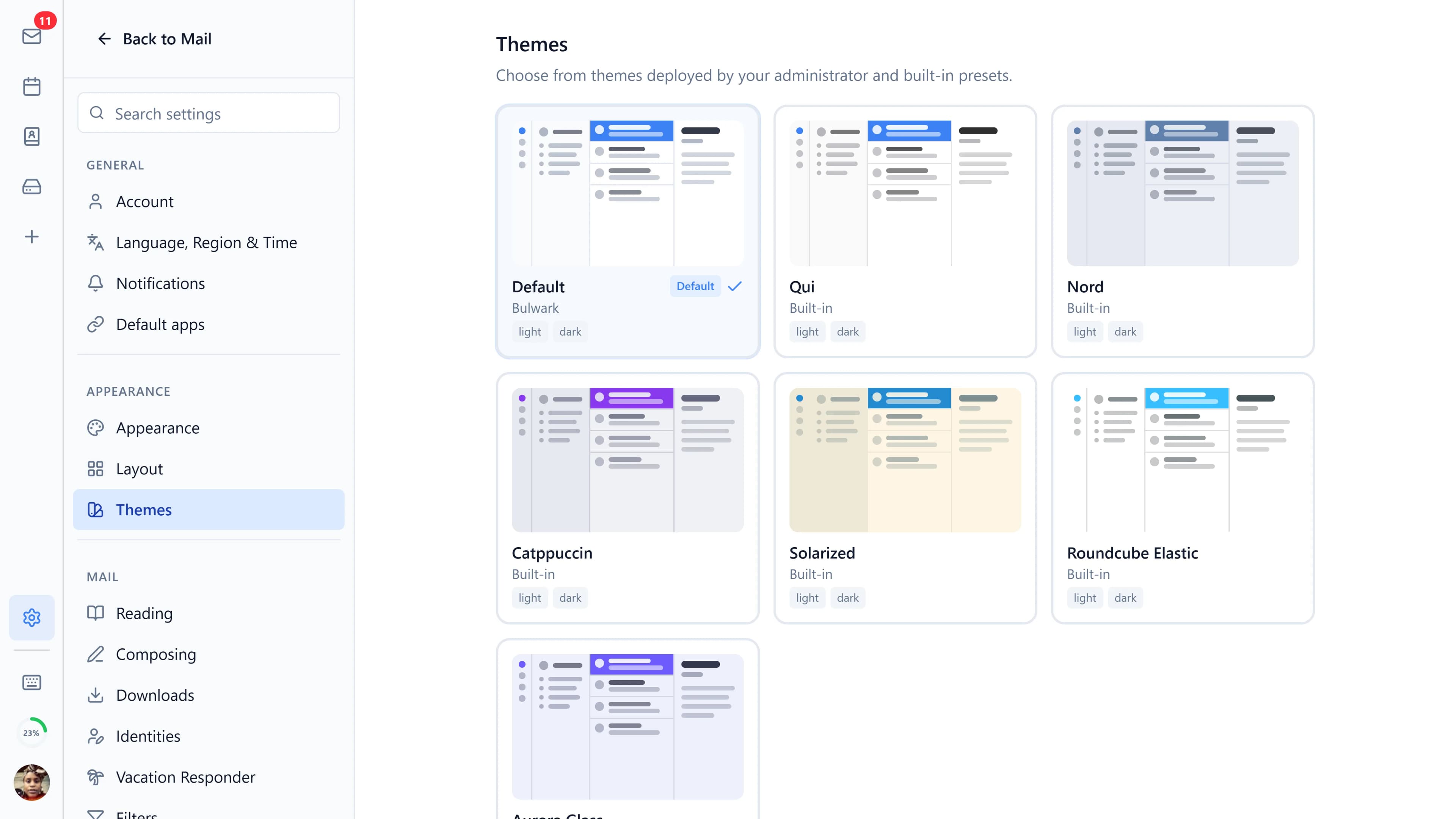
Themes · pick one or write your own
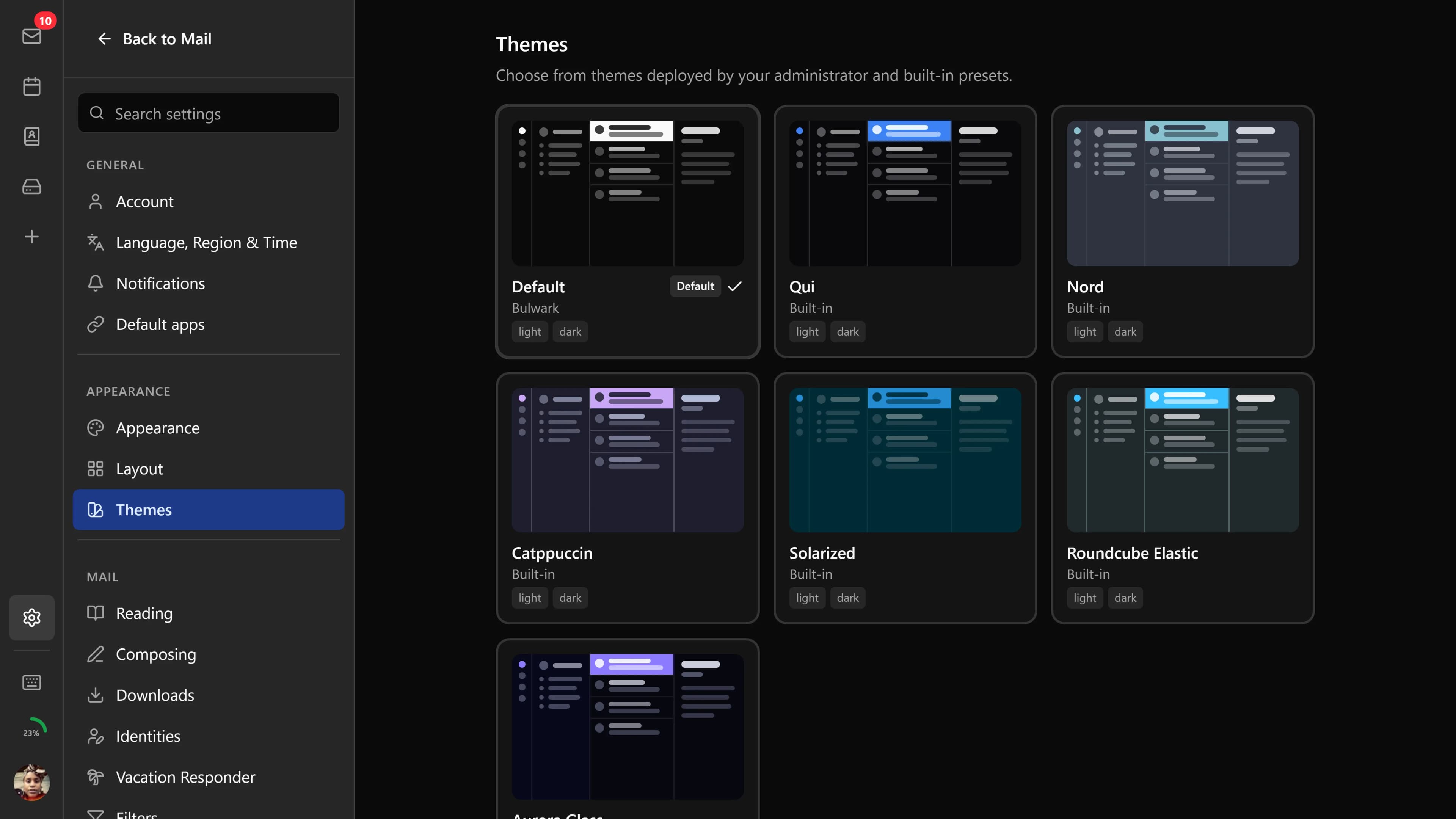
A glimpse of dark mode
A glimpse of light mode
Installing it takes less time
than uninstalling Outlook.
The wizard handles what would otherwise be a config file. You'll probably spend longer picking a logo on the branding screen than you will pointing Bulwark at your mail server.
What you get
threading, unified inbox, full-text search, Sieve filters, S/MIME, templates
Calendar
month / week / day / agenda, recurring events, iMIP invitations, CalDAV subscriptions
Contacts
multiple address books, groups, vCard import / export
Files
Stalwart's JMAP FileNode storage with previews and folder upload
Quick start
Fetch the compose file
$curl -O https://bulwarkmail.org/compose.yml
Bring the container up
$docker compose up -d
Open the setup wizard
$https://mail.example.com
Click through a few screens
server · auth · security · logging · branding
It's AGPL, which means
you can just fix it.
1102
“We're writing the webmail we wanted in 2026 and didn't find: a JMAP-native client with an interface built this decade. It's AGPL and self-hosted, run by the people who use it rather than sold to them.”
from our contributing guide
27
languages
Other projects.
The webmail is the main repo. These grew up around it.
Protocol bridge
Bulwark Legacy Proxy
JMAP in front · IMAP, SMTP, ManageSieve, CardDAV behind
A translation layer that lets JMAP clients read a classic IMAP account as if it were native. The proxy speaks JMAP on one side and the ordinary mailbox protocols on the other, and the mail never leaves the server that already holds it.
github.com/bulwarkmail/legacy-proxy
Mobile app · beta
Bulwark Mobile
React Native · Android on GitHub, iOS next
The same account in your pocket: mail, calendar, contacts and files, woken by push when something arrives. Android builds are on GitHub today; iOS follows once we have the hardware to sign it.
github.com/bulwarkmail/native
Hosted service
Bulwark Relay
JMAP push in, Firebase push out · one shared instance
Turns the mail server's push notifications into Firebase pushes, so the mobile app wakes without every self-hoster standing up their own Firebase project. All the relay ever sees is a device token and a hashed state id; message content never reaches it.
github.com/bulwarkmail/relay
Extension directory
Bulwark Extensions
Plugins and themes · installed from a ZIP
Plugins add toolbar buttons, sidebar apps, shortcuts and workflows the stock client doesn't have; themes change how it looks. The directory lists free and open-source extensions that have passed review.
extensions.bulwarkmail.org
Before you install it.
Is Bulwark the mail server, or just the front?
The front. Stalwart is the mail server proper. It holds the messages, it's the thing SMTP talks to, and it owns the accounts and the spam filtering. Bulwark is a client that happens to run in a browser rather than on your desktop. You need both, and Stalwart is the one to install first.
Why JMAP and not IMAP?
IMAP is from 1986 and it shows. Every folder wants its own connection, the client has to keep asking whether anything changed, and threading is something you reassemble yourself after fetching more than you needed. JMAP moves that work to the server and sends back a diff. Concretely: marking twenty messages read is one request instead of twenty.
How is this different from running Roundcube or SOGo?
Both of those are IMAP clients carrying two decades of compatibility layers, and they carry it honestly. Bulwark started at JMAP, so there was never a layer to accumulate. It's TypeScript and Next.js, and small enough that you can read what it does with your credentials in an afternoon.
What does deployment look like?
Two services in a compose file, Stalwart and Bulwark, behind whatever reverse proxy you already run. There are working examples for Caddy, Traefik and nginx. If you'd rather not use Docker at all, the manual install is written up too.
Will it sit in front of an existing Stalwart deployment?
Yes, and that's the least disruptive way to try it. Point Bulwark at the JMAP endpoint and pick OAuth or basic auth. Nothing migrates and nothing gets reformatted. Stalwart stays the source of truth; Bulwark is one more client connecting to it, and you can turn it off again without consequences.
Is there a hosted version I can try first?
There's a demo at demo.bulwarkmail.org. Shared mailbox, mostly read-only, wiped every hour. Beyond that we don't run a hosted tier and don't intend to. The whole point is people running their own, and a paid tier would slowly become the thing we optimised for. If the demo doesn't answer your question, the container starts locally in about ten minutes.
Anything past this is in the
documentation. If it isn't, that's a documentation bug, and the
is where to say so.