A simple WordPress plugin for adding interactive Leaflet maps with shortcodes. Leaflet Map fully supports Geocoding addresses, adding Markers to maps, and adding every other 2D shape.
- #JavaScript
- #Leaflet
- #WordPress
- #PHP
What is it?
This project took off after developing a WordPress site for TEAL Architects. They needed a contact page with their address, so I created Leaflet Map to create a map in a WordPress page.
It works with Google Geocoding to find addresses and create a map with the proper latitude and longitude. An editor of a WordPress site could install the free plugin, and insert something as simple as this into a page:
[leaflet-map address="Grey Street" zoom=15]
And get this:
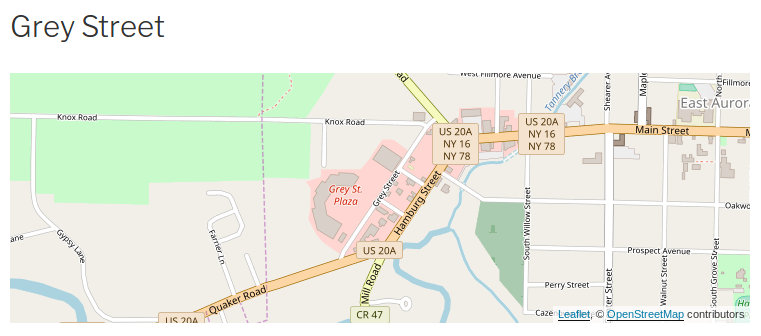
We can add a marker simply by adding a similar shortcode (the default marker is in the map's center):
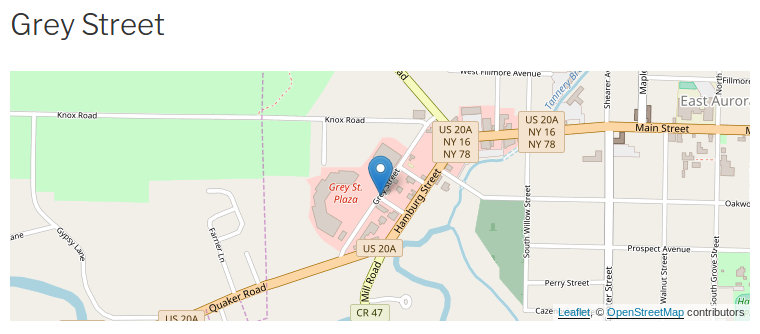
[leaflet-marker]
And a wild marker appears:
Object-oriented Programming
Before this project I did a handful of small websites in PHP, and a few WordPress sites, but I had never been this deep in both. This was my first time learning about T_PAAMAYIM_NEKUDOTAYIM, so I knew I was getting seriously deep in PHP.
I learned more practical things also: I learned how to do object-oriented programming in PHP. I learned a bit about how classes worked (public, protected, and private variables), and how to include them to use them. It was a bit different from what I was familiar with in Python.
I thought the project was getting too big, because I kept obliging many of the requests on the WordPress plugin support forum; and so I split up the plugin into separate classes, and tried to modularize as much as possible.
<?php
abstract class Leaflet_Shortcode {
    protected $LM;
    /**
    * Generate HTML from the shortcode
    * @var array $atts
    * @var string $content
    * @return HTML
    */
    abstract protected function getHTML($atts, $content);
    public static function getClass () {
        return function_exists( 'get_called_class' ) ? get_called_class() : __CLASS__;
    }
    /**
    * Instantiate class and get HTML for shortcode
    * @var array $atts
    * @var string $content
    */
    public static function shortcode ($atts, $content = null) {
        $class = self::getClass();
        $instance = new $class($atts, $content);
        return $instance->getHTML($atts, $content);
    }
    protected function __construct() {
        $this->LM = Leaflet_Map::init();
    }
}
This is the base shortcode class from which all other shortcodes extend. All of the shortcodes have a getHTML method which passes the shortcode attributes and content, and generates HTML and inline JavaScript. Then all of the shortcodes are registered with WordPress in a simple for loop that passes each classname along with the public 'shortcode' method.
It was fun learning about some of the ins and outs of PHP (although the Hebrew was a bit much). It was nice to feel more comfortable writing PHP, and to learn of the PHPDoc commenting style.