
If you’re using more than one coding agent, you’ve probably run into the same problem I did: every tool ends up with its own prompts.
You improve a PR review prompt in Claude Code... then remember to copy it to Codex. A week later, your release notes prompt diverges. Before long, each agent behaves slightly differently, even though they’re solving the same tasks.
A much better approach is to treat Skills like source code.
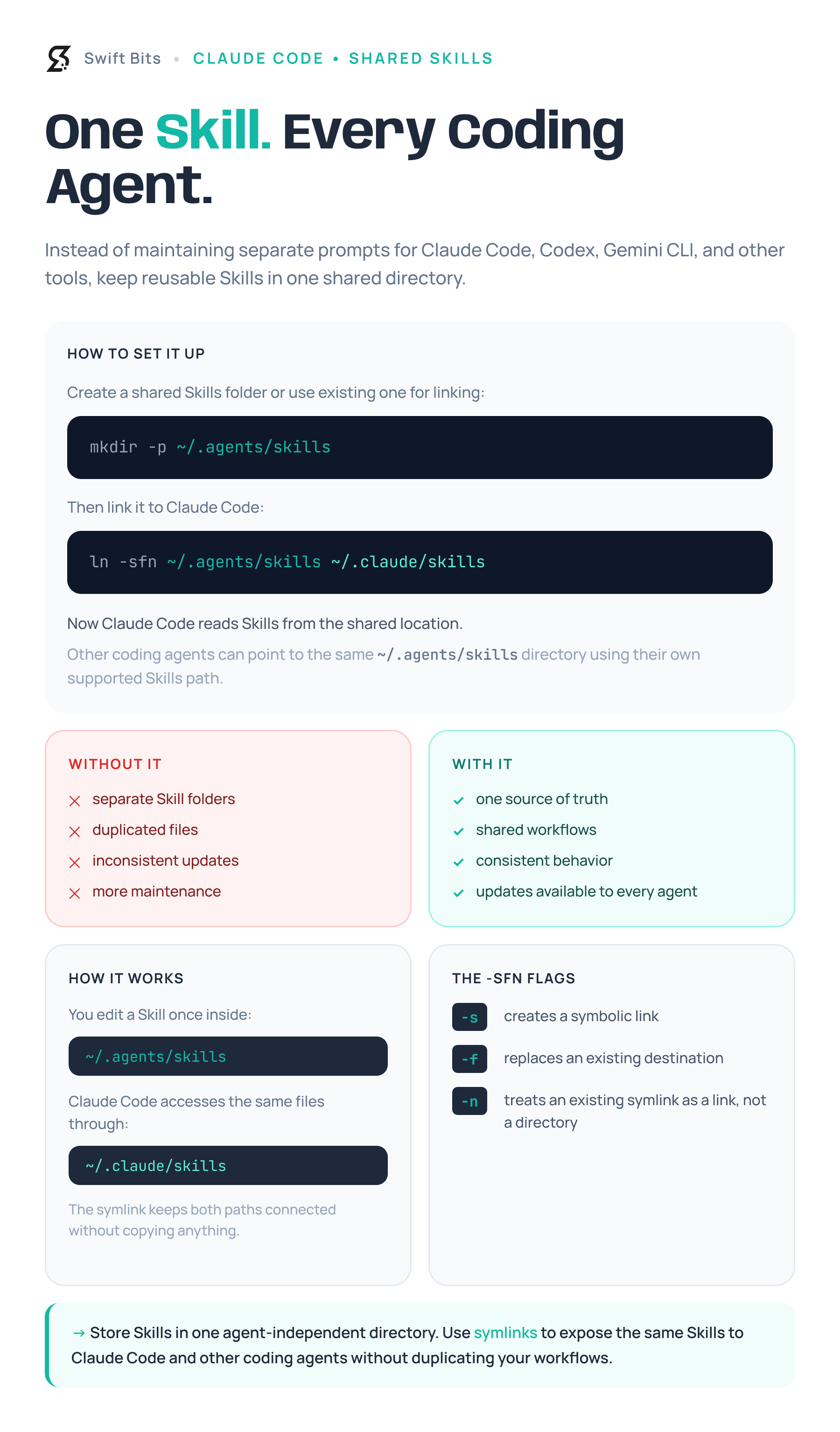
Keep them in a shared directory (for example, ~/.agents/skills) and expose that directory to each coding agent using symlinks or the mechanism the tool supports. Now every improvement is made once and immediately benefits every agent.
This also means your workflows become agent-independent. If you decide to try a new coding assistant tomorrow, you’re bringing years of accumulated knowledge with you instead of rebuilding your prompt library from scratch.
I put together a small infographic showing how to organize a shared Skills directory and connect it to Claude Code. It’s a simple setup, but one that can save a surprising amount of maintenance over time.
No posts
Comments
Nothing yet. Say the first thing.
Sign in to join the conversation.