
Hi!
I hope you’ve enjoyed the holidays like me - they’ve given me a chance to add some add features to the ‘mini-apps’, fix some bugs and set up a brand new service for you, to make it easier for you to get start using the AI 🎁
If you haven’t seen these ‘mini-apps’ before, here’s a quick demo video.
As you might have seen, paid subscribers have had access to these new features for about a week and now free subscribers can use them too.
Updated App Shortcut & existing Settings Shortcut (video setup guide here), for anyone downloading this for the first time
Added an option to copy a response from GPT-3 to your clipboard, rather than sending it to Notion
Improved the quality of answers from GPT-3 by adopting some of the prompts that Notion uses for Notion AI (thank you swyx)
The Shortcut will stop running more quickly after you’ve sent the response to Notion
You won’t be ask to choose your type of request or the coding language if you chose Script, when you resubmit requests
I want these ‘mini-apps’ to be as easy to set up as possible. If you didn’t try them out yet because you were put off by having to create an OpenAI account and API key, now you don’t have to!
You can subscribe to ProductivAI and send up to 500 requests per month, using the widget or Apple Shortcut below, for $7 per month or $3 per month if you’re a paid subscriber to this newsletter.
🔗 Here’s how to claim the discount if you’re a paid subscriber.
As a subscriber, to set up the Apple Shortcut all you’ll need is:
A Notion account (affiliate link) and API key
📝 If you downloaded the Settings Shortcut before, you will still need to download this new version of that Shortcut to use ProductivAI.
As a subscriber, to set up the Rows widget all you’ll need is:
A Notion account (affiliate link) and API Key
A Make account (affiliate link) and this scenario blueprint
A Rows account (affiliate link) and the widget template
Optionally - the Apple Shortcut to insert a synced block containing your Rows widget into other Notion pages, which you’ll need to connect with the above Settings Shortcut
📝 If you switch to using the Ada model, rather than the default Davinci model, for your requests then you can make up to 10,000 requests per month. Ada is quicker but less smart than Davinci so that model should generally only be used for simple requests.
This service will work with the other OpenAI models too, please message me if you’d like to know the limits for those.
⬆️ If you think you’ll need more than 500 requests per month and you’re happy to pay more then please let me know and I’ll set up some extra tiers.
In case you missed it, I’ve fixed these bugs in the new versions of the ‘mini-apps’.
Prevent a question mark from being included in the response if you ask a question without adding a question mark at the end of the text
Reduce how often (or hopefully completely stop), OpenAI from responding with an “invalid JSON” error when certain characters are included in your request
Prevent an “invalid JSON” error when the Shortcut was used in countries that use a comma as their symbol for a decimal point
Rows widget (or copy this formula into cell B6 in the GPT-3 Response table):
=IF(LEFT(B5,1)="?",SUBSTITUTE(RIGHT(B5,LEN(B5)-1),LEFT(RIGHT(B5,LEN(B5)-1),1),"~"),SUBSTITUTE(B5,LEFT(B5,1),"~"))Apple Shortcuts App (or paste
\A\?\n\n|\A\n\nhere):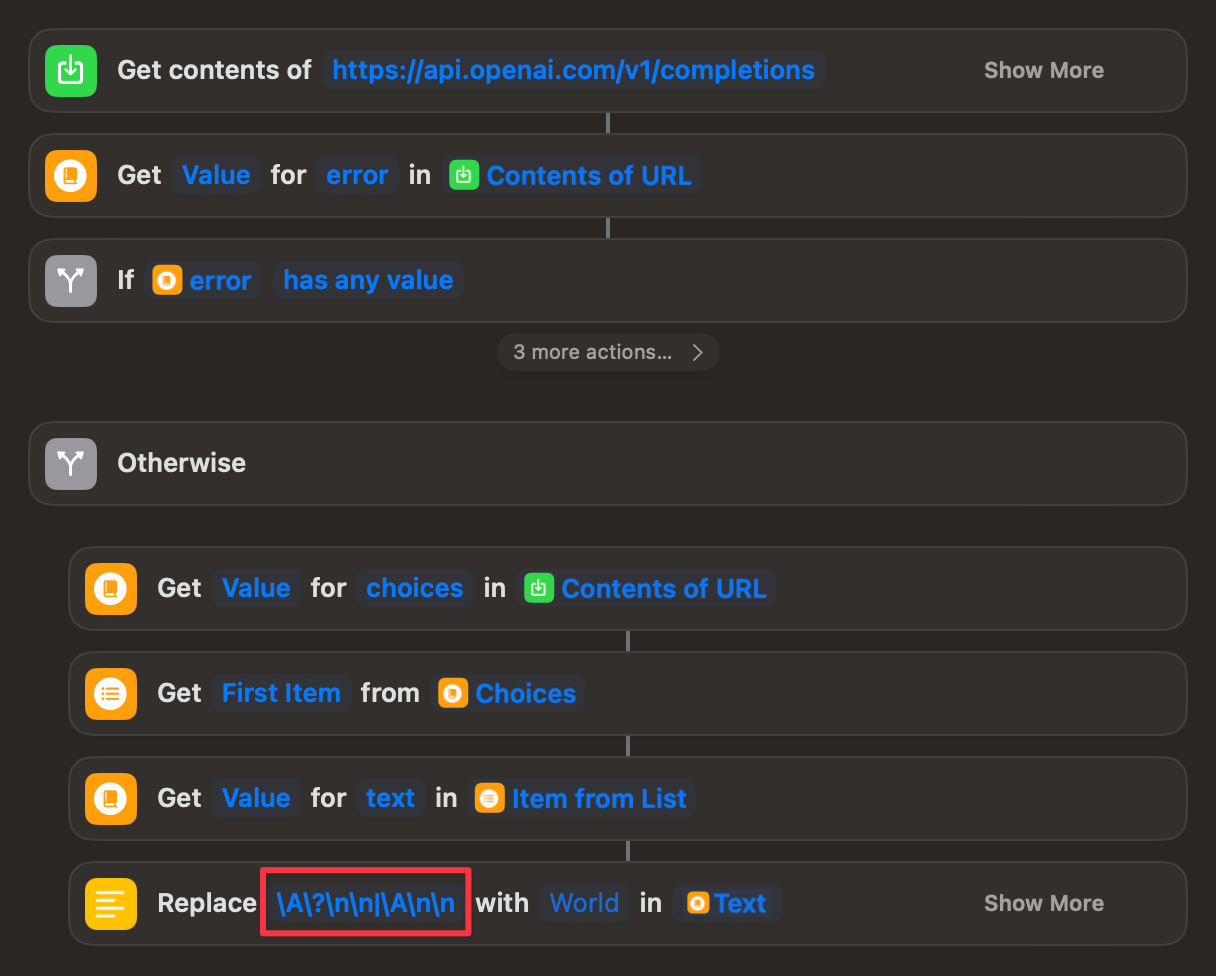
A Quick Tip
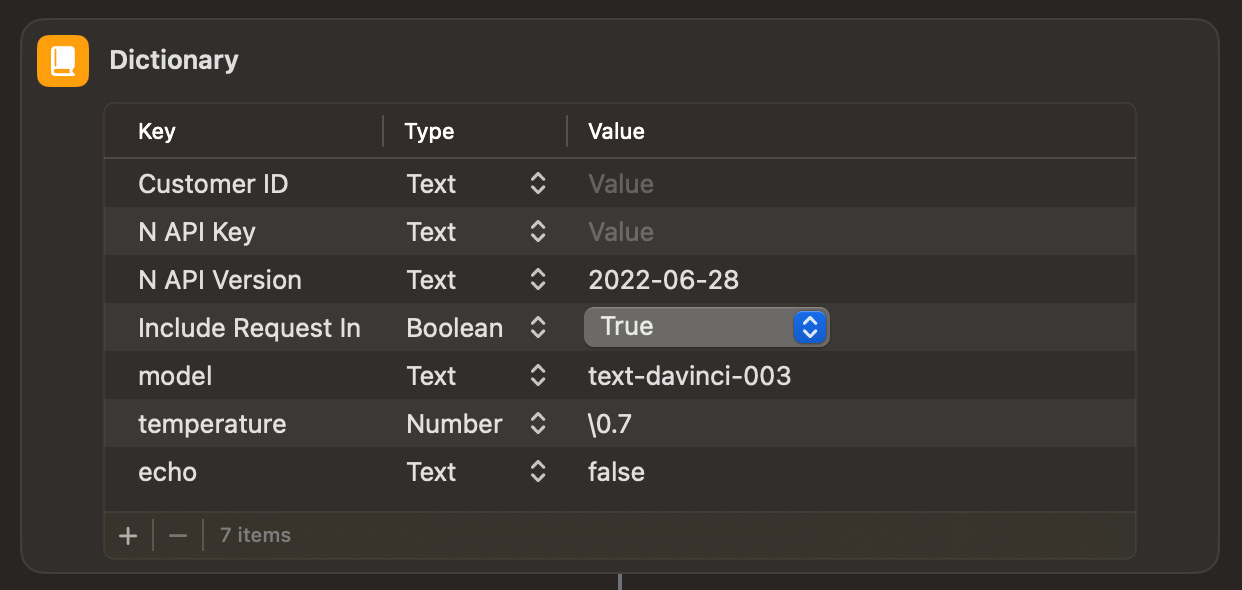
The thing that seems to have caught most people out when setting up the Apple Shortcuts is configuring the settings in the Settings App. Please make sure you enter your Customer ID (if you’re a subscriber to ProductivAI) and your Internal Integration Token here. You should be prompted to do this the first time you open the Shortcut.


That’s all for now, speak soon!
Alex
No posts
Comments
Nothing yet. Say the first thing.
Sign in to join the conversation.