
Hi Notioneers!
The wait is over, my Slack app Sortero is available now + we finally have access to the API that powers ChatGPT 💥
This Slack app’s handy for 2 things - quickly adding new entries to your database yourself and making it easy for teammates to send info to Notion, straight from Slack.
No one likes constantly switching between apps, let alone copying and pasting requests from Slack into Notion and now you don’t have to ☺️
Users simply complete a form with the details that they want to send to Notion, click submit and an entry will be created in a Notion database of your choice.
Try Sortero with a 7 day free trial and then subscribe for the launch price of $10 a month, for your whole company. Or get access for free when you subscribe to this newsletter.
There’s no limits on the number of team members who can use the app or how many workflows it can be added to. More details about the app here.
As a bonus, you’ll be able to download my Ticket Management System Notion template (worth $20), for free when you start the trial.
Even though it only launched yesterday, I’m sure you’ve already seen 10s of posts on TikTok or Twitter about the new ChatGPT API. It’s better for a few reasons:
It’s smarter
It’s quicker
It’s 10x cheaper
On top of that, it’ll be continually updated over time, unlike the previous models.
I spent the my evening upgrading my GPT-3 Apple Shortcut to add support for the new API and it’s ready for you to try now 🎉
Both the Settings and App Shortcuts need to be updated.
Settings
You can enter
gpt-3-5-turboas themodelin your copy of the Settings Shortcut or download this new version of the Shortcut
App
Download the new version of the Shortcut here
Download the two Shortcuts from the links above
Generate an API Key here
Follow the steps in this setup guide
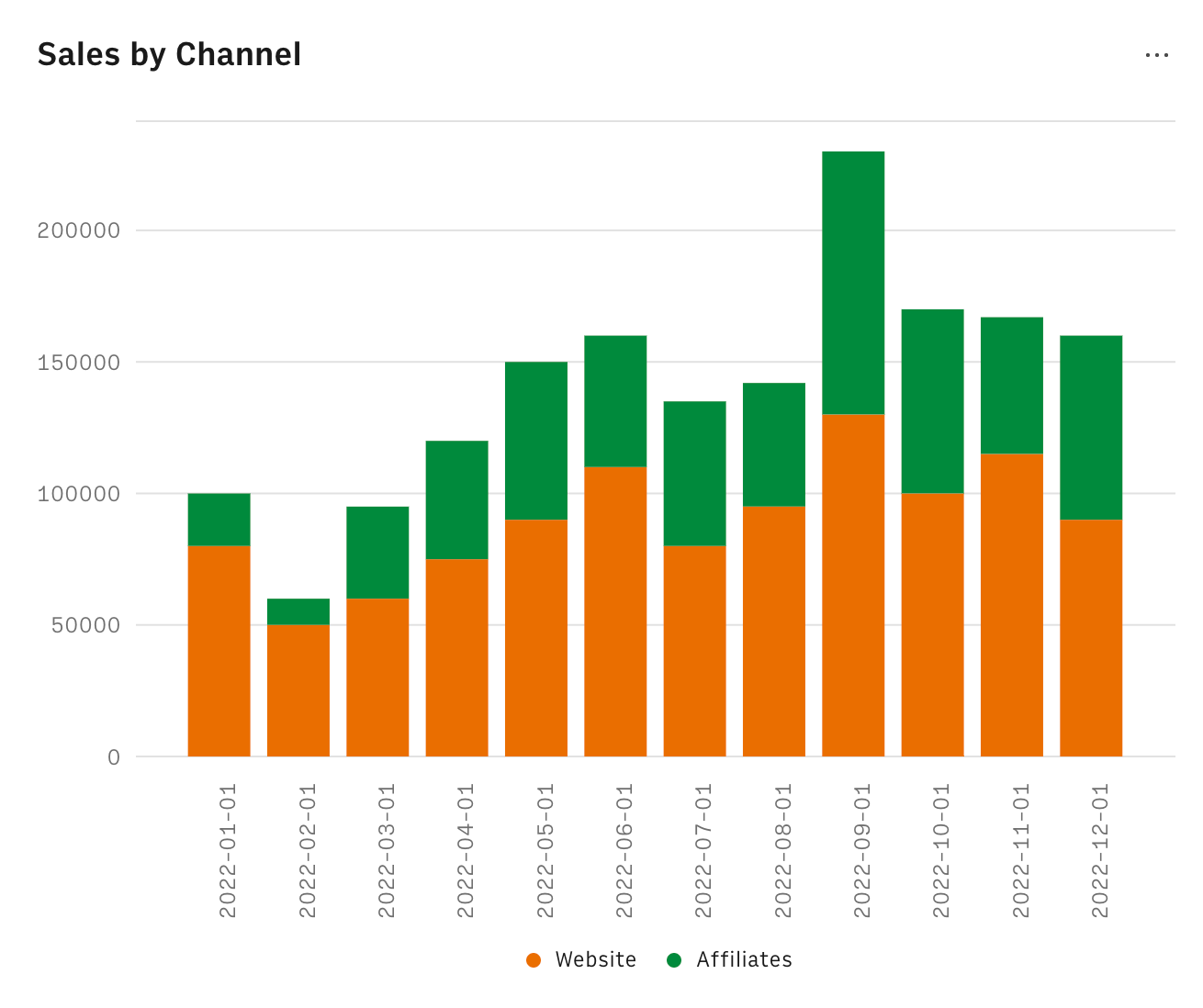
Soon I’ll be releasing a free Rows template that’ll let you add charts to your Notion pages.
See you soon!
aNotioneer
No posts
Comments
Nothing yet. Say the first thing.
Sign in to join the conversation.