This site does not allow itself to be embedded. You can still read it on the original site — the toolbar below keeps your place in the directory.
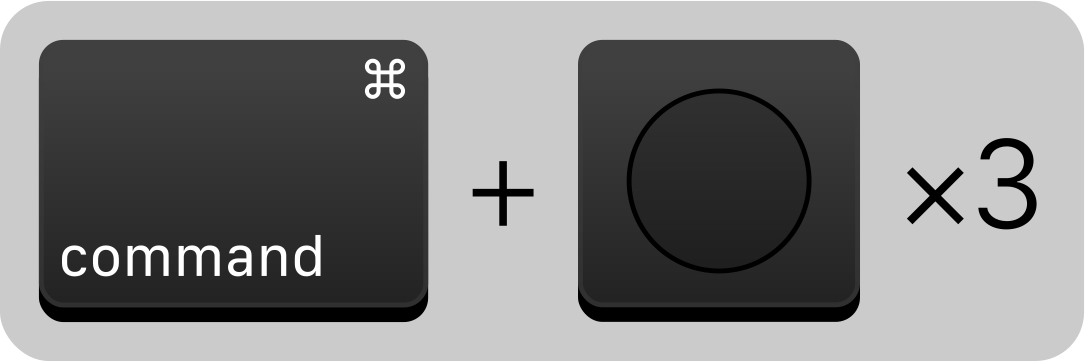
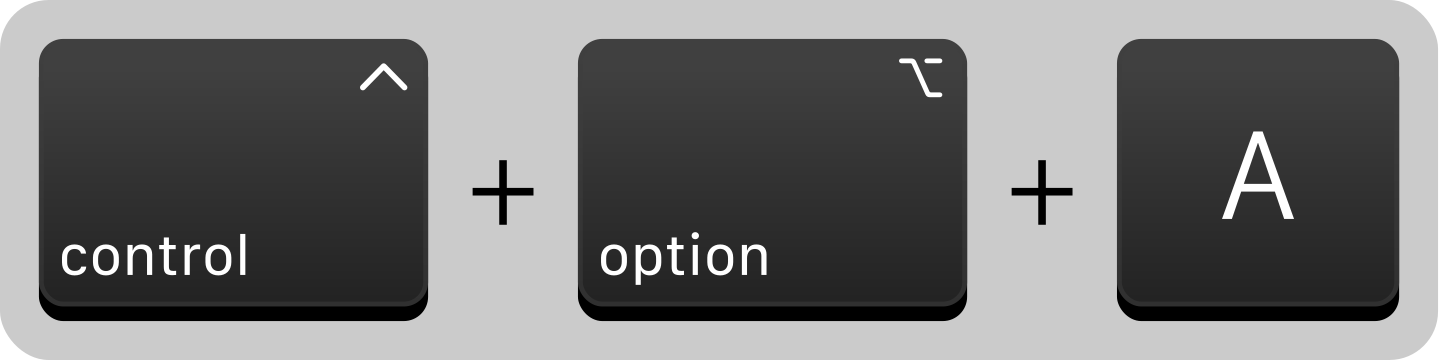
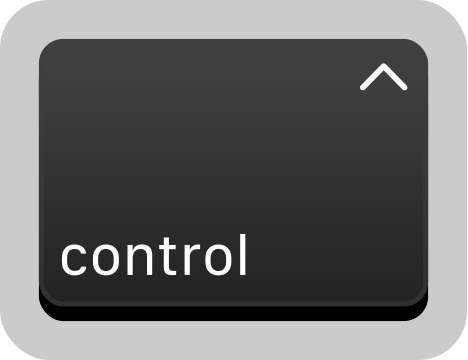
The screenreader on Mac OS is called VoiceOver. With a few simple keyboard shortcuts we can learn to use it and gain an appreciation for how websites can be used with assistive technology. Turn on/off voice over with Command plus Touch ID 3 times. Alternatly use Command plus F5. Press Control plus Option plus A to read the page Press Control to pause and resume the reading of the page Press Tab to…
The screenreader on Mac OS is called VoiceOver. With a few simple keyboard shortcuts we can learn to use it and gain an appreciation for how websites can be used with assistive technology.
Turn on/off voice over with Command plus Touch ID 3 times. Alternatly use Command plus F5.Press Control plus Option plus A to read the pagePress Control to pause and resume the reading of the pagePress Tab to move to the next focusable item (link, button, input, etc.)Press Control plus Option plus U to use the rotor (jumps to specific page elements)Press the left or right arrow key to navigate the roter (landmarks, headings, links, etc.)



Comments
Nothing yet. Say the first thing.
Sign in to join the conversation.