
Create QR codes for websites, text, Wi-Fi, calls, and messages with custom styles
Fill in the form to get started creating your QR code
Fill in the form to get started creating your QR code
Foreground
Foreground Hex
Background
Background Hex
Open and edit in Figma
Generate a custom QR code, then click 'Get QR Code' to add it to your designs. You can place your code in marketing materials, social posts, slide presentations, or any design file.
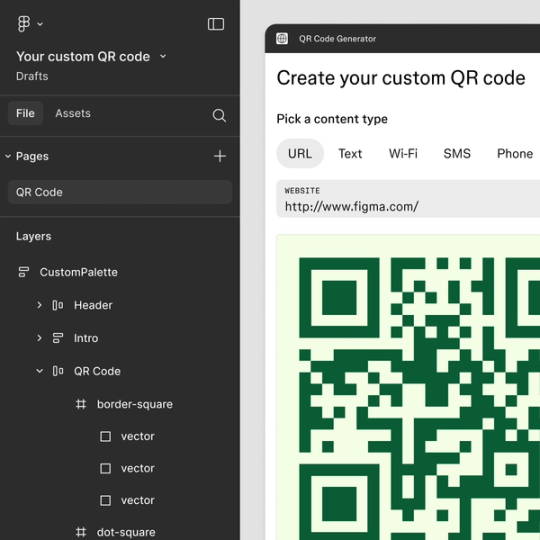
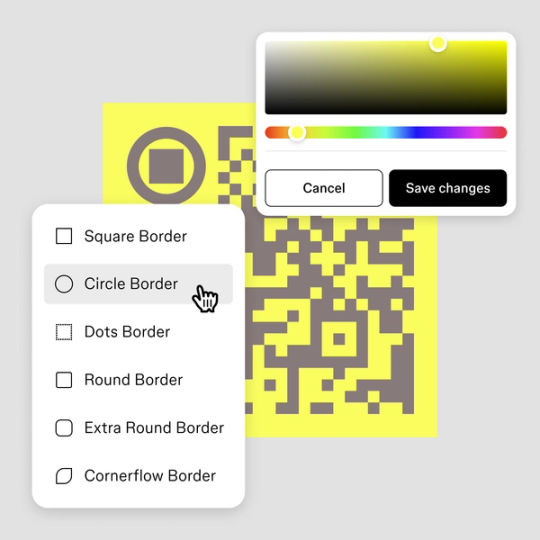
Style your QR code
Use colors from your design system or enter values to match your brand. Choose markers and patterns, then adjust spacing and size as needed. The built-in contrast checker ensures your code stays scannable.
From websites to Wi-Fi
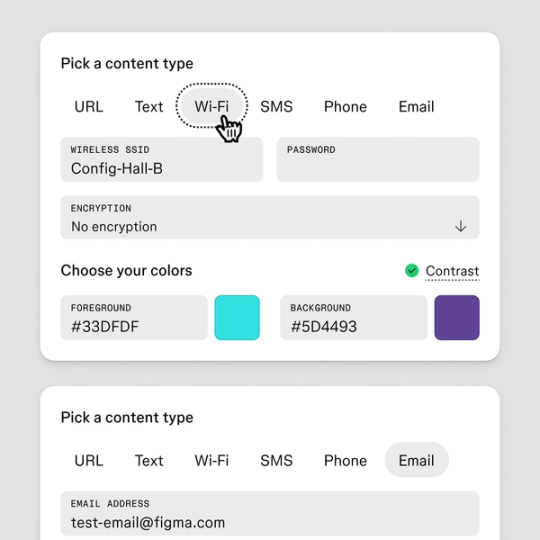
Create QR codes for a variety or purposes: websites, plain text, W-iFi networks, phone calls, and SMS messages. Each type offers a unique way to connect your audience with your content.
Frequently Asked Questions
Keep exploring

Explore color schemes
Find the perfect balance and create stunning color schemes with Figma’s Color Wheel.

Explore More Tools
Color & Palette Tools
Typography & Text Tools
Design Utility Tools
Comments
Nothing yet. Say the first thing.
Sign in to join the conversation.