
Last Tuesday I sat across from a developer on my team who had just installed Claude Code. He’d found a checklist online. Seventy-two steps. He was working through it methodically, like it was an onboarding document.
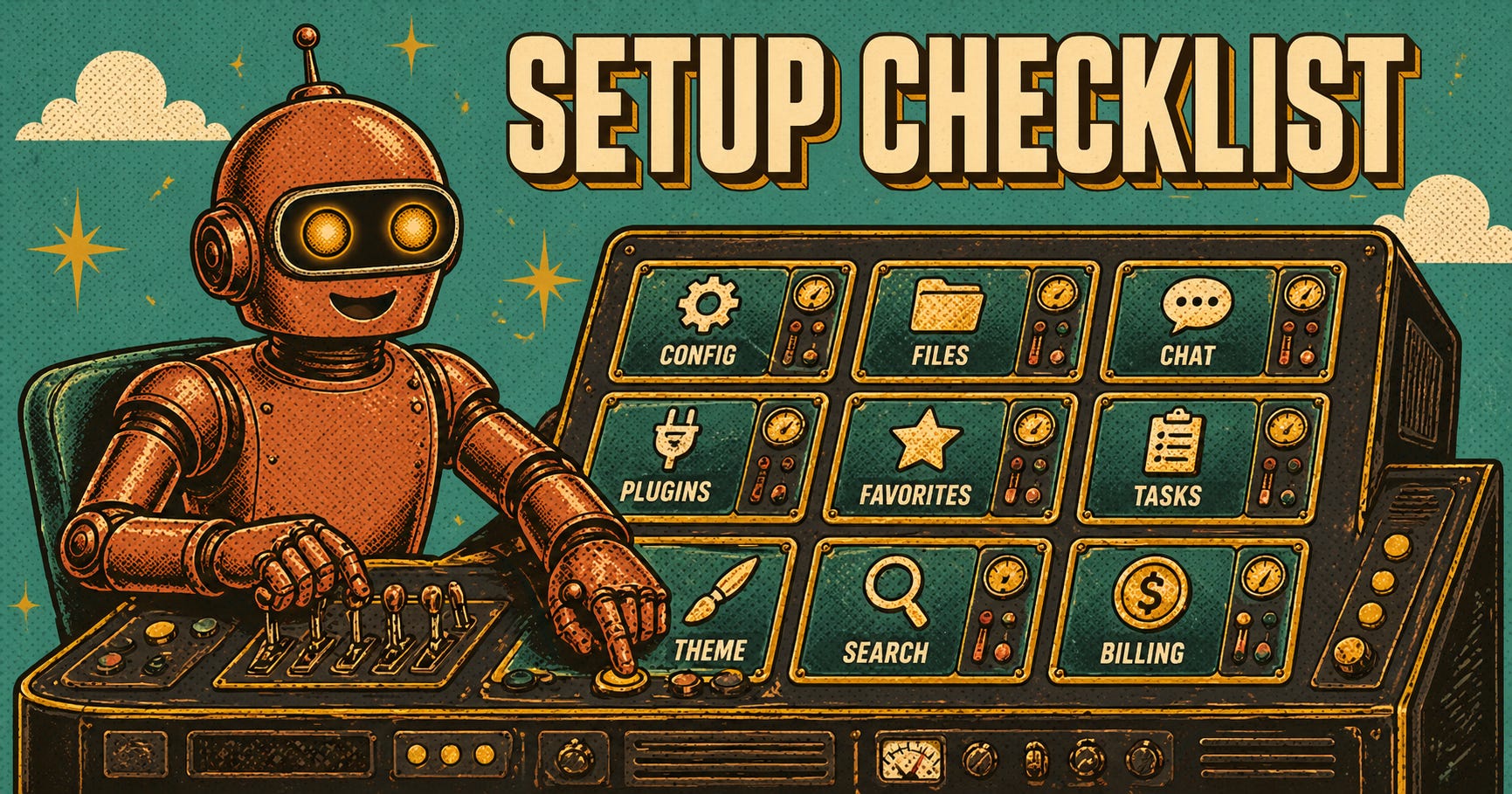
He was on step 34.
I asked him what he’d shipped so far. Nothing. He’d been configuring for two hours.
I recognized the pattern because I’ve done it myself. I’ve spent entire afternoons arranging context folders, writing global instructions, connecting integrations I’d never use, and tweaking settings that made zero measurable difference to my output. It feels like work. It isn’t work.
(I wrote a different version of this on Medium, focused more on walking through the full checklist with production additions. This one is the unguarded version.)
Ruben Hassid, who runs the “How to AI” newsletter to over 400,000 subscribers, compiled that 72-step checklist. It’s thorough. He did solid work. My Medium piece walked through every section and added notes from running Claude Code across 340+ tracked sessions with a seven-person engineering team.
But here’s what I couldn’t say in that format: most of the 72 steps don’t matter.
Not “don’t matter eventually.” Don’t matter at all for most people. The checklist is comprehensive because comprehensiveness is what gets shared. Longer articles, more sections, more perceived value. But comprehensiveness and usefulness aren’t the same thing. I’ve watched seven engineers configure their Claude setups over the past six months. The setups that survive are minimal. The setups that fall apart are the ones that tried to implement everything.
Here are the six changes that actually moved the needle. Everything else is optional at best.
Alireza Rezvani is a reader-supported publication. To receive new posts and support my work, consider becoming a free or paid subscriber.
1. Write your anti-AI-writing-style file
Not the about-me. Not the global instructions. The anti-style file. The list of words and patterns Claude should never use in your output.
I know this sounds backwards. Most guides start with “tell Claude who you are.” But identity files are vague by nature. “I’m a CTO building AI products” tells Claude almost nothing it can act on. Banning “delve,” “it’s worth noting,” and “in today’s fast-paced world” changes every single output immediately.
It took me three months to figure out that the negative constraint was more powerful than the positive instruction. I kept refining my about-me file. Adding more detail, more context. Output quality barely moved. Then I added a 30-line banned-words file and the improvement was instant and visible across everything Claude produced for me.
2. Enable autoMemoryEnabled in Claude Code
One toggle in ~/.claude/settings.json. Before we enabled it, every Claude Code session started from zero. It re-discovered our build commands. Re-learned our project structure. Re-stumbled on the same environment quirk we’d already explained three times that week.
After: first-pass success rate went from 71% to 94% across the team. Not because memory made Claude smarter. Because it stopped making Claude forget.
3. Write a CLAUDE.md file for every project
Boris Cherny’s is about 100 lines. Mine average 80. Some of my team members write 200-line files and they don’t perform better. They perform worse, because Claude starts conflating instructions when there are too many.
CLAUDE.md is not documentation. It’s leverage. Build commands, architecture decisions, known quirks, testing patterns. That’s it. If you’re describing your company’s mission statement in CLAUDE.md, you’ve lost the plot.
4. Reduce your context, don’t expand it
This one cost me real money to learn. We were running sessions with 134K tokens of context. Project files, about-me files, reference docs, everything loaded at once. Outputs were mediocre. Generic. Cautious.
We restructured into focused, task-specific sections. Context dropped to 28K tokens. Outputs got sharper, not worse. API costs dropped 79%.
The instinct is always to give Claude more context. The reality is that Claude performs best with precise context. Every unnecessary token is noise that dilutes the signal. I spent two months adding context before I spent one afternoon removing it, and the afternoon produced better results than the two months.
5. Start new chats aggressively
Not every 20 messages, like most guides recommend. Every time the topic shifts. Every time you feel Claude “forgetting” earlier instructions. Every time you catch yourself writing “as I mentioned earlier.”
Long conversations are comfortable. They feel like continuity. They’re actually degradation. The context window fills with stale exchanges, and Claude starts averaging across everything instead of focusing on what matters now.
I resisted this for months because starting over felt wasteful. A fresh chat with a good CLAUDE.md loads in seconds and starts sharper than a 40-message conversation that’s been drifting for an hour. The waste isn’t in restarting. The waste is in dragging forward.
6. Turn off what you’re not using
Connectors. Folders. Extended Thinking. Every feature that’s active is context that’s burning. Gmail connector active while you’re writing code? That’s tokens spent on email metadata. Extended Thinking on while you’re asking Claude to fix a typo? That’s latency and compute for nothing.
The default instinct is “turn everything on, I might need it.” That’s exactly wrong. The best Claude setups I’ve seen on my team are the ones where features get toggled per task, not left on permanently.
Alireza Rezvani is a reader-supported publication. To receive new posts and support my work, consider becoming a free or paid subscriber.
Here’s what I’m not saying: the other 66 steps are wrong. They’re not. Connecting Granola for meeting transcripts is useful. Skills are powerful once you understand them. The token economy section of Ruben’s checklist has real money-saving advice.
But I watched my team spend weeks configuring Claude instead of shipping with it. I did it myself. I built 235 skills and audited them six months later. Twelve ran weekly.
The rest were configuration theater: effort that felt productive but produced nothing.
The hardest lesson in tooling is knowing when to stop configuring and start using. For Claude, that threshold is about six changes. Not seventy-two.
I’m curious whether this matches your experience. If you’ve been through the full setup process, or if you skipped most of it and things still work fine, I want to hear about it. What stuck? What did you abandon within a week? Reply and tell me. I’m collecting what actually survives from real users, not checklist authors.
If this resonated, the deep-dives go further than I can in a free post. $7/mo, $60/yr, or just hit reply — I read every email.
Alireza Rezvani is a reader-supported publication. To receive new posts and support my work, consider becoming a free or paid subscriber.
Comments
Nothing yet. Say the first thing.
Sign in to join the conversation.