
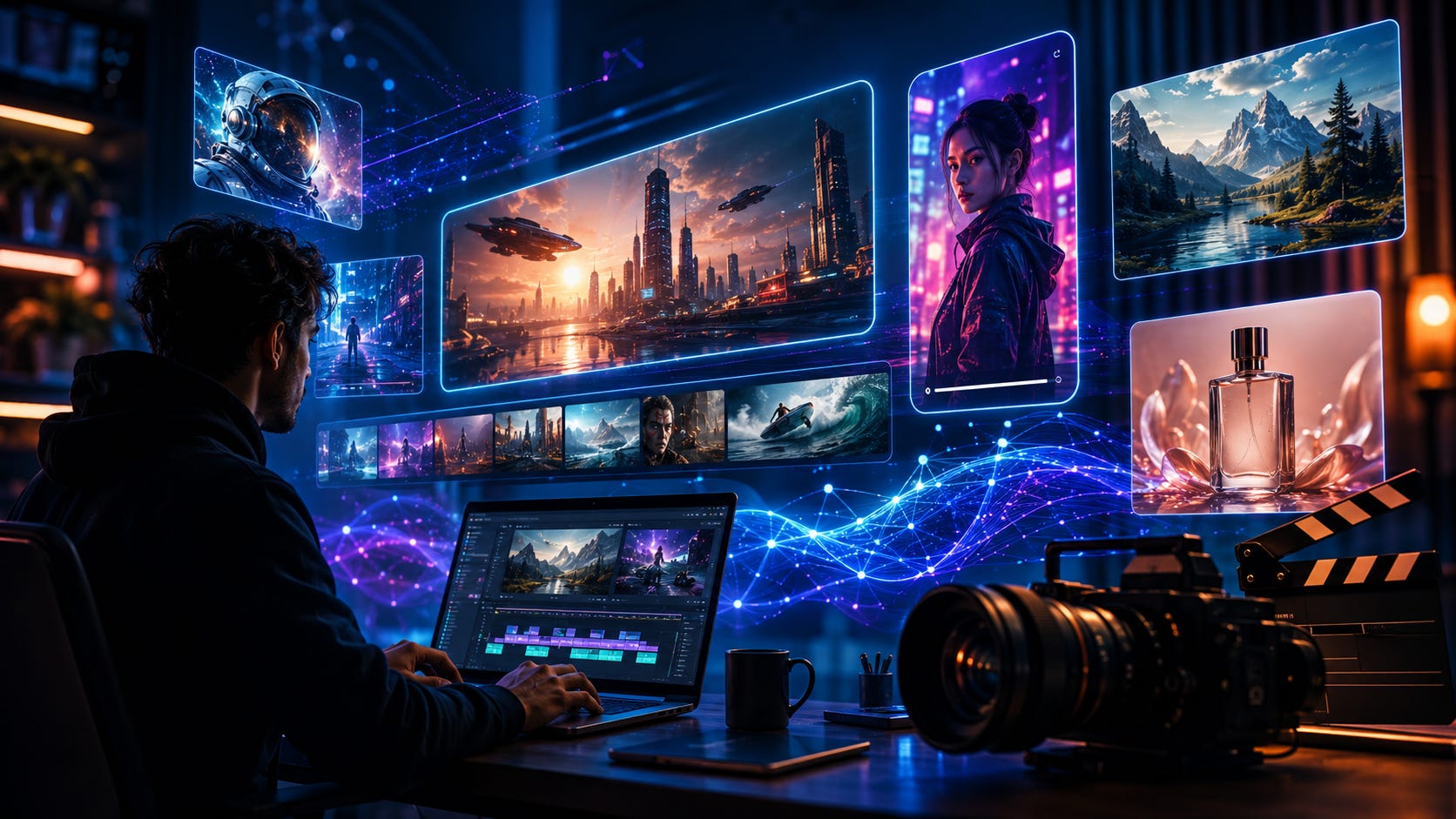
Creating a short film, Instagram Reel or cinematic video no longer requires a big camera setup or editing team.
In 2026, AI video tools can turn a simple text prompt or image into impressive video clips within minutes. Some can even generate realistic movement, camera angles, characters and sound.
If you are wondering which AI video generator is worth trying, here is a simple roundup of the best options right now. 👇
Google Veo 3.1 is one of the strongest AI video models for realistic and cinematic content.
Its biggest advantage is that it can generate video with audio, including environmental sounds and dialogue. Google Flow also gives creators useful filmmaking tools for building scenes and extending videos.
🎯 Best for: Short films, cinematic Reels, ads and storytelling.
Runway is built for creators who want more control over how a scene looks and moves.
You can describe camera movements, actions and cinematic styles in your prompt. It is especially useful for professional videos, commercials and music videos.
🎯 Best for: Short films, cinematic shots, ads and professional content.
Kling is a strong choice when you want to create story-based videos with recurring characters.
It performs well with realistic movement, image-to-video generation and multi-shot storytelling.
For creators making Reels or short films, Kling offers a very good balance between quality and accessibility.
🎯 Best for: Character videos, stories, Reels and short films.
Luma is excellent at turning still images into beautiful moving scenes.
Its AI can create smooth camera movement, transformations and cinematic effects that make ordinary images feel much more alive.
🎯 Best for: Cinematic scenes, image-to-video and creative transitions.
If your main goal is Instagram Reels, TikTok or fun social media content, Pika is one of the easiest tools to use.
It includes creative effects, transformations and object changes that are perfect for eye-catching short videos.
🎯 Best for: Reels, viral clips, funny videos and creative effects.
Adobe Firefly is especially useful for marketers, businesses and existing Adobe users.
You can generate video assets and then continue editing them inside the Adobe ecosystem.
It is a practical option for brands that want AI-generated ads, product clips and promotional content.
🎯 Best for: Advertising, marketing, corporate videos and branded content.
👉 Know More & Try Adobe Firefly
Hailuo makes it easy to upload an image and turn it into a moving video.
It is simple enough for beginners and can produce impressive character movement and social-media-friendly clips.
🎯 Best for: Photo animation, Reels, character videos and quick experiments.
Wan 2.2 is different from most of the tools above because it is open source.
Advanced users can run the model themselves instead of relying completely on a paid platform.
It requires stronger hardware and some technical knowledge, but it gives creators more control.
🎯 Best for: Developers, advanced users and open-source AI enthusiasts.
If you are a beginner, start with Pika, Kling or Hailuo.
If you want to make cinematic short films, try Google Veo, Runway or Luma.
If you are creating business or advertising videos, Adobe Firefly is worth exploring.
And if you want a free open-source option, Wan 2.2 is one of the most interesting choices.
You do not need to generate an entire movie in one go.
A better approach is:
Write the story → Generate individual scenes → Edit them together → Add music, sound and subtitles
For example:
Script → Veo or Kling → Runway → CapCut or Premiere Pro
This scene-by-scene method usually gives much better results.
AI video quality depends heavily on your prompt.
Instead of writing:
“A man walking.”
Try:
“A man in a black coat walking slowly through a rainy city street at night, neon reflections on the road, cinematic lighting, camera following from behind.”
The more clearly you describe the character, location, action, lighting and camera movement, the better the result can be.
AI video generation is quickly becoming one of the most exciting areas in artificial intelligence.
Creators can now make short films, Reels, ads and visual stories without expensive cameras or large production teams.
For most people, Google Veo, Runway and Kling are the three tools worth watching closely.
And for social media creators, Pika and Hailuo make getting started much easier.
The next viral Reel—or even your first short film—might begin with nothing more than a simple prompt. 🎥✨
AI & Tech Insights
Making AI and technology simple for everyone.
Follow us on WhatsApp and Telegram to deliver clean, curated updates on AI and tech—no distractions, just the news you need. 🚀🧠✨
No posts
Comments
Nothing yet. Say the first thing.
Sign in to join the conversation.