
With the release of Midjourney V6 we’ve seen a significant jump in text to generation achieving completely photo realistic images. Although version 5.2 was already a huge step the new version is better at interpreting human input and can now understand text put directly in prompts similar to how DallE-3. We explored that in the previous post. We’re going to take a prompt directing journey with the creation of my first set of the month Ochosi The Orisha of Justice and Hunting.
I’ve done Orishas before and determined the most important colors to associated with Ochosi are blue yellow and green. With Orishas the colors are determined by the culture/religious perspective you’re observing from I chose these three because they seemed the most prevalent. Midjourney V6 doesn’t require very verbose prompts. so starting off simply with a short prompt works well.
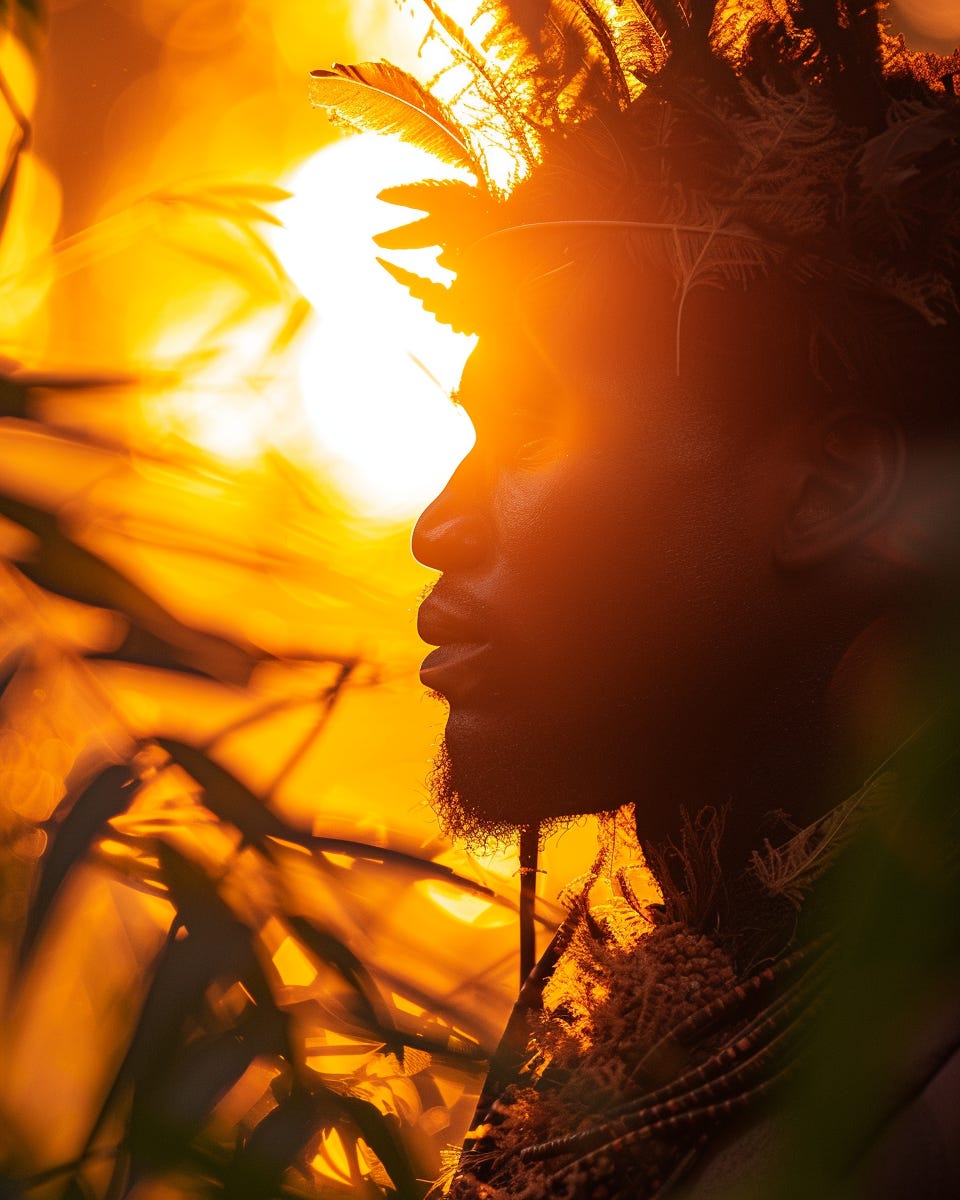
Yoruba Hunter in Jungle at Sunset, Golden hour --ar 4:5 --s 250 --v 6.0
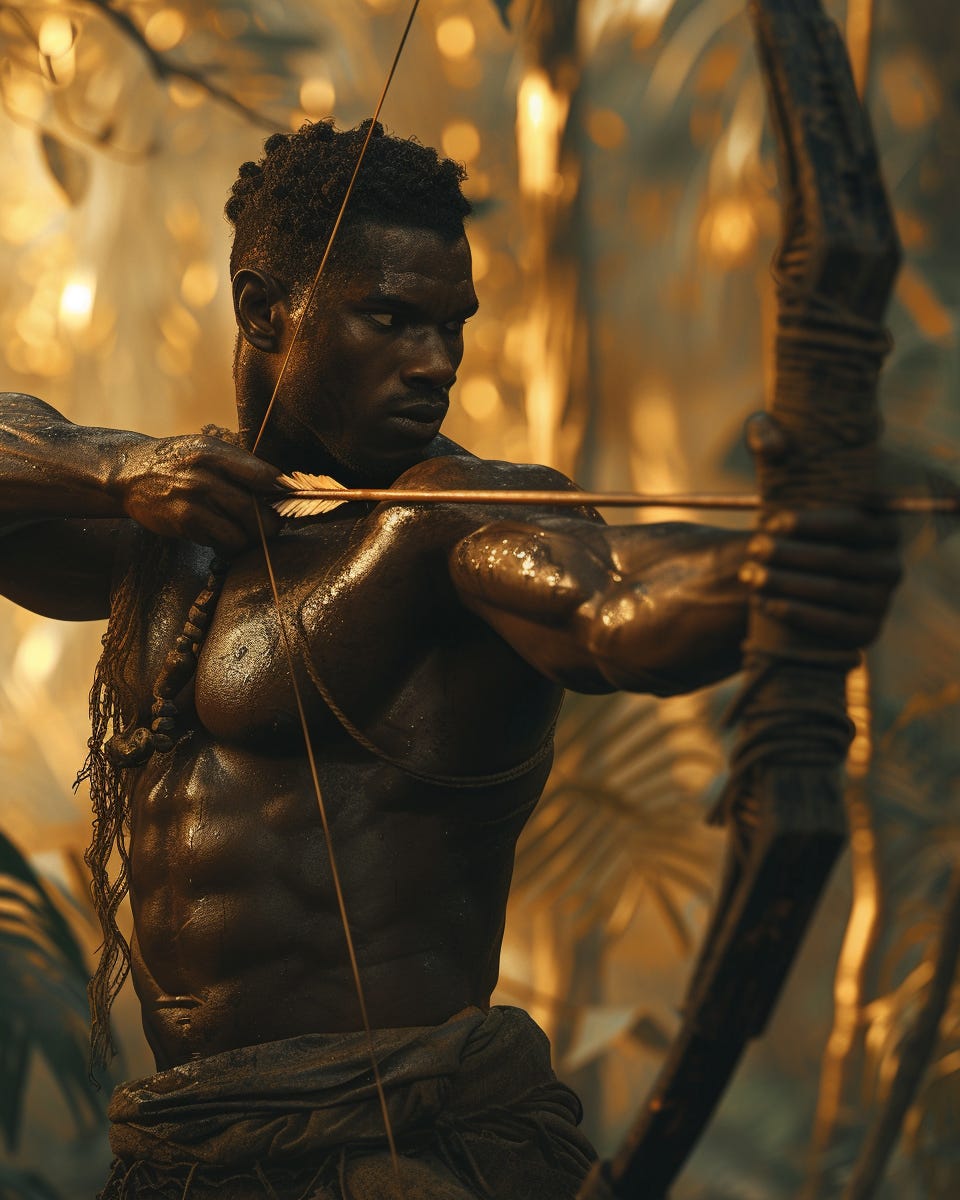
Yoruba Hunter in Jungle at Sunset, Golden hour --ar 4:5 --s 250 --v 6.0
This is a beautiful Image but a bit dramatic I can’t even see the subjects face due to the suns lighting. The Other is great too but an Orisha is a powerful spirit the character doesn’t really embody that. A good starting off point.
So it seems to understand the setting and character very well lets try adding more to the prompt.
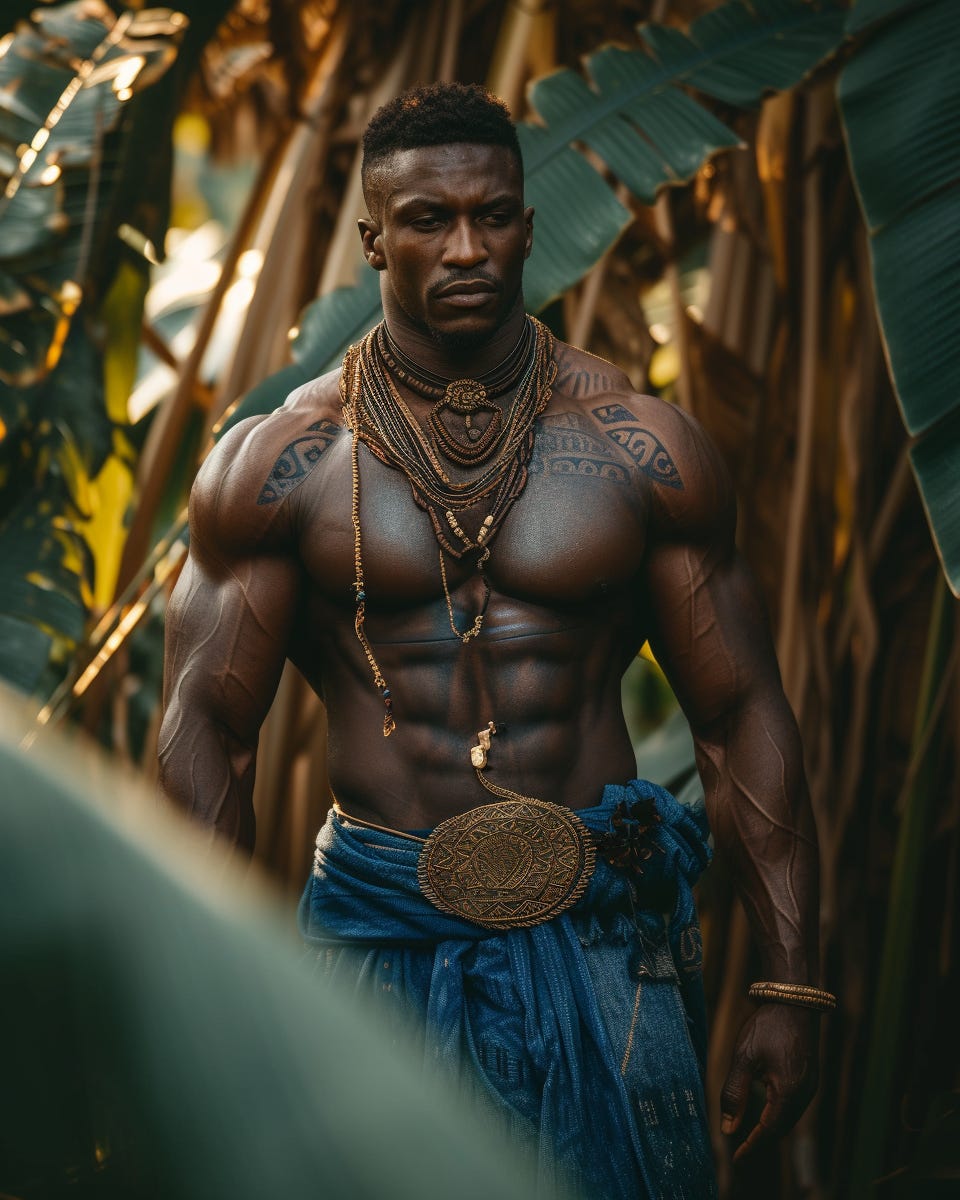
Muscular Yoruba in Blue outfit Stalking in jungle during golden hour --ar 4:5 --s 250 --v 6.0
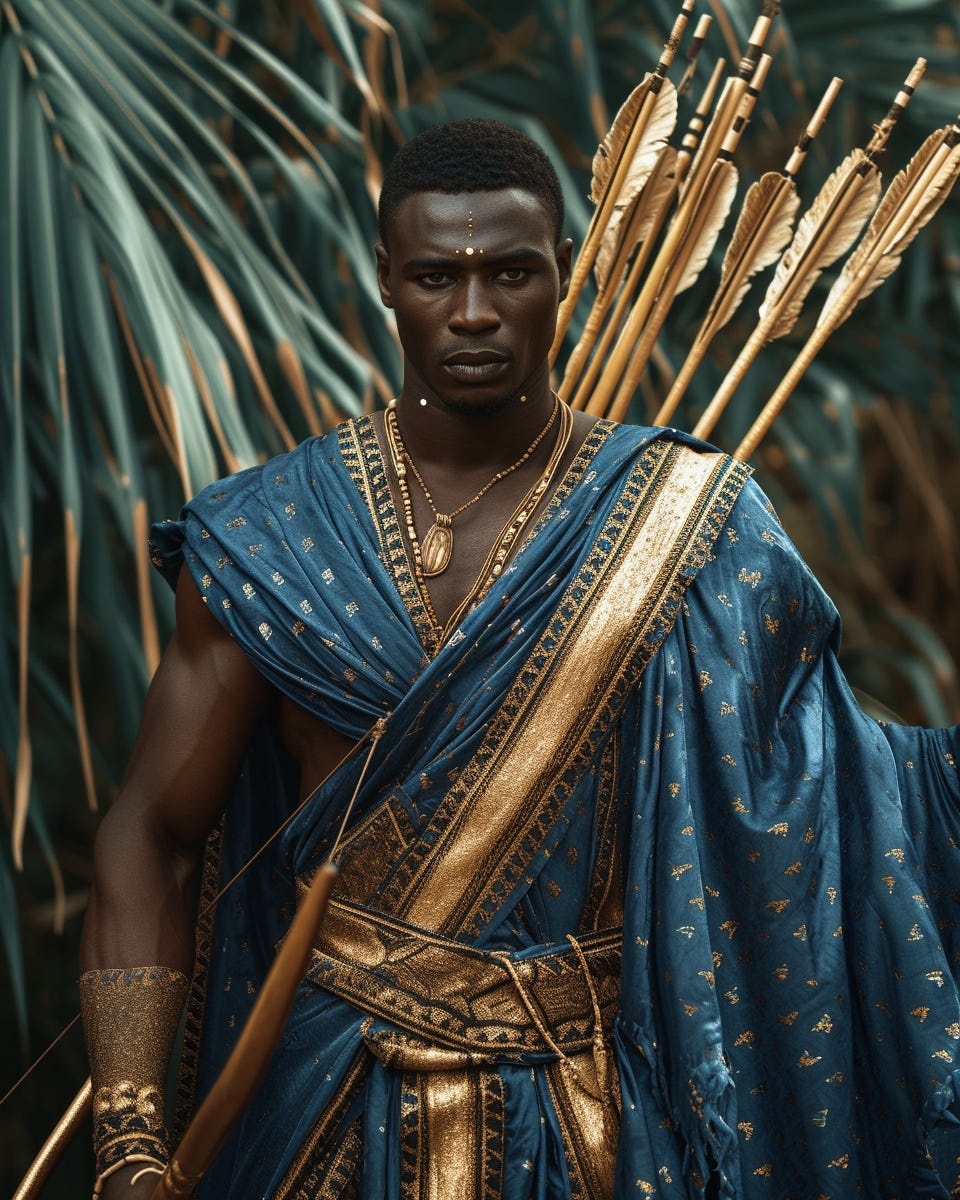
Muscular Yoruba in Blue robes with arrows Stalking in jungle during golden hour --ar 4:5 --s 250 --v 6.0
These two worked well but their missing the photography touch that I prefer to achieve completely realistic looking images. By adding a bit more to the prompt we will be able to achieve that.
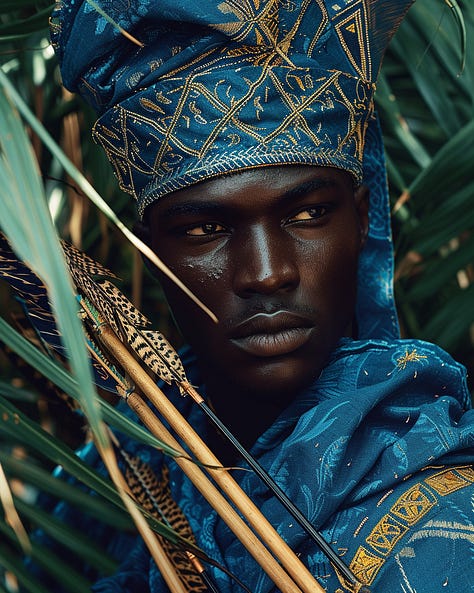
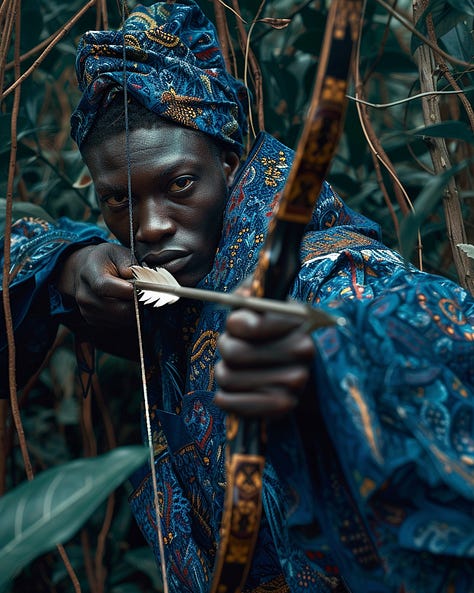
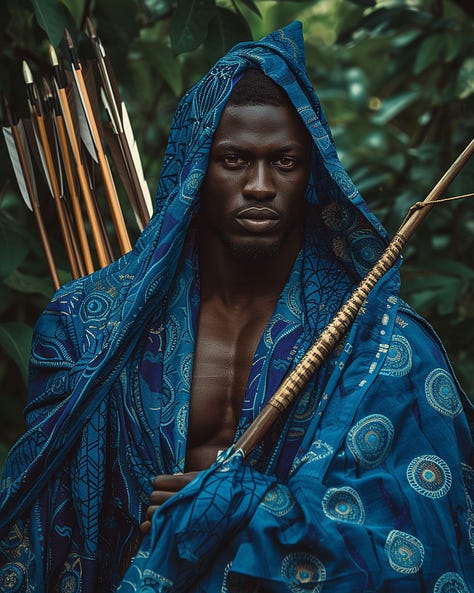
Handsome Muscular Yoruba in Blue regal robes with arrows Stalking in jungle during golden hour, editorial photography --ar 4:5 --s 250 --v 6.0
The added details speak volumes and are what I want they look great though I think They won’t pop out enough to get the reaction or attention to someone seeing for the first time. I will incorporate Yellow into the color scheme of the next ones .
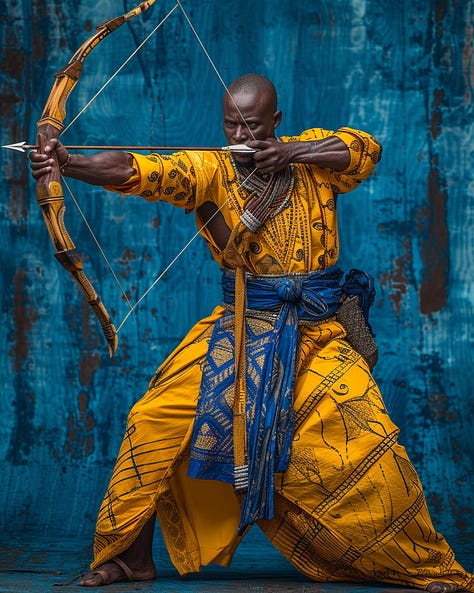
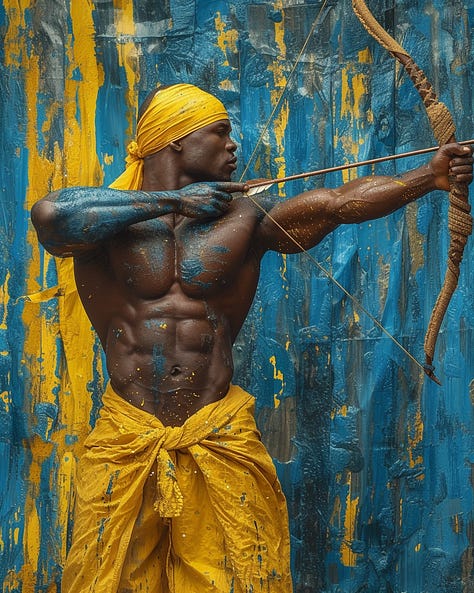
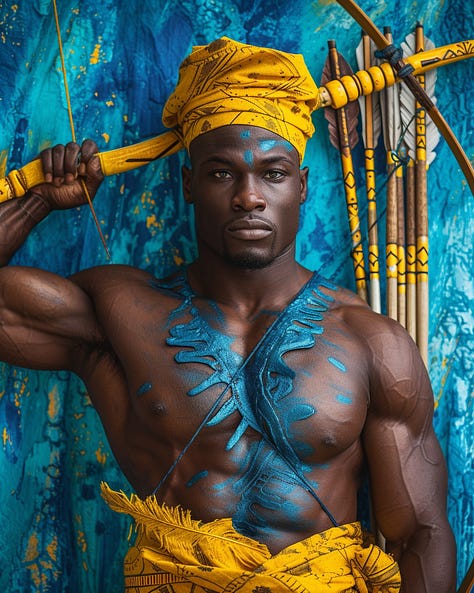
Handsome Muscular Yoruba warrior - king in Yellow - Blue regal robes bow - arrows abstract colorful backdrop in Studio, editorial photography --ar 4:5 --s 250 --v 6.0
These are all great and captivating I replaced jungle with abstract backdrop because let’s be honest it looked lame in the other pictures having a backdrop that allows the character to express themselves helps with the composition. Making the main color Yellow adds a good dramatic contrast to every image.
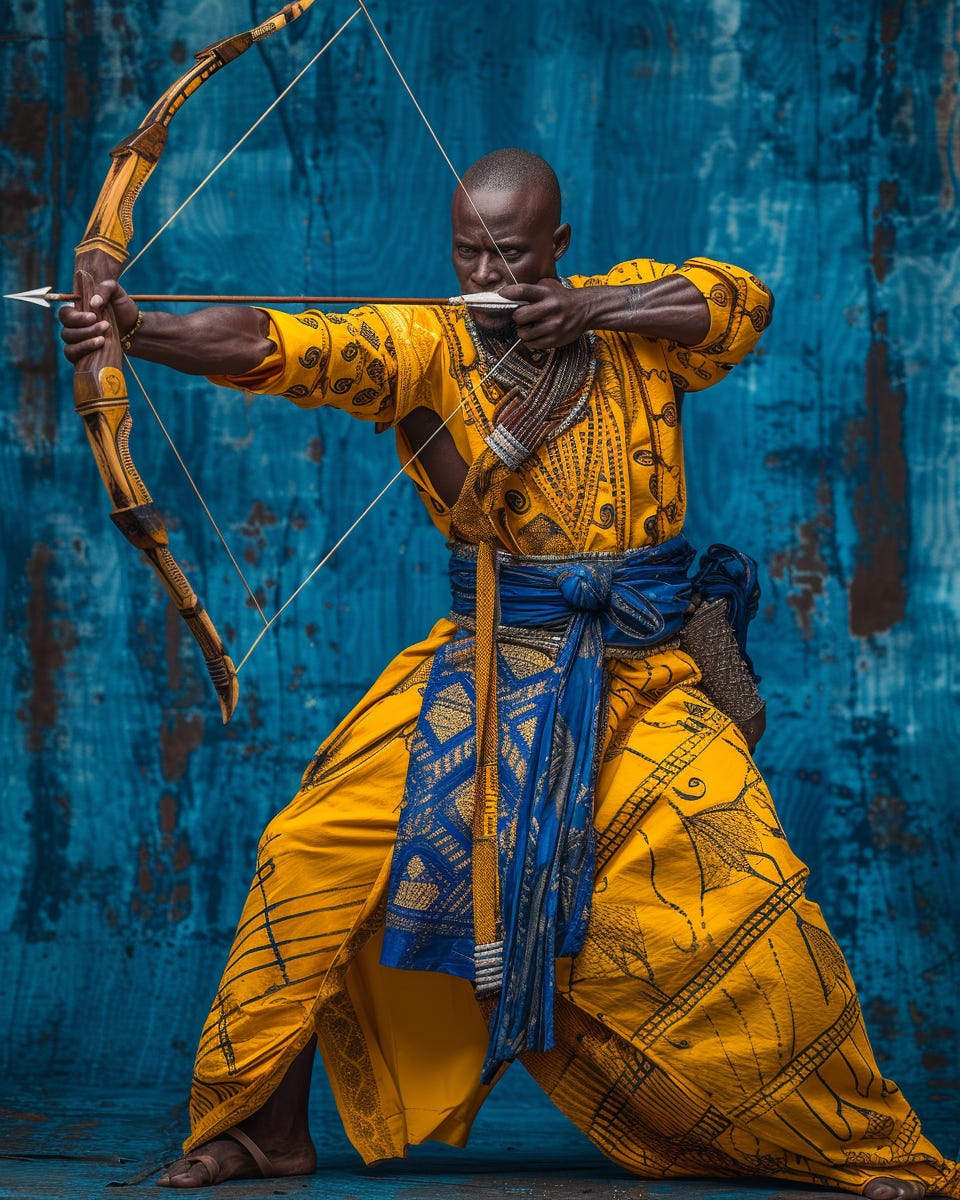
His face looks a bit deformed here lets use Magnific.aito enhance the details.
Magnific is a paid tool used for adding details into images using AI it has a lot of use cases but for ours we’ll just let it fill in and correct some unnatural details; The face being the main thing we need here.
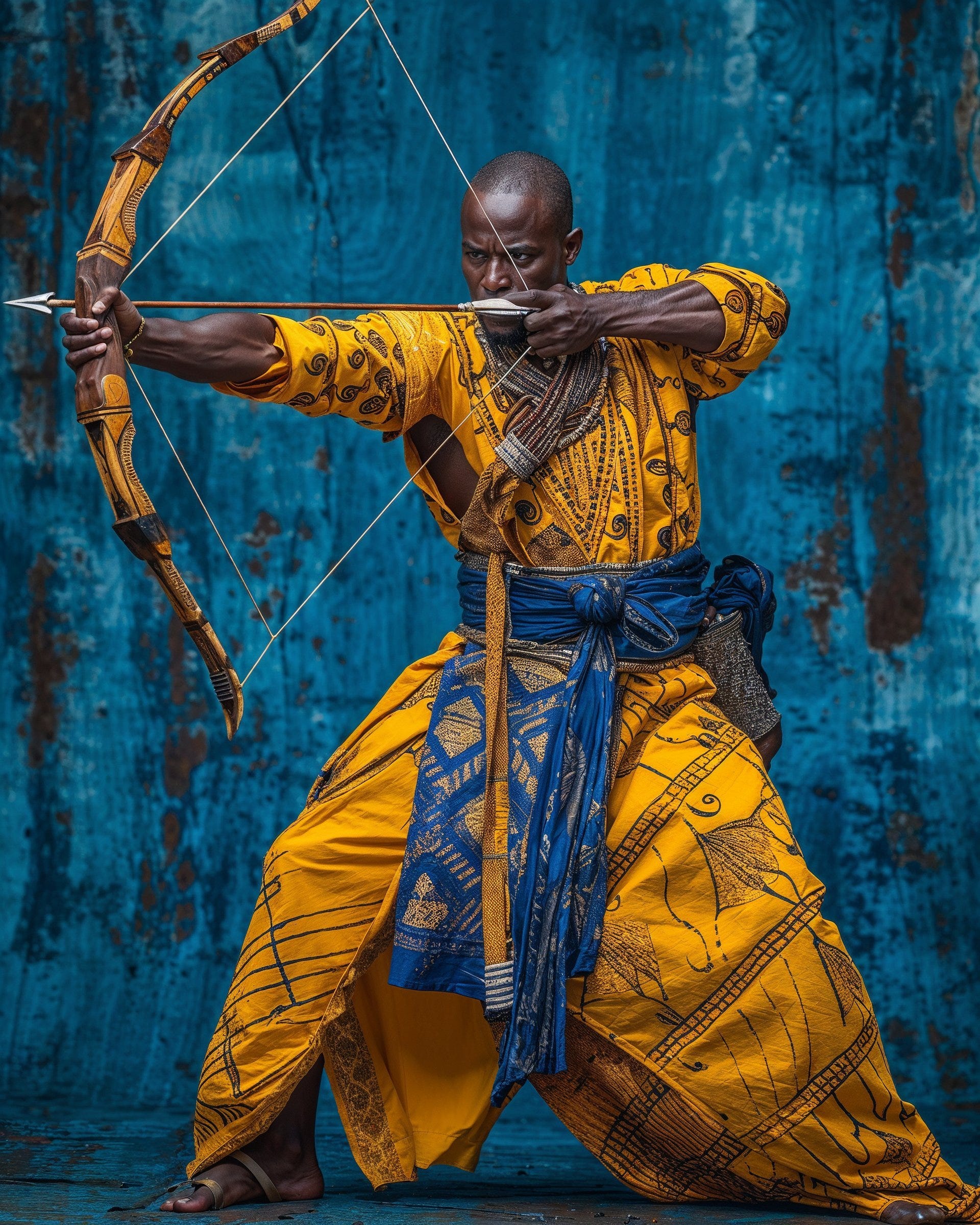
Corrected
With Magnific I use the same prompt minus the Midjourney parameters so that it can have an idea of what I want but it has it’s own internal parameters you can play with as well. specifically I used the settings below

Very basic but my aim is to just enhance not go off the rails.
I can also show you a different example of magnific working well by cranking up the stylization parameters
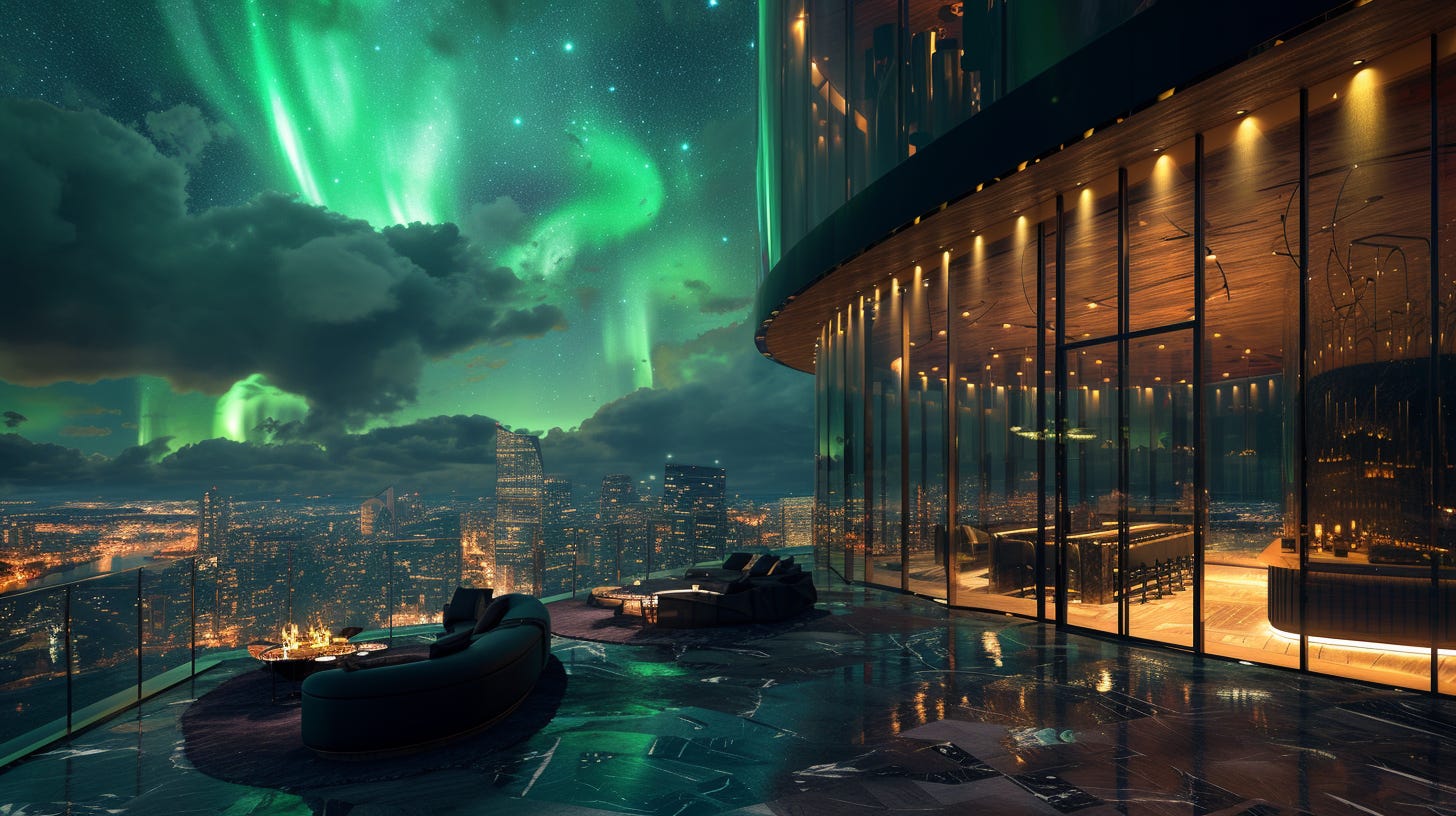
Luxury large Penthouse overlooking skyline, green and gold, northern lights in night sky --ar 16:9 --s 250 --v 6.0
After Magnific
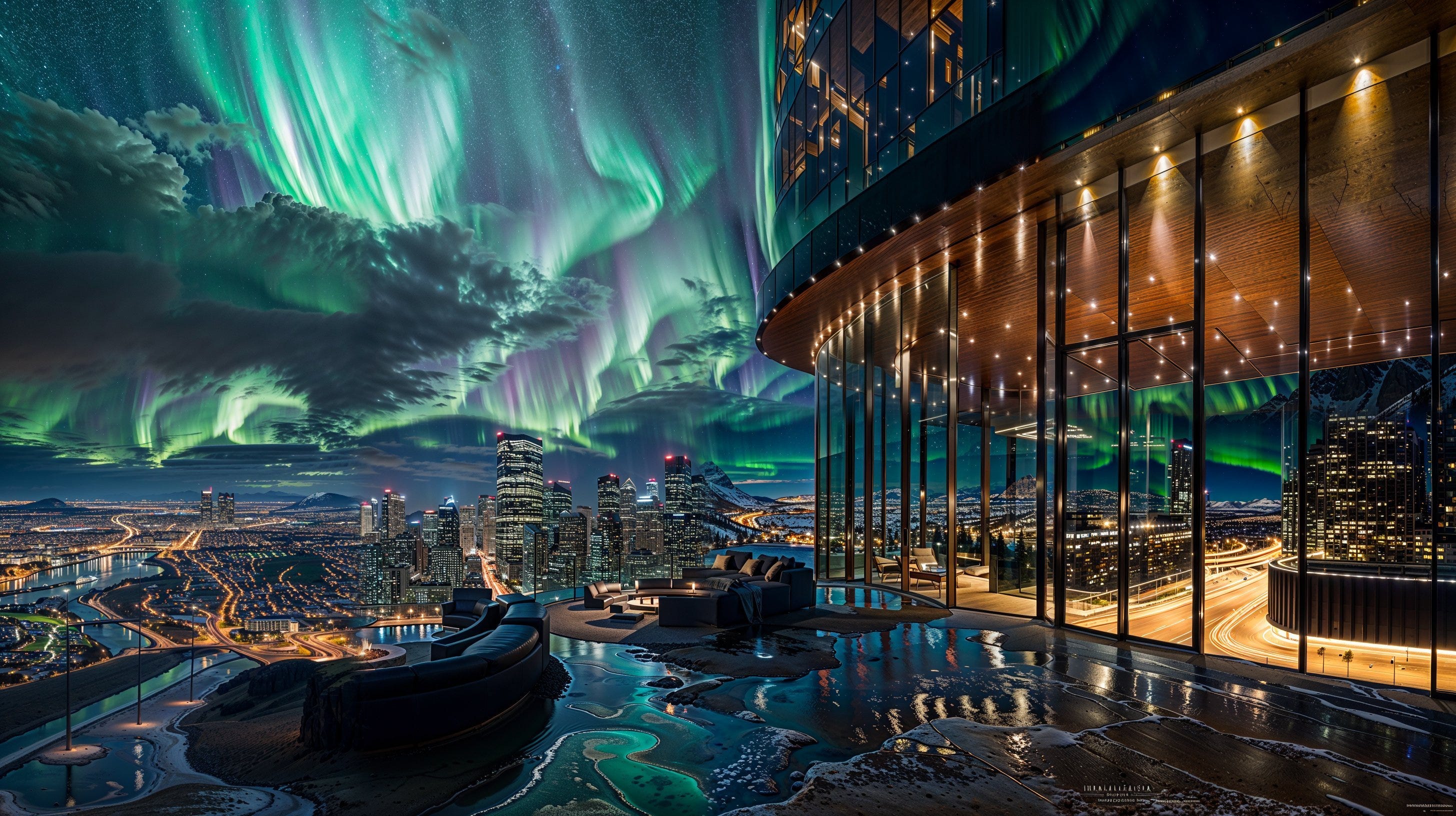
Insane amounts of detail but a bit too fanciful for my tastes.

Here are the finals after Magnific upscaling
They’re huge images I put them in my Google Drive so that you can see them in their full glory
Prompts used
Yoruba Hunter in Jungle at Sunset, Golden hour --ar 4:5 --s 250 --v 6.0
Muscular Yoruba in Blue outfit Stalking in jungle during golden hour --ar 4:5 --s 250 --v 6.0
Handsome Muscular Yoruba in Blue regal robes with arrows Stalking in jungle during golden hour, editorial photography --ar 4:5 --s 250 --v 6.0
Handsome Muscular Yoruba in Blue regal robes with arrows Stalking in jungle during golden hour, editorial photography --ar 4:5 --s 250 --v 6.0
Luxury large Penthouse overlooking skyline, green and gold, northern lights in night sky --ar 16:9 --s 250 --v 6.0
Tools Used: Midjourney V6 and Magnific.AI Photoshop used for minor corrections.
No posts
Comments
Nothing yet. Say the first thing.
Sign in to join the conversation.