
Hey, AI Ready Seeker! 👋🙂
Today, let’s explore some AI tools to help you handle email triage.
First, let’s briefly clarify exactly what “email triage” means. 🤷
Email triage may sound complicated, but it is actually quite simple. It means separating important emails from those that can wait, answering promptly and staying organized.
AI-powered email triage tools use machine learning and natural‑language processing to automatically:
🗂️ Categorize & Prioritize
Separate urgent leads from newsletters, promotions, or spam.🗒️ Summarize & Extract
Provide a quick digest of emails with deadlines, questions, or key details included.📄 Draft & Reply
Handle routine replies quickly or produce a first draft you can polish later.🔀 Route & Label
Push certain emails to other tools (CRM, project manager, support system) or tag them as tasks.
If you run a business, you already know how quickly your inbox can get out of control. One moment everything feels manageable. The next moment you have ten new messages waiting for you. Some are from clients. Some are from leads. Some are from people who want your services but need more information. Suddenly your email stops being a helpful tool and becomes a source of stress.
Many entrepreneurs spend hours every week just trying to keep up.
Fortunately, AI-powered email triage tools can also be used to build automated workflows.
🧩 For example:
If an email mentions “pricing,” the AI automatically:
🏷️ Tag it “Sales,”
✍️ Generates a reply with the pricing attached
📝 Logs the contact information in your CRM.
💡 This works especially well for frequent pre‑sales or support questions.
Two of the most popular platforms that offer strong AI‑powered email triage are Gmail with Google Gemini and Microsoft Outlook with Microsoft Copilot.
Let us explore how they can help you manage your inbox efficiently.
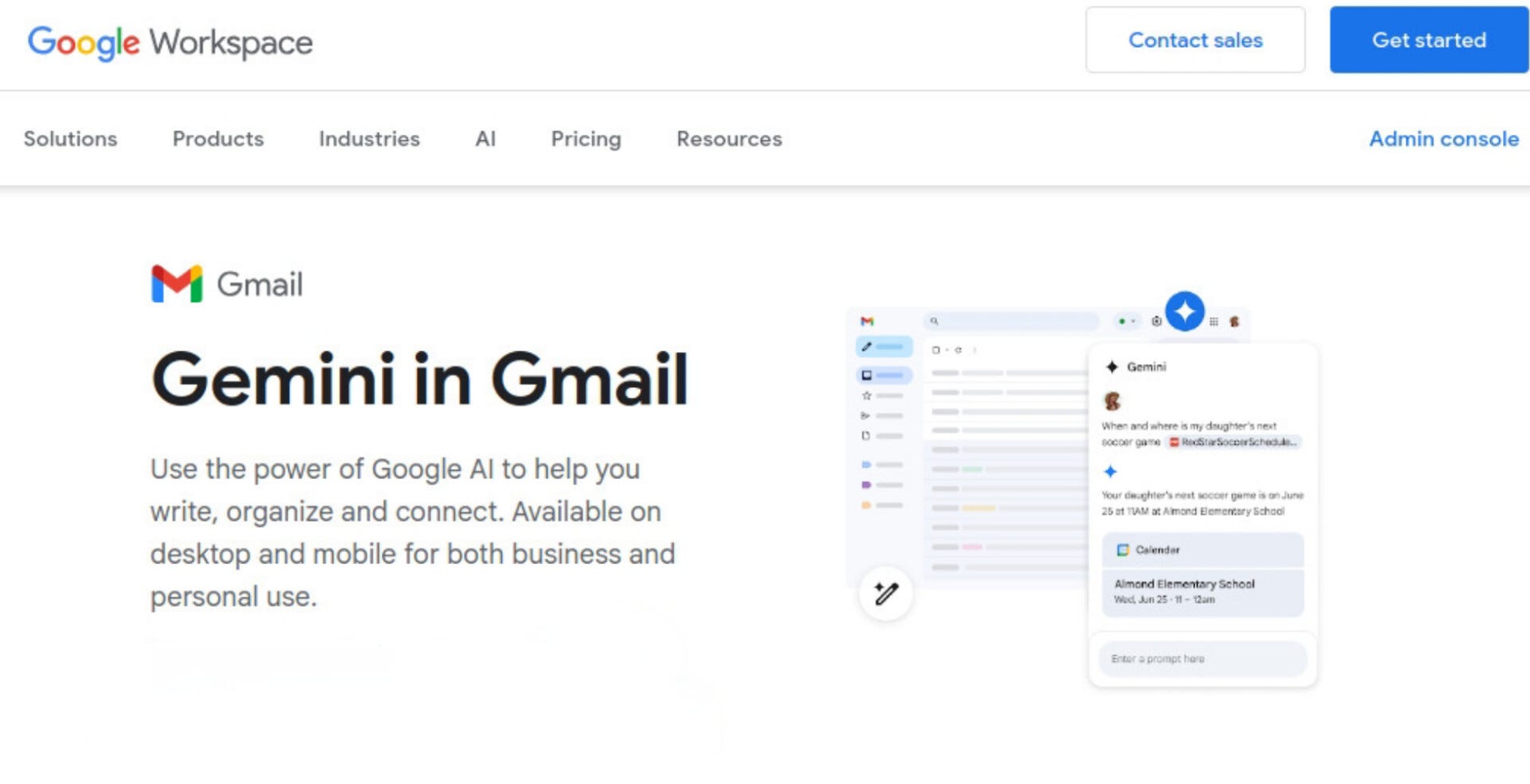
Gmail includes Gemini-powered AI features. If you use Gmail, you may already have access to AI support.
Gmail with Google Gemini offers:
📥 Automated Prioritization & Categorization
Gemini helps highlight important emails, leads, client messages, and deprioritize low‑value content.🧠 Thread Summarization
For long conversations, Gemini can produce concise summaries so you don’t have to read every single message.✍️ AI Drafting Assistance
Turn a rough idea or short note into a polished email. Useful for follow-ups, proposals, or quick replies.🔔 Follow‑up & Smart Inbox Tools
Gemini integrates with Gmail to suggest follow-ups, and helps you keep on top of active threads.
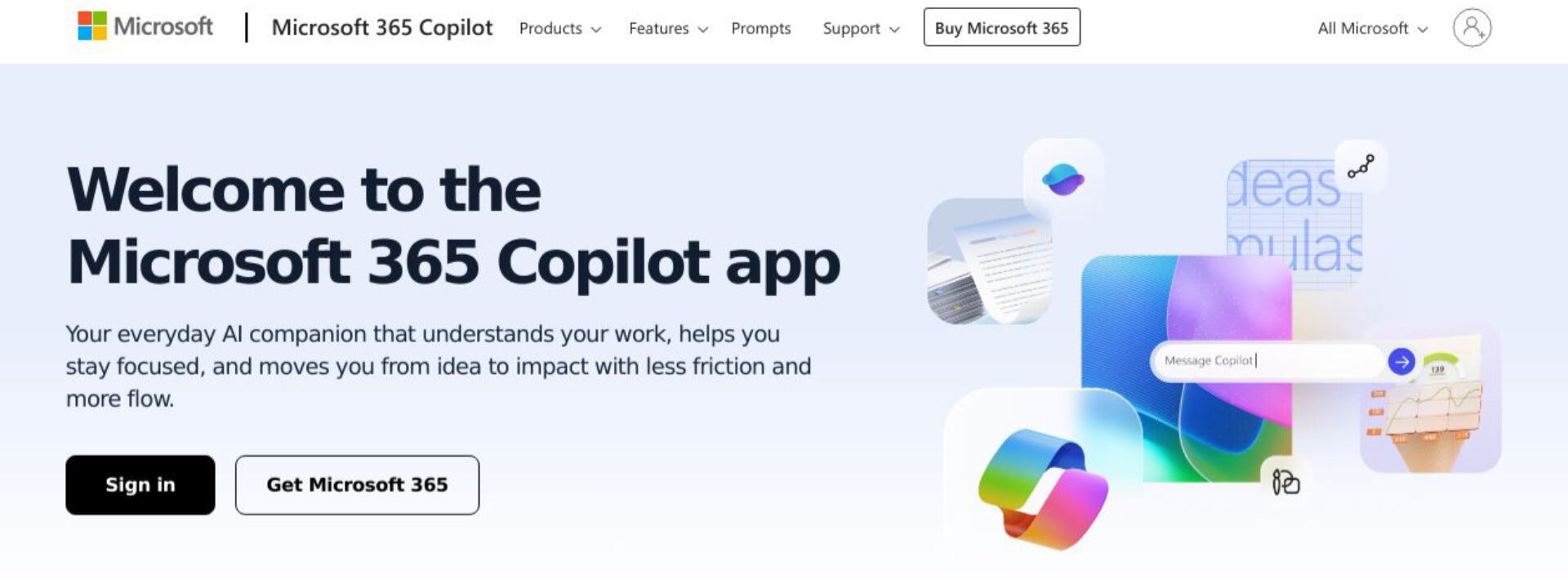
Microsoft Copilot works across the Microsoft 365 ecosystem (Outlook, Calendar, Word, etc.). This is a huge plus if you already rely on Microsoft tools for your workflow.
Microsoft Copilot offers:
📥 Inbox Prioritization
Copilot helps surface the most important and actionable emails first.🧠 Thread & Attachment Summaries
You can select “Summarize” on an email thread (or a thread with attachments) and get a clear digest of key points, decisions, or attachments.✍️ AI‑Assisted Drafting / Reply Generation
Copilot helps generate or polish email drafts.💬 Integrated Chat & Contextual Actions
Within Outlook you can ask Copilot questions like “What are the main takeaways?” or “Is there a deadline?”.📅 Calendar & Task Automation
If an email thread contains scheduling details or meeting requests, Copilot can propose a calendar invite, draft meeting details, and auto‑populate participants.
AI can completely transform how you manage your inbox.
For busy entrepreneurs, this means less inbox anxiety, fewer missed leads, and more headspace to focus on actual work.
If you want more articles like this, tap the ‘❤️’ and ‘🔁’ to show your vote.
Bookmark ‘⭐’ AI Ready Tips in your browser or inbox 💌
Thanks for sharing, I truly appreciate your feedback 👍
If you found this helpful, share it with a friend who could use these AI-ready tips too. Have a great day! 🙂
Comments
Nothing yet. Say the first thing.
Sign in to join the conversation.