
Hey, AI Ready Seeker! 👋🙂
In a previous article, we explored an AI email triage tool that works with most email service providers. In case you missed it, here it is.
In this article, we’ll break down Anthropic’s Claude ecosystem so you’ll know exactly what each tool does and when to use it.
🤖 What is Anthropic?
Anthropic is an artificial intelligence safety and research company headquartered in San Francisco, California.
Founded in 2021 by Dario Amodei, Daniela Amodei, and several former OpenAI researchers, the company is focused on building AI systems that are safe, ethical and easy to understand.
⚙️ What Anthropic Actually Does
Anthropic pursues this mission through four core areas of work:
🧠 Building large language models for reasoning and problem solving.
🛡️ Researching AI safety and alignment to reduce risk.
🧰 Creating tools for individuals, teams, and developers.
🔗 Building systems that connect AI to software tools and workflows.
🗂️ Anthropic’s Claude Ecosystem
Anthropic offers a suite of AI tools that work together.
Each one solves a different part of your workflow:
🤖 Claude Chat
🚀 Models
💻 Claude Code
🎨 Claude Design
🤖 Cowork
🔌 Connectors
🧠 Skills
🗂️ Projects
1. Claude Chat - Your AI Assistant
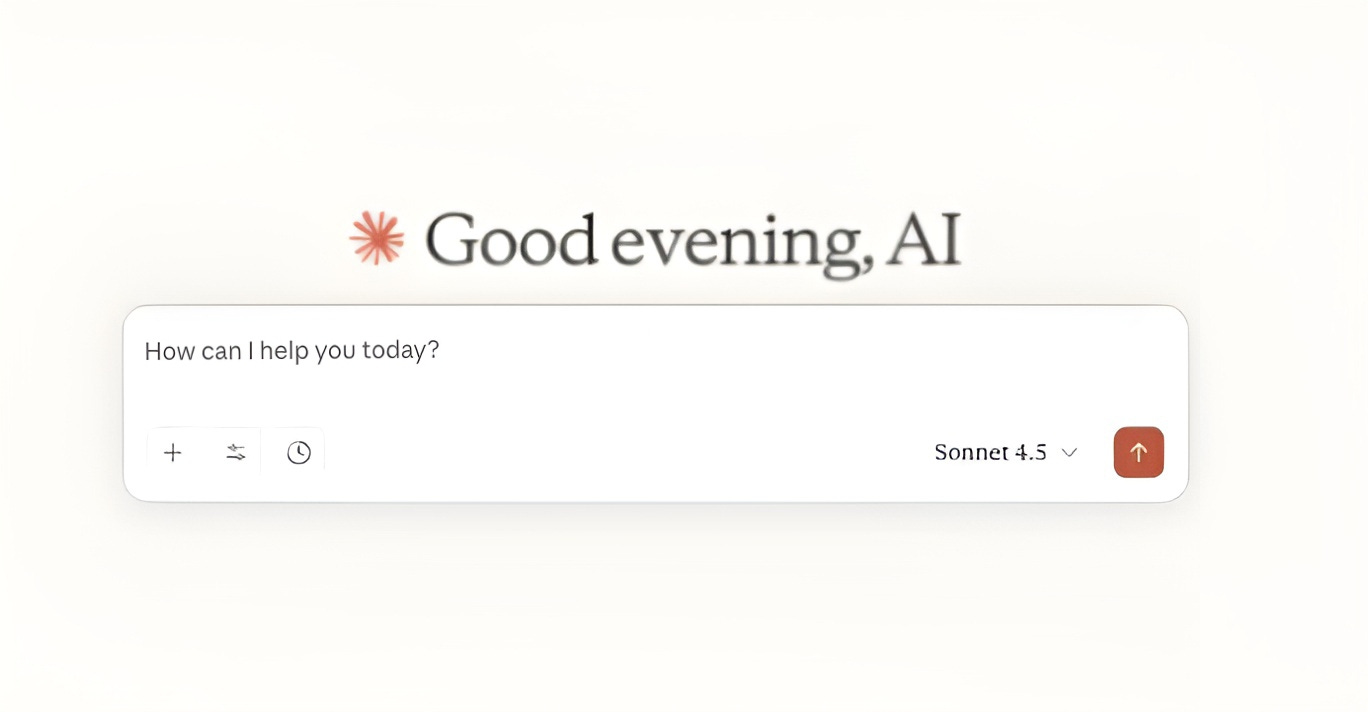
Claude Chat is your AI assistant for writing, thinking, and organizing information.
Claude Chat can:
✍️ Generate emails, reports, and proposals.
🧩 Break down complex ideas into simple explanations.
📌 Extract key insights and action steps from dense information.
📄 Read and analyze documents and files.
🌐 Work with web and external information.
2. Claude Models - The Right Tool for the Right Job
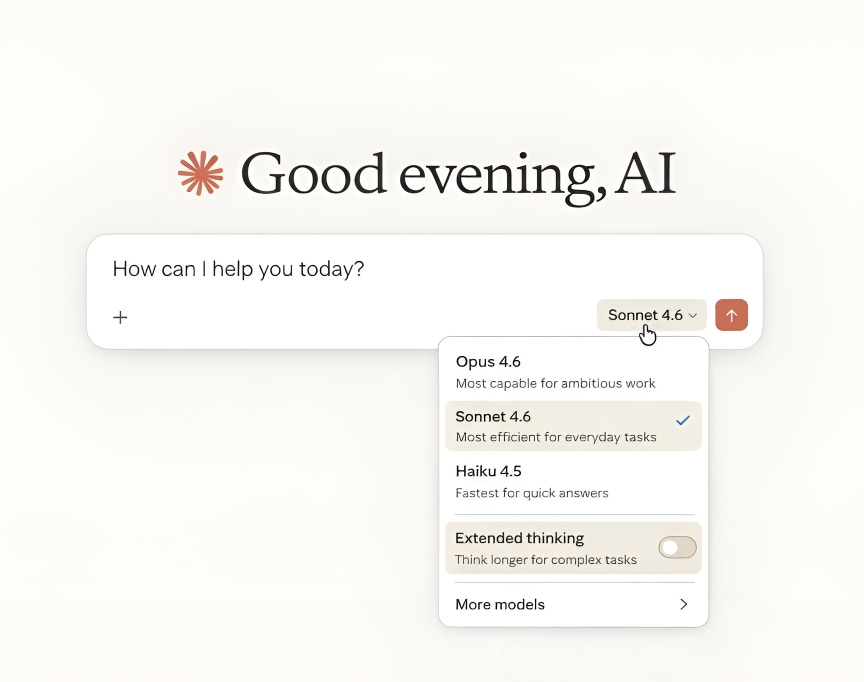
Anthropic gives you three models, each built for a different level of work. Choosing the right model gives you control over speed, performance, and cost.
🚀 Opus
→ For deep, complex work.
Opus handles high-level reasoning and can read and analyze both text and images, including charts, screenshots, and documents.
Use Opus for:
📈 Writing a full business strategy from raw notes.
🧠 Analyzing a competitor landscape and generating recommendations.
📄 Reviewing a lengthy contract and summarizing key risks.
📊 Analyzing market trends to build a strategic, action plan.
⚖️ Sonnet
→ For clear thinking and structured output.
Sonnet is built for day-to-day business tasks that require well-organized, professional results.
Use Sonnet for:
📝 Drafting documents such as meeting notes, blog posts, and client updates.
📄 Writing professional client proposals.
📌 Turning meeting notes into structured action plans.
📰 Creating social media content from bullet points.
⚡ Haiku
→ For speed and simplicity.
Haiku is Anthropic’s fastest model, built for quick, cost-efficient tasks.
Use Haiku for:
✏️ Rephrasing short text for clarity or tone.
💬 Writing quick replies to customer inquiries.
📩 Generating subject lines for emails.
🧾 Summarizing short paragraphs
3. Claude Code - AI for Developers
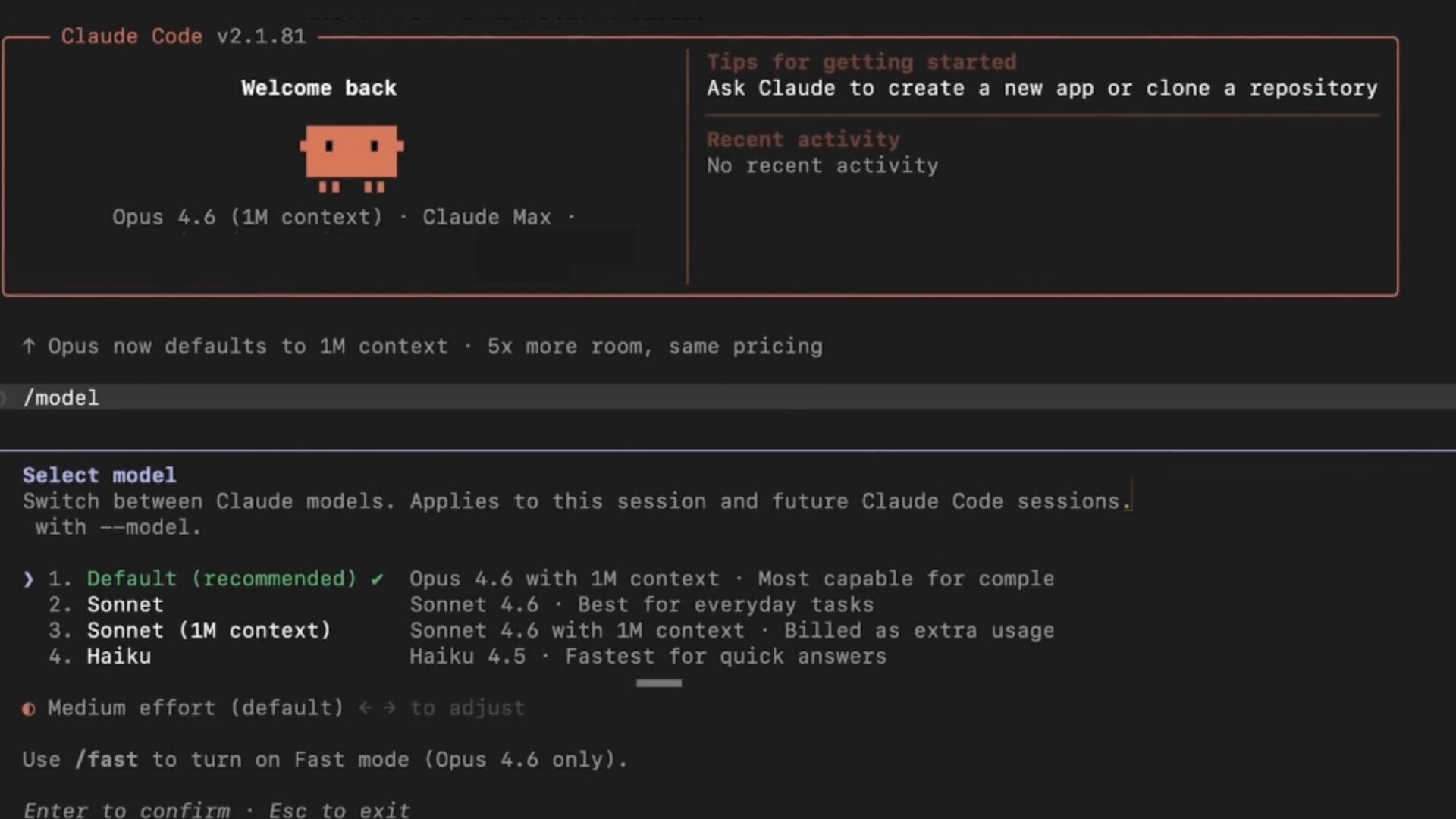
Claude Code is built for software development work.
💻 Write and generate code.
🐛 Find and fix errors.
🧩 Understand large, complex codebases.
🔍 Review and quality-check developer work.
🧠 Map and document existing systems.
4. Claude Design
Claude Design helps you turn ideas into structured product and visual concepts without needing formal design tools.
It can:
🎨 Transform rough ideas into UI/UX flows and simple wireframe concepts.
🌐 Build landing page structures.
🧭 Map user journeys and experience logic step by step.
📐 Convert features into structured product requirements and design briefs.
🖼️ Analyze screenshots or interfaces and suggests improvements.
5. Cowork - Your Virtual AI Assistant
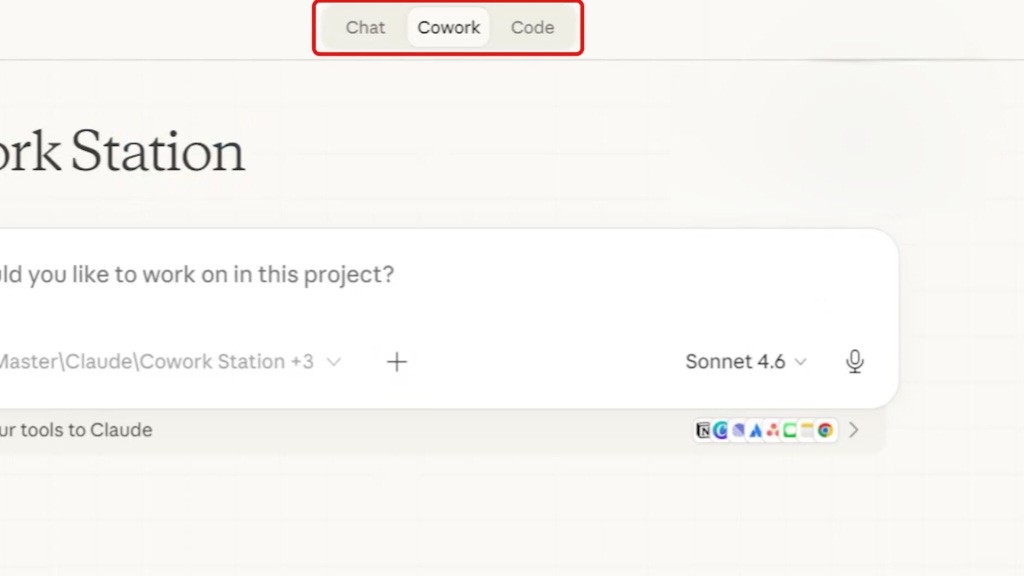
Cowork acts like a virtual assistant that completes multi-step tasks on your behalf.
🤖 Turn a messy inbox into a prioritized task list with clear next steps.
🖥️ Pull data from spreadsheets, documents, and emails into a single client-ready report.
🔄 Manage a full content workflow from idea to draft to scheduled post.
⏱️ Continue ongoing work like updating reports or tracking metrics.
📋 Generate a weekly business summary with key metrics, insights, and recommended actions.
📁 Combine notes, meeting transcripts, and documents into one clean, structured output.
6. Connectors - Link Your Existing Tools
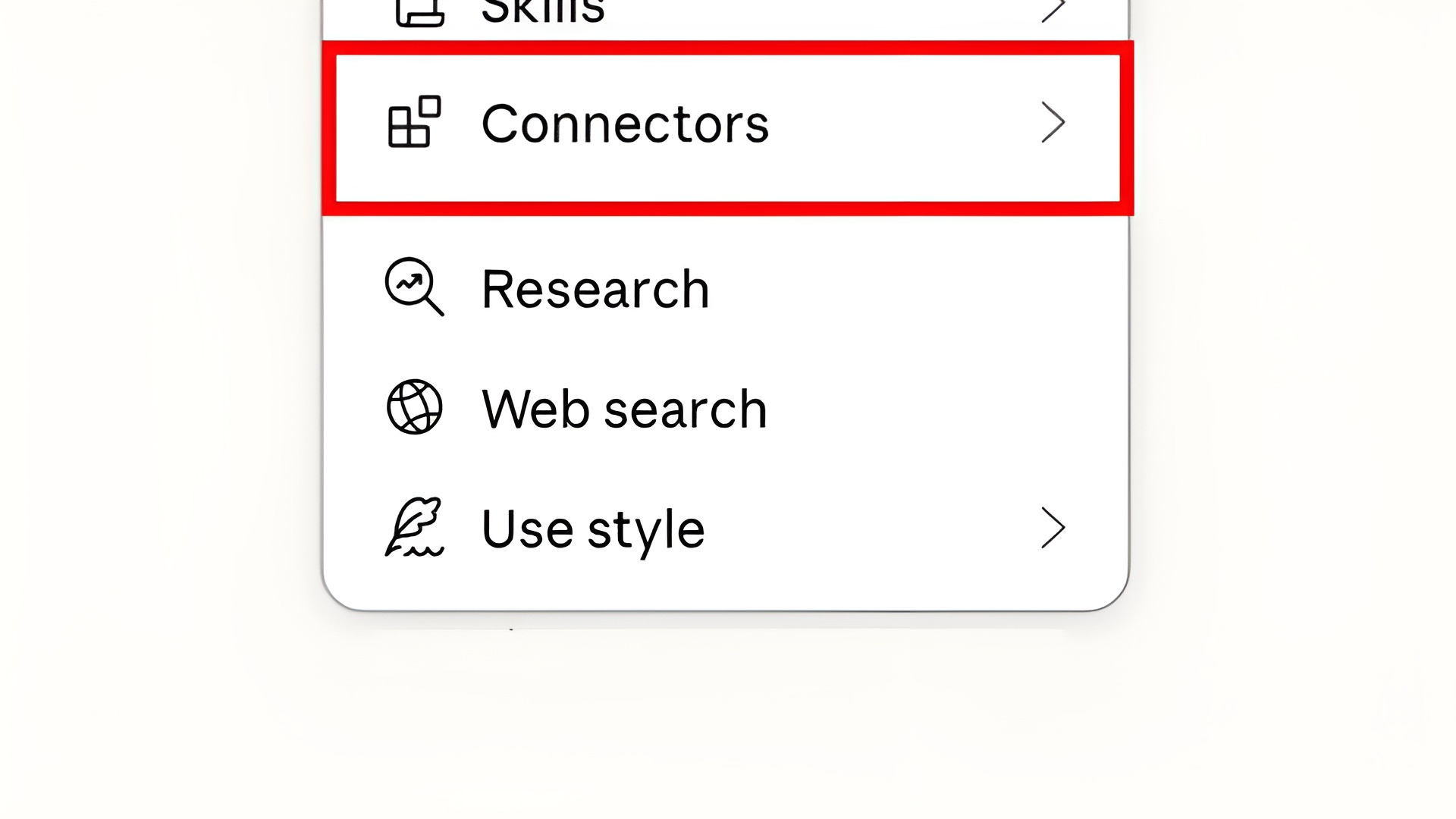
Connectors allow Claude to work directly inside your existing software, removing the need to switch between applications.
🔌 Connect tools like Google Drive, Slack, and GitHub.
📂 Access your files and data directly.
⚙️ Take actions inside those tools without leaving Claude.
📁 Summarize documents from Drive.
💬 Extract key points from Slack conversations.
🗂️ Build reports from internal data.
7. Skills - Build Repeatable Systems
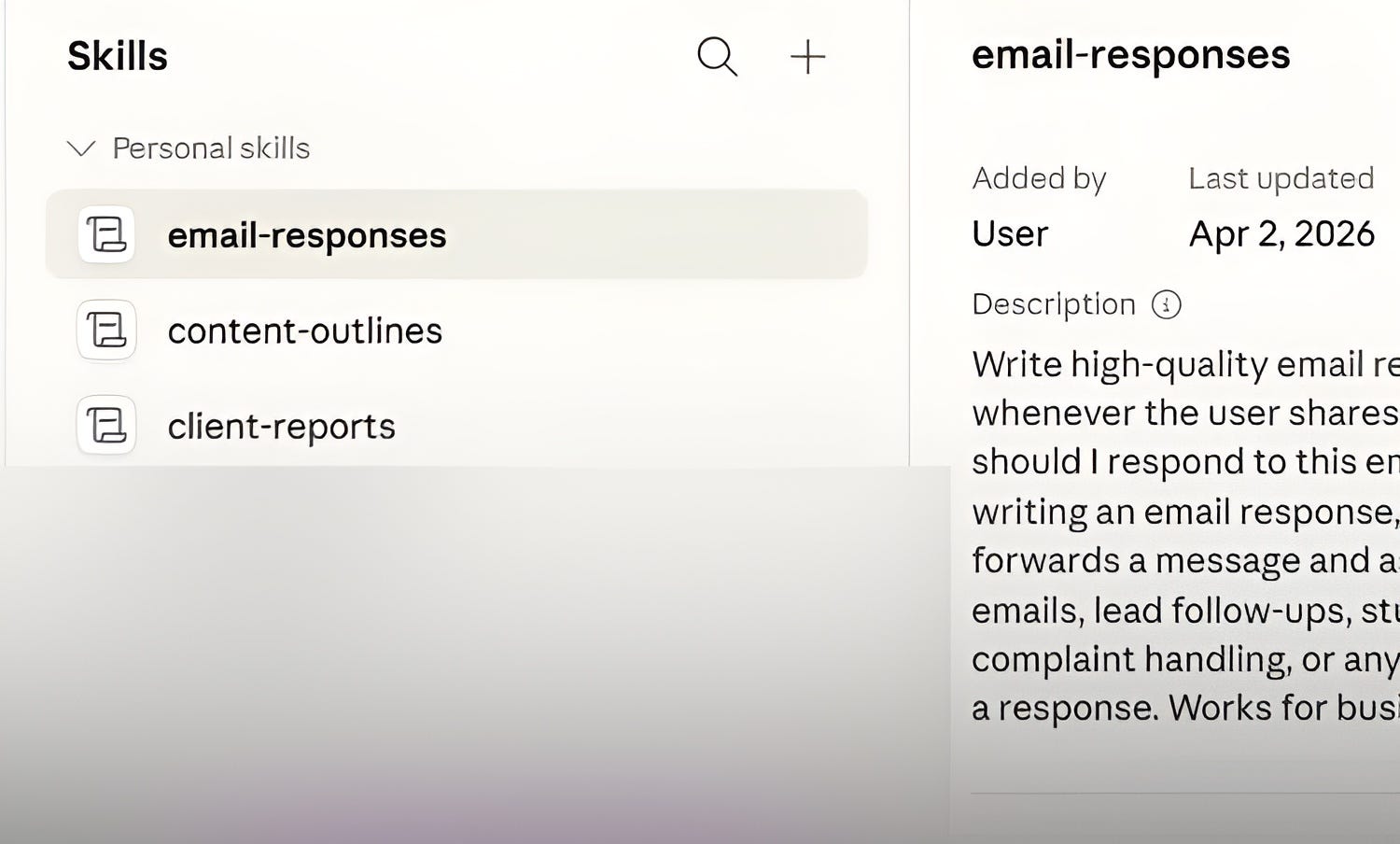
Skills allow you to customize how Claude works by packaging instructions, tools, and workflows together, so Claude behaves like a specialist for a specific role.
🧠 Store repeatable workflows you use regularly.
🧰 Turn Claude into a role-based assistant.
⚡ Speed up repeated tasks without re-explaining the brief.
Examples:
- 🎯 Marketing Assistant → Social media posts, email copy, and campaign ideas.
- 📄 Reporting Assistant → Turn raw notes into structured, formatted reports.
- 🤝 Client Onboarding → Automate consistent, repeatable onboarding steps.
8. Projects - Dedicated Workspaces for Specific Goals
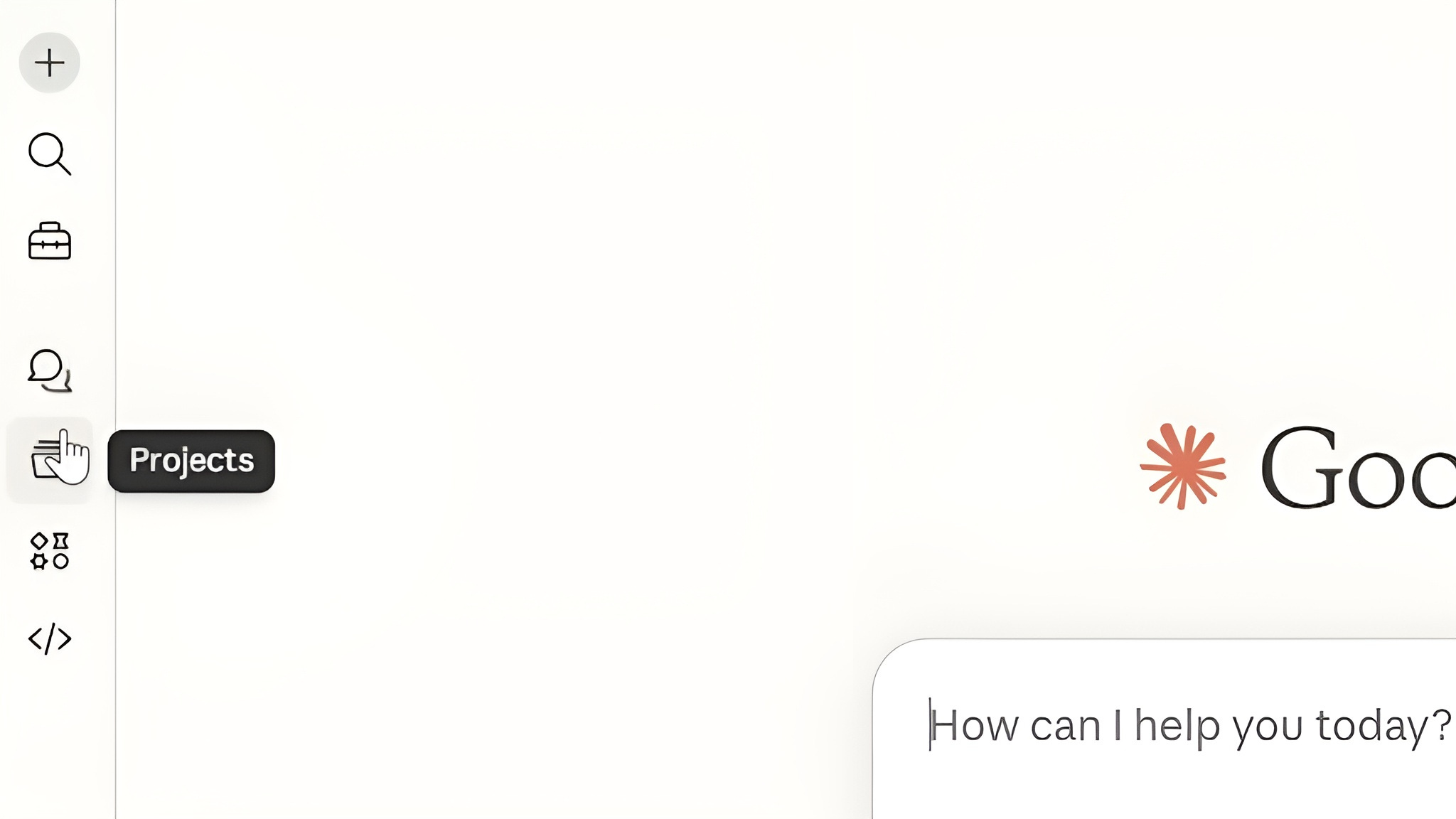
Projects allow you to organize your work inside Claude by grouping conversations, files, and context together in one place.
📁 Store documents, notes, and instructions in a single workspace.
🧠 Give Claude consistent context across every conversation.
🔄 Reuse previous work without repeating yourself each time.
💳 Pricing
Anthropic offers five plans.
🆓 Free — No credit card required.
Access Claude on web, iOS, Android, and desktop with text, image, and code generation, web search, and desktop extensions. Daily usage limits apply.
🚀 Pro — $20/month
Includes 5x more daily usage than the free plan, priority access during high demand, and Google Workspace integration.
⚡ Max — $100 or $200/month
Built for heavy users. The $100 plan offers 5x Pro usage limits; the $200 plan offers 20x.
👥 Team — $25/seat/month
Designed for teams of five or more. Includes collaboration features, centralized billing, and priority access.
🏢 Enterprise — Custom pricing
Built for larger organizations requiring advanced security, compliance, and dedicated support. Contact Anthropic directly for a quote.
💡 Pricing is subject to change - visit anthropic.com for the latest.
Final Takeaway 🚀
Here’s a simple way to think about the Anthropic’s Claude ecosystem:
🤖 Claude Chat → Everyday writing, brainstorming, and analysis.
🚀 Models → Match the model to the complexity of the task.
💻 Claude Code → Technical and software development work.
🎨 Claude Design → Helps you turn rough ideas into structured visual concepts, UX flows, mockups, and design-ready briefs.
💼 Cowork → Multi-step tasks completed on your behalf.
🔌 Connectors → Bridge Claude to your existing tools and data.
🧠 Skills → Build repeatable, role-based systems.
🗂️ Projects → Dedicated workspaces for ongoing goals.
If you want more articles like this, tap the ‘❤️’ and ‘🔁’ to show your vote.
Bookmark ‘⭐’ AI Ready Tips in your browser or inbox 💌
Thanks for sharing, I truly appreciate your feedback 👍
👉 Get daily AI Ready Tips to save time and make work easier. Subscribe free for no-fluff insights that help you stay ahead.
If you found this helpful, share it with a friend who could use these AI-ready tips too. Have a great day! 🙂

@DaleyMottley
/ AI Consultant \
/ Full Stack Web Developer \
Need help or have questions? 📬
Leave a comment / Reply to: aireadytips@substack.com
Don't know which AI tool to choose? 🤷
Explore my curated list of AI tools & services: aireadytips.com/tools
Comments
Nothing yet. Say the first thing.
Sign in to join the conversation.