
With our lives now being conducted largely online, a good headshot is a must. The problem is, unless you have a friend who is a photographer, you’ll need to pay a professional to get a good headshot. Most people muddle along with selfies, but I was planning on putting up a new coaching website. I needed something that looked more professional.
Enter PhotoGPT, an AI image generator that is specifically designed to create headshots and other social media images using an AI-trained version of you. (Currently, the lifetime deal is running out on AppSumo for Plus users in a day, so get it now!)
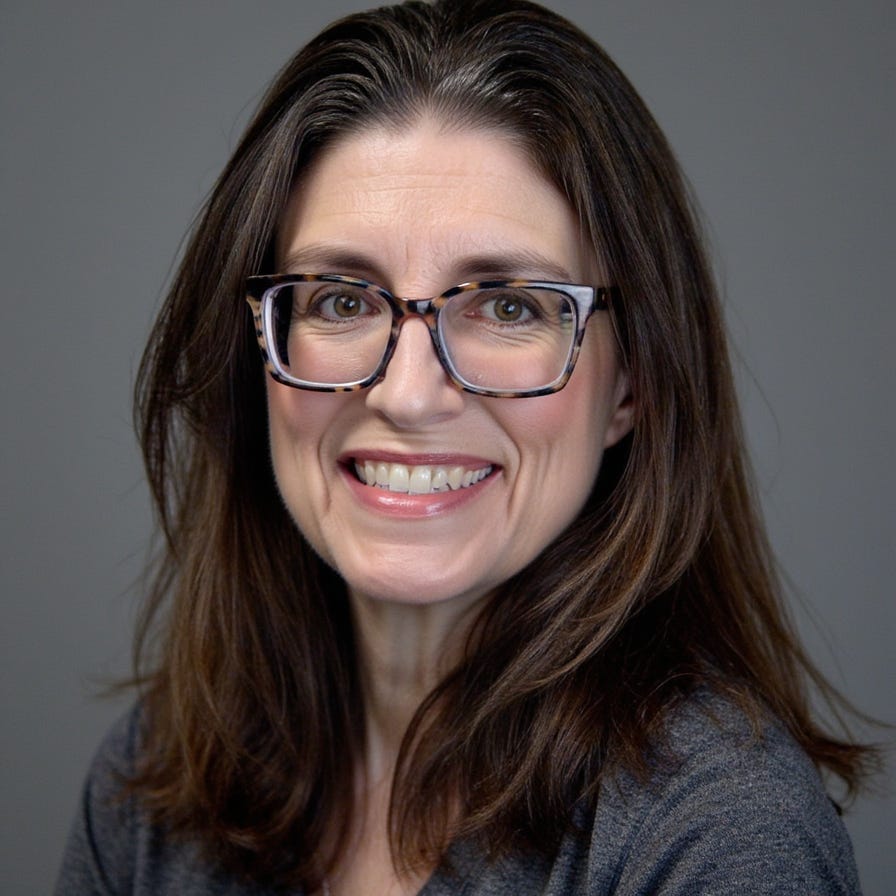
In my initial tests of PhotoGPT, I was absolutely amazed at how the software could take pretty crappy images of me and turn them into something decent and sometimes amazing. The AI also offers a variety of presets, so you can generate realistic images and headshots, as well as fantasy images. Here’s a nice professional shot of me generated by PhotoGPT, one of the better ones:
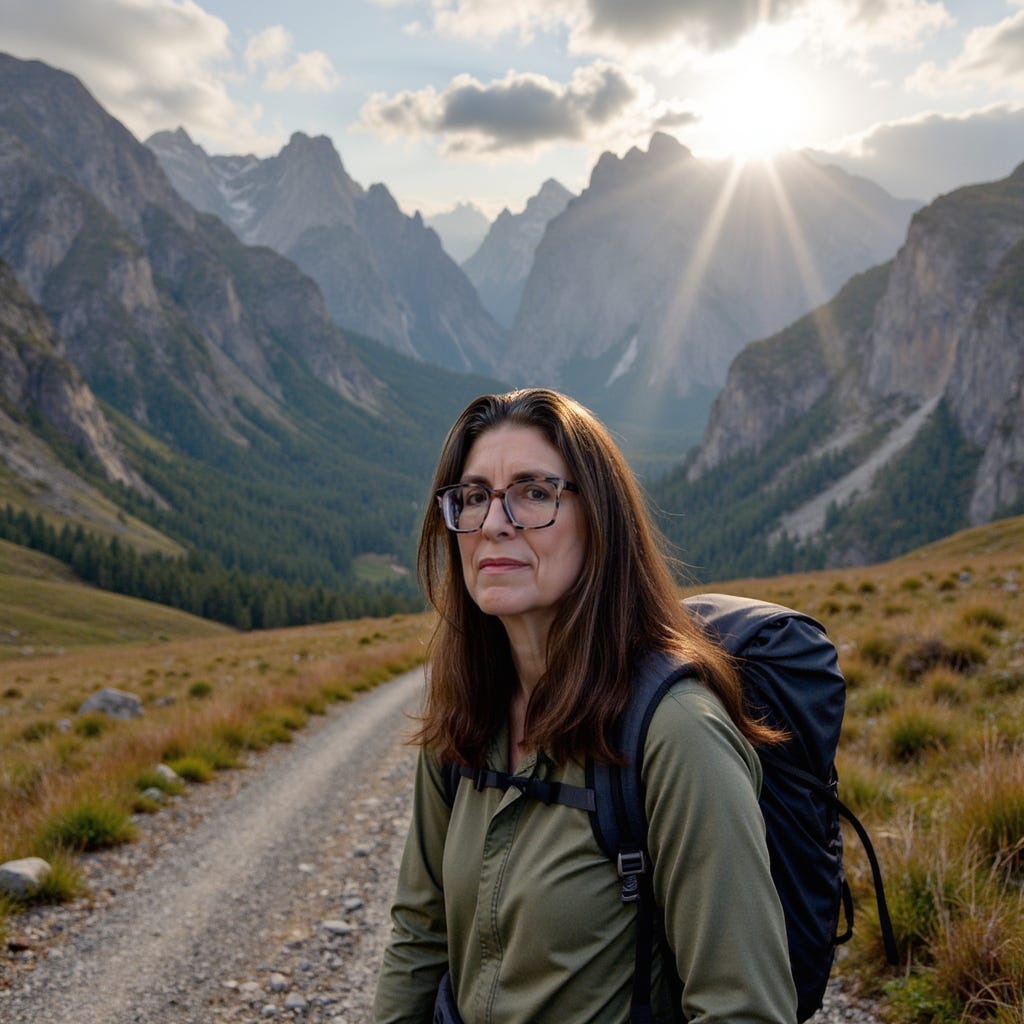
And here is me NOT hiking:
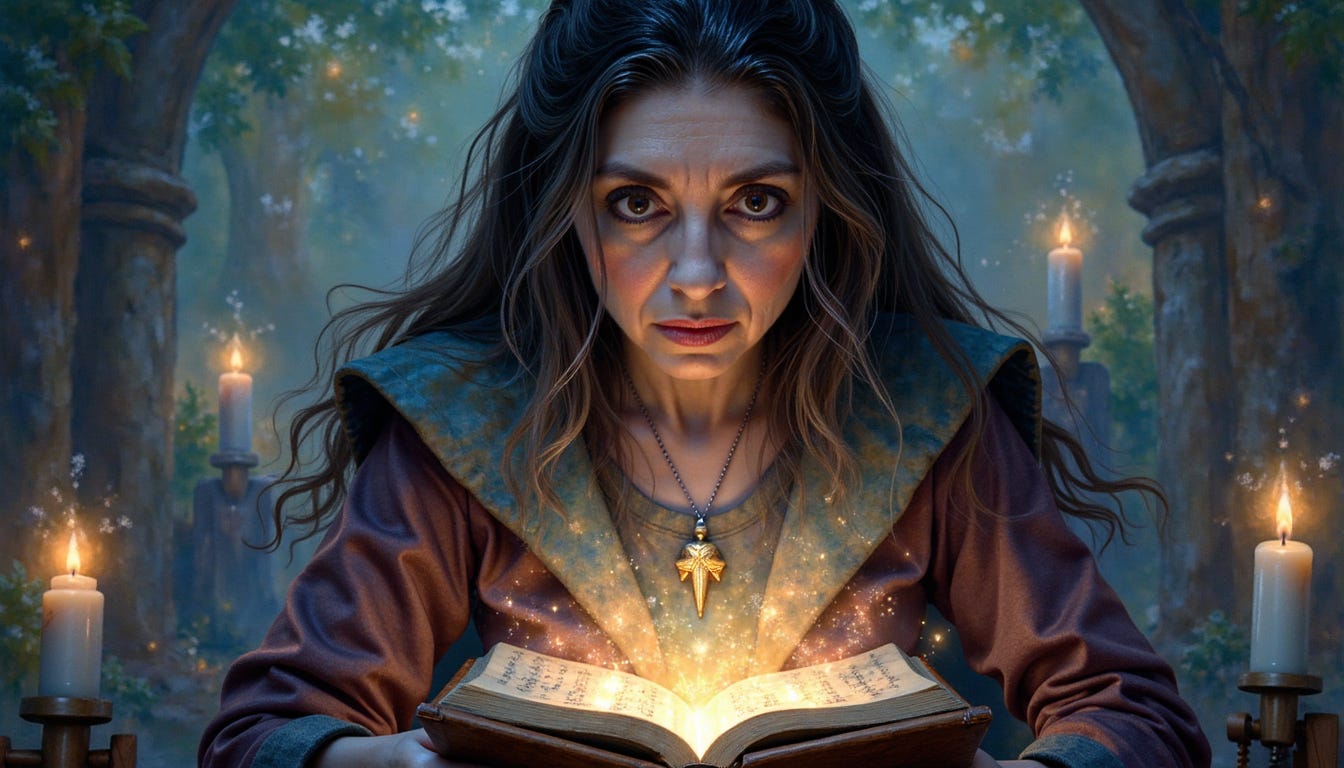
Not all the presets create lifelike images. Some will create cartoons. Here is the “Arcane Mage” preset:
I will note here that I am 55 and unlike a lot of women these days, I have never had any work done. I do not look like Jennifer Aniston. I have jowls. I also have a weird face in that I can look drastically different depending on facial expression, glasses, and smiling or not smiling. In some pictures I am clearly channeling my Slovak grandma. I can look quite stern, or I can appear almost childlike.
So in some of the headshot examples, if I look different, it may not actually be the AI, but the strange nature of my naturally morphing face, as well as makeup or glasses.
A few logistical things to be aware of: You first need to upload 12-15 photos of yourself to train the AI. This costs 1500 credits. Then each image generation is 5 credits each. You’ll likely want to do more than one training, so get the highest plan you can afford. Credits do renew each month.
Some higher-priced plans offer more presets. Presets are canned “scenes” such as “Dating” (which puts you in a coffee shop) or “Burning Man 2025” (which creates some interesting desert photos of you looking like a Burning Man hippie), i.e.:
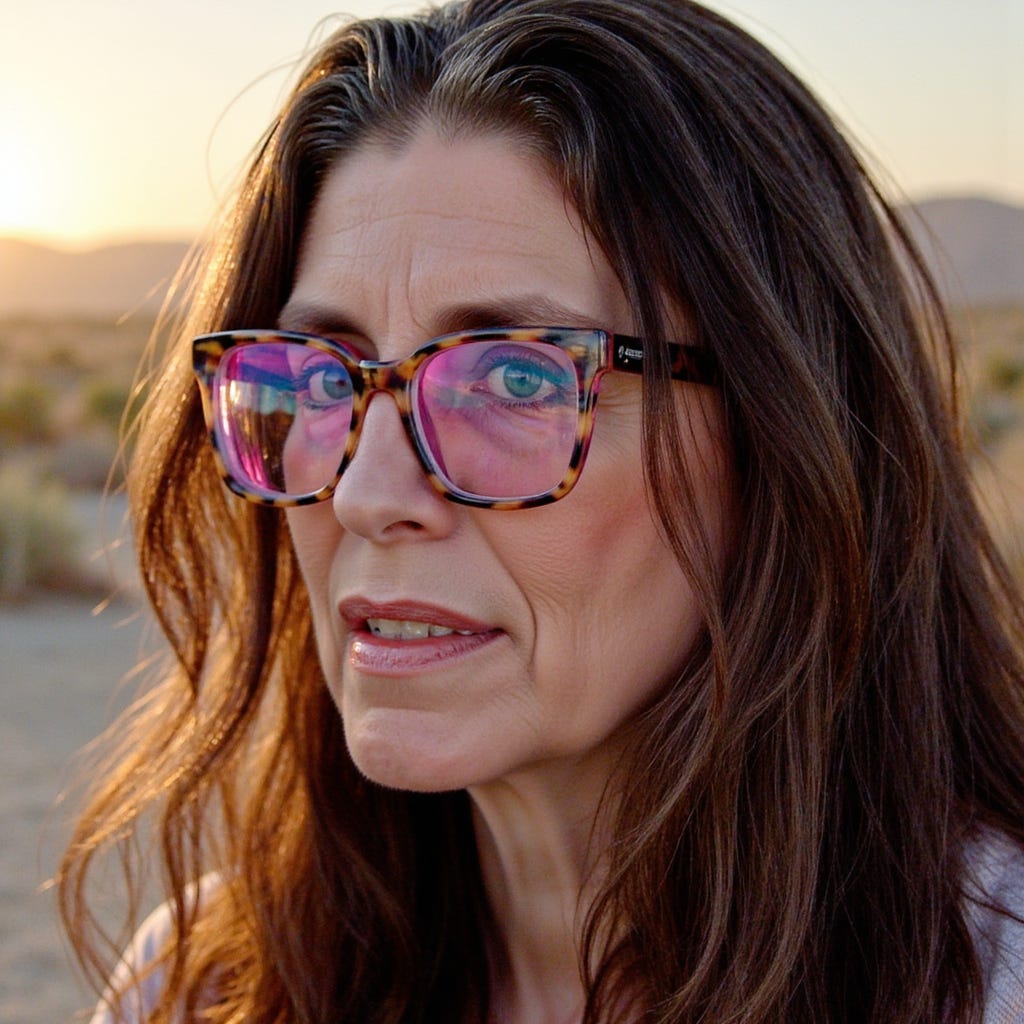
That one above is kinda cool, but then the AI put me in some sort of Burning Man bikini…uhhh…nope:
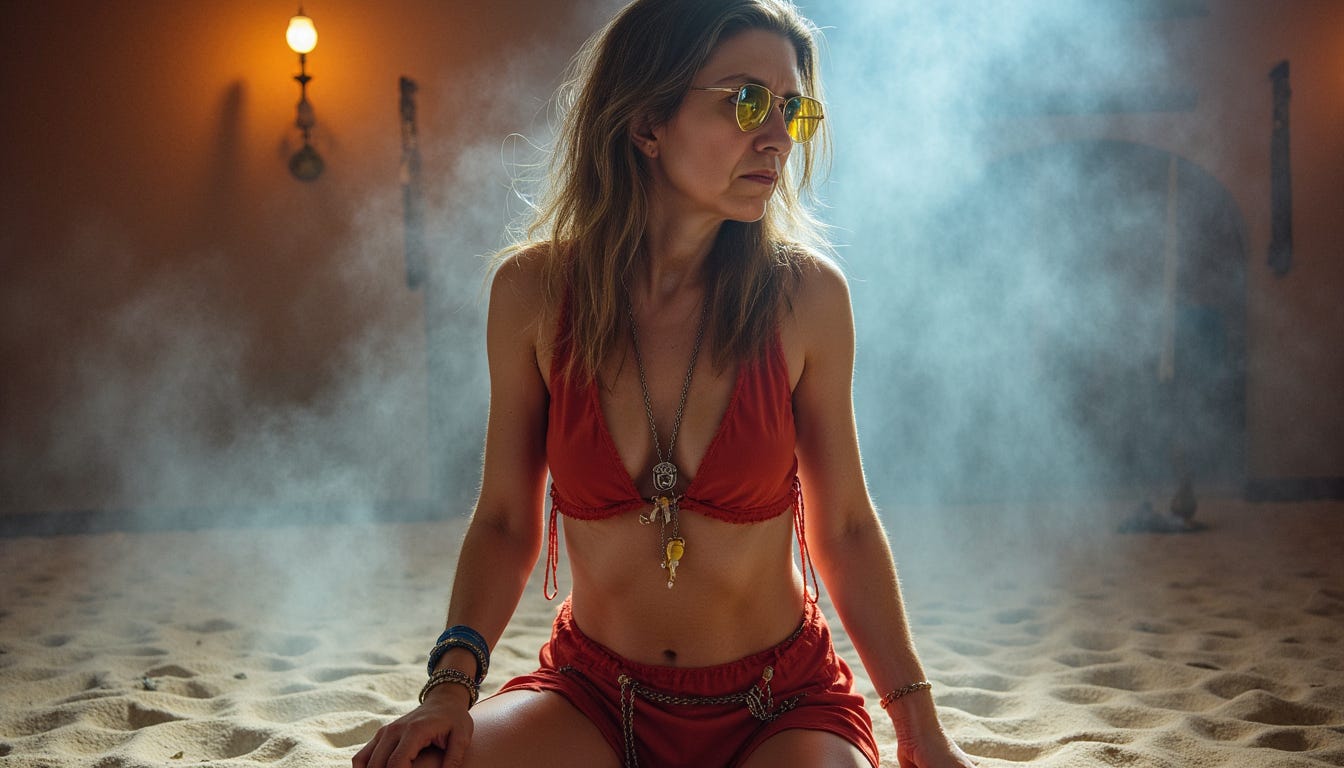
Yeah. That was my body maybe 30 years ago.
Still, despite most of them being a bit silly, the additional premium presets are mildly worth it, especially the Executive Coach one if you want something for your website. However, the Professional preset in the basic set may be all that you need – this generates a traditional headshot on a grey background.
To get the best results with PhotoGPT, and probably any other AI headshot generator, you’ll need to upload images of yourself. Here are some tips:
The photos should be of you and you alone. Be careful of any other objects in the background, as the AI will pick them up and sometimes insert them into various images, albeit in a subtle way. A painting and a lamp that were in some of my training photos will occasionally show up in the AI generated headshots, often in funny ways.
Do not hold anything in your hands in your training pictures – one user said that they uploaded a picture with a coffee cup so a lot of their pictures showed the coffee cup.
What you wear does not matter. But if you wear glasses, wear them for the training images. Weirdly, the AI will remove the glasses by default in generating your headshots, but all you need to do is type “glasses” in the prompt and the glasses will show up again.
Be sure to frame yourself well in your training shots. In one of my tests, I uploaded a batch of images where I just held the phone in front of my face, and the AI would then make almost all of my rendered images from this close-up perspective, which generally looks like crap. I found out that putting in something like “Waist-up portrait” in the prompt sometimes, but not always, fixed this, depending on the preset.
If you wear makeup, then you’ll likely want your training photos to wear makeup. The AI can add makeup later, but it doesn’t listen very well and the makeup may be more subtle than you want. But be aware that whatever makeup you do have on in your training images will be what’s going to show up for all your generated images.
So how are the results? Well, expect to generate at least 20 images to get to a few ones. But you don’t necessarily need to upload professional training shots to get decent results. Eager to see what PhotoGPT will do, I immediately uploaded some quicky pictures of myself that I took with my computer.
The first batch included me with glasses and no makeup. These came out surprisingly well, although the AI actually gave me a few more fine wrinkles than I actually have, such as in this example:
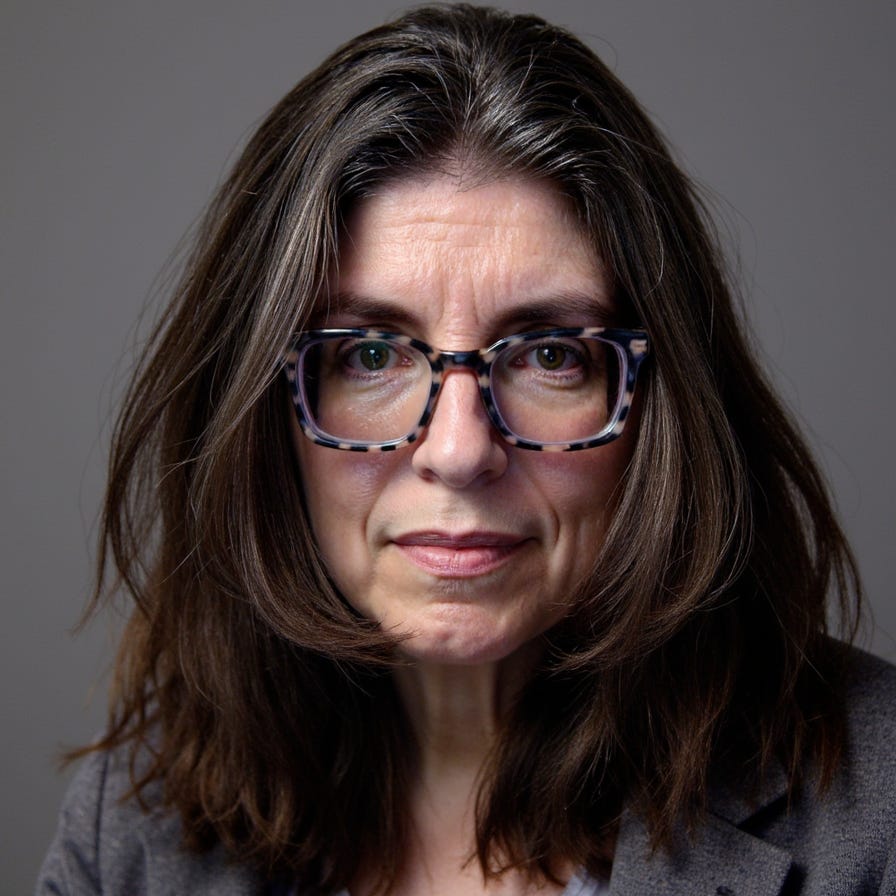
One of the biggest downsides of PhotoGPT is that it has no touchup options…yet. It think it’s on their roadmap.
For the second batch, I put on some makeup and took my glasses off. I wear glasses all the time now, and I am not even sure what I look like now without them...I started wearing glasses again 8 years ago. (Honestly, I think I look better with glasses now.) At any rate, I took some really crappy shots with the computer...I mean, I looked awful, and the AI came up with some nice shots. The problem is, these do not quite look like me, such as this one:
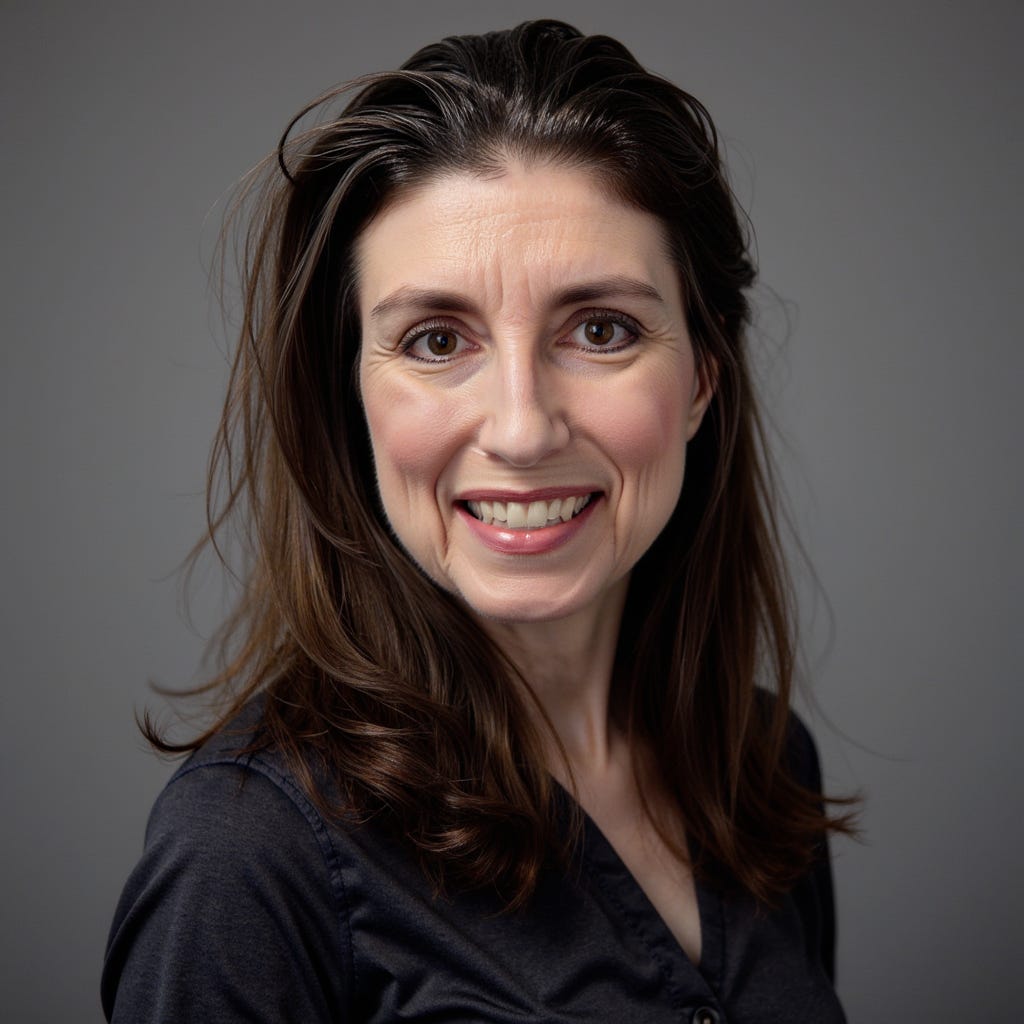
I think this was more of a problem with my input images. The lighting in the room was bad and my hastily snapped computer pictures didn’t really look like me either.
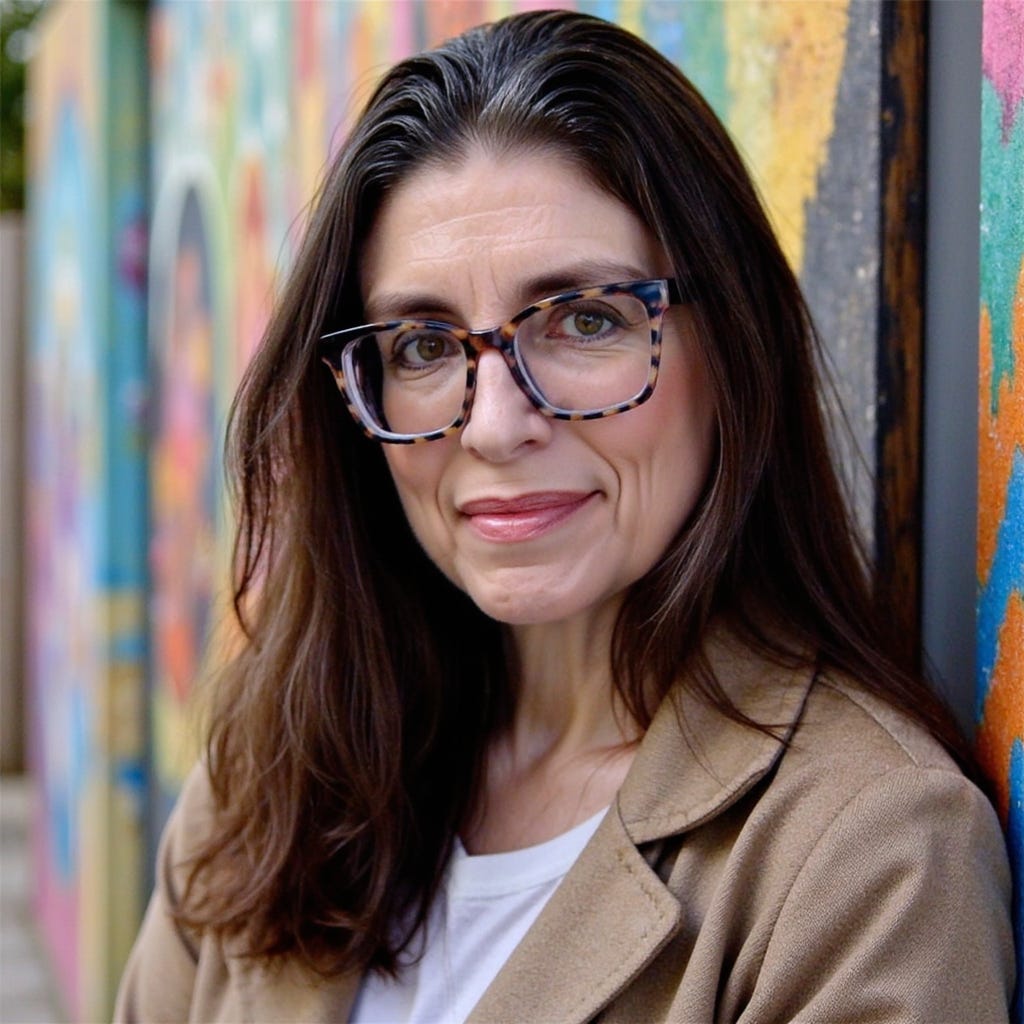
The third set was made with makeup and glasses, and this generated some of the best results. These generally look like me on a really great day, but still some aren’t quite accurate. Alas, many of the ones that looked the best are the ones that don’t look quite like me! Like this one:
Finally, I did a “raw” set of me with no makeup or glasses...but made the mistake of using my phone to take the photos, as mentioned above. Except for two torso shots, all the photos I submitted were closeups. This means that almost everything generated from this set is a close-up, which is not really flattering for a 50something woman. Here’s the Mafia preset…yikes!
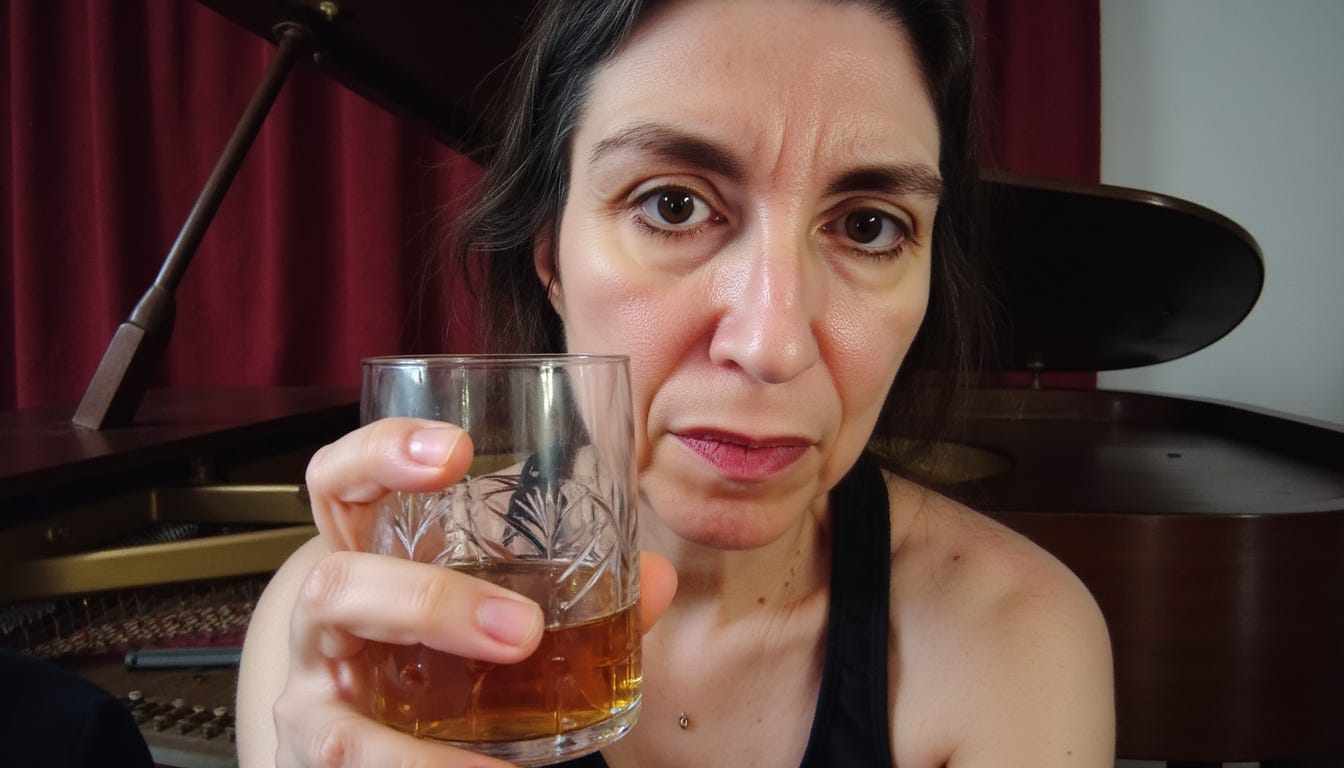
Or this one…seriously!?

Before I forget…I’ll note here that depending on your membership, you’ll also be able to create images in different dimensions, such as square, landscape, or portrait.
Once you upload your training images, it takes about a half hour for the AI to complete the training. A bunch of sample images will be generated that cost no additional credits. These typically include some athletic shots, where they (somewhat hilariously) put a hot body on you, glamour shots, dating shots, and some professional shots.
Once trained, you can select your “persona” and either use a preset or your own prompt with no preset. Using your own prompt without a preset does not generate the best results, and you’ll sometimes get strange outputs. The presets are definitely better, although sometimes you can get something halfway decent without them. Here’s an example image of an output from a prompt with no preset:
fashionable winter clothing at a ski resort - solo portrait - white down coat with faux fur trim - circa 1960s mod style - sleek
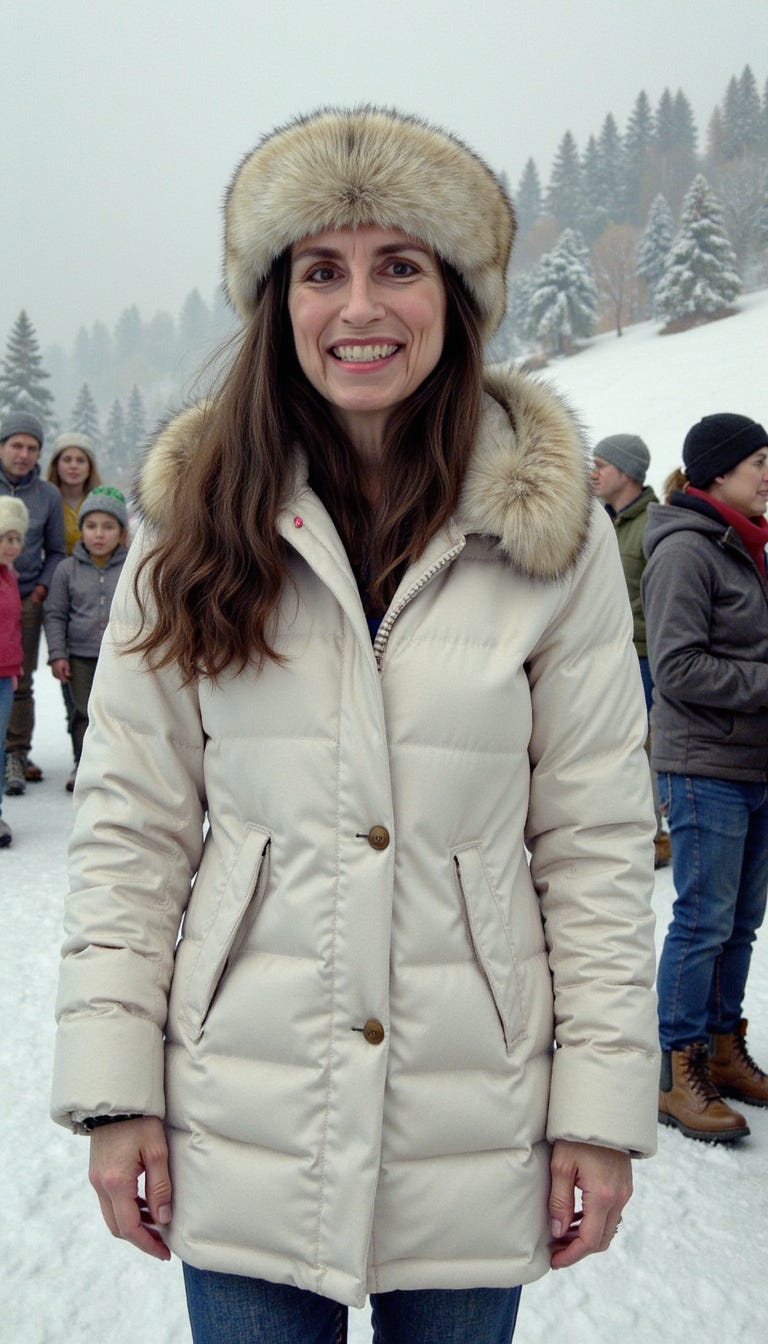
Cute, but NOT 60s mod style!
Oh, before I forget: Do NOT click on the OnlyFans preset unless you want to see yourself put into some cheesy cheesecake photos. No nudity came in my test, but they were bad enough, and I deleted those immediately!
By the way, you don’t need to type anything in at all when using a preset to generate an image. The prompt is optional. I use the prompt to tell the AI when I want glasses put back on (which works better for personas that were trained with glasses).
You can also tell the AI to give you a different color shirt. Otherwise, the AI tends to deliver shirts in dull, neutral colors for any type of professional preset, such as black, white, or grey. I got tired of this and asked for some other colors…although it had a hard time with the concept of a turtleneck:
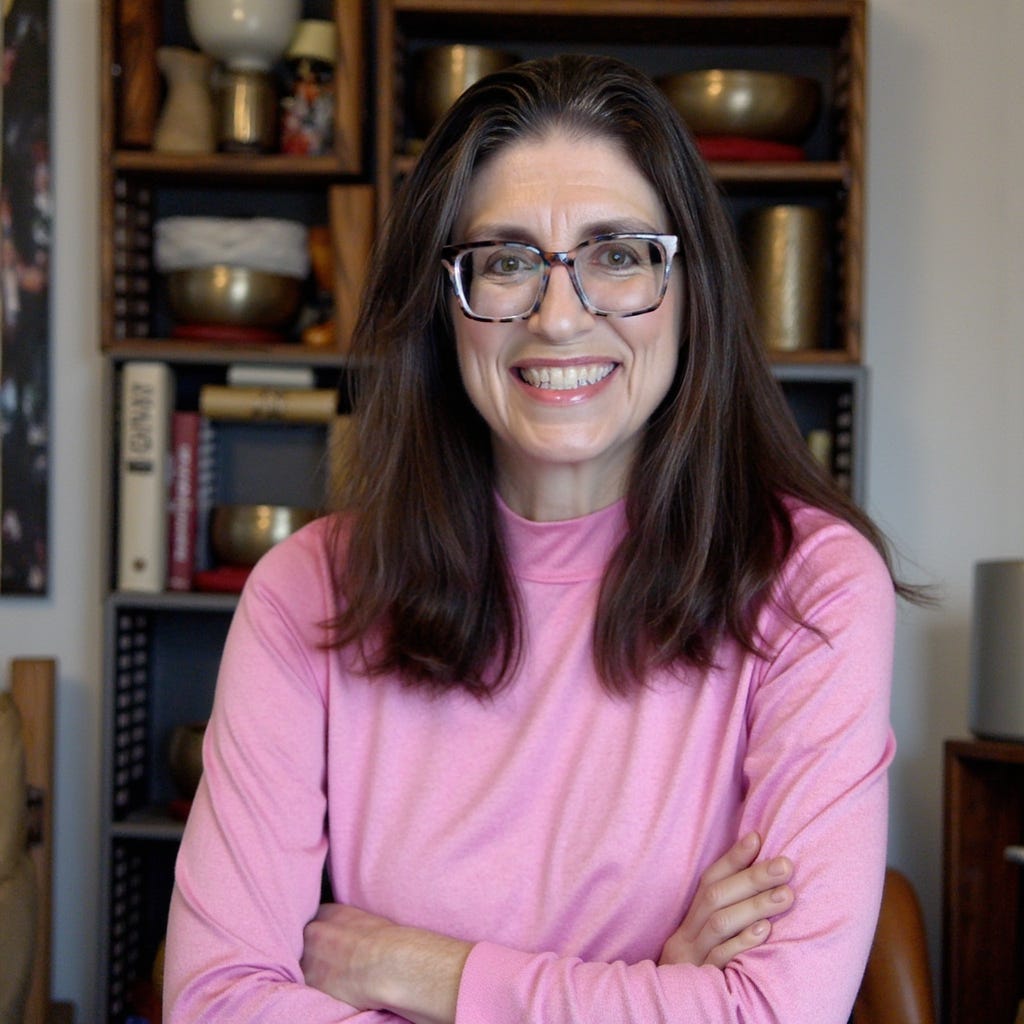
The AI will also put makeup on, but not very well. There is a magic wand in the prompt that will improve your prompt for you. I recommend using that when adding makeup.
Here are two examples where (I hesitate to share these), the AI did a good job of showing my natural face structure and then added makeup. This is from the close-up set (yes, this is also me…I told you my face morphs):
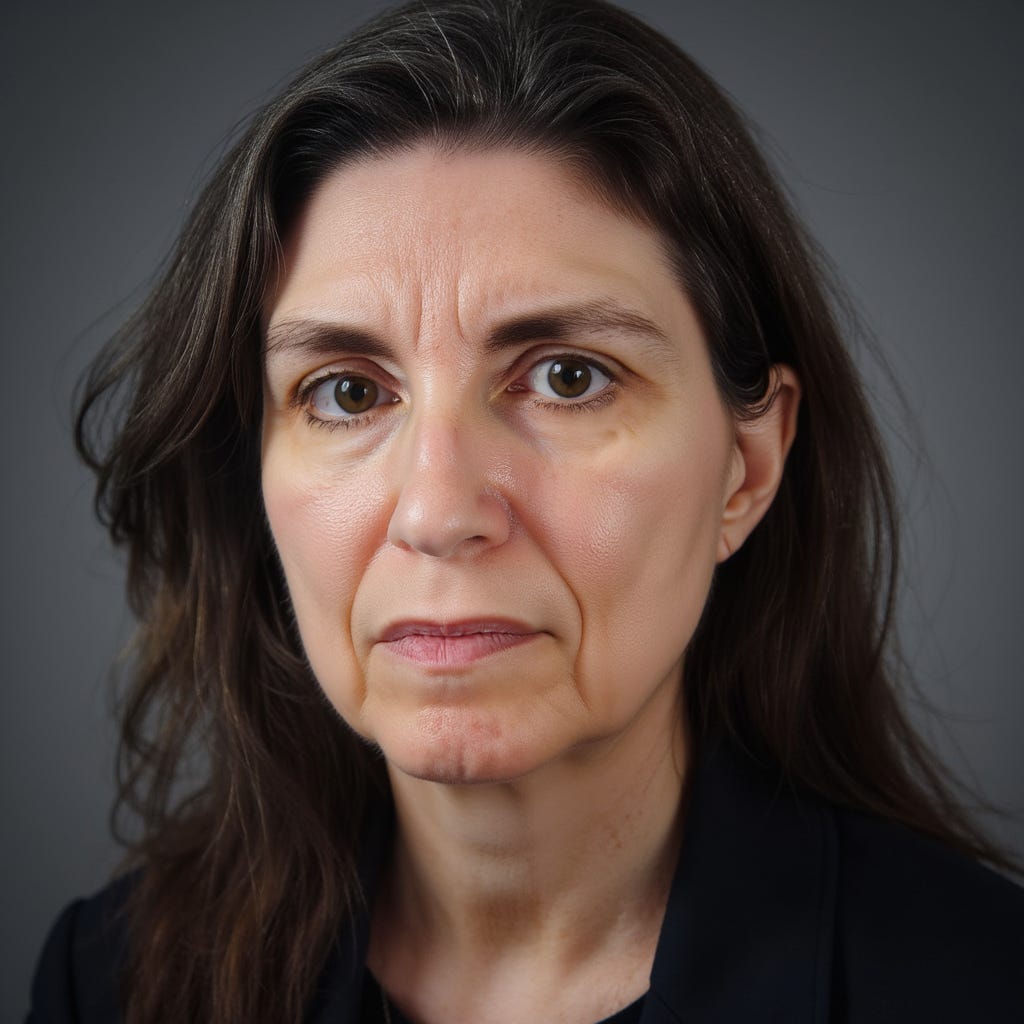
And the makeup prompt (helped by AI) for the next photo is:
A waist-up portrait, wearing a teal shirt. Her eyes are accentuated with dark blue eyeshadow, sharply defined black winged eyeliner, and voluminous curled lashes, complemented by sculpted brows. Her lips are painted in a maroon shade. She has a light foundation on.
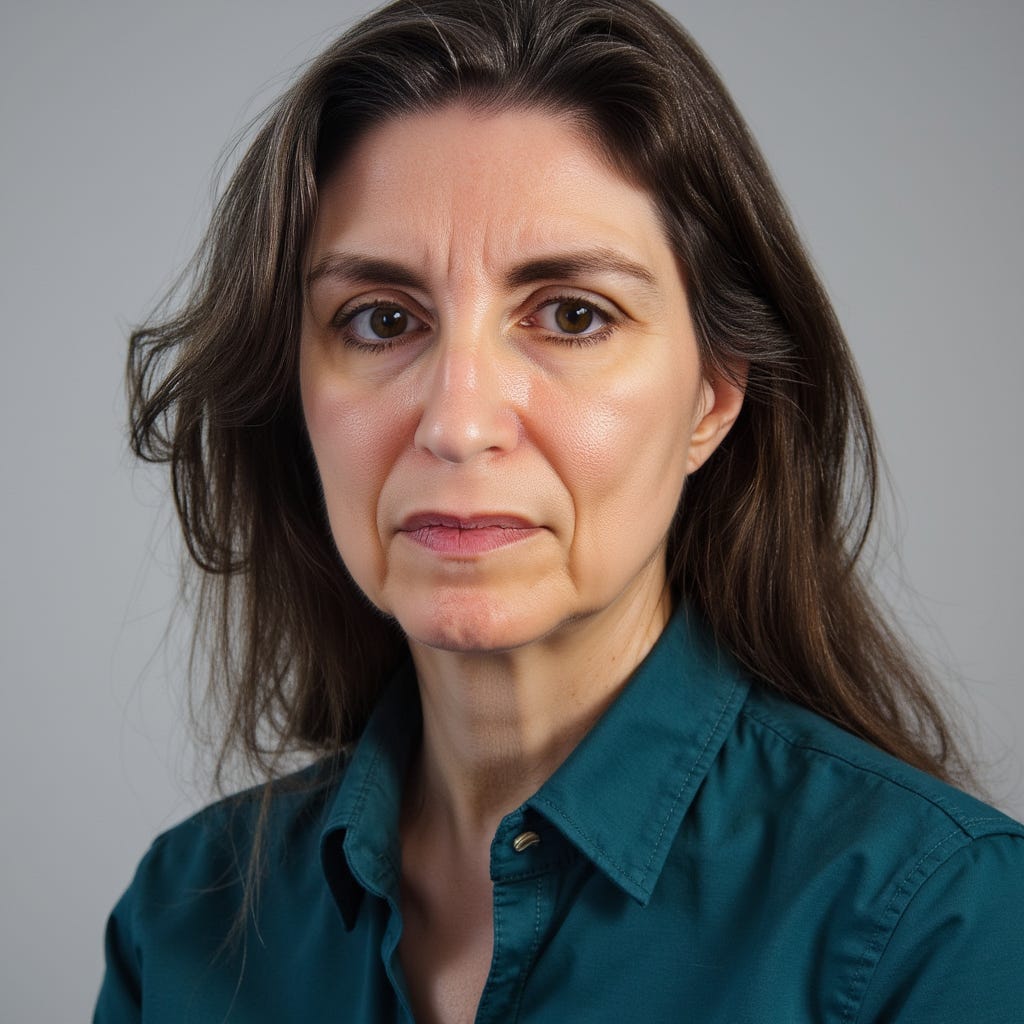
I think the makeup version looks better, but it also looks a lot more AI-generated. Still, the AI didn’t quite follow the make-up instructions, especially for the eyes.
You can also tell the AI to give you a haircut, but it is a bit inconsistent. I liked this one, though:
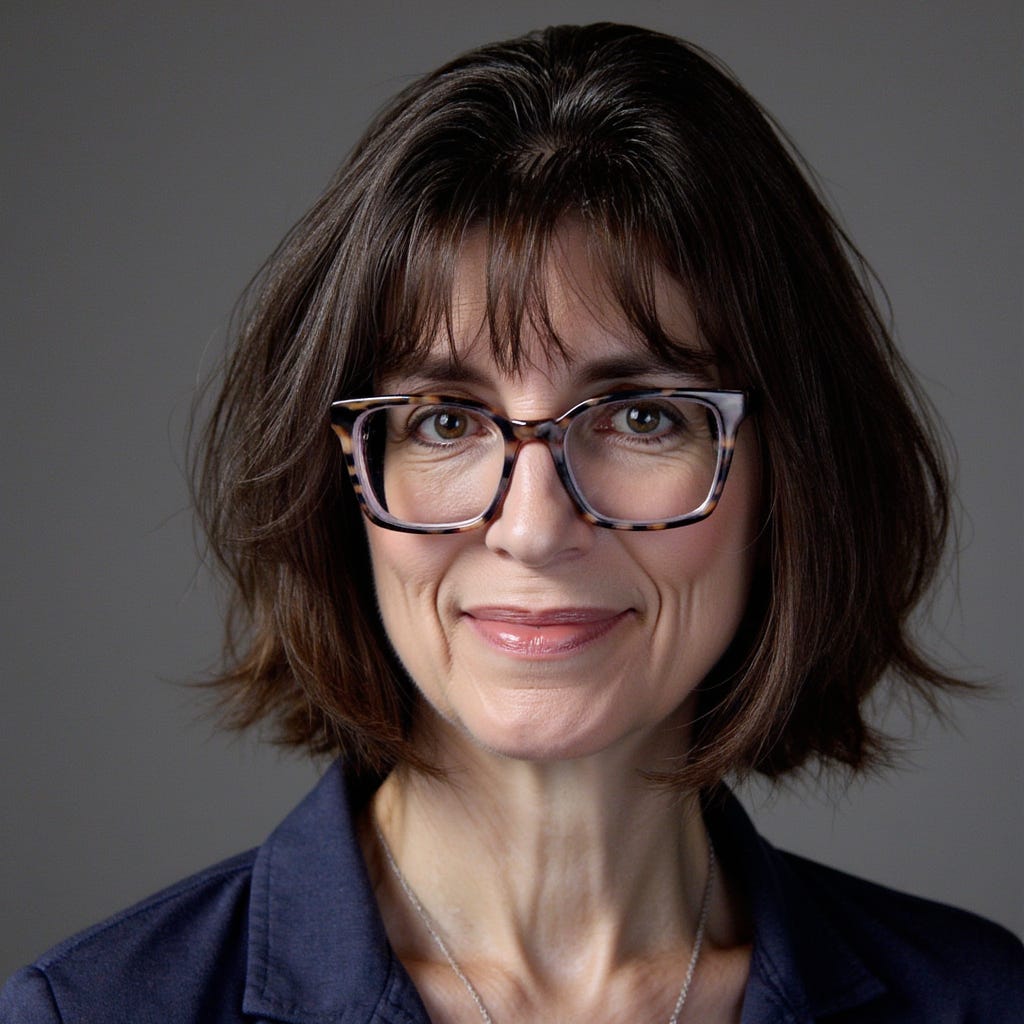
So this brings me to my final question. As I am aging, how realistic should my headshots be? If I am looking for work or clients, I hate to say it, but it’s better to look better.
Some of it is just the angle though, is it not? This next shot definitely looks like me, but somehow the AI made even my marionette lines look more “glamourous” in one of its auto-generated pics from my “raw” photo training:
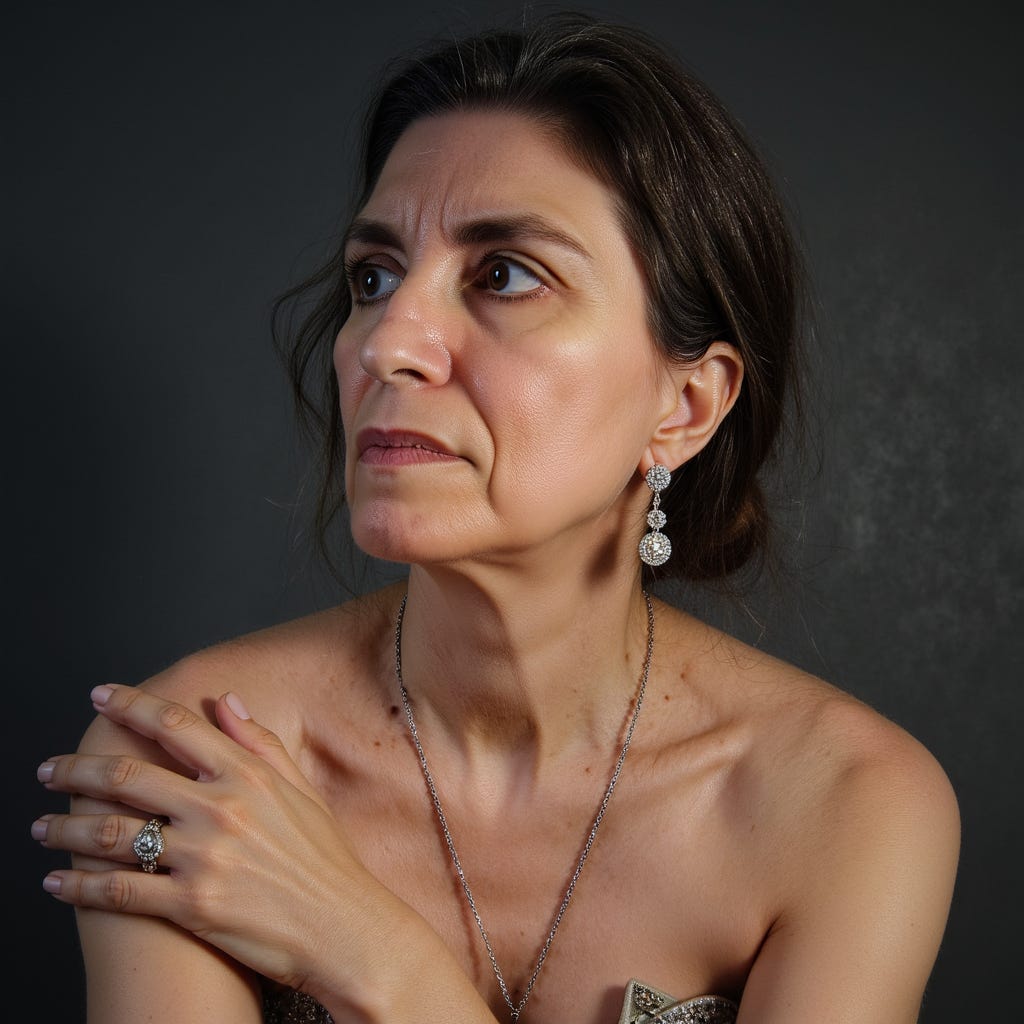
Gosh, it even captures the little scar under my lower lip where I bit through it once when I was little or something…I barely remember what happened.
But really, do I want people visiting my website to notice my jowls or my smile?
Ultimately, I decided that the really great looking pictures were still enough of a likeness that they were fair game. I will likely use this one for my website, created with the Executive Coach preset:
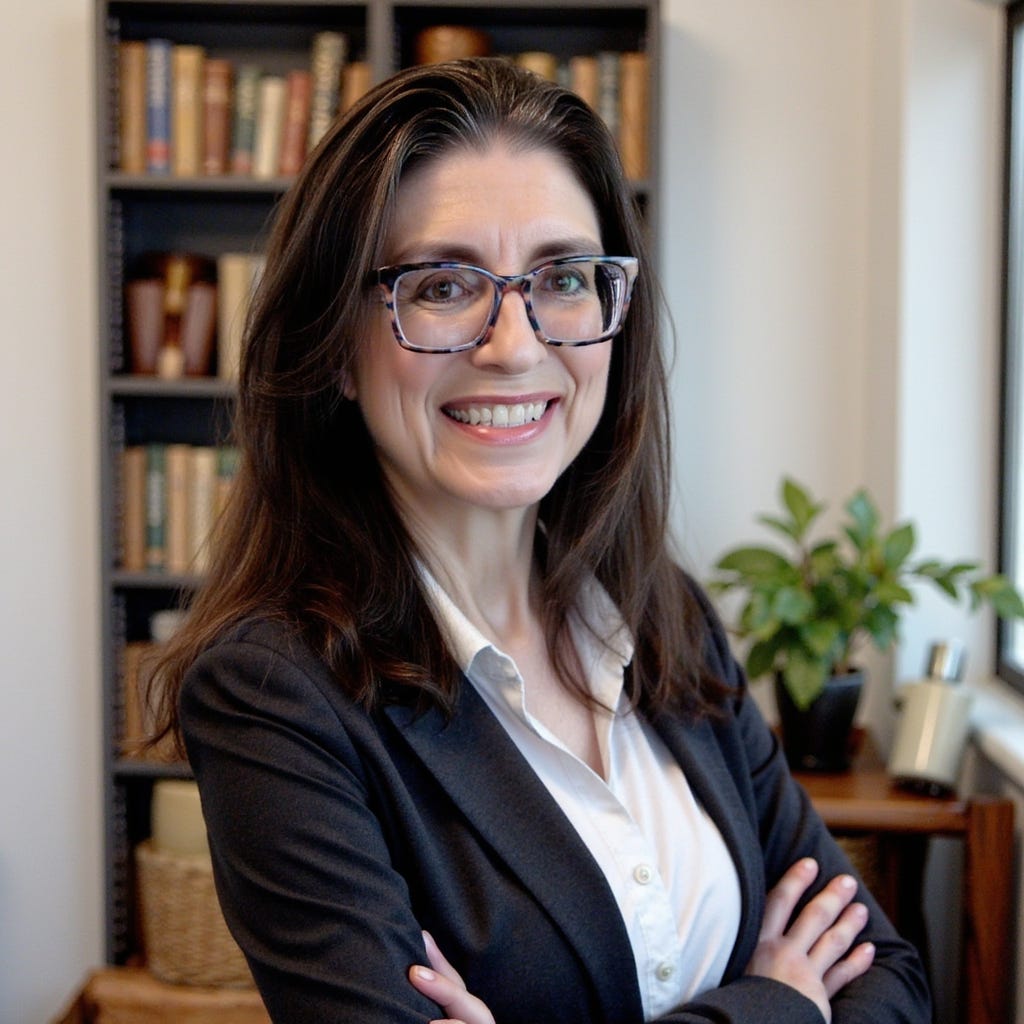
It’s far better than any selfie I could have taken.
So, now that I’ve learned how to better create training images, I will likely train a new set or two in the future that will help the AI put me in the best light, while still being somewhat accurate. But I’ll probably wait a little bit, as this can be quite time consuming.
By the way, you can also do this for friends if you have enough credits…but it’s probably not allowed to use this for real, living people who have not given their permission.
PS I get a small commission for any sales of PhotoGPT through AppSumo via my affiliate link.
Comments
Nothing yet. Say the first thing.
Sign in to join the conversation.