
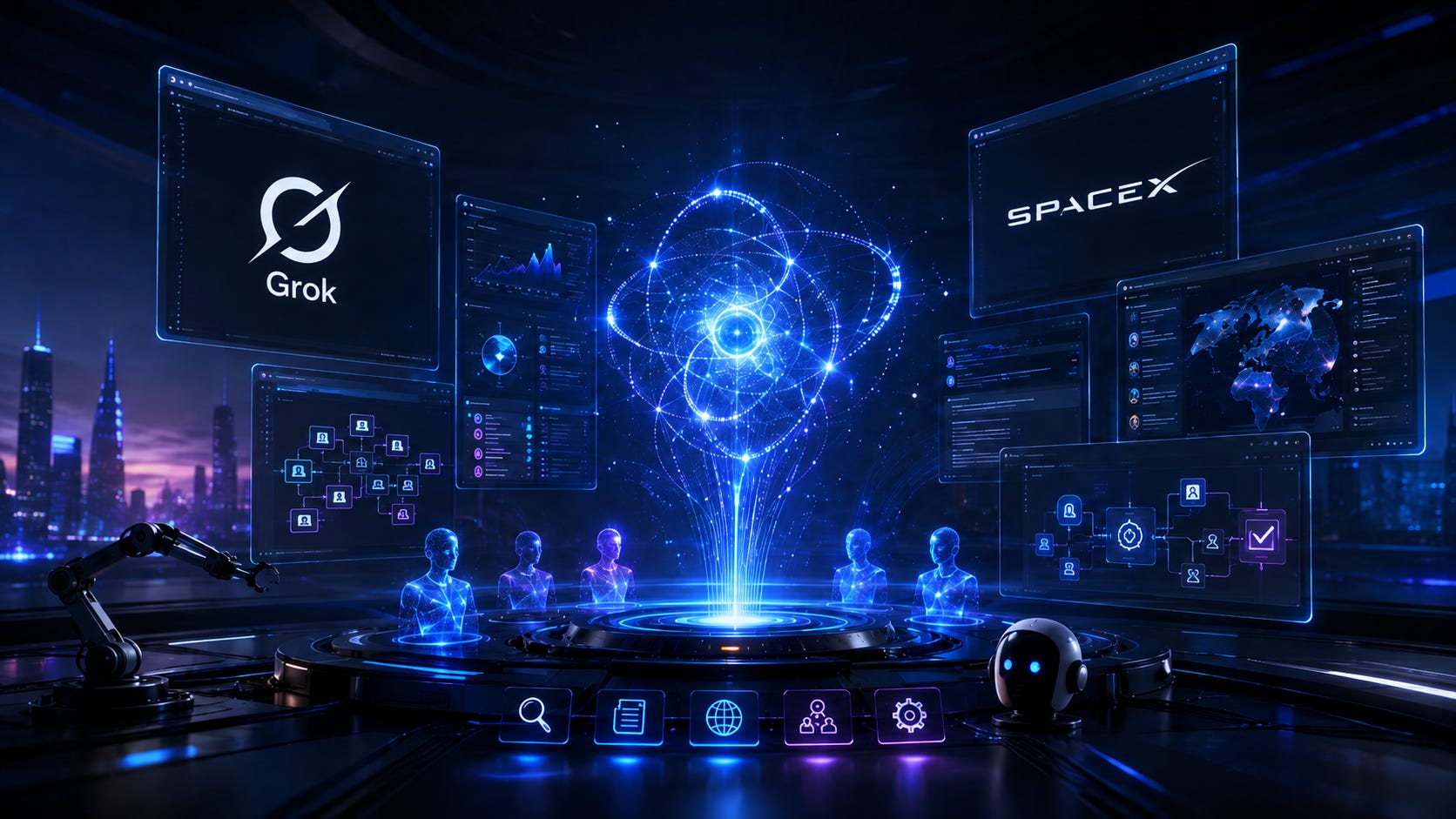
SpaceXAI has launched Grok 4.6, and this is much more than a small upgrade.
The new model is built for research, coding, complex reasoning and long-running AI tasks. It can also work with live web information, X posts, large documents and external tools.
But most people will probably use it just like a normal chatbot.
Ask a question.
Read the answer.
Close the tab.
That means they could miss some of its most useful abilities.
Here are the Grok 4.6 features you should know about. 👇
Instead of asking Grok to complete tiny tasks one by one, give it the entire objective.
For example:
“Research my top five competitors, compare their prices and strengths, identify market gaps and prepare a short business strategy.”
Grok 4.6 is designed to handle multi-step tasks, making it useful for reports, research, planning and complex projects.
One of Grok’s biggest advantages is access to live web search and X search.
That means you can ask about:
🔹 Breaking news
🔹 New AI launches
🔹 Trending discussions
🔹 Public reactions
🔹 Competitor updates
🔹 Technology announcements
Try asking:
“Search the web and X for the biggest AI announcements from the last seven days. Separate confirmed news from rumours.”
This turns Grok into a powerful real-time research assistant.
Grok 4.6 supports different levels of reasoning, including a powerful XHigh reasoning mode for more complicated problems.
You probably don’t need maximum reasoning to rewrite an email.
But it can be useful for:
💼 Business decisions
💻 Difficult coding problems
📊 Strategy
🔢 Mathematics
📚 Research
📑 Complex document analysis
The idea is simple: the harder the problem, the more thinking you can ask Grok to do.
Grok 4.6 supports a massive 500,000-token context window through its API.
In simple terms, it can work with a huge amount of information during a single task.
Instead of saying:
“Summarise this PDF.”
Try:
“Find every deadline, payment, obligation and action required in this document. Highlight anything that could create a risk.”
This can be extremely useful for teachers, researchers, administrators, lawyers, accountants and businesses.
Here’s a simple trick that can immediately improve your results.
After Grok gives you an important answer, ask:
“Now critically review your answer. Find weak assumptions, missing facts or possible errors, and then give me an improved version.”
You can even tell it:
“Try to prove your own recommendation wrong before giving me your final conclusion.”
This is especially useful when making important decisions.
Grok 4.6 also powers Grok Build, SpaceXAI’s coding agent.
Instead of asking AI to generate a few lines of code, you can describe an entire project.
For example:
“Build a responsive school event registration website with a registration form, admin dashboard and mobile-friendly design.”
Grok Build can work through multiple stages of a coding project and improve the result along the way.
Developers can also use Grok 4.6 through Cursor.
This becomes useful when AI needs to understand an entire software project instead of just one piece of code.
You could ask it to inspect several files, locate the real cause of a bug, fix the issue and check whether the change creates another problem.
That’s much closer to working with an AI software engineer.
Grok’s wider ecosystem also supports multi-agent workflows.
Instead of relying on one AI perspective, different agents can explore different parts of a problem.
Imagine researching a new business idea:
📈 Agent 1 — Market demand
💰 Agent 2 — Pricing
⚔️ Agent 3 — Competitors
⚠️ Agent 4 — Risks
📣 Agent 5 — Marketing opportunities
Grok can then combine the findings into one final recommendation.
Grok Bot takes things another step forward.
Instead of simply answering questions, Grok Bot is designed as a persistent AI worker with its own cloud computer.
It can potentially work across websites and applications, continue working even after you leave and return when a task is completed or needs your approval.
Possible uses include:
📧 Preparing follow-up emails
🧾 Processing invoices
📊 Updating business records
🐞 Reproducing software bugs
🗂️ Handling routine workflows
This is where AI starts moving from giving advice to actually doing work.
Another interesting feature is the ability to teach Grok Bot how you normally complete a task.
For example, you could show it how you:
✅ Prepare a weekly report
✅ Update records
✅ Process invoices
✅ Check enquiries
✅ Organise documents
The AI can learn the workflow and repeat it later.
This could become particularly useful for businesses with repetitive office tasks.
The broader Grok ecosystem also includes tools for images and video.
You can combine research, writing and visual creation in the same workflow.
For example:
“Research the latest interior design trends, identify three popular styles, prepare an Instagram campaign and suggest image concepts for each one.”
Another reason Grok 4.6 is getting attention is its API pricing.
SpaceXAI launched it at:
💵 $2 per million input tokens
💵 $6 per million output tokens
That matters especially for developers and businesses running large numbers of AI tasks.
Grok 4.6 also reached frontier-level performance in independent AI benchmarks, making the combination of intelligence and pricing particularly interesting.
The real power of Grok 4.6 isn’t simply that it can give better answers.
It’s that AI is moving from:
“Ask me something.”
to:
“Give me the job.”
Instead of using Grok only for quick questions, try giving it a complete objective.
Let it research.
Let it analyse.
Ask it to challenge its own conclusions.
Give it documents.
Connect it to tools.
And for more advanced workflows, let AI agents handle multiple steps for you.
That is where Grok 4.6 becomes much more interesting than another chatbot. 🚀
Making AI and technology simple, practical and useful.
Stay curious. Keep experimenting. The next major AI shift may already be sitting inside a feature you haven’t tried yet. 🤖✨
No posts
Comments
Nothing yet. Say the first thing.
Sign in to join the conversation.