
Let’s imagine this scenario. You give Claude Code a feature ticket. Fifteen minutes later it comes back with a clean PR. Well-named functions, sensible tests, the lot. You scan it, looks fine, you merge.
Two days later, production breaks. Turns out the agent quietly deduplicated a list of users that was, somewhat unfortunately, the source of truth for billing. Nothing in the spec said “do not deduplicate.” Nothing in the codebase made it obvious the duplicates were load-bearing. The agent did the obvious-looking thing.
The reflex is to blame the model. “If only it was smarter, it would have known.” That’s the wrong story.
The model was fine. The agent was missing a harness.
The framing is simple: Agent = Model + Harness
The model is the LLM. The harness is everything around it: the rules it has to follow, the tools it has access to, the feedback loop it sits inside, the verification gates it has to pass.
Most teams treat AI agents like a smart intern they hired and then forgot to onboard. No README, no playbooks, no review checklist, no access to the systems that hold the answers. Then they wonder why the output is inconsistent.
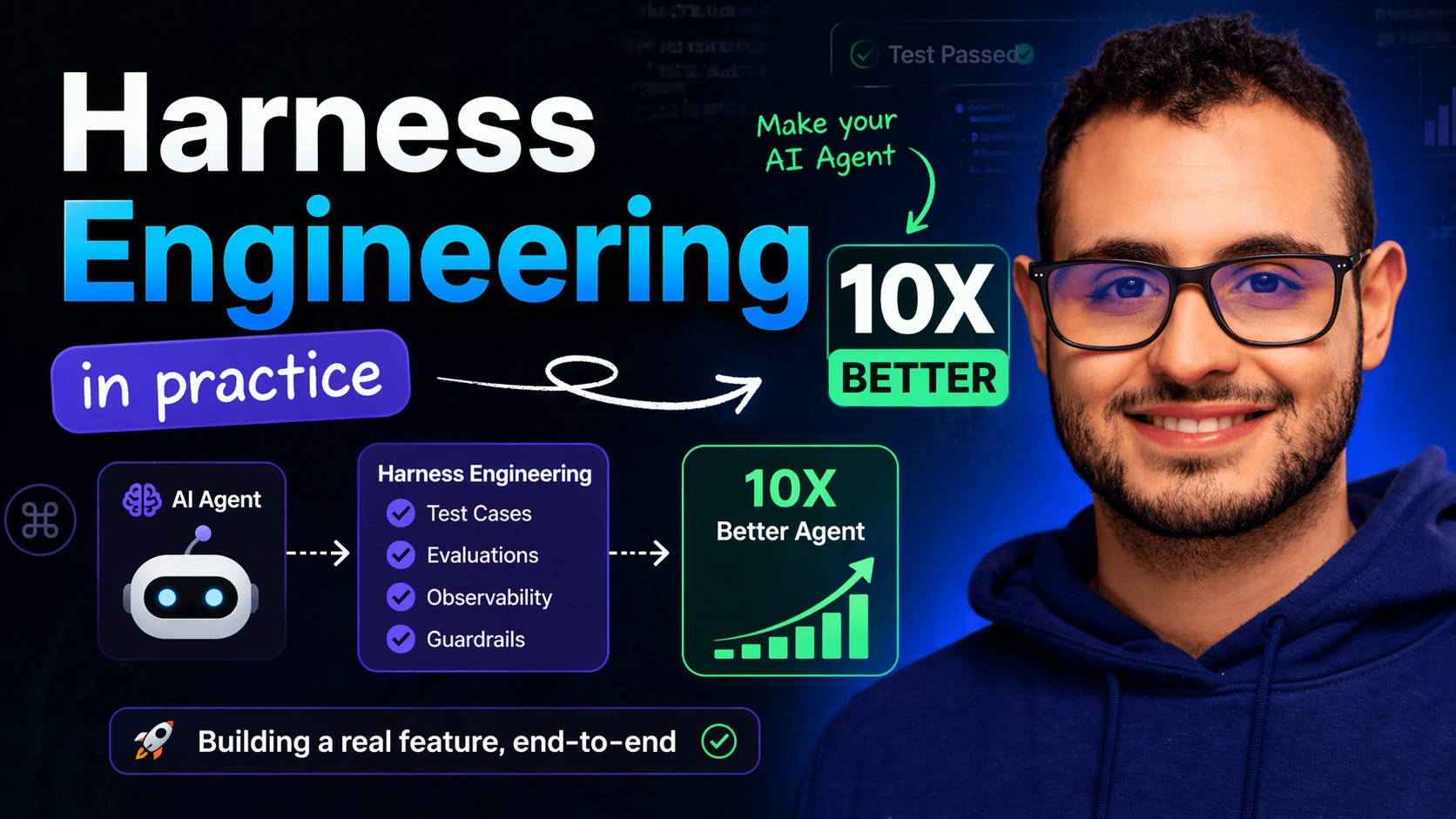
Harness engineering is the work of putting that structure around the agent so good output becomes the default, not the exception.
Here are the first 5 steps you can take in your own codebase. None of them needs permission from anyone. None of them takes more than an afternoon. They compound. Do them in order.
Open your repo. Create a file at the root called AGENTS.md (or CLAUDE.md if you are on Claude Code, same idea). This is what the agent reads at the start of every session. Treat it as the project’s onboarding doc, except the new hire is not human.
Skip this step and the agent has to guess your conventions every time. It will guess based on its training data, which means code that looks right for “a Node.js project,” not for your Node.js project.
A useful AGENTS.md has three things in it.
First, your stack and conventions. What framework, what database, what test runner, what code style. One paragraph is enough.
Second, the things you do not do. The rules that live in your team’s head but nowhere in the code. “We never use Moment.js.” “We do soft deletes, never hard deletes.” “All input goes through Zod at the boundary.” Five to ten lines.
Third, how to verify. The exact commands that prove a change is good. Typecheck, lint, test, build. The agent uses these to check itself before handing the work back.
Keep it under 200 lines. If it grows past that, split it into linked files. The 5 conventions every new contributor gets wrong on day one are the same 5 conventions your agent gets wrong on every prompt.
Of course, you can add skills on top of this ;)
The agent’s feedback loop is whatever runs in under 30 seconds and tells it the truth about its work. If your “feedback loop” is a 12-minute CI run, the agent has no feedback loop at all.
Make sure these commands exist, work, and live in AGENTS.md:
typecheck(e.g.tsc --noEmit)lint(e.g.eslint .orbiome check .)test(the fast unit suite, not the integration suite)build(catches a different class of breakage)
Each should run in under 30 seconds on a clean machine. If yours don’t, the bottleneck isn’t AI. It’s CI hygiene that’s been hurting your humans for years. Fix it now and you fix it for both.
Once the agent has these commands, it stops asking you “did this work?” and starts answering for itself. That single shift is the biggest quality jump you’ll see in a week.
Most “AI hallucinations” I see in code are not hallucinations. They are the agent filling in the degrees of freedom you left open.
Say “add a user profile page.” The agent now has to invent: what fields, what error states, what cache behaviour, what authentication does, what an anonymous caller sees. So it guesses. Sometimes it guesses well. Sometimes you get a leaked email field in production.
A 1-page SPEC.md template kills most of this. Mine has five sections.
What we are building (one paragraph). Inputs and outputs (the actual shape of the request, the actual shape of the response). Edge cases (empty, missing, unauthenticated, rate-limited). Constraints (cache for X seconds, never expose Y, must use Z library). Done means (the exact list of checks that have to pass).
Write the spec before you let the agent touch code. Ten minutes of spec saves an hour of “why did it do that” later. If you want a head start, frameworks like BMAD or Spec-kit will give you a scaffold, though there’s no shortage of alternatives. If you’re lazy, I also built nano-spec, which allows you to start with SDD in less than 60 seconds ;)
Stop pasting things into the chat.
Every time you copy a database schema, a Slack thread, a Jira ticket, an error log, or a CloudWatch dashboard into the agent’s context, you are doing by hand what a tool could do on its own.
“Tools” here is broader than people assume. It is MCP servers, yes. But it is also the CLI commands already sitting on your machine: gh, aws, psql, curl, your test runner, your seed script. It is the custom scripts you write specifically for the agent to call. One-shot things like scripts/check-staging.ts or scripts/list-stale-feature-flags.ts. Anything that lets the agent reach out and find an answer instead of asking you for it counts.
This is where the agent stops being a code generator and starts being a collaborator. With tools, it can explore. It can read the live schema from your dev database. It can hit the staging API. It can ask AWS what is actually running in your account. It can run your tests, see the failure, and try again. You are not in the loop for any of it.
You stop being the tester. The agent runs the test. You stop being the lookup service for “what’s the prod region for this service?” The agent calls aws ec2 describe-instances and finds out. You stop screenshotting tickets. The agent fetches the ticket.
This is what compounds. An agent that can interact with the world catches its own mistakes. An agent that can only read what you paste catches whatever you remembered to paste, and nothing else.
Where to start: pick the system you copy-paste from most. Database, ticket tracker, design tool, observability, AWS. Find an MCP server for it, or write a 30-line CLI script the agent can invoke. Wire it up. Run three real tasks through it.
One tool is enough for now. Adding ten in week one is how you end up with a bloated context window, half-loaded servers, and an agent that’s somehow worse than before. Pick one. Make it boring. Move on.
The harness is not done until the work is checked.
A useful verification checklist is short, lives next to the code, and actually gets used. Mine has five questions.
Did the agent run the sanity commands? Typecheck, lint, test, build, all green.
Did it follow the AGENTS.md rules? Especially the “things we do not do” list.
Did it stay inside the spec? No scope creep, no invented edge cases.
Are the tests it wrote actually testing the behaviour, or just the implementation? This is the failure mode that hides the longest.
If this fails in production, will I be able to debug it? Logging, error messages, observability.
Run the checklist on every meaningful agent task. After two weeks you’ll see patterns. Patterns become updates to AGENTS.md, which makes the next pass faster, which keeps the loop spinning.
A real AGENTS.md. Sanity commands the agent can run on itself. A spec template that kills 80% of the ambiguity. One MCP server that ends one category of copy-paste. A 5-question verification checklist that catches the rest.
That is a harness. Not the whole harness, but the first version that actually works. The deeper layers come later, once you have a feel for which step is paying off most in your codebase.
If you want to see this end-to-end on a real app, I am dropping a long-form video soon that walks through it on a React + Fastify app. The agent gets the same task before and after the harness. The difference is not subtle.
Have a great week,
Alfonso
No posts
Comments
Nothing yet. Say the first thing.
Sign in to join the conversation.