
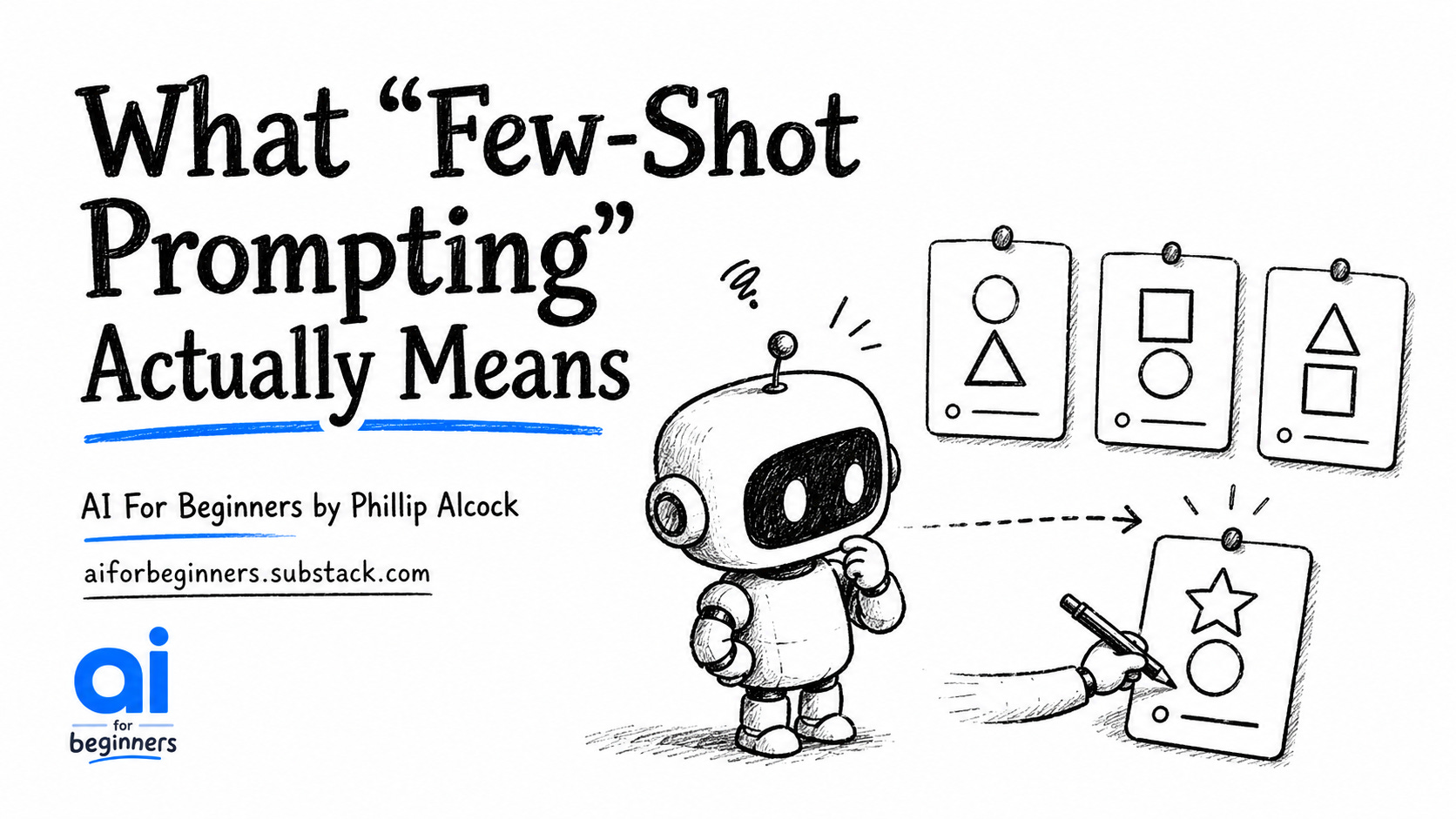
Few-shot prompting sounds like it belongs in a computer science paper. It doesn’t. It means showing the AI examples of what you want instead of describing it. You paste in two or three of your own emails, summaries, or reports, then ask the AI to write another one in the same style. The “few” is the number of examples. The “shot” is each one.
❌ Most people start here:
Prompt:
Write a professional email declining a meeting request.
Make it polite but brief.
The AI has to guess what “polite,” “professional,” and “brief” mean to you specifically. Whether you use first names. Whether you say “thanks” or “I appreciate your understanding.” Whether your emails run two lines or six. It has no idea. So it picks the safe middle of everything, and what comes back sounds like a template, not you.
✅ This works:
Prompt:
Here are examples of how I write professional emails:
Example 1 — Rescheduling:
Hi Sarah, I need to move our Tuesday meeting due to a conflict.
Would Thursday at the same time work? Thanks!
Example 2 — Declining a request:
Hi John, I won't be able to make the meeting tomorrow.
Could we find an alternative time next week? I appreciate your understanding.
Now write an email declining the Friday budget review meeting.
Match the style of these examples exactly.
Three things to try this week:
Match your workshop summaries. Paste two summaries you’ve already written for district clients. Then give Claude your rough notes from your last session and ask it to write a third in the same style. You get your own voice back, not a generic version of it.
Set a standard for your learning objective language. If you write curriculum documents, find two examples of how you phrase objectives. Paste them in. Ask Claude to write the next five in the same format. What takes an hour of consistency-checking takes thirty seconds.
Draft post-workshop follow-up emails. Find two emails you’ve sent after sessions that led to a follow-up booking. Paste them as examples. Then give Claude three bullet points about what happened in your last session and ask it to write the follow-up. The result reads like you wrote it.
How to save it for next time:
If you use Claude Projects, you can store your example emails inside the project instructions once and never paste them again. Drop this block straight into your project custom instruction setup:
When I ask you to write professional emails or summaries,
match the style of these examples exactly:
[Paste Example 1 here]
[Paste Example 2 here]
Do not explain your approach. Write in this style by default.
Every new conversation in that project will start already knowing how you write. No repeating yourself. No rebuilding the setup from scratch.
Open Claude now, paste two emails you’ve actually sent, and ask it to write the one you need today.
Built with AI Blueprints for Education × PBL Future Labs - Phil
Comments
Nothing yet. Say the first thing.
Sign in to join the conversation.