

Here’s a free trigger sentence you can paste into any Claude Skill right now:
Use this Skill when I ask about meal planning, dinner ideas, what to cook, grocery lists, or say "I don't know what to eat."LEARNING GOALS
After reading this blog, you will:
Know what a trigger sentence is and where it goes
Be able to spot a bad trigger sentence in five seconds
Write your own trigger sentence for a Skill you actually use
THE EXPLANATION
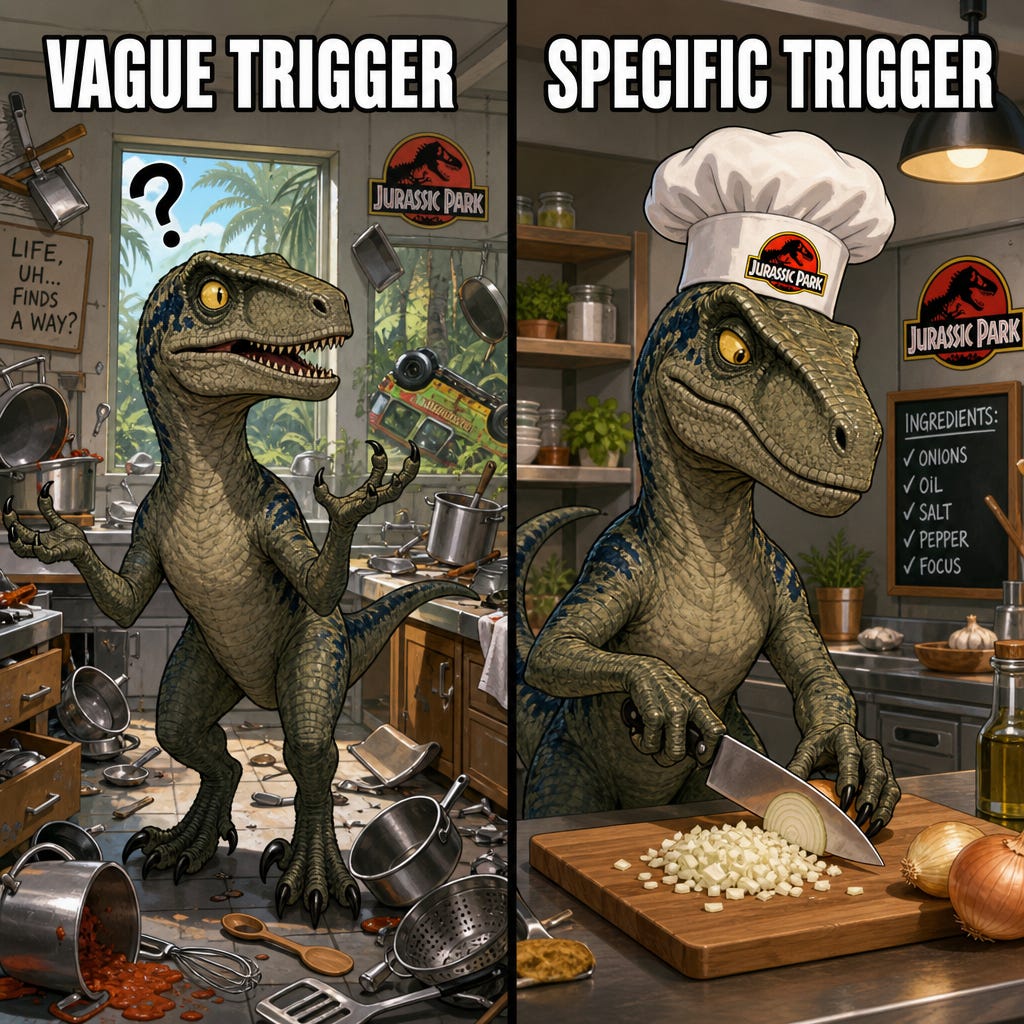
A Claude Skill is a saved set of instructions. The trigger sentence is the part that tells Claude when to use them. Without a good trigger, your Skill is a T-Rex in a paddock with the fence off, it either never shows up, or it stomps into every conversation uninvited.
Dr. Malcolm had a line in Jurassic Park: “Life finds a way.” Claude finds a way too. If your trigger sentence is vague, Claude will guess. And Claude guessing is chaos theory in action. Small input, wild output.
Here’s the difference.
Vague trigger (bad): “Use this Skill when I need help with life stuff.”
What does “life stuff” mean? Taxes? Dating? Whether to buy oat milk? Claude has no idea. So it either activates constantly or never.
Specific trigger (good): “Use this Skill when I mention food, dinner, cooking, groceries, or what to eat.”
Now Claude has a checklist. Five clear words. If you say any of them, the Skill wakes up. If you don’t, it stays asleep.
How Claude reads your trigger
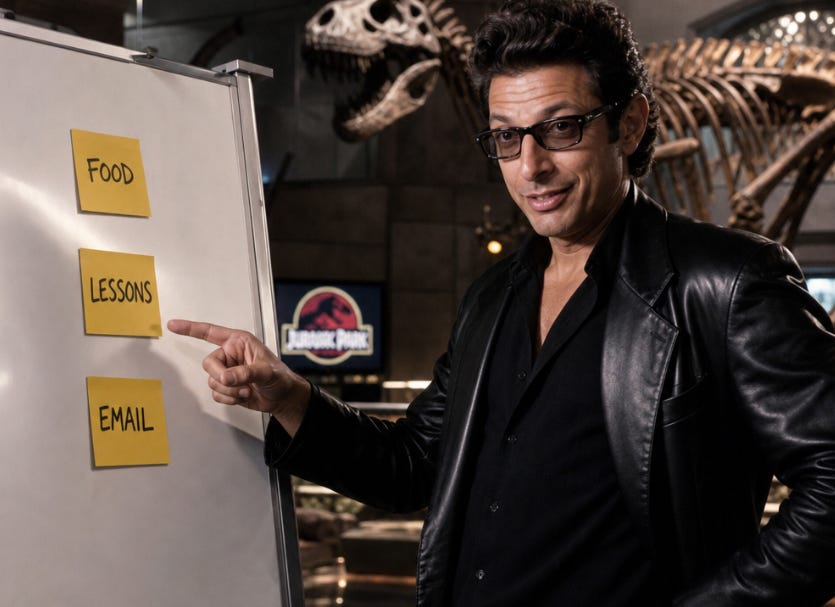
Claude scans your message. It checks the trigger sentence against what you said. If it sees a match, a word, a topic, a phrase, it loads the Skill. If not, it carries on like the Skill doesn’t exist.
That’s it. No magic. No AI mystery. It’s a switch with words on it.
Three trigger sentences you can steal
For a meal planning Skill: “Use this Skill when I mention food, dinner, cooking, groceries, meal prep, or say ‘what should I eat.’”
For a lesson planning Skill: “Use this Skill when I mention lesson plans, classroom activities, learning objectives, or a year level like Year 5 or Year 8.”
For an email-writing Skill: “Use this Skill when I ask to write an email, reply to a message, or say ‘draft this.’”
FREEBIE
Copy-paste this template into any Skill:
Use this Skill when I [action] or say [exact phrase].
Trigger words: [word 1], [word 2], [word 3], [word 4], [word 5]
Trigger phrases: "[phrase 1]", "[phrase 2]", "[phrase 3]"
Do not activate this Skill for general conversation, greetings, or unrelated topics.
Fill in the brackets. Save the Skill. Done.
READER ACTION STEP
Pick one Skill you’ve already built (or want to build)
Write the trigger sentence using the template above with at least 5 specific words and 2 specific phrases
Test it: open a fresh chat, say one of your trigger words, and check if the Skill activates
SIMPLE SUCCESS CHECK

You got it if you can say one trigger word in a new chat and watch your Skill switch on without you asking for it.
🔧 Prompt Engineering Tip: When you write trigger sentences for your own Skills, run them through Claude first with this prompt:
Here's my trigger sentence: [paste it]. List 5 messages a user might send that SHOULD activate this Skill, and 5 that SHOULDN'T. Tell me if my trigger is too vague, too narrow, or just right.This catches the chaos before it hatches.
Phil
Comments
Nothing yet. Say the first thing.
Sign in to join the conversation.