

A few weeks ago I sat down and asked Claude one question.
“What recurring tasks do you see me doing manually in the last 30 days?”
It came back with 23 things. Twenty-three tasks I was doing myself, every single week, that I had convinced myself were just part of running a business.
They weren’t. They were just things nobody else had been assigned to do.
That list became the job descriptions for my AI team.
Step 1 — Audit your business before you build anything
Most people start with tools. I want you to start with data.
Connect Claude to your Gmail and Google Calendar. Both. Then paste this prompt:
“Look at my Gmail and Google Calendar from the last 30 days. What recurring tasks, manual work, and bottlenecks do you see happening? Be specific — tell me what you actually see, not general advice.”
Read the full output before you do anything else.
This is Stage 1 of building your AI team — and it’s the step most people skip. They jump straight to prompts and tools without ever stopping to ask: what does my business actually need handled?
The audit tells you. Let it.
Step 2 — Stop using AI as a tool. Start using it as a team.
Here’s the reason AI keeps falling off your workflow: no structure.
You open it, type something, get an answer, close it. Tomorrow you start from scratch.
That’s not a system. That’s hoping.
A team works differently. Each member has a name, a role, and a job description. They know what to do when you call on them — and eventually, they run without you calling at all.
Inside my business, I have a chief of staff named Biz Bestie. She pulls my calendar, scans my inbox, and delivers a brief every morning before I open a single app.
I have Roxy — my research analyst. She reads AI newsletters and surfaces only what’s actually relevant to my audience. I don’t read every newsletter anymore. She does.
I have Violet for YouTube scripts. Lola for social content. Sammy for Substack strategy.
None of them are separate tools. They all live inside Claude. Each one has a skill file — basically a job description written in plain language — that tells them exactly what to do, what the output looks like, and how to hand off to the next person.
Step 3 — Write your first skill file
A skill file is not complicated. It is a set of instructions. That’s it.
Here’s a starter prompt to write your first one — build your chief of staff:
“Based on the task list we just built, I want to create an HR manager who oversees my entire AI team. Give her a first name and a title. Describe her personality and how she speaks. List the AI team members she would eventually manage with one line each describing what they do. Then write a short org chart showing how the team is structured.”
Read what comes back. Adjust it. Have a conversation with it. This is supposed to feel like you’re actually hiring someone, because in a sense you are.
When the description feels right, ask Claude to write the full skill file using the /skill-creator skill. Then download it as a Markdown file and install it in your Claude skills.
That’s your first hire.
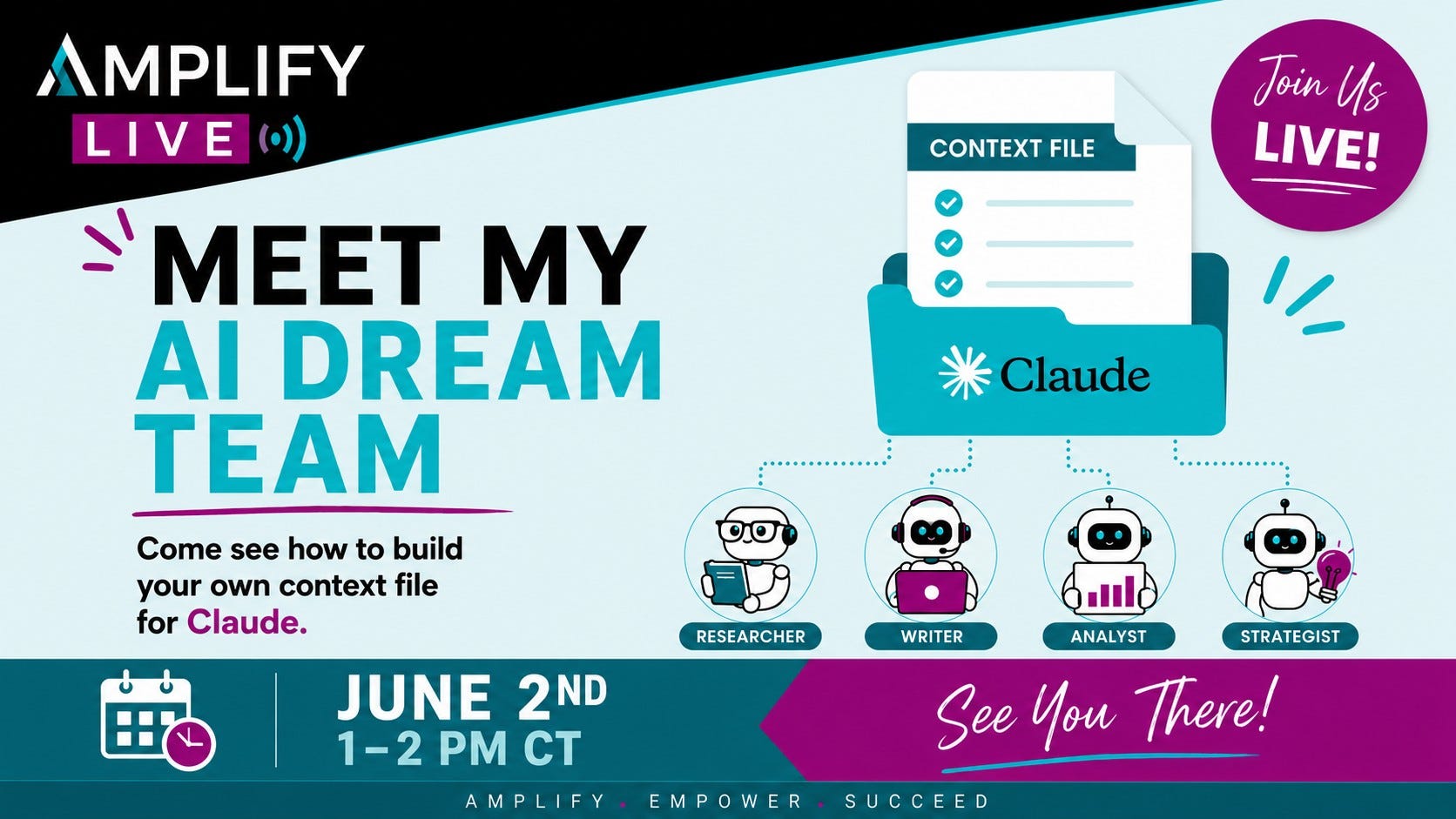
If you want to see this whole process in action , not just read about it, but actually take a peak behind the scenes, join me for a free workshop on Tuesday, June 2nd at 1:00 pm CT.
Step 4 — Schedule the work with Cowork
Writing a skill file gets your team member on paper. Cowork puts them on the clock.
Inside the Claude desktop app, click Cowork, then Scheduled. This is where you tell your team members when to show up and what to do — without you typing a single prompt.
My Roxy task fires every Monday at 5 AM. She scans my newsletters, pulls the most relevant AI news, and passes it to Biz Bestie by 5:45 so my morning brief is ready when I wake up.
I did not do that this morning. Roxy did.
One task setup. Every Monday. Already running.
The thing nobody tells you about building an AI team
It needs refinement — just like a real hire.
You set up the skill file and the first output won’t be perfect. That’s not failure. That’s onboarding. You go back, adjust the instructions, re-download, re-upload. You do this two or three times and then it clicks.
The entrepreneurs who stick with this process end up with a business that genuinely runs without them holding every piece together.
The ones who quit after the first imperfect output stay exactly where they are.
Want to see the whole team — live?
This Tuesday I’m pulling back the curtain and showing you my actual AI Dream Team inside Claude.
You’ll see the skill files. The org chart. The Cowork tasks running in real time. The morning brief landing in Notion before I pour coffee.
It’s a free peek inside exactly how this works — and you’ll leave knowing whether this is something you want to build for your own business.
Join me Tuesday. Details and link can be found here!
Or reply to this email and I’ll send you the details directly.
This is the most useful thing I’ve built in two years of running this business. I want you to see it.
Angelina
No posts
Comments
Nothing yet. Say the first thing.
Sign in to join the conversation.