
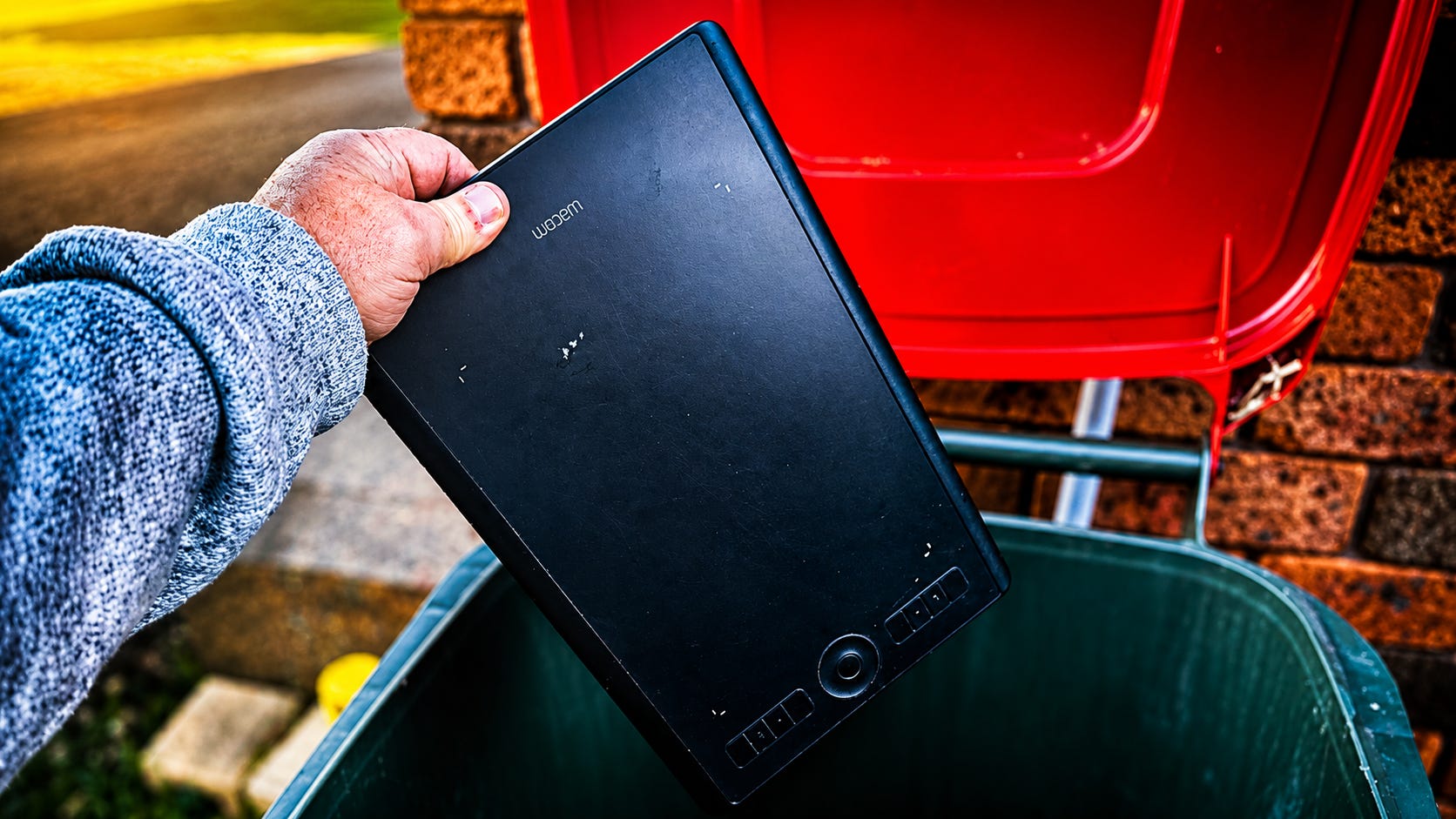
Cast your mind back about five or six years. We had just been through a deeply unpleasant period of global upheaval and were emerging once more blinking into the bright light like people who’d just spent two years panic-buying bog paper.
And on YouTube, the platform on which many of us had found solace and companionship during said unpleasant period of global upheaval, it seemed like every other photographer was using a bloody Wacom tablet.
And then, one by one, they just... weren’t.
Where did all the tablets go?
For a while, about five or six years ago, tablets, such as those made by Wacom, were definitely a ‘thing’ on photography YouTube. It started with a few glowing endorsements by big-name photography influencers such as Thomas Heaton but between about 2016 and 2021, videos recommending a Wacom Intuos or Intuos Pro started popping up everywhere.
Landscape photographers and photo influencers like Anthony Morganti, Julia Trotti, Aaron Nace, Glyn Dewis, Greg Benz, Ed Gregory, and Blake Rudis all either promoted pen tablets or used one during demonstration edits. And I’m sure there were many others who hopped on the bandwagon about that time.
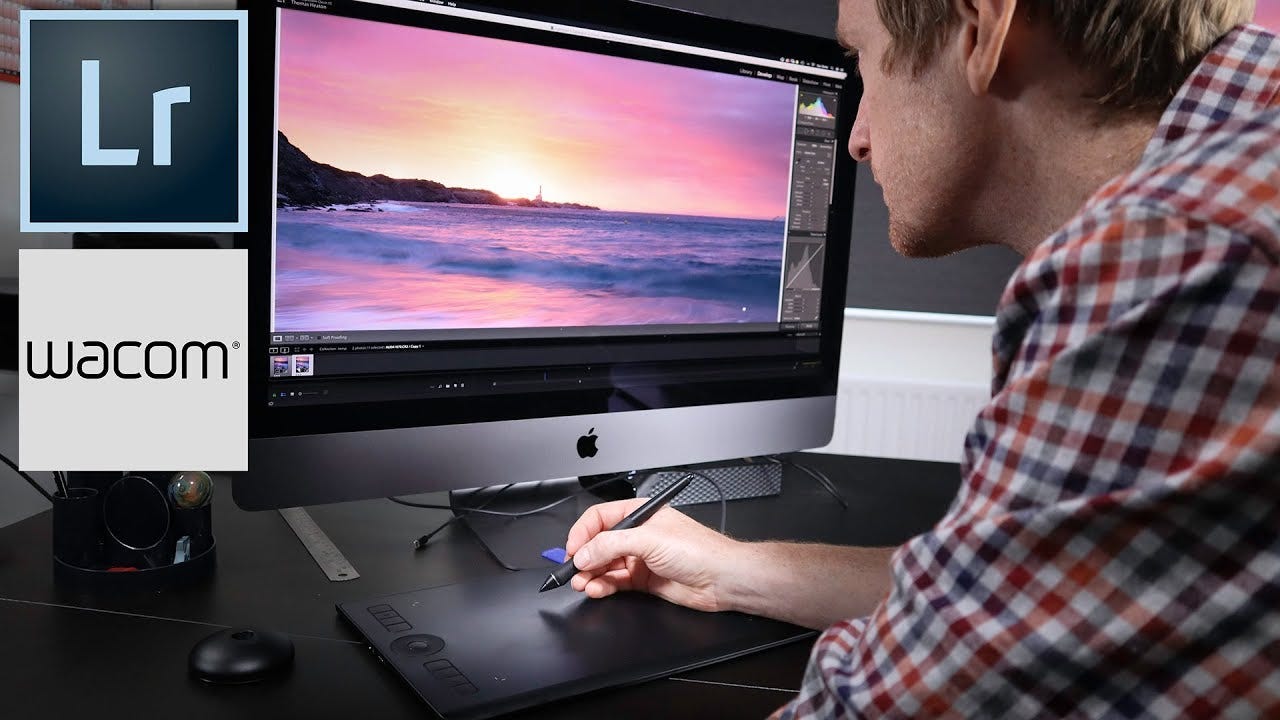
In many cases, these weren’t promotional videos either; many of them purchased the tablets with their own money and the videos were sponsored, as usual, by Squarespace and not Wacom.
And while Wacom undoubtedly did send out some tablets, I don’t think it’s simply a question of dodgy influencer funding causing a trend. It was a proper case of trend-driven gear acquisition syndrome.
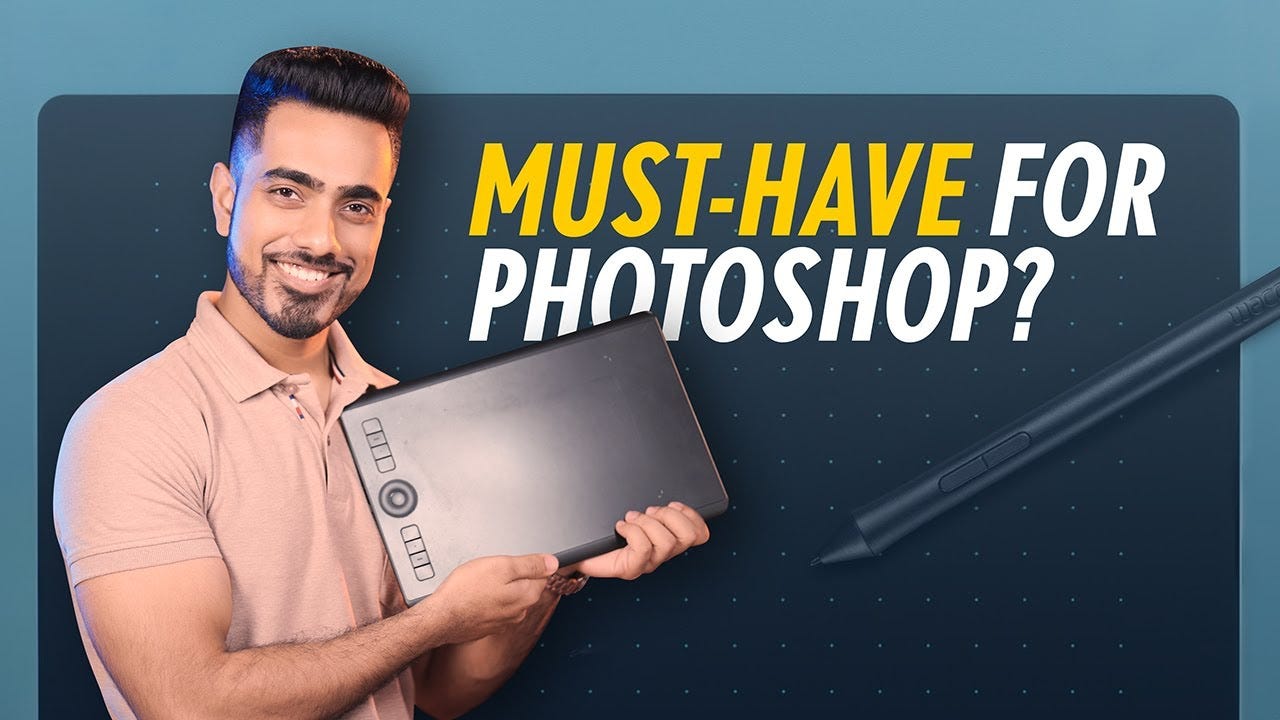
The question is: why is nobody apart from PiXimperfect using, much less talking about, tablets any more?
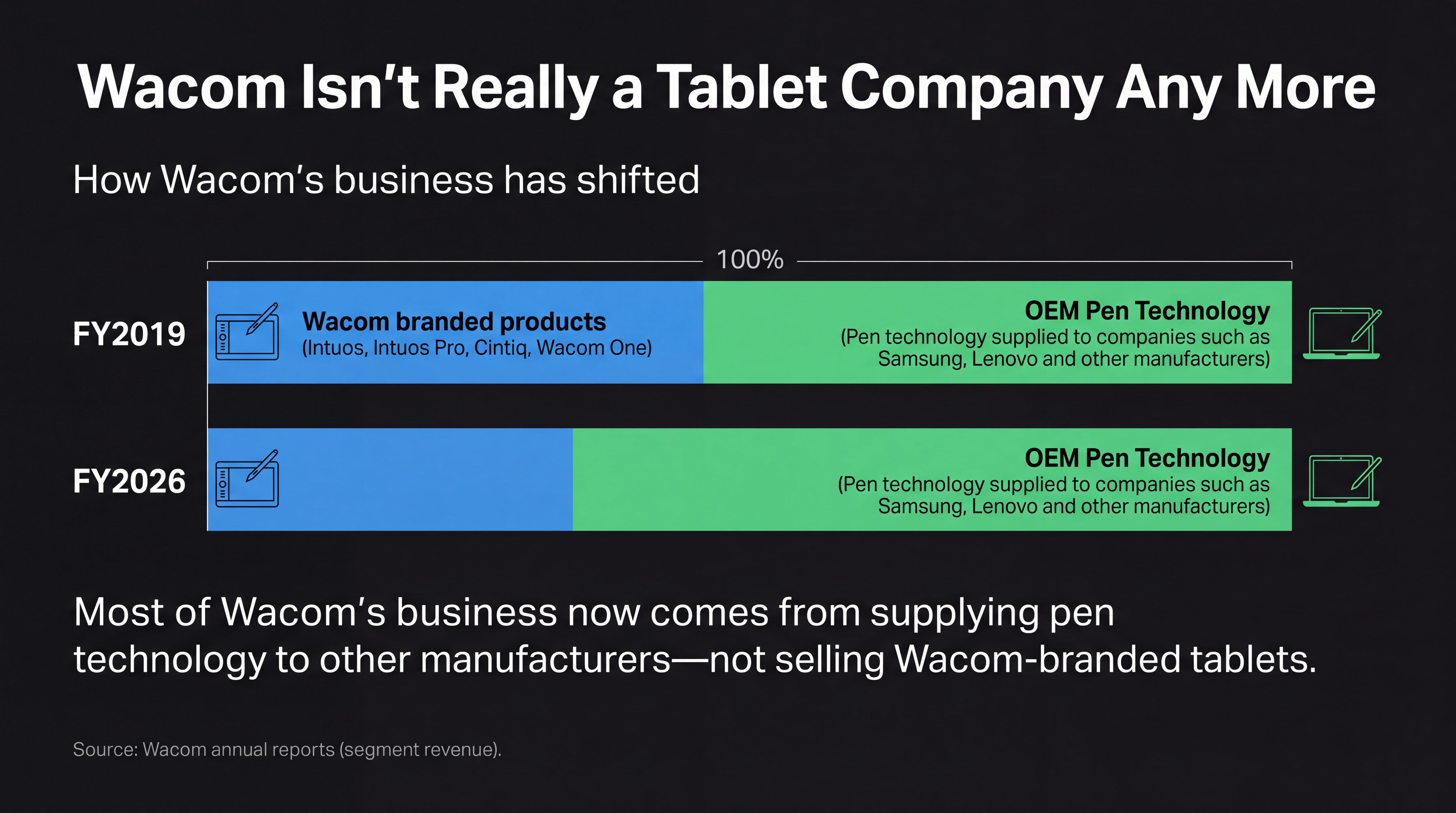
I did a bit of digging and interestingly, the numbers suggest this wasn’t just my imagination. Looking at their financials, Wacom itself enjoyed a huge pandemic-era boom around 2020 and 2021, but the momentum didn’t last. Revenue continued climbing for a couple more years, but its branded tablet business went into decline and the company increasingly relied on selling its pen technology to other manufacturers rather than photographers and artists buying Intuos tablets. It’s not proof that photographers abandoned them, but it’s certainly a bit of a smoking gun.
But my theory? I think photographers just realised they’re bollocks for editing photos.
I think, as photographers, we’re naturally inclined to try and find better ways of doing things, whether that’s through a technique or through gear. And on the face of it, tablets seem like a great option for photographers because they force us to edit in a more traditional or artistic way. Instead of stiffly swiping a mouse across a desk, we can elegantly waft a pen around; you get both smoothness and accuracy.
Admittedly the ability to write with a pen is probably on its way out, but most of us can still write and some of us can even paint and draw.
But the gap between pen and mouse is over-stated. The computer mouse has been around for over half a century now and we’re all so used to them that they’re almost an extension of our arms. We’ve built up muscle memory over many years and can move them accurately and precisely. Switching to a tablet requires building an entirely new spatial skill set and associated muscle memory.
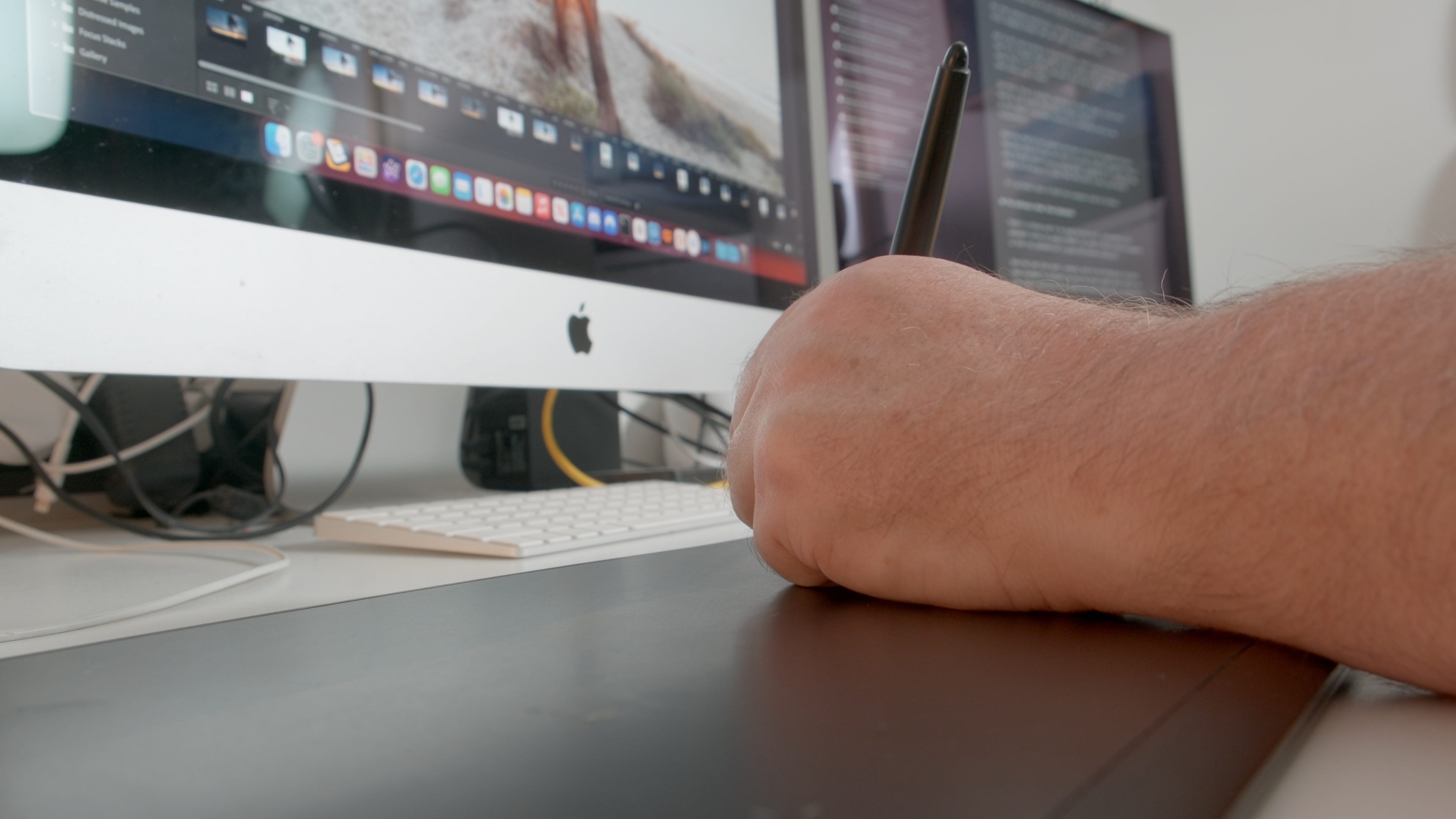
Yes, there are some painterly techniques in post-processing (dodge and burn, for example) but photographs aren’t paintings and dodging and burning a landscape doesn’t require the same motor skills as painting a watercolour. All you have to do is zoom in and you can get whatever level of accuracy you prefer. Combine that with features such as the automask edge detection built into apps like Adobe Lightroom and you don’t even need to be accurate.
The other problem is that while some apps (most notably Adobe’s apps and Capture One) had strong tablet support, others (such as DxO) did not, and so you might get reduced functionality.
And then there’s the cost of the original investment. Decent tablets, such as those produced by the market leader Wacom, are not cheap. The Intuos Pro, the tablet you’ll have seen in many a photography YouTube video, costs $350 USD. Are you going to spend that amount of cash on a product you know full well you might not get on with, when you can buy an extremely precise Logitech MX Master for a third of the price and use it for literally everything?
I’ve watched a heap of videos of photography YouTubers using a tablet during the editing process. I watched a tonne of them back when they were in vogue and I’ve revisited them to research this article.
What I noticed watching these folks flex their Wacom credentials is that using a tablet instead of a mouse is a bit like the withdrawal method: it usually makes no difference to the eventual outcome. And that’s because they’re just using the pen like a mouse.
All that pressure sensitivity, all those brush dynamics, and they’re still dragging sliders left and right like everybody else. And if all you’re doing is moving sliders, then I would strongly argue that it’s a bloody sight easier using a smooth wrist movement with a mouse than it is to drag a pen-point from left to right while your hand hovers over a tablet.
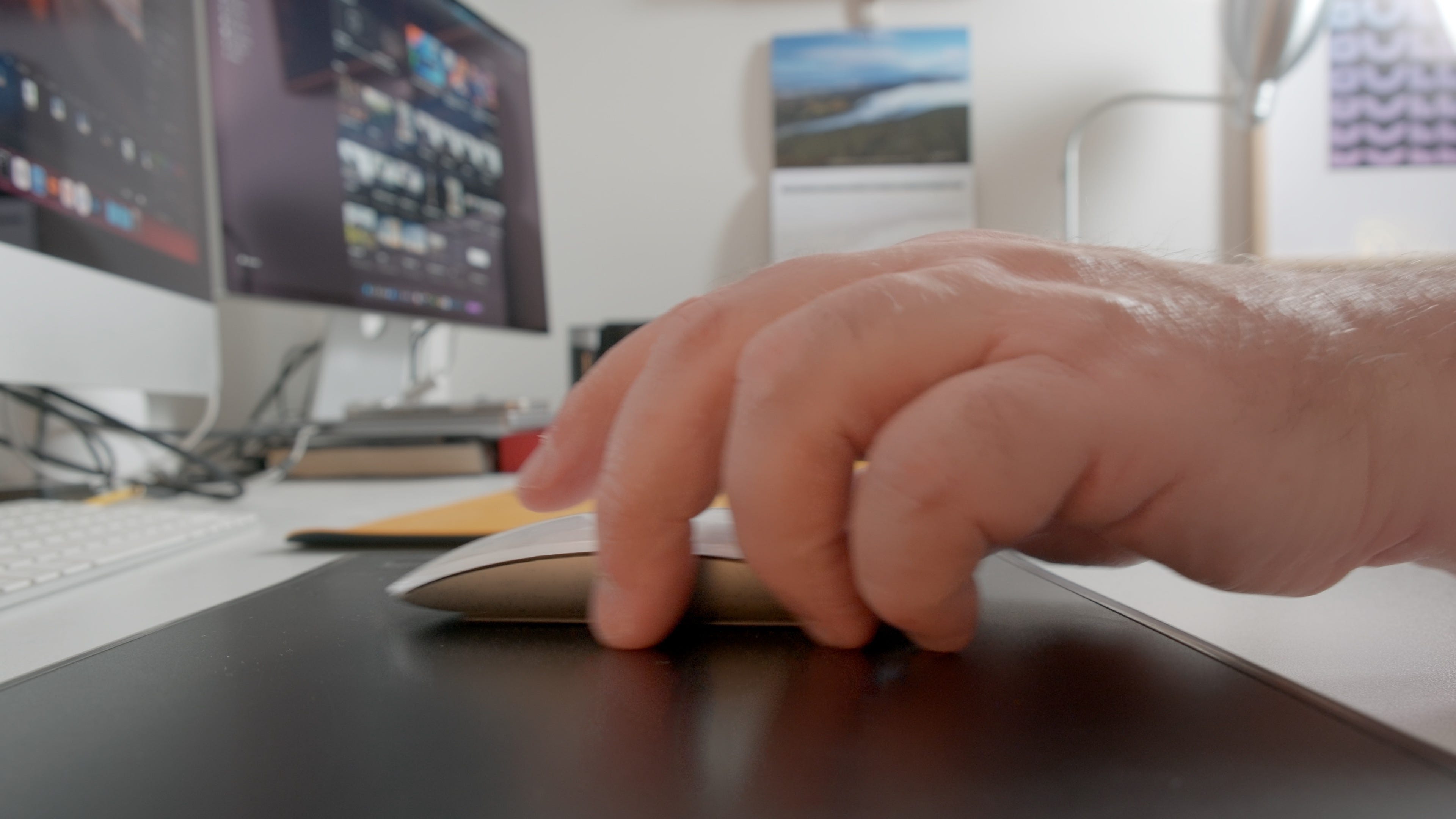
The other thing I noticed, watching all those videos, is how much desktop real estate those Wacom tablets take up. Is the tablet a permanent fixture or a temporary one you use occasionally? Assuming they’re not someone who gave up mice altogether and who therefore relies on a pen and tablet for every computer operation, they’d have to dick around moving things about, plugging it in, realising they forgot to recharge it, every time they want to edit some photos. It’s an extra layer of faff that everyone could do without.
There’s a strong case to be made for the cost, inconvenience and redundant nature of using a tablet, but what I think actually happened is that the software got so good they became irrelevant.
Over the last five years, masking, both AI and otherwise, has gone from strength to strength and even the most humble photo editor can now create selections that would have been difficult or impossible in the past. Instead of painstakingly painting in a selection of a person using a pen and tablet, you can simply press the ‘Select Subject’ button and save yourself several hours of dicking about.
One of the few remaining use-cases for a pen and tablet would be for something like dodging and burning, which can be a quite painterly technique. But with submask functionality and mask feathering, you can contain a dodge or burn brush stroke within whatever margins you prefer. And the increasing sophistication and accuracy of AI masking means everyone can make complex selections with fine control, automatically, in seconds.
RIP tablets.
I do have one small confession to make: I happen to own a Wacom Intuos Pro medium tablet and pen. It came to me via the long-suffering wife (a graphic designer) who bought it in July 2020 for $488 AUD, thinking it would make her life easier in Adobe Illustrator and Photoshop. Turned out that she bloody hated it and, a couple of months later, she unceremoniously dumped it on my desk and said, “Well you try using the bloody thing then.”
And that’s why, during the bog roll shortages six years ago, I ended up trying to edit my photographs with a tablet, before rapidly coming to the same conclusion as the missus. It now sits forlornly on the end of my desk, seeing less action than my copy of On1 PhotoRAW.
But I am prepared to admit that there are some solid use cases for using a tablet and pen instead of a mouse. One of my friends uses one because he has chronic RSI and, after trying trackballs, vertical mice, trackpads, acupuncture and swearing, discovered that holding a pen made the RSI go away.
Health exceptions aside, tablets are also useful tools for retouchers, professional artists who work on high-quality images shot by professional photographers and who can fly around an image at light speed, fixing blemishes, painting in blusher, and seamlessly blending complex composite elements together.
For my part, I can honestly state that the most useful thing I ever accomplished with it was creating an accurate digital version of my signature.

No posts
Comments
Nothing yet. Say the first thing.
Sign in to join the conversation.