
Every week, I make a visual map of my Python learning journey — I share what I learn, how I learned it, and how you can too.
I suffer from Eternal Beginner Syndrome.
To many people, being a beginner is a badge of honor — it’s a sign that you’re putting yourself out there and trying something new. But there’s a dark side to being a beginner…
The phrase “Oh, I’m just a beginner,” is the perfect excuse to only take on simple projects and avoid learning the real stuff. And that’s exactly what happened to me. A few minutes into my first Virtual Environments lesson, I thought, “Hmm, this is weird. I bet this is only for real software engineers, I can probably skip this.”
That’s when a scary realization hit me— labeling myself as a beginner was holding me back.
So the only way I could break out of the Eternal Beginner Syndrome was to start learning the best practices that “real” software engineers use — starting with virtual environments.
To understand virtual environments, think about the apps in your smartphone.
✨ Analogy Time: Your smartphone is capable of many things — calling, texting, taking pictures. But what makes your smartphone really smart is the App Store. Apps give your phone “superpowers” to book a ride-share, order takeout, or stream a TV show all in a four-inch screen.
In a way, that’s pretty similar to Python.
On its own, Python can do many useful things. But what really makes Python powerful is its libraries. Libraries are like apps that you install into Python for extra “superpowers” — for example, the Pandas library gives Python Excel-like abilities.
Just like apps, libraries have “software updates”. With each update, the library can change slightly — which can be problematic.
Let’s say, you installed a brand new Python library into your computer, called lifebot 1.0, and you used it to build a project that automates your morning routine.
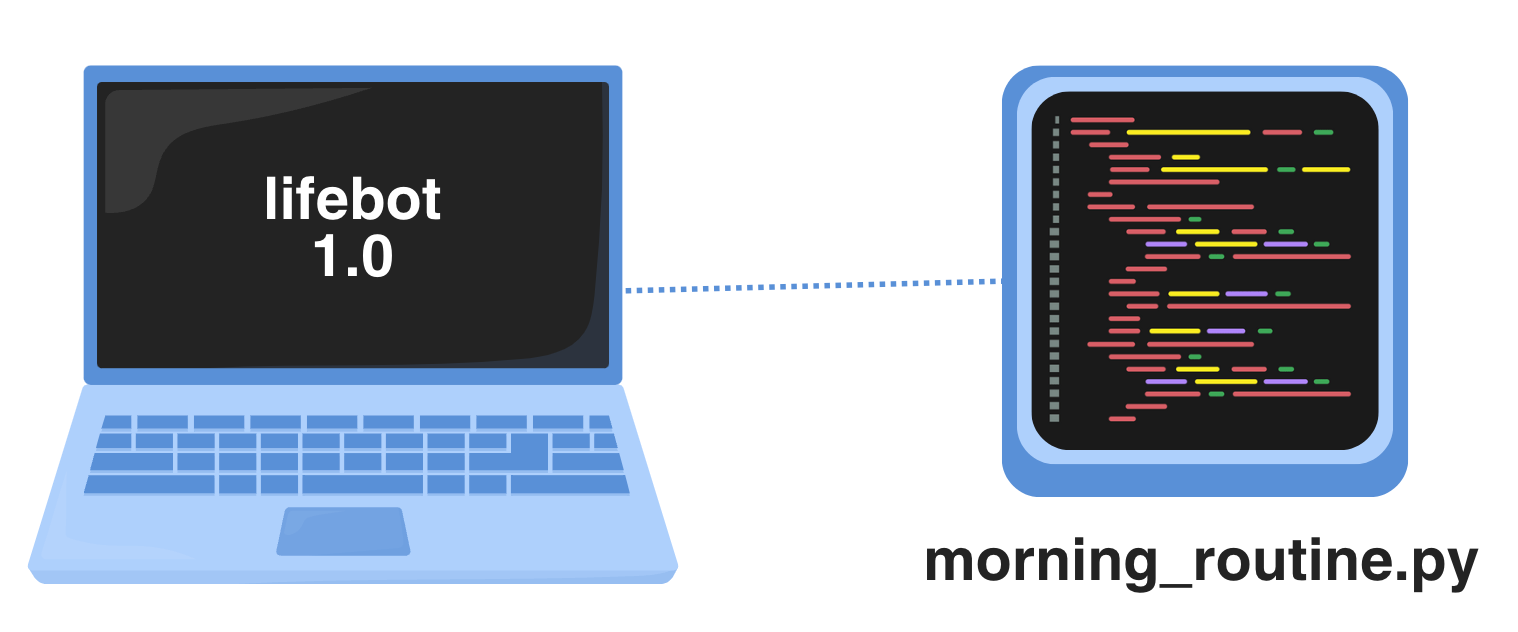
A few months later, lifebot releases a 2.0 version that automates your night routine. But there’s a problem. Version 2.0 is completely different from version 1.0 — meaning that your morning_routine.py project would be incompatible with the latest update and you would need to rebuild it from scratch.
So you’re stuck in a limbo — you can’t have both projects run at the same time because they require two different versions of the lifebot library.
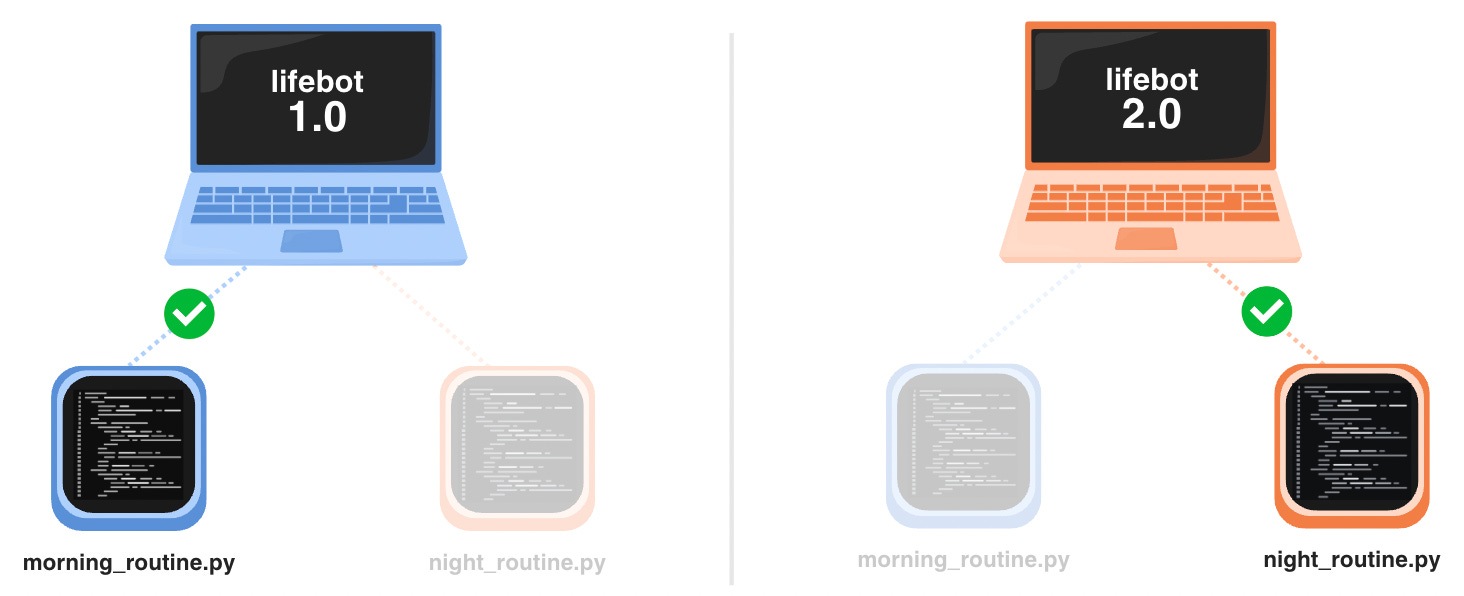
And this is where virtual environments save the day.
Virtual environments let you create silos for each project to have their own library versions, regardless of what is globally installed in your computer. So your morning and night routine projects can run simultaneously with the appropriate version dependencies.
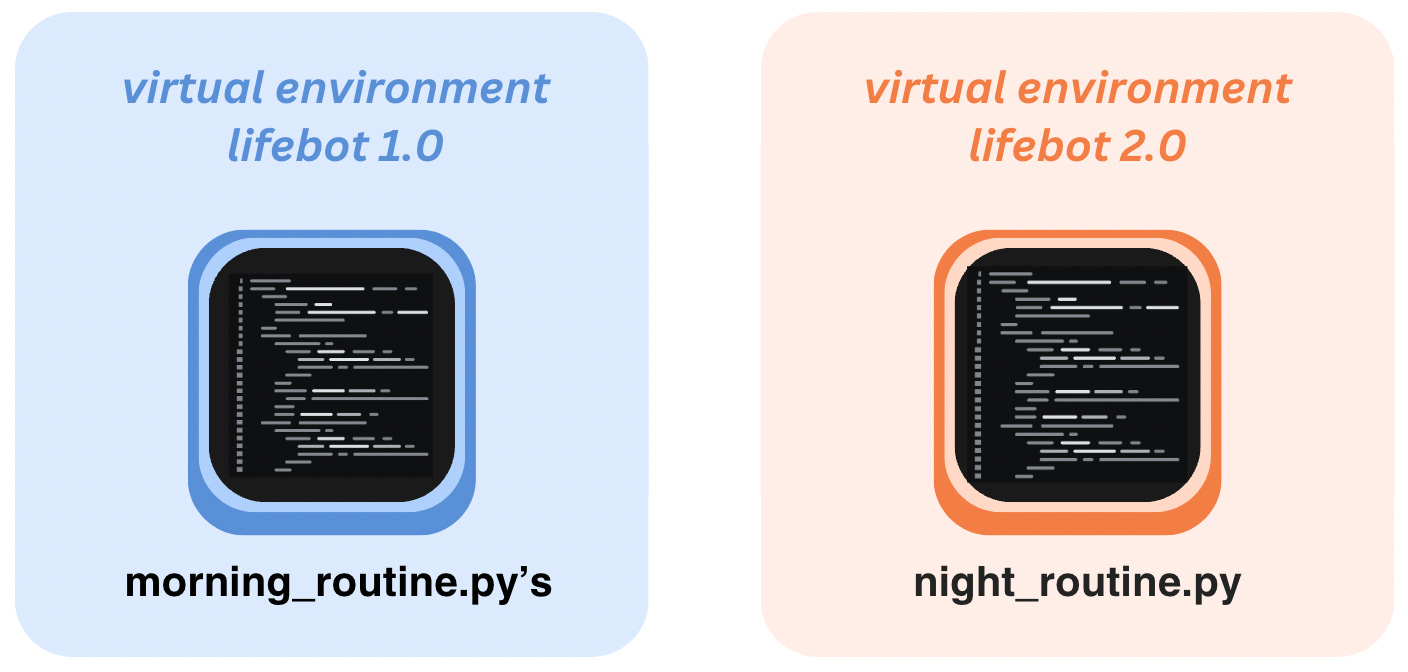
Whether you’re a “real” software engineer working at a big company or just a newbie making personal projects, virtual environments can save you the headache of project failures due to simple version changes.
After trying out 7 different Youtube videos, I found 2 that were the most helpful for setting up a virtual environment.
Surprisingly, the video that taught me the most was less than 4 minutes long. The instructor walks you through how to activate a virtual environment in VS Code without having to use your computer’s terminal:
How To Setup A Virtual Environment For Python In VS Code (3:59 min)
After watching that video, I recommend watching this 9-minute video that goes into additional best practices of virtual environments. Even though this instructor uses his computer’s terminal to create the virtual environment, it’s easier to use the VS Code’s terminal as you are taught in the first video.
Python Virtual Environments - Full Tutorial for Beginners (9:04 min)
It’s embarrassing to admit that the “real” stuff I avoided for so long took less than 13 minutes to learn before I started making virtual environments on my own 🥴 Moral of the story — don’t cling on to your beginner status for too long, it’ll only hold you back from reaching the next phase of your journey.
Comments
Nothing yet. Say the first thing.
Sign in to join the conversation.