
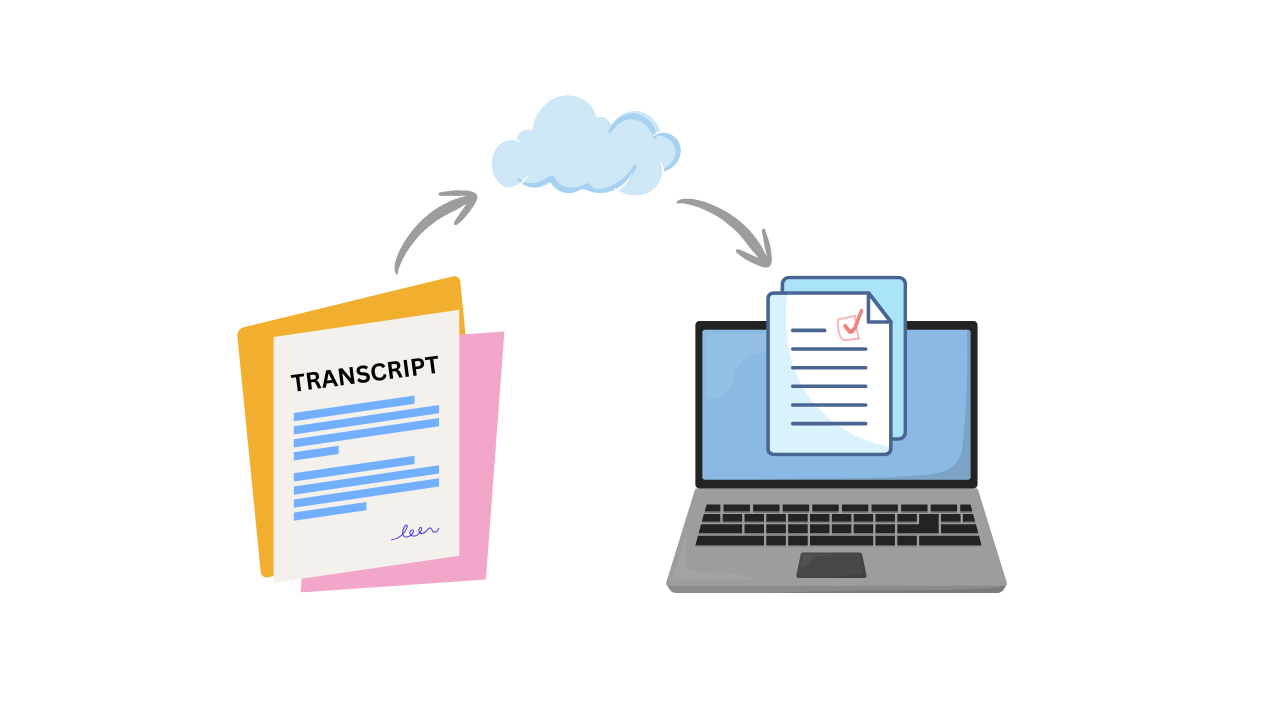
California established the Cradle-to-Career (C2C) data system along with the California College Guidance Initiative (CCGI) in 2021 as part of California Assembly Bill 132. CCGI manages californiacolleges.edu, the state’s official platform for college and career planning. Accounts are free for all California public & charter school students in grades 6-12. Students as young as 6th grade can create their CCGI account and start exploring careers.
In 2024, State Senate Bill 153 mandated that all public & charter schools offer transcript-informed californiacolleges.edu accounts (“CCGI accounts”) to students in grades 9-12. Jan. 1, 2026 was the deadline for schools and districts to enter into data-sharing agreements with CCGI. June 30, 2026 was the deadline for schools and districts to provide transcript-informed CCGI accounts for all 9th-12 grade students.
What does “transcript-informed accounts” mean?
“Transcript-informed” means all of your high school courses and grades will be in your CCGI account.
What can I do with my CCGI account?
You can explore careers, track your progress in fulfilling A-G requirements, launch your UC application and CalState Apply application directly from within your CCGI account, and track the progress of those applications.
Here’s the magic of “transcript-informed”:
Your courses and grades will automatically populate in the UC and CalState Apply applications. No more manual entry and trying to guess what the abbreviated course name on your transcript means!
What’s the one thing seniors should do now?
Activate your CCGI account as soon as your school notifies you that it’s ready, so you can save time completing your college applications. You can check the status of your school/district’s data sharing progress here.
Should you check the information that’s been pre-populated?
Yes, absolutely. Accuracy is important! Speak with your school counselor if you think there’s an error.
What if you already created a UC or CalState Apply account and started your application?
In the academics section of the application, if you entered “Yes” to the question about attending a California public high school, a field should open that prompts you to enter your California Statewide Student ID (CSSID). If you aren’t sure if your school counts as “public”, check here. Look for your 10-digit “CSSID” on your transcript or within your online school account profile. Entering your CSSID in the application links your CCGI account to either your UC or CalState Apply application.
Let me know in the comments what your experience is like using the CCGI integration with the UC application and CalState Apply.
Now if we could only get those 39 colleges that use STARS to use the Common App courses and grades section instead …
#NoAIWasUsedForThisPost
Admissions Tidbits is always free, because there shouldn’t be a secret curriculum for applying to college. You can support my work here.
Comments
Nothing yet. Say the first thing.
Sign in to join the conversation.