
Recently, I've been letting autonomous agents like the Cursor Background Agent, Google Jules, and OpenAI's Codex contribute more and more code to my projects. It’s genuinely impressive how large of tasks these agents can independently tackle, as long as you structure your projects properly. Here is how I set up my projects so I can let these agents work on them effectively and safely.
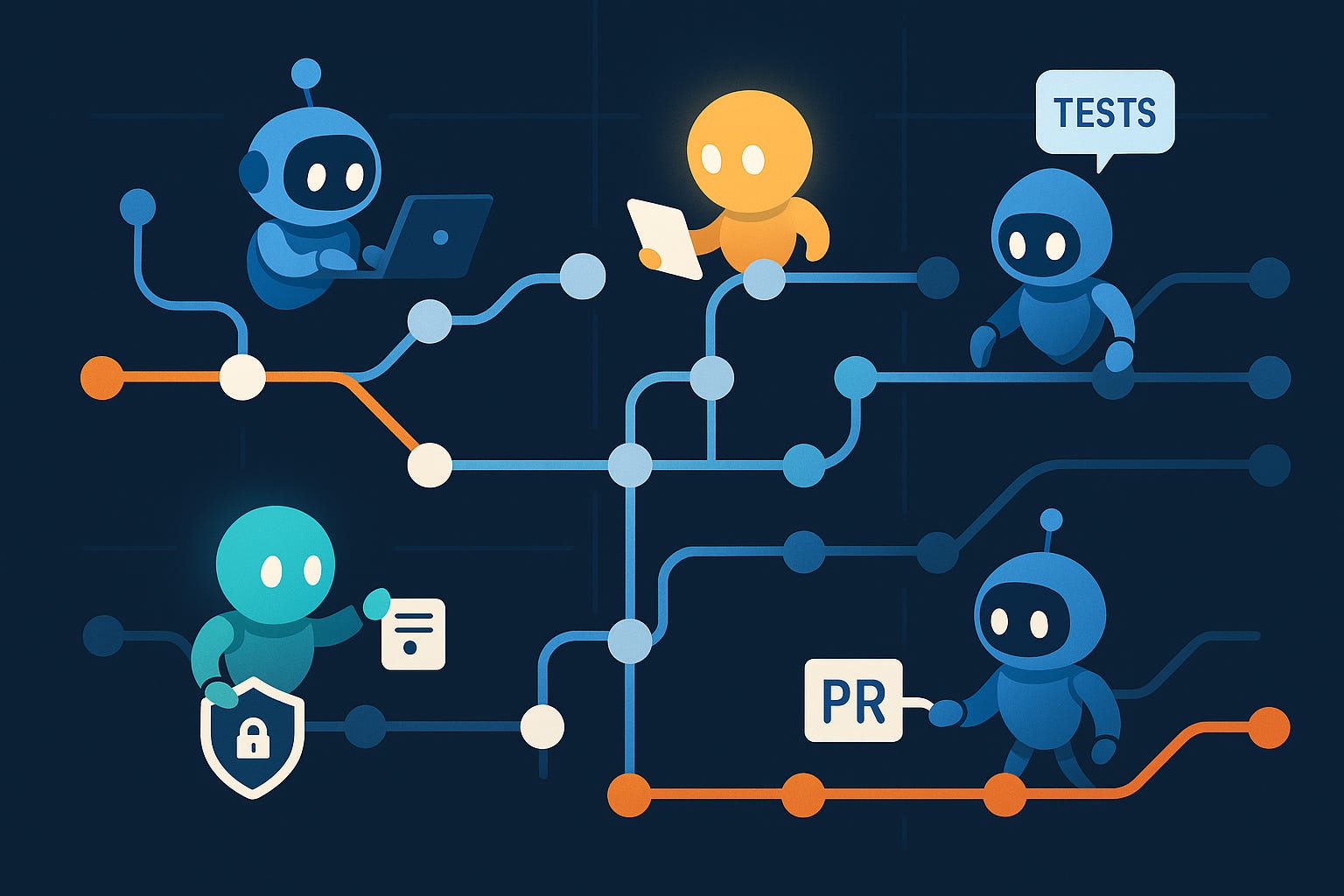
Whenever planning and brainstorming a project, I start with (assisted by AI of course) writing out a PRD and MVP spec to define the project concretely. Then once I have those, I will have a extremely technical AI (like O3) pull this into a build plan where it will serve as the software architect defining the framework repository layout and their high-level details.
Here is a prompt I use to generate my build plans:
You are my senior staff engineer.
Goal: Produce a complete, self-contained build plan for the project described below.
Requirements for your answer:
Context recap – 2–3 sentences that restate what we’re building (so I can confirm you understood).
Architecture diagram (ASCII) – high-level components and data flow.
Tech stack choices – front-end, back-end, database, hosting, third-party APIs, with one-line justifications.
Database schema – table / collection definitions with keys, types, relationships.
API surface – list every route or function (method, path, purpose, auth).
Incremental build steps – ordered checklist; each step ends with a test or acceptance criterion.
Risks & mitigations – at least three.
Definition of Done – what user can do, performance targets, success metric.
Formatting: Use markdown headers, code blocks for schemas, and tables where helpful.
No external references – everything needed must live in this answer.
Then I'll have an agent autonomously execute this build plan and verify the output. Ideally, it will write tests as it builds every step.
Make sure these documents live in the repo, so future agents can reference them.
Different agents use different storage locations for these. You may see: Agents.md, Cursor Rules, and Claude.md. Readme.MD, Contributing.MD, Testing.MD, Architecture.MD
These all serve as both guidelines and rules for working on the repo.
You can even ask the agent to write this, here is an example prompt to create Agents.md:
Explain the codebase to a newcomer. What is the general structure, what are the important things to know, and what are some pointers for things to learn next?
Save what would be relevant to a coding agent working on this repo to AGENTS.md. (Look in the .cursor/rules folder and CLAUDE.md for more info)
Here is an example AGENTS.md
Coding Agent Guide
This project is an app built with Next.js App Router. It uses Firebase for authentication and storage, integrates AI services for content generation, and follows a design system based on shadcn. Here’s the key information for working on the code:
Repository Structure
The
app/directory contains Next.js pages and API routes, including routes like/login,/onboarding, and/dashboard, as well as API endpoints underapp/api/*.The
components/directory holds shared UI components. Thecomponents/ui/folder contains reusable shadcn components.The
context/directory contains React contexts for managing global state, includingAuthContext, andChatbotContextThe
lib/directory has utilities and integrations, such as AI helpers inlib/aiand Firebase setup inlib/firebase.Documentation for specific features is found in
.cursor/rules/*.mdc(for onboarding, AI setup, etc.).Development Commands
All commands are run using pnpm:
pnpm run devstarts the development server.
pnpm run buildbuilds the app for production.
pnpm run startstarts the production server.
pnpm next lintruns ESLint.
pnpm run testruns Jest tests to check code functionality and coverage.
pnpm run typecheckchecks TypeScript types without outputting files.Testing Guidelines
Always run
pnpm run testafter making edits to ensure changes don’t break anything. This keeps the codebase stable.When adding new files or features, create matching tests to cover their functionality.
Linting
Run
pnpm next linton changed files before committing. To lint an individual file, usepnpm next lint --file path/to/file.tsxfor quicker feedback. Leaving out the--fileflag causes Next.js to look for a project directory and fail if it can’t find anapporpagesfolder under the path.Code Style Notes
The codebase uses TypeScript with strict mode enabled.
Client components must include the
'use client'directive.Imports are grouped by type: React/Next.js, third-party, and local imports.
Components use PascalCase; variables and functions use camelCase.
Prefer existing UI components from
components/ui/and use Tailwind CSS for styling.Use try/catch for error handling and avoid using
any.Important Concepts
Authentication and data are handled with Firebase Auth and Firestore. User profiles are fetched in
AuthContext.tsxand accessed withuseAuth.AI features are handled by API routes under
app/api/. AI provider helpers are defined inlib/ai.Best Practices
Never commit or log secrets or API keys. Environment variables are loaded from
.env.local.Follow Next.js routing conventions and maintain clear separation between server and client components.
Use React contexts for shared state, and keep components modular.
Check
.cursor/rules/andCLAUDE.mdfor more guidance on specific modules and integrations.
It's critical to have a good linter and testing setup to catch regressions and ensure best practices are being followed. You can ask the agents to set this up for you, here are some example prompts:
Install and set up a recommended testing framework for our project, then write extensive test coverage of the codebase
Write tests for the following areas, extending our existing jest framework:
Identify important parts of our codebase that don't have test coverage, then write coverage for them
Setup a Github action that runs the linter and test on every pull request
Set the linter to a reasonable level then fix all linter errors and warnings
Make sure the tests and CICD pipeline runs before you merge anything in, ensuring minimal regressions.
You can take this further with agentic UI testing, which will be covered in a follow up post.
Recently I have set up Cursor BugBot and Qodo Merge to run on every PR. I have found this extremely helpful, and have caught several bugs and edge cases this way.
Identity and remove as much duplicated code as you can in our repo
Find a bug in part of the code that seems critical and fix it
Make a plan to Implement this feature by reviewing our existing codebase:
No posts
Comments
Nothing yet. Say the first thing.
Sign in to join the conversation.