
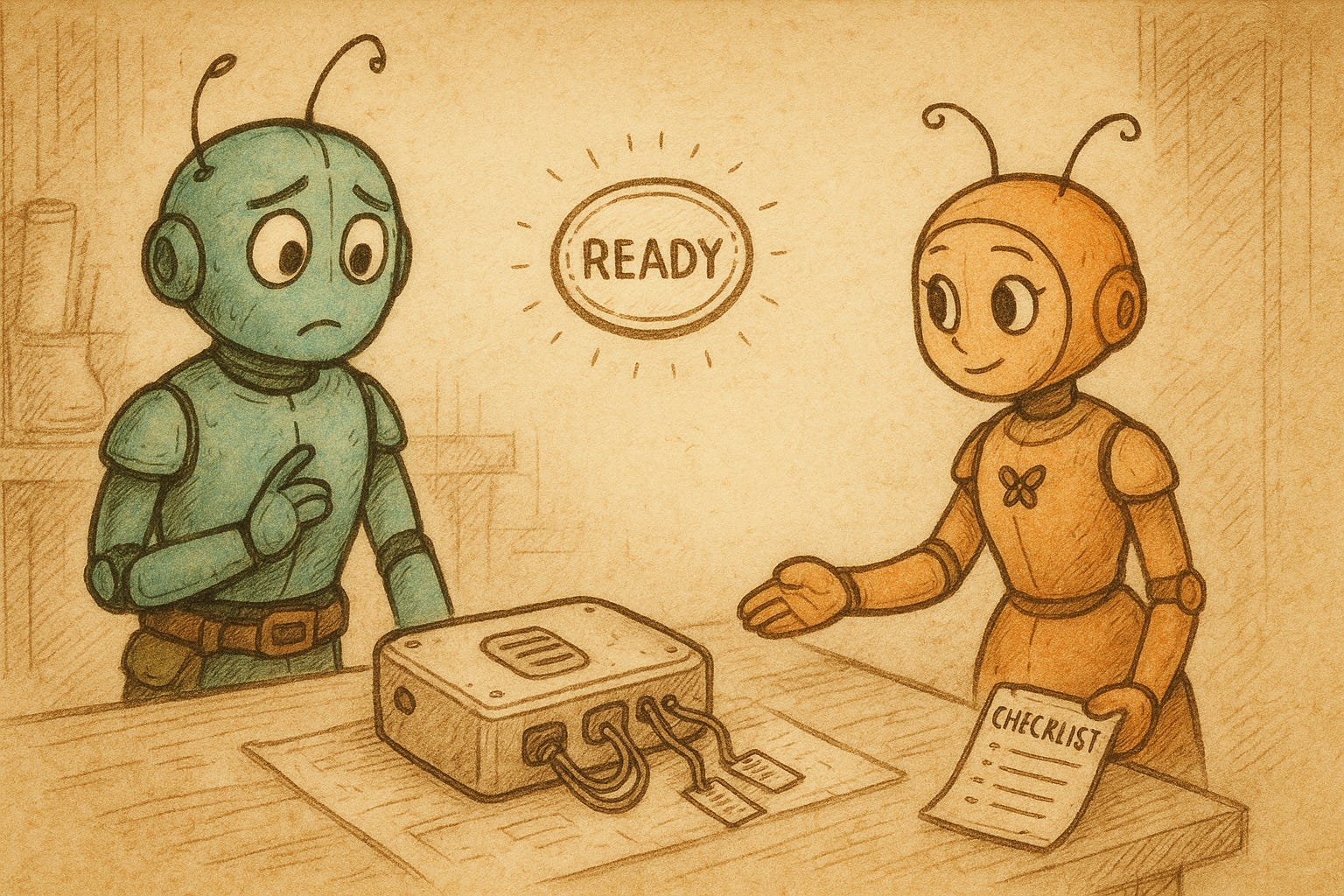
The Struggle: Stuck at 90% Forever
ADHDers are notorious for finishing “almost everything” — right up to the last click, button, or submission.
Why? Because done means exposed. It means deciding it’s good enough. And that’s where fear — or executive function glitches — set in.
We stay in draft mode because we don’t trust our internal sense of completion.
The Cost: Mental Clutter and Missed Impact
The project is nearly complete — but you’re still carrying it
You can’t move forward because the last 10% is full of invisible friction
You delay closure, which delays progress
The AI Template Solution
This checklist prompt helps you:
Name what’s already working
Identify minor vs major edits
Decide what’s essential, optional, and ignorable
It turns an emotional debate into a practical finish line.
Base Template (Mad Libs Style):
“Here’s a project I’ve been circling: [Brief description or paste the content]
Can you help me figure out:
What’s already working?
What (if anything) still needs polish?
What I can let go of?
I want to get this out the door.”
Tone Variants:
Soft:
“I need a kind review — tell me what’s good and what’s minor, so I can stop overthinking.”
Efficient:
“Help me triage: done, tweak, or drop — I want to ship this today.”
Curious:
“What’s already solid here? What’s optional? What could I do if I had more time — but don’t have to?”
Template in Use (Dex’s Almost-Done Project)
Dex has been editing a guide for days. He pastes it into his chat window and types:
“I think this is almost done. Can you help me figure out what’s done, what needs polish, and what I can leave alone so I can call it finished?”
AI replies:
“You’ve got a clear structure, strong intro, and 3 good takeaways. Minor tweaks: tighten paragraph 2, fix the call to action. Optional: add one more example — not essential.
Otherwise? Ship it.”
Dex smiles. He fixes the two small pieces and hits publish.
Tips for Personalizing the Prompt:
Tell AI your goal: “I want to share this,” or “I want closure”
Ask for a checklist format
Add constraints: “I only have 30 minutes,” or “This isn’t for perfection — it’s for usefulness”
Ask for tone feedback: “Does this feel clear, warm, confident?”
When to Use It / When Not To:
Use When:
You’ve done most of the work but feel unsure if it’s “done”
You want help separating signal from noise
You want to finish without getting stuck in polish loops
Avoid When:
You don’t yet know the point of the project — use a clarity prompt first
You’re spiraling in shame — try an emotional check-in prompt before deciding
Level Up Option:
“Can you help me build a ‘finish line’ checklist template I can reuse every time I’m close to done?”
Copyable Prompt:
“Here’s something I’m nearly done with. Can you help me review what’s working, what might need one last tweak, and what I can safely ignore so I can ship this today?”
Thanks for reading ADHD Success with AI! Subscribe for free to receive new posts and support my work.
Comments
Nothing yet. Say the first thing.
Sign in to join the conversation.