
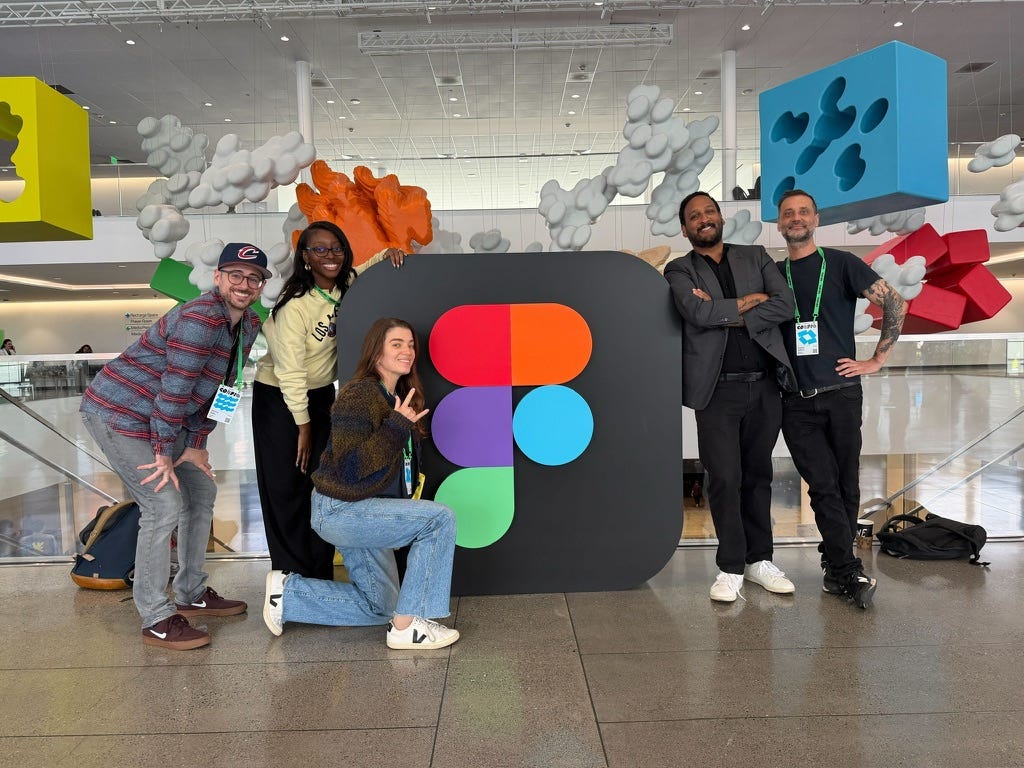
You can usually tell where a company thinks the industry is headed by watching what they save for the end of a keynote, not the start. By the time Figma wrapped this year’s Config, the shape of it was easy to see: this wasn’t Figma shipping better design tools anymore: it was them trying to make sure you never had a reason to open anything else.
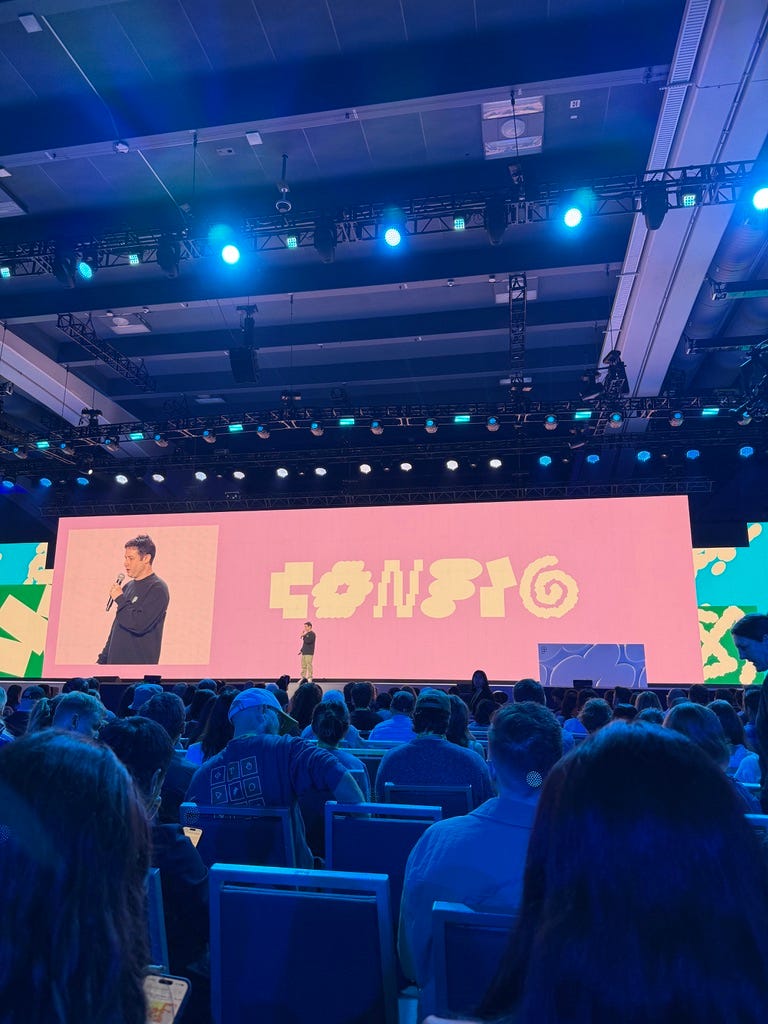
These were the ones that stood out to me:
Code Layers: The promise to turn any design into interactive code with one click (or one prompt). If this works well, they’ll be bridging the ever-present gap between design and development. It’s Figma trying to make engineering want to live in the file, not just receive a handoff from it.
Motion: As someone who has burned countless hours in After Effects, this one was exciting to see. Now you’ll have an actual animation timeline right in your canvas, and you can export to React, MP4, and GIF. Amazing.
Shaders: While this is aimed at visual designers & art directors, I think all designers can appreciate it. Things like fills and effects are Figma quietly walking into territory that used to belong only to Photoshop.
AI Agent and Generative Plugins: AI was bound to be part of the conversation, and with AI Agent you can use and build skills, and build a reusable workflow for your agent. You can also connect to things like Slack, Notion, GitHub. Additionally, Generative Plugins was a great demo - describe a plugin that you need, and it will build it for you (I can’t wait to try this one).
Like all product announcements, it’s best to temper your expectations until things are launched. I'm looking forward to trying these out and giving my take on them soon.
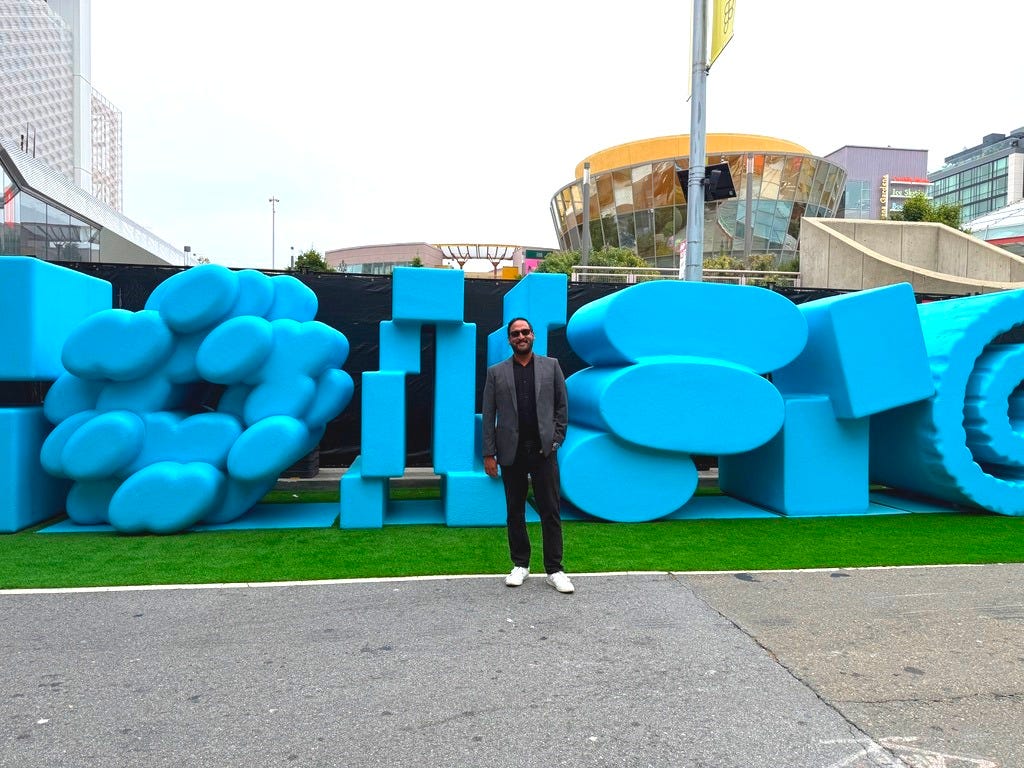
The other half of Config is logistics, and nobody tells you these ahead of time. If you attend Config next year, here are my tips:
Get a hotel close to Moscone Center: Sometimes heading back to your room midday is necessary. Build your breaks in on purpose and don’t overload your schedule.
Talk to whoever’s standing next to you in line: Everyone’s wearing a badge, everyone has a different job title, and the entire event is basically built for casual introductions you’d never get anywhere else. Use it.
Wear shoes you’ve already broken in: You will walk more than you planned.
Register for sessions in advance: The popular sessions fill up fast, so show up early for anything you actually care about. The waitlists fill quietly while you’re not looking. And if you miss one anyway, don’t worry, most sessions get recorded.
One more thing: After the swag haul on your first day, you can stop carrying the tote bag everywhere. Nobody’s really handing out more by day two.
The sessions were informative, but what I’ll remember a year from now is the conversations and the people I ended up meeting while standing in line for coffee. Reconnecting with designers on my team and meeting new designers (even at the airport heading home) will always be the best part of Config.
No posts
Comments
Nothing yet. Say the first thing.
Sign in to join the conversation.