
I was hesitant whether to get the Full Photography kit, including the Teleconverter lens for the Vivo X200 ultra. My reasoning was that I was mostly interested in the filter adapter, which attaches to the case, and not so much in the grip, and although the lens looked to be nice optically, if not a bit awkward to use, I really hated the idea of being confined to a special, very limited "Teleconverter mode", which reduces the functionality of the camera app to the bare minimum.
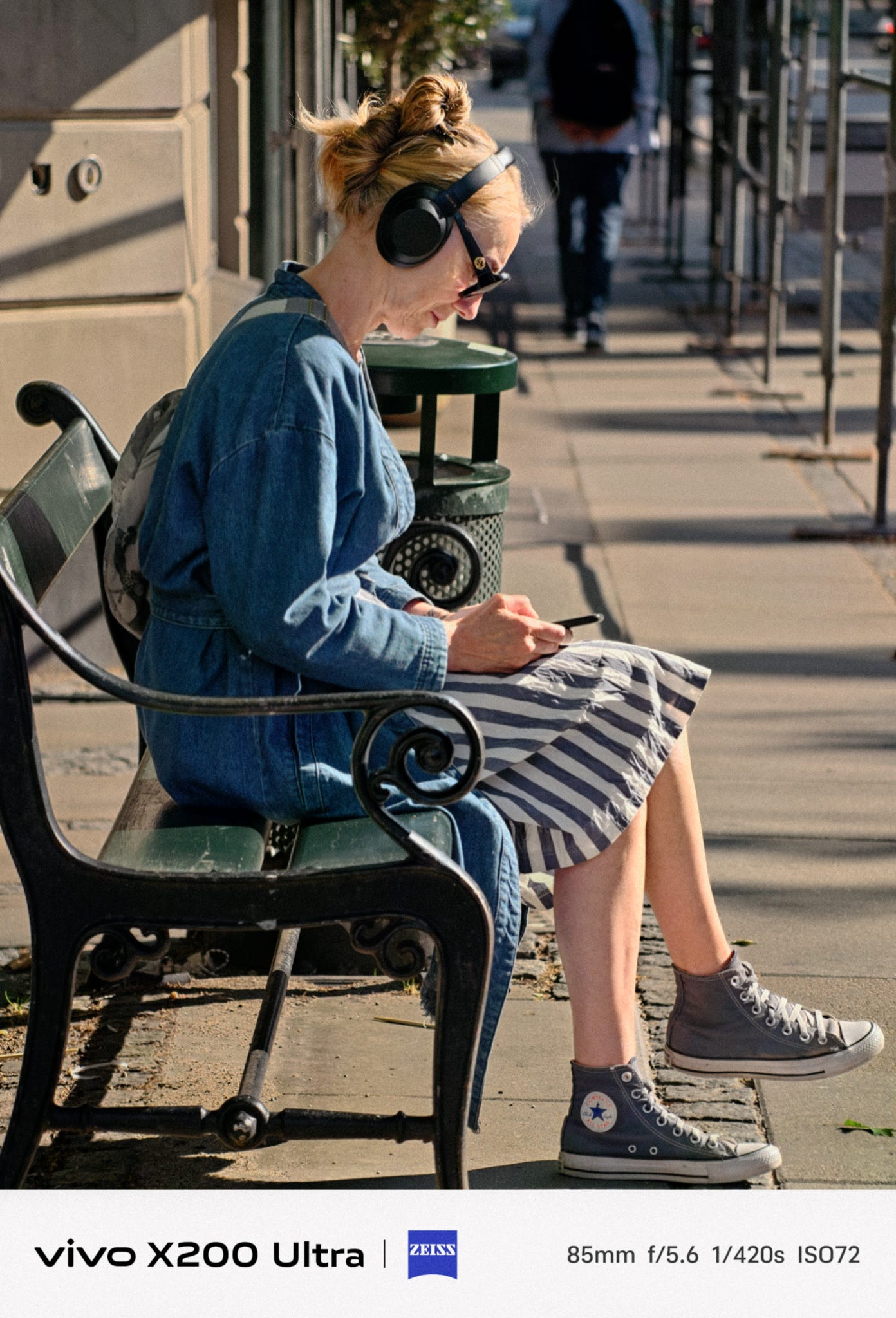
I took a gamble and bought the full kit, thinking that Vivo will probably update the app at some point in the future, and give the Teleconverter lens full compatibility in all shooting modes.
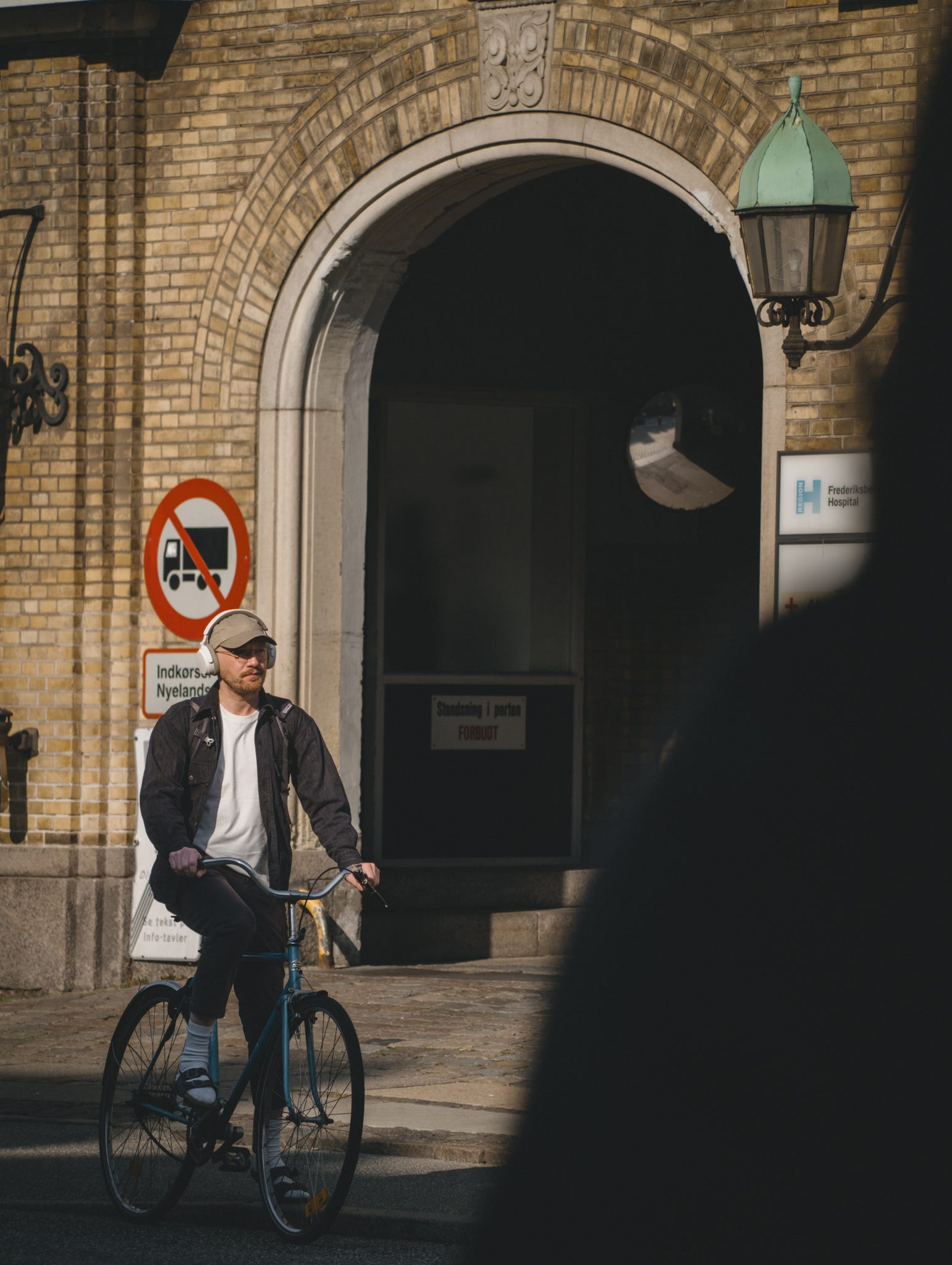
I'm still hoping for this, but in the meantime here's a little hack to do unlock the camera app with the 200mm lens.
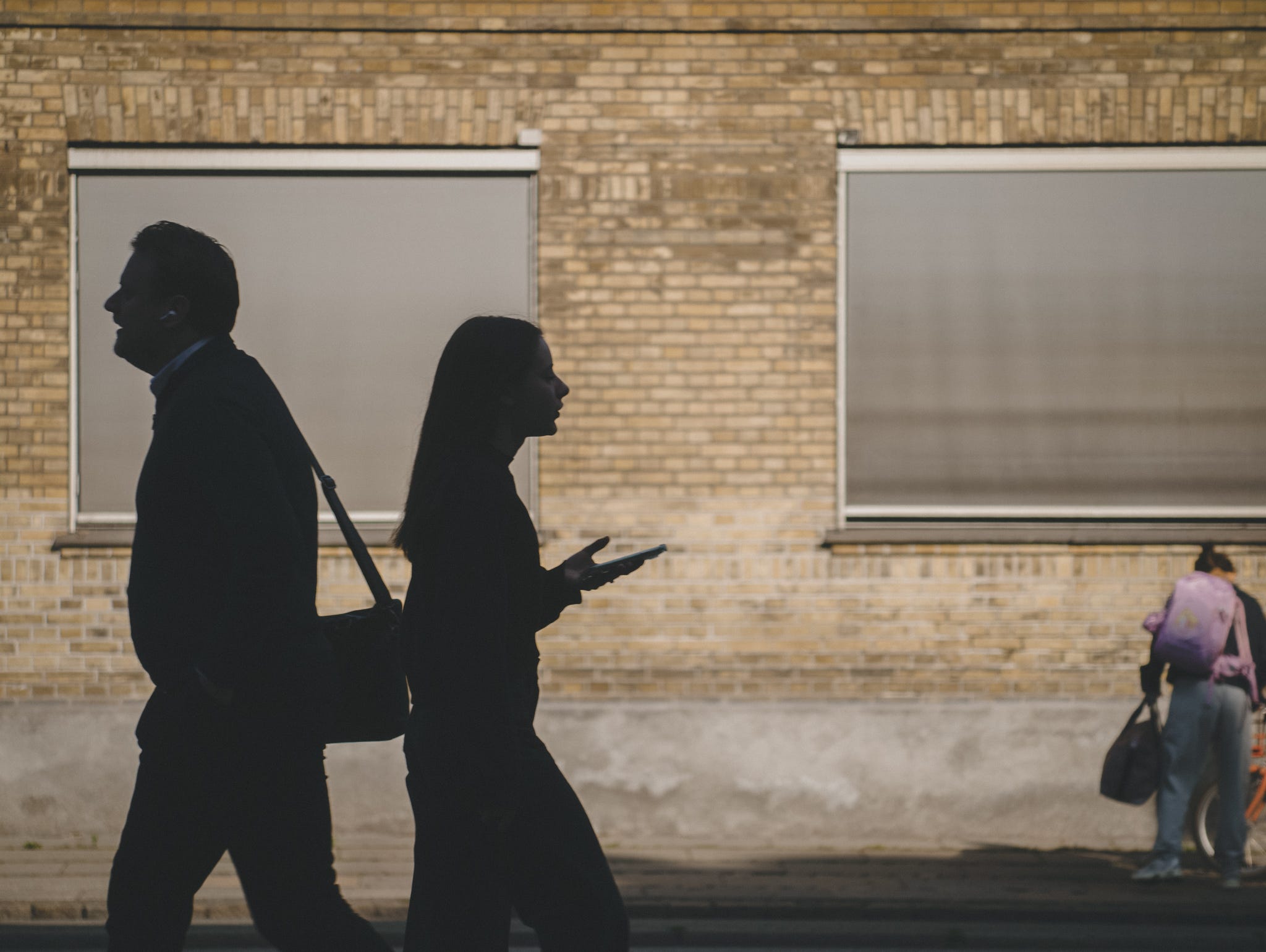
You may want to watch the video below, in which I demonstrate how the hack works in a real-world use, through a POV street photo session.
Essentially, the idea is to have full control of your phone screen orientation, to flipped it upside down, reverting the image flip introduced by the Teleconverter lens.
After some research, I found an app that lets you do exactly this. It's called Rotation Control Pro. It's a paid app, but it's cheap 3.49$ last time I checked. You also get a 2-day free trial to test it first. There may be some free apps that provide similar functionalities, so you may want to do your own research.
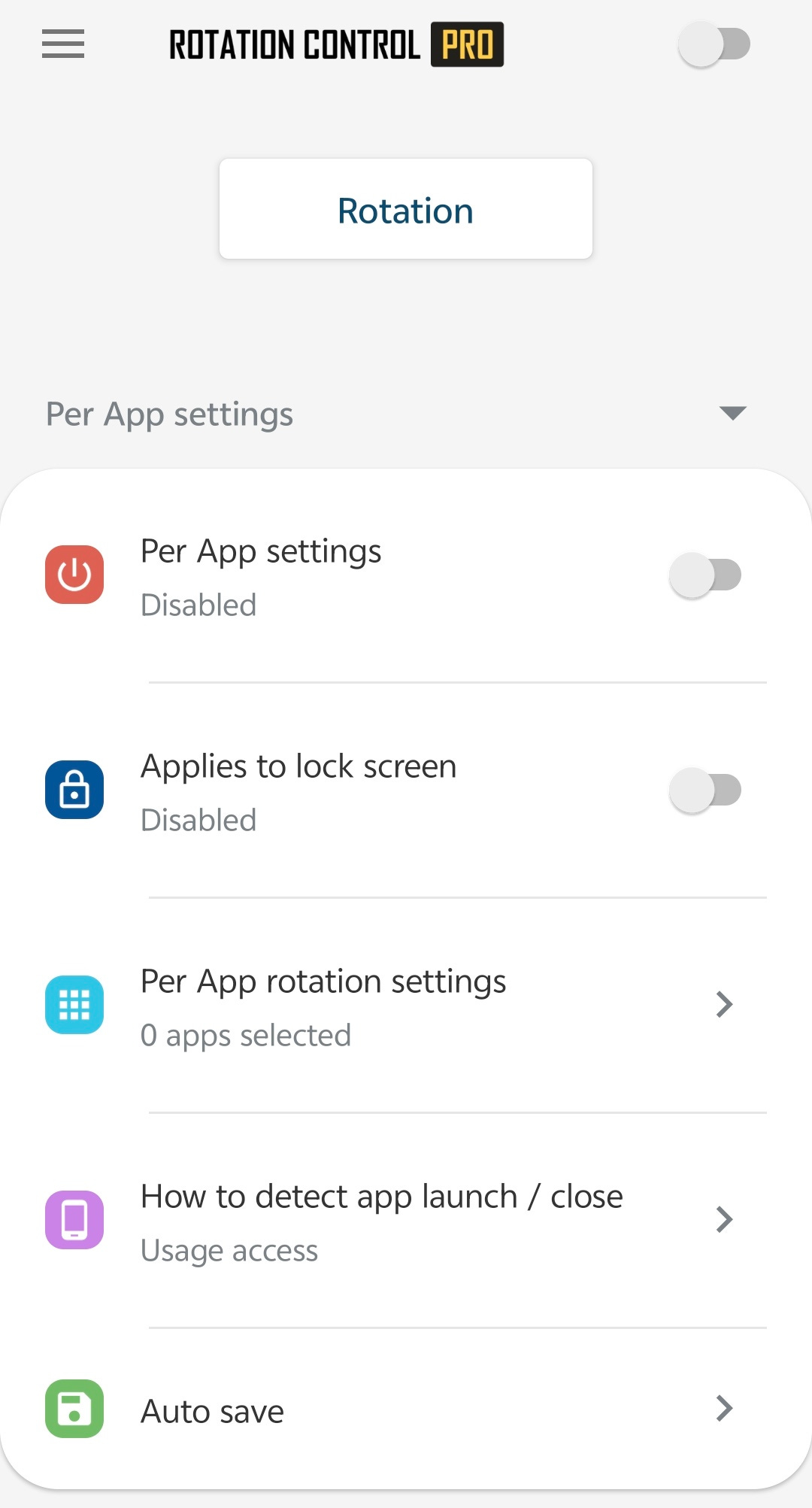
I do like Rotation Control Pro, because it works well, and comes with a widget, that lets you enable/disable the orientation change.
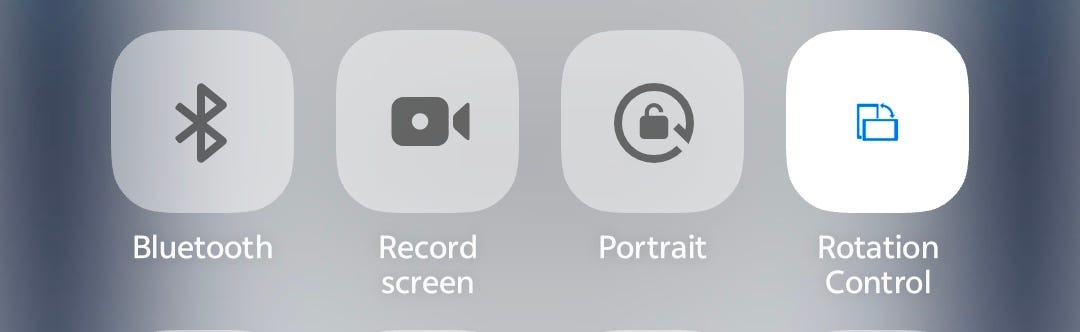
In other words, you need to open the app, choose an orientation preset (I like portrait reverse), and then leave it open in the background. Then use the widget to control the screen orientation (switch the flip on or off).
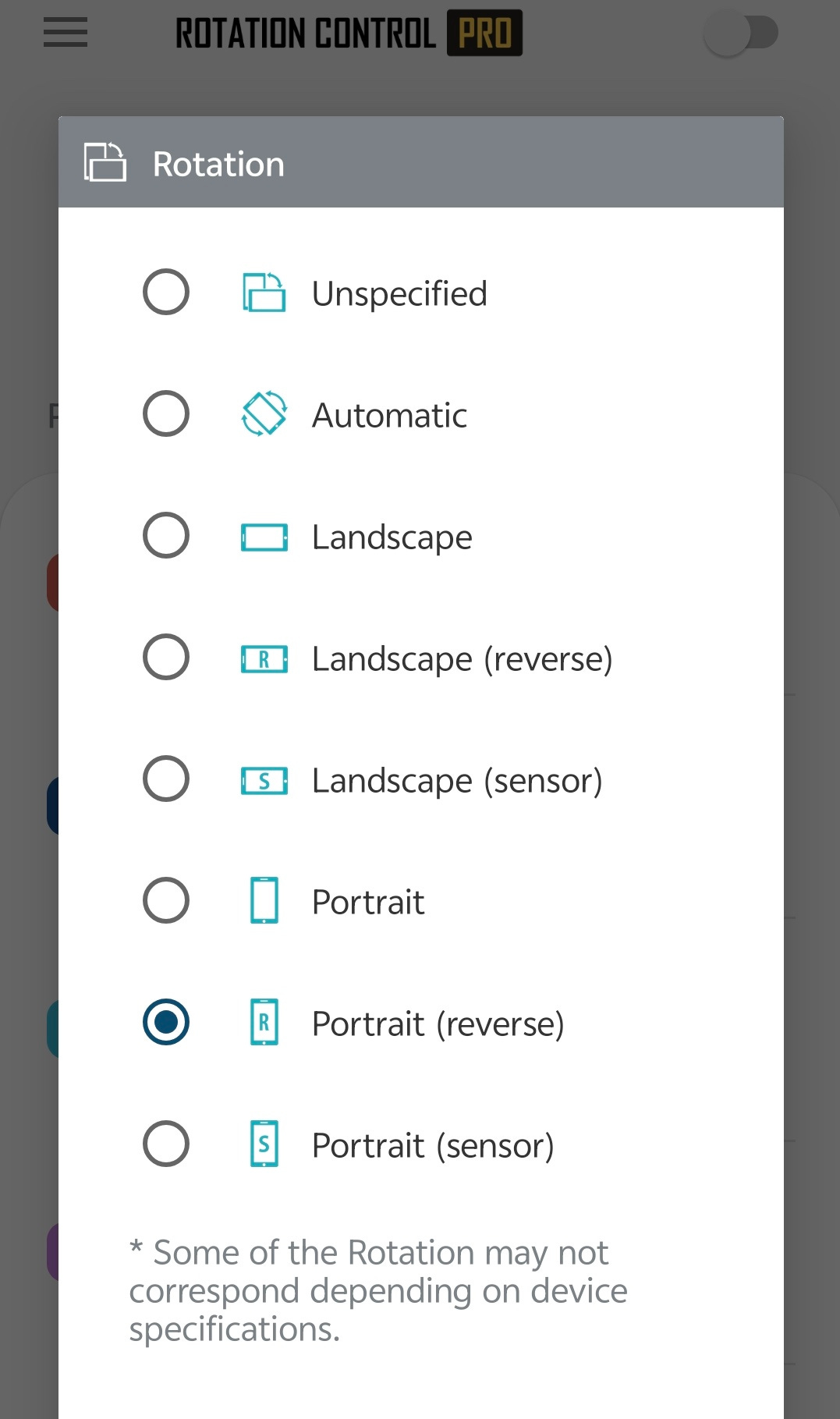
It's that simple, and now you can shoot with full manual control, RAW, High Resolution, Portrait mode, street photography mode etc, with the Telephoto Extender lens.
You're welcome!
Comments
Nothing yet. Say the first thing.
Sign in to join the conversation.