

In case you hadn’t noticed, the cost of photo storage has gone up like a SpaceX rocket this year. But unlike SpaceX boosters it’s not going to land again for some time.
The frenzy over data center construction to feed AI has created a shortage of both traditional hard disk drives (HDD) and solid state drives (SSD) as tech companies scoop up all the storage media they can find. Over the last six months, that has pushed the price of NAND Flash contracts - the storage chips in SSD’s - up by 50% to 75%, which in turn raises the cost of finished drives 2-3 times what they cost last year.
Even the cheaper HDD’s have become more expensive. Last year I bought portable 4TB drives for as low as $99 and usually around $129. As of this writing, those same drives go for over $200.
What does that mean for everyday photographers like us who just want to enjoy our photos and keep them safe?
Digital photos and storage go hand in hand. And like an EV driver needs to know where to find the next charging station, we all need to know where we can save our photos.
In the world of photo management you can never have too much storage, but what kind and where it is makes a difference.
What has changed is that we need to be more strategic about it than we used to be. We can no longer just react to a storage deficit by dashing out and buying another drive. Both because of cost and just plain availability, that option isn’t as handy anymore. By planning ahead is the only way to buy more storage that’s right for your needs at a price you can justify.
But before you start scouring Labor Day sales and discount offers, take an inventory of what you’ve already got.
Most of us have drawers, shelves, and boxes full of old drives and discarded tech. Go there first.
Retired computers may have removable hard drives that can be repurposed. Pre-2013 MacBooks have drives that are particularly easy to access. Old PC and abandoned network drives can be removed and reformatted. I’m not saying to go full scavenger, but just start by getting together what you have, appreciate that it’s gone up in storage value, and that it might be worth using again.
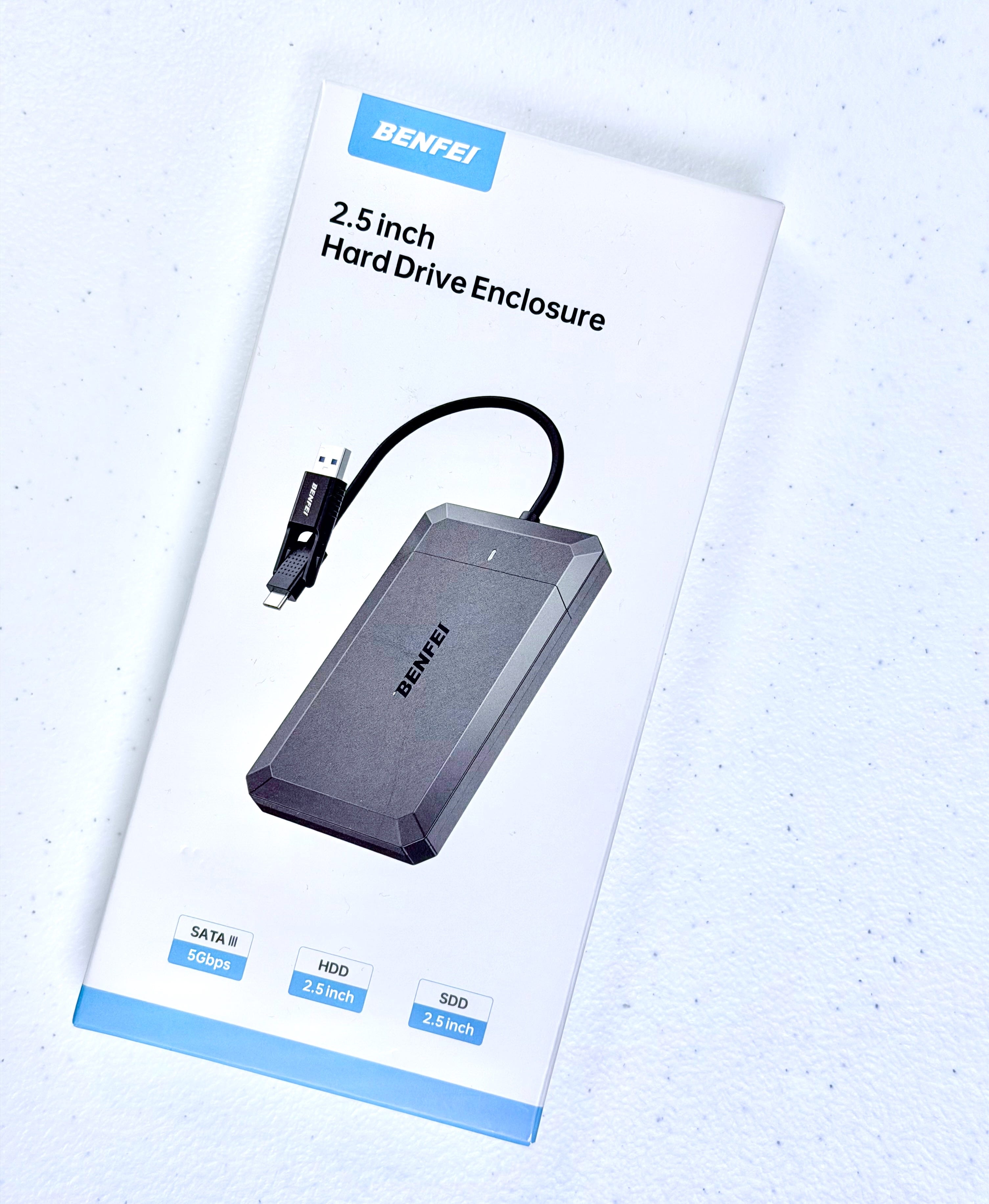
You can buy a casing/enclosure for drives on Amazon for $10-$20 that will turn that raw drive into a nice external USB drive.
External drives may be where you’ve stashed 7 years of Photos Libraries backups. Or copied off the files from a retired PC/Mac and haven’t gotten around to culling what’s out-of-date. Now might be a good time to audit those or hire a photo manager to do it and pare it down to the true keepers to free up usable space.
Even flash/thumb/jump drives - whatever you call them - are worth a look. These are the tiny drives for transporting documents, photos/videos - “deliverables” - between devices. They used to be so cheap that they showed up as conference swag, key ring accessories, and as complementary vehicles for digital job delivery. Everyone had one in their pocket or purse.
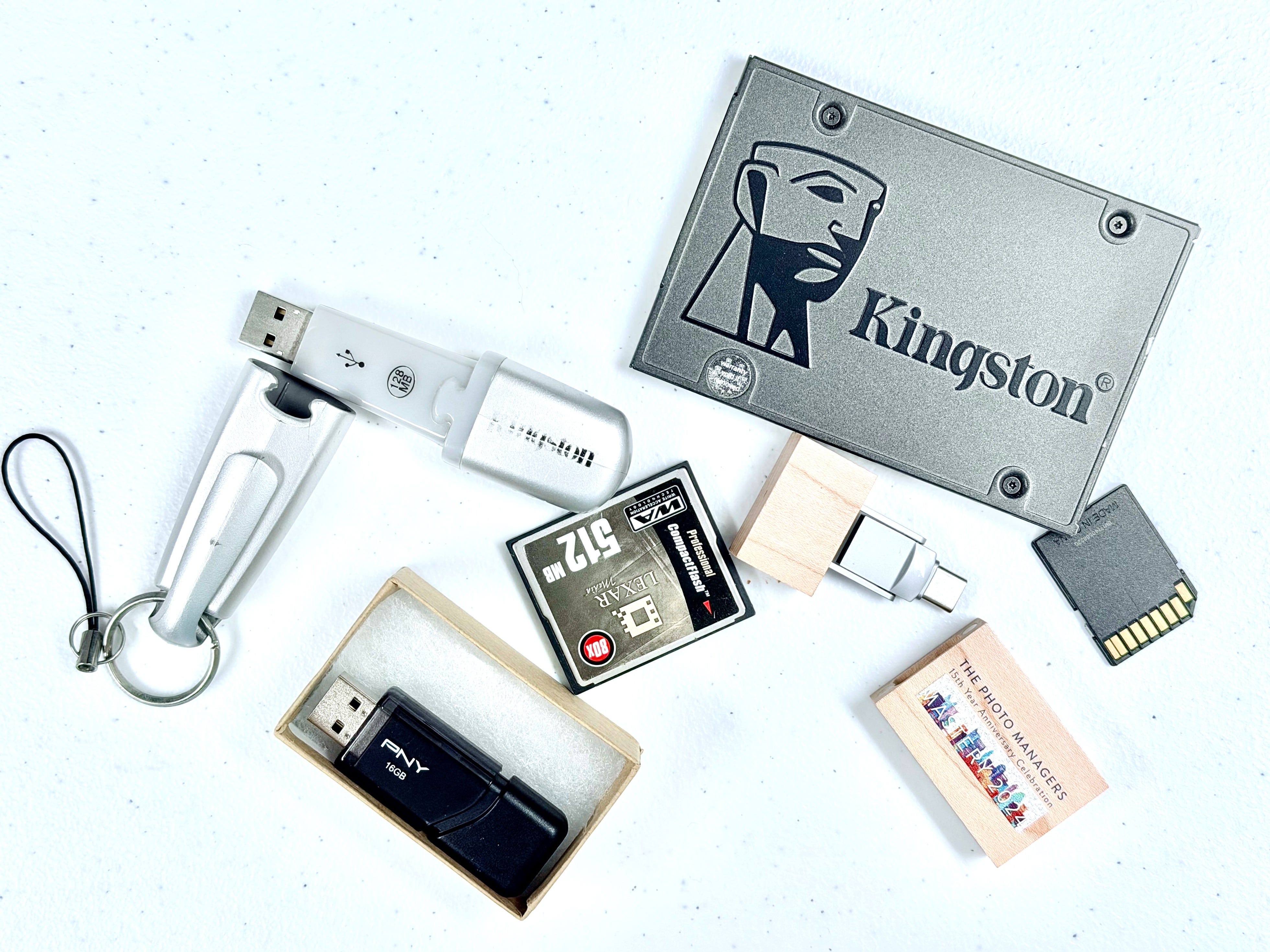
For convenience, they were usually oversized for the task. You bought a 3-pack of 64GB flash drives because they were cheap and then put 20GB of files on them. If you gather up all the loose flash drives you have lying around, you’ll likely find there is a fair amount of storage space available. At least enough to serve as emergency storage if your iPhone or MacBook Air hits the space wall. Just consolidate all the media to a hard drive and reformat (see sidebar) the flash drives for storage use.
Same thing with camera and video SD cards. They used to be cheap enough that photographers would use the cards as photo backup and buy new cards as needed. If you still shoot to them, you can reclaim that storage just as with flash drives, and you might find some important old pictures in the process.
Next, take a look at your online storage. I have iCloud, Dropbox, pCloud, and Google Drive space I can use. You may have OneDrive, BackBlaze, Amazon and others. It’s easy for online storage to turn into a digital junk drawer and that space counts as part of your storage inventory, one way or another. It may be time to clean it up. But be sure you account for it in your planning. So far, storage online hasn’t followed the same cost trajectory as physical storage, so if budget is the main driver, cloud services can be very handy and cost effective compared to hard drives. Especially when sharing across family members, as with Apple Family Sharing.
Finally, look at your primary setup - iPhone, iCloud, Mac, Time Machine or other backup. For photos we want to see 3 copies of original sized photos across your ecosystem. Usually that resolves as having Optimized photos (downsized) on your iPhone, and Original photos on iCloud, Mac, and Time Machine backup. If your Mac can’t hold your whole Original-sized Photo Library then you need a second hard drive to do that in conjunction with your Mac. Time Machine will back up both of those at once. And you want to leave 20% free space for smooth system operations.
All of this is to avoid you needing an emergency storage solution when you have few options. This is the time to think strategically about what you’d do if you got that “out of space” alert.
Maybe you have plenty of available storage as is.
Maybe you can recover enough space in your ecosystem to have a buffer.
Or maybe you can see that you’ll need to buy more in the next few months and you can monitor the marketplace for a good deal on just the right size storage upgrade.
These are those times.

What’s your space situation? Share details in comments.
Comments
Nothing yet. Say the first thing.
Sign in to join the conversation.